Top 3 construction mobile apps 2026
Explore the leading construction mobile apps for 2026, featuring tools that integrate with WhatsApp to streamline site communication and project records.
By James Shorter ·
Top 3 construction mobile apps 2026
Managing construction projects through a mobile device once seemed far off but now it is part of everyday life. With so much happening on site and in the office a single app can make all the difference. Teams need clear updates, easy communication and accurate records. Some tools offer clever ways to stay organised and reduce stress. Choosing the right one means tackling challenges with less fuss and saving both time and effort. Which app stands out for 2026 and what sets it apart from the rest
Table of Contents
BRCKS
At a Glance
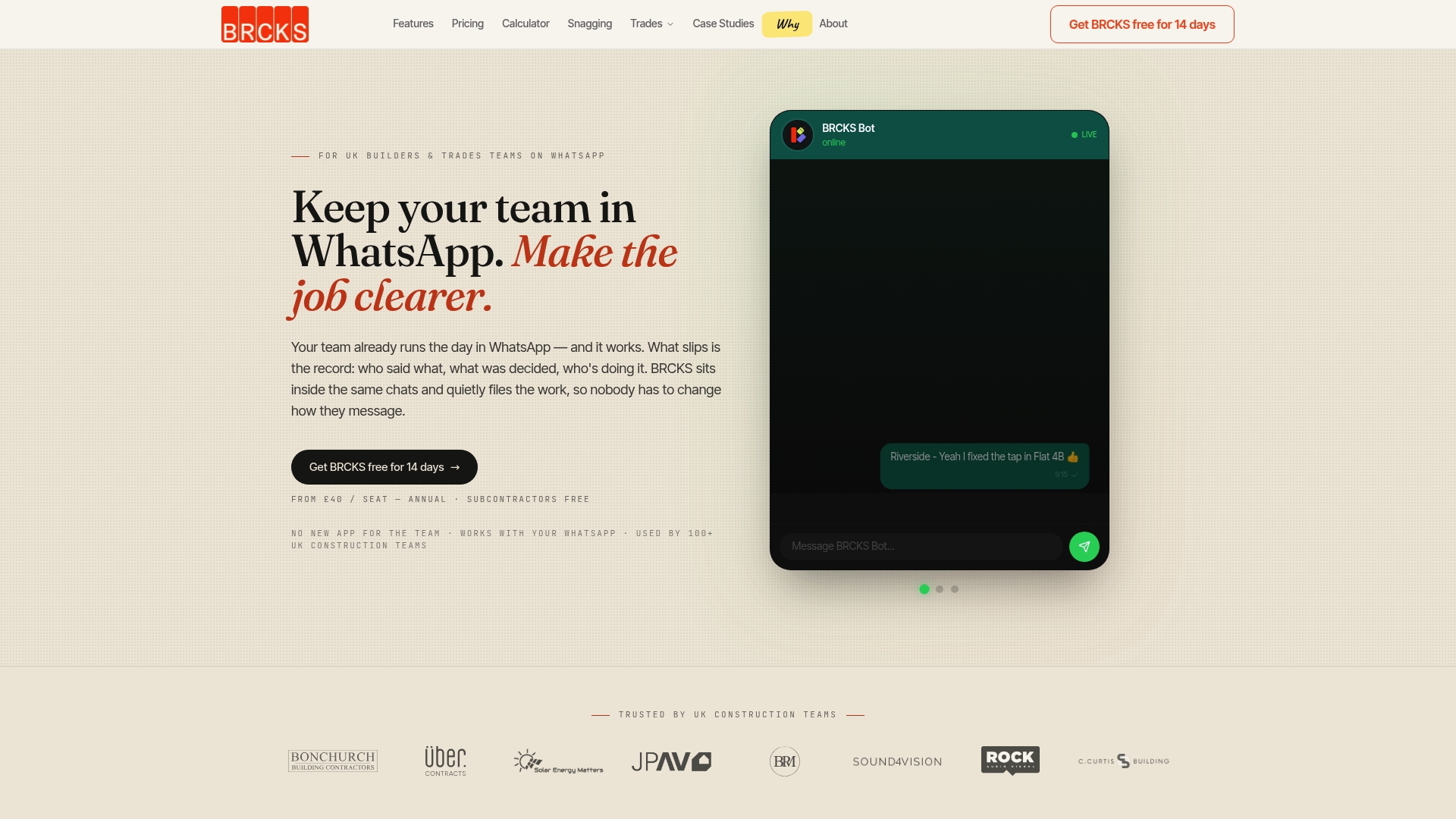
BRCKS turns WhatsApp into a project-centred workspace so your team keeps using the chat they already know while project records file themselves. It is the leading choice for UK builders who want reliable project history without forcing new apps or complex onboarding.
Core Features
BRCKS organises conversations and records at project level while adding meeting notes and client updates to a single searchable store. Its main capabilities map directly to everyday site needs.
- Sits inside WhatsApp chats and files work automatically
- Filed by project, not by thread
- Quick search for project information
- Records meetings and actions automatically
- Provides a client portal for progress sharing
Pros
- Integrates seamlessly with WhatsApp so teams do not need to change how they message, reducing friction and adoption time.
- Automates record-keeping and reduces lost information by capturing decisions and files automatically from chat and meetings.
- Offers easy project organisation and search which speeds up retrieval of drawings, approvals and instructions on site.
- Includes tools for meetings and client updates that preserve decisions and actions without manual note taking.
- Paid seats for core team, subcontractors and clients free which keeps external users connected without recurring licence fees.
Who It’s For
BRCKS targets UK construction teams and trades already using WhatsApp who want a better way to manage project records and client communications. It suits main contractors, small builders and site managers who value simplicity and traceable decisions.
Unique Value Proposition
BRCKS outperforms alternatives by removing the usual app switching and manual filing that loses information. Its combination of in-chat automatic filing, project-level organisation and a client portal means you keep the convenience of WhatsApp while gaining a structured project record.
Smart buyers choose BRCKS because it preserves existing team habits, reduces administrative time on each job and keeps subcontractors and clients engaged without extra licences. The result is faster access to decisions and fewer disputes about who said what.
Real World Use Case
A UK building contractor uses BRCKS to capture all messages, decisions and photos from site WhatsApp groups and then finds drawings and approvals via quick search in minutes. Meetings are recorded and actions appear against the right project rather than lost in a thread.
Pricing
Pricing starts from £40 per seat per month billed annually and the product offers a 14-day free trial. Licences apply to core team seats while subcontractors and clients join without a paid seat to keep costs predictable.
Website: https://brcks.io
Kraaft
At a Glance
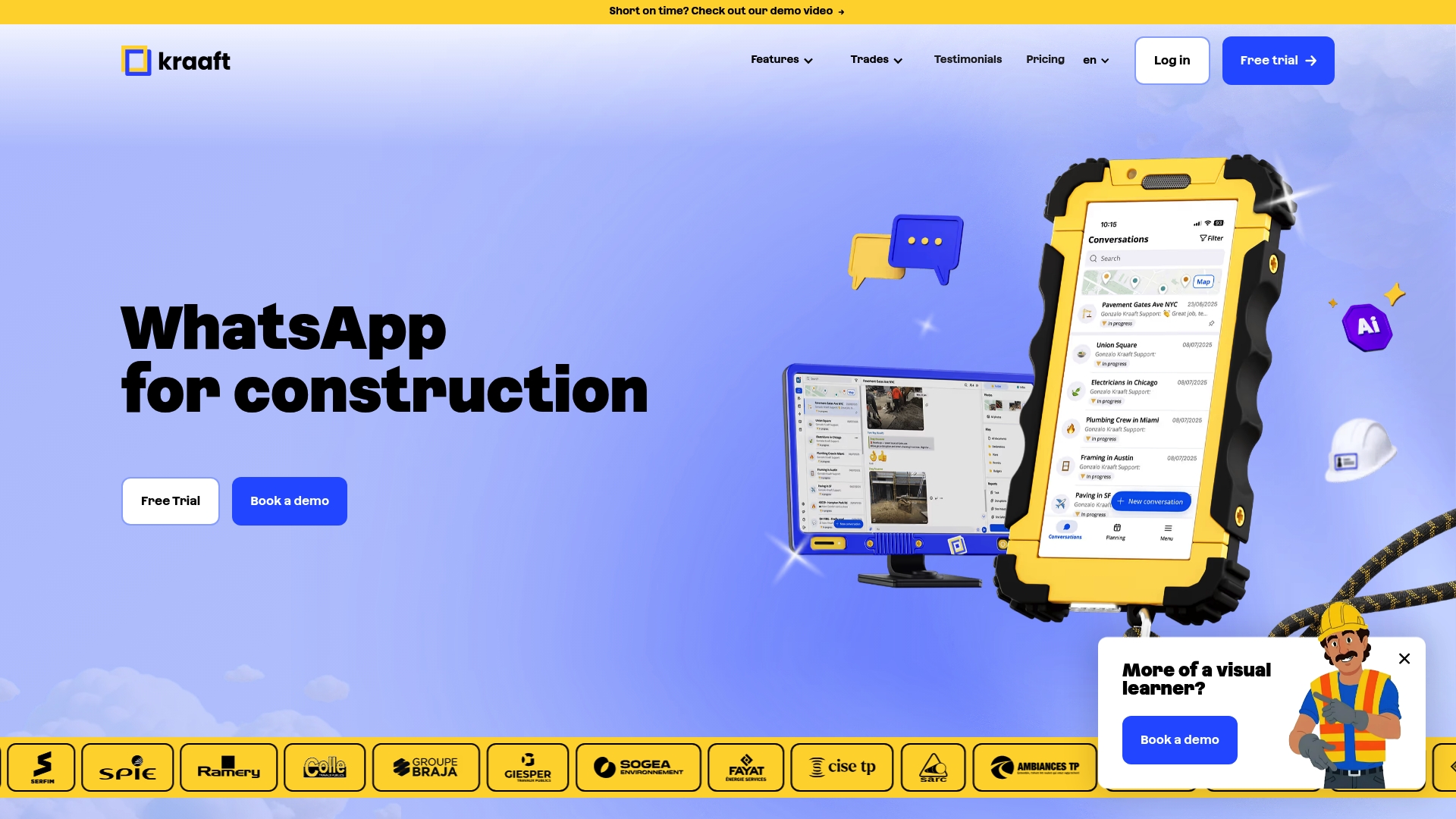
Kraaft is a seven part construction app that combines communication, mapping, reporting, file management, planning, AI agents and integrations into a single mobile-first tool. Its adoption across over 900,000 construction sites in 14 countries shows strong field relevance and international scale.
Kraaft suits teams that need a single place for site chatter, photo evidence and quick voice reports without switching between multiple apps.
Core Features
Kraaft centres on simple, task-focused features that work on site and in the office. The app puts chat and maps front and centre for daily coordination and record keeping.
- Chat for creating site specific conversations that keep messages tied to projects and areas.
- Maps for geotagging photos and visualising progress across a site.
- Reports for on site reporting by voice, speeding up data capture.
- Files for storing and accessing construction documents on mobile devices.
- Planning tools for organising teams and tasks from a phone.
- AI agents to automate repetitive tasks and reduce manual follow up.
- Integrations to connect Kraaft with other software used by your office.
These features aim to move common site activities into one app so teams spend less time switching tools and more time working.
Pros
-
Comprehensive toolset: Kraaft combines messaging, mapping, reporting and document storage in one place, reducing the number of separate apps your team needs.
-
Field friendly: The interface and voice based reporting are built for workers on site, making it easier for trades to contribute updates without returning to the office.
-
Wide trade support: The feature mix works across multiple trades and occupations, so subcontractors and specialist teams can use the same workflows.
-
Proven scale: Use on hundreds of thousands of sites across several countries suggests the product handles real world complexity and rollouts.
-
Automation focus: AI agents reduce repetitive admin, saving time on routine tasks such as follow ups and simple data entry.
Cons
-
Limited pricing detail is provided, which makes budget planning and comparison difficult for procurement teams.
-
The public content does not include detailed customer support or success stories, leaving long term onboarding and troubleshooting performance unclear.
-
The broad feature set may overwhelm very small teams or simple projects that need only one or two capabilities.
Who It’s For
Kraaft fits construction companies and site managers who require integrated digital tools for communication, mapping, reporting and document control. It is especially useful for organisations working across multiple trades or dispersed sites where consistent processes matter.
Unique Value Proposition
Kraaft offers a mobile first combination of chat, geotagged photo mapping and voice reporting with AI assistance. That blend focuses on getting accurate site information from the field into project records faster than traditional manual methods.
Real World Use Case
A site team uses Kraaft to run daily coordination. Operatives send geotagged photos in chat, a supervisor records a quick voice report and the office receives organised documentation, reducing rework and speeding client updates.
Pricing
Pricing is not specified in the provided content, so contact Kraaft directly for plan options and quotes.
Website: https://www.kraaft.co
Fieldwire
At a Glance
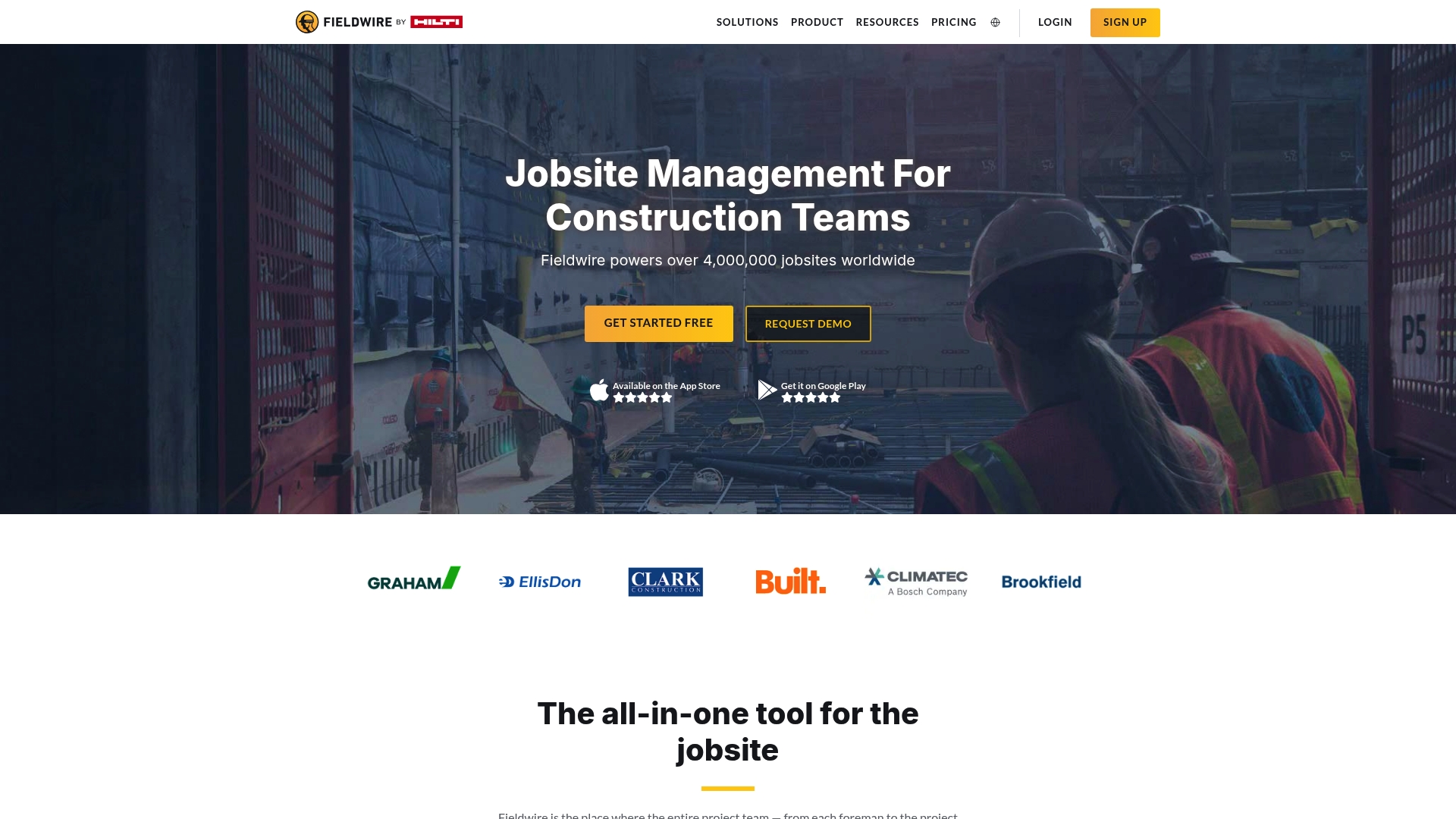
Fieldwire is a jobsite management platform focused on helping construction teams collaborate in real time and share drawings, tasks, and reports. It combines practical field tools with a mobile app and a desktop experience used on over 4 million projects.
Core Features
Fieldwire centres on task management, scheduling, punch list management, and inspection management while also supporting RFIs and submittals through project tools and integrations with a BIM viewer. The platform provides plan viewing, markup, and reporting aimed at field teams and office coordinators.
Pros
- User-friendly interface andeasy setup: New teams report quick onboarding thanks to a clear layout and straightforward project creation.
- Comprehensive construction tools: Task lists, inspections, scheduling, and punch lists are available in one place for day to day site control.
- Scalable for any project size: Small renovations and large programmes can coexist because the feature set adjusts to project complexity.
- Integrates with BIM and other tools: The BIM viewer and integration options let teams keep drawings and models aligned with field tasks.
- Mobile app for iOS and Android: The app allows site teams to view plans, update tasks, and capture progress while on location.
Cons
- Pricing can be high for larger teams or extensive use: Costs escalate as you add users and require higher tier capabilities.
- Advanced features require higher-tier plans or custom options: Some functionality is gated behind Pro or Business plans which limits lower budget projects.
- Learning curve for new users: Teams unfamiliar with structured task workflows will need time to adopt Fieldwire practices and settings.
Who It’s For
Fieldwire fits construction teams, project managers, superintendents, architects, and owners who need field focused tools to coordinate tasks, view plans, and keep daily records. It works best where mobile access and clear task assignment matter to project delivery.
Unique Value Proposition
Fieldwire combines field oriented features with plan viewing and reporting in a single package while offering a mobile app that aligns site activity with office reporting. Its link to Hilti Construction Software adds enterprise pedigree for larger clients.
Real World Use Case
A construction company used Fieldwire to manage daily tasks, share drawings, and track progress on a multi-million dollar construction site. The result was clearer site communication and a tighter audit trail for progress reporting and handovers.
Pricing
A Basic plan is free for entry level use. Paid plans start at $39 per user per month for Pro and $64 per user per month for Business with higher tiers and custom pricing available for additional features.
Website: https://www.fieldwire.com
Construction Management Tools Comparison
Below is a comprehensive comparison table summarising the features, benefits, and pricing of three leading construction management tools—BRCKS, Kraaft, and Fieldwire—to help users make informed choices based on their specific project needs.
| Feature | BRCKS | Kraaft | Fieldwire |
|---|---|---|---|
| Core Functionality | Project-centred organisation via WhatsApp | Unified mobile-first site communication, mapping, and reporting | Jobsite management for tasks, plans, and documents |
| Key Features | Auto-filed conversations, meeting notes, client portal | Chat with geotagging, voice reports, AI automation, integration | Task management, inspection tools, BIM integration, task assignments |
| Pros | Integration with WhatsApp, detailed project filing, free access for clients | Comprehensive feature set, good for international use, tailored for field environments | User-friendly interface, strong integration suite, scalable for varied project sizes |
| Cons | Limited scope outside WhatsApp | Complex features may overwhelm small projects, unclear pricing details | High costs for large teams, steep learning curve for novices |
| Target User Base | UK-based builders using WhatsApp | Teams across diverse trades and countries needing integration and automation | Broad construction teams needing detailed management and reporting |
| Pricing | £40/seat/mo (annual billing); 14-day free trial | Pricing upon request | Free basic plan; paid plans from $39/user/mo |
| Website | BRCKS | Kraaft | Fieldwire |
This table synthesises critical details about each product to facilitate a direct comparison tailored to diverse project management requirements.
Streamline Construction Communication with BRCKS
The article highlights common challenges in construction project management such as fragmented communication, lost records, and inefficient task tracking. Many UK builders and site managers struggle with juggling multiple apps and manual note-taking that wastes valuable time and causes confusion. BRCKS offers a powerful solution by integrating directly with WhatsApp, allowing teams to keep using the familiar chat interface while automatically organising project files, meeting notes, and client updates in one searchable platform.
Key benefits include:
- Automatic filing of conversations for easy project tracking
- Simplified client portals for transparent progress sharing
- AI-powered search to quickly retrieve critical information
- Free access for subcontractors and clients reducing costs and boosting collaboration

Discover how BRCKS can reduce your daily admin overhead and keep your team aligned without app switching. Visit BRCKS now to start your 14-day free trial and transform how your construction projects communicate and deliver results.
Frequently Asked Questions
What are the key features to look for in construction mobile apps for 2026?
These apps should offer features like real-time communication, document management, project tracking, and task assignment. Prioritise tools that streamline workflows and reduce the time spent on administrative tasks by automating routine processes.
How can construction mobile apps improve onsite communication?
Construction mobile apps enhance onsite communication by centralising messages, updates, and project documents in a single platform. Use these apps to ensure that all team members can access important information quickly, which can significantly reduce miscommunication and errors, potentially decreasing project delays by up to 30%.
What types of projects can benefit from using construction mobile apps?
Construction mobile apps are suitable for various project types, including residential, commercial, and industrial construction. Implement these tools for any project that requires coordination among multiple teams, as they can help manage complexity and improve overall efficiency.
How do construction mobile apps assist in document management?
Construction mobile apps facilitate document management by providing cloud storage solutions that allow easy access to essential files from the field. Organise documents by project or task, enabling teams to retrieve needed information instantly, which can reduce the time spent searching for documents by approximately 25%.
What should I consider when choosing a construction mobile app for my team?
Consider user-friendliness, integration capabilities, and specific functionalities that cater to the needs of your team. Evaluate the app’s scalability to ensure it can accommodate future growth, helping your team stay agile in changing project environments.
How can construction mobile apps contribute to increased productivity?
Construction mobile apps contribute to increased productivity by streamlining workflows, enhancing collaboration, and reducing administrative work through automation. Leverage these benefits to boost team efficiency, potentially achieving faster project completion times of 15-25% compared to traditional methods.
Recommended
- Construction Mobile Apps: Reduce Material Waste by 25% | BRCKS
- Top Construction Schedule Software for UK Builders 2025 | BRCKS
- Tired of WhatsApp? Best Construction Messaging Apps for UK Builders | BRCKS
- BRCKS | Construction Project Communication Software
- Top 3D Technology Uses in Construction for Smarter Builds
How BRCKS Can Help
As the construction landscape evolves towards 2026, adopting the right mobile tools is essential for maintaining a competitive edge on-site. While these top apps address specific field challenges, BRCKS provides the overarching digital framework needed to unify your project data and streamline back-office operations. By integrating your mobile workflow with our comprehensive management platform, you can ensure that information flows seamlessly from the site to the office without delay. We invite you to discover how BRCKS can transform your project delivery by exploring our full suite of features today. Learn more at BRCKS and explore our full feature set.