Make UK construction progress reports stand up to NEC4
Learn how to produce evidence-backed construction progress reports that withstand NEC4 scrutiny and protect your commercial position using structured site records.
By James Shorter ·
Make UK construction progress reports stand up to NEC4

A construction progress report is the periodic, evidence-backed summary that shows planned versus actual work, risks and forecast cost so stakeholders can make decisions and defend their position later. Most run regularly, often aligned to the valuation cycle, and go to the client, contract administrator, and project team. Get the fields right and the report doubles as your record if a dispute ever lands.
TL;DR:
- Accurate baseline programmes are essential, as stale data over three months can invalidate percentage complete calculations.
- Daily diaries should record site activities, materials, weather, inspections, and issues to ensure report reliability and legal defensibility.
- Software like BRCKS automates evidence gathering by logging entries with timestamps and photos, reducing manual admin and improving report accuracy.
- Progress reports should be quick to produce once daily site records are current, with a focus on record integrity over template formatting.
- Most project failures stem from outdated programmes rather than reporting technique, emphasising the need for ongoing baseline updates and live variation tracking.
Table of Contents
- What is a construction progress report and who writes it?
- What should a progress report include, field by field?
- How do you measure progress and calculate WIP?
- From daily site diary to a period progress report
- Common reporting mistakes and how to avoid them
- Where software fits without replacing contractual controls
- Why most progress-report advice misses the point
- Get your progress reports out faster with less admin
- Sources
- FAQ
What is a construction progress report and who writes it?
A progress report turns daily site activity into a defensible position statement. Done properly, it gives the client visibility, gives the contractor a record they can stand behind, and gives everyone a shared basis for decisions on programme, cost and risk. Done badly, it’s a narrative nobody can check against the evidence.
Preparation usually falls to the contractor or the contract administrator, with subcontractors often required to submit their own reports ahead of progress meetings, covering programme status, performance indicators and cost. Many works information documents set out exactly what a subcontractor’s report must contain and when it’s due, often at least two working days before the monthly meeting.
On NEC contracts, clause 32 of NEC4 requires the contractor to submit a revised programme at stated intervals, showing actual progress, the effects of compensation events and any proposed remedial measures. That obligation sits right alongside the progress report and feeds directly into it. Typical triggers and recipients include:
- Monthly reporting aligned to the valuation date, so cost and progress tell the same story.
- Revised programme submissions under NEC4 clause 32, at whatever interval the contract states.
- Ad hoc reports following a compensation event, a major variation, or a client request.
- Distribution to the client, contract administrator, project manager and sometimes funders or warranty providers.
What should a progress report include, field by field?
A good report reads top to bottom without needing a phone call to explain it. Structure it in this order and most readers get what they need in under five minutes.
- Header – project name, reporting period, report number, data date, author and recipient list. Get the data date wrong and every downstream figure is suspect.
- Executive summary – planned versus actual percentage complete, a RAG (red/amber/green) status, and one paragraph stating the overall position in plain terms.
- Work completed and work in progress – actual start and finish dates against planned dates, with quantities where relevant (metres of drainage laid, floors slabbed, and so on).
- Look-ahead – planned activities for the next reporting period, plus any resource or subcontractor notes that affect them.
- Issues, risks, variations and RFIs – each tracked with a status, an owner and a target close date, not just a description.
- Cost and valuation snapshot – valuation to date, forecast outturn, and payment status. RICS cost reporting guidance recommends structuring this against contract sum, variations and risk allowances rather than one lump contingency figure, which makes the forecast far easier to interrogate.
Pro Tip: Keep the executive summary to a single paragraph and one RAG rating. If you need three paragraphs to explain “amber”, the underlying data isn’t clean enough yet.
Standard headings like these track closely with what ProjectManager’s guide to progress reports recommends, including separate lines for safety and quality inspections where the project warrants it.
How do you measure progress and calculate WIP?
Percentage complete is only as good as the baseline it’s measured against. A baseline programme that hasn’t been reviewed in three months isn’t a benchmark, it’s a guess. Progress monitoring should reschedule regularly, moving finished work to the left of the reporting date and pushing incomplete work to the right, so the remaining duration and critical path stay honest.
There’s no single correct method for percent complete. Pick the one that fits the activity:
- Quantity-based – metres of pipe, square metres of screed, tonnes of steel fixed. Best for repetitive, measurable work.
- Time-based – elapsed duration against planned duration. Quick, but can flatter activities that are running late but “on time”.
- Milestone-based – credit given only when a defined milestone is hit. Best for design, procurement or commissioning stages with no obvious quantity.
Work in progress (WIP) is the cost value of work done but not yet certified or invoiced. It’s what turns physical progress into a financial figure, and it’s the number that feeds straight into the monthly cost report. The most common failure isn’t a bad method, it’s a stale baseline dressed up with a cosmetic update that never reconciles against the cost forecast.
From daily site diary to a period progress report
Every reliable period report starts life as a stack of daily diaries. If the diary is thin, the report will be too, no matter how polished the template looks. The fields that actually matter day to day are:
- Crew on site and hours worked
- Quantities installed or completed
- Weather and any impact on productivity
- Deliveries received, with ticket references
- Inspections carried out and sign-off status
- Issues raised, with photos attached
The roll-up itself follows a fixed sequence: gather the period’s diaries, calculate planned versus actual percentage complete for each scope line, assign a RAG status, write a short variance narrative explaining any red or amber, then produce a forecast for the next period. A practical progress-report template usually mirrors this exact structure: header, KPI snapshot, scope lines with planned/actual percentages, a narrative section, and an attachments area for photos, RFIs and delivery tickets. Keep the attachments dated and cross-referenced to the diary entry they support. That’s what makes a report auditable rather than just tidy, and it’s the same discipline that underpins any decent project update for UK construction teams.
Common reporting mistakes and how to avoid them
Three habits cause most of the trouble: skipped diary days, vague wording (“progressing well” tells nobody anything), and entries written up days after the fact from memory. Contemporaneous, same-day records carry far more weight in a dispute than anything reconstructed later, and daily reporting guidance consistently treats this as the single most underused form of legal protection on a project.
Before you issue a report, run a short verification pass:
- Match photos to the diary date they claim to belong to.
- Check inspector sign-offs against the quality register, not against memory.
- Cross-check delivery quantities against tickets, not estimates.
- Reconcile the report’s figures to the valuation, the programme and the risk register.
- Confirm every open RFI and variation is noted with a current status.
Pro Tip: Give one person ownership of the diary each day and enforce same-day submission. Reports assembled from a single reliable feed are far easier to defend than ones stitched together from three people’s memories a week later.
Where software fits without replacing contractual controls
Structured diaries, timestamped photo logs and RFI audit trails are what turn a progress report from an opinion into evidence. When each entry is logged the day it happens, with a photo and a timestamp attached, the report stops being a summary you write and becomes a summary you pull together.
That’s the gap BRCKS was built to close. It automatically builds site diaries from the way teams already communicate, logs variations as structured entries rather than buried WhatsApp messages, and tracks RFIs with a full audit trail. Photos, meeting recordings and decisions get filed against the right project automatically, and the whole history stays searchable in plain English, which is where most of the 30-plus minutes a day site managers currently lose to admin actually gets clawed back.
Software assembles the evidence faster. It doesn’t replace the contractual controls behind it:
- Automated roll-ups still need a baseline programme and a proper RAG methodology behind them.
- Searchable records support NEC4 clause 32 submissions but don’t substitute for them.
- A client portal speeds delivery of the report; it doesn’t change who’s contractually obliged to sign it off.
This software is shaped around what site managers actually need reported, not what a generic software brief assumed they’d want.
Why most progress-report advice misses the point
Most guidance on progress reporting treats it as a communication exercise: write clearly, use a template, keep the client informed. That’s not wrong, but it skips the part that actually matters, which is that a progress report is only as strong as the record underneath it. A beautifully formatted report built on an outdated baseline and incomplete diaries collapses the moment someone challenges a valuation or a compensation event.

The conventional advice also underrates NEC4 clause 32 as a discipline rather than a formality. Projects rarely fail on reporting technique. They fail because the accepted programme went stale months earlier and nobody rebuilt it before the next report was due, so every percentage complete after that point was fiction dressed up as fact.
If you take one thing from this, prioritise the record before the template. Get daily diaries logged same-day, keep the baseline current, and make sure variations and RFIs carry a live status rather than a description written once and forgotten. The report will practically write itself once that discipline is in place. Everything else, formatting, executive summaries, RAG colours, is presentation on top of a record that either holds up or doesn’t.
— James
Get your progress reports out faster with less admin
This software is the alternative to chasing multiple WhatsApp threads and a spreadsheet every time a report’s due. Instead of reconstructing the month from memory, you get structured site diaries built automatically as the team works, variation logs with a full history, and RFIs tracked with an audit trail, so the evidence behind your report is already sitting in one searchable record when the deadline hits.
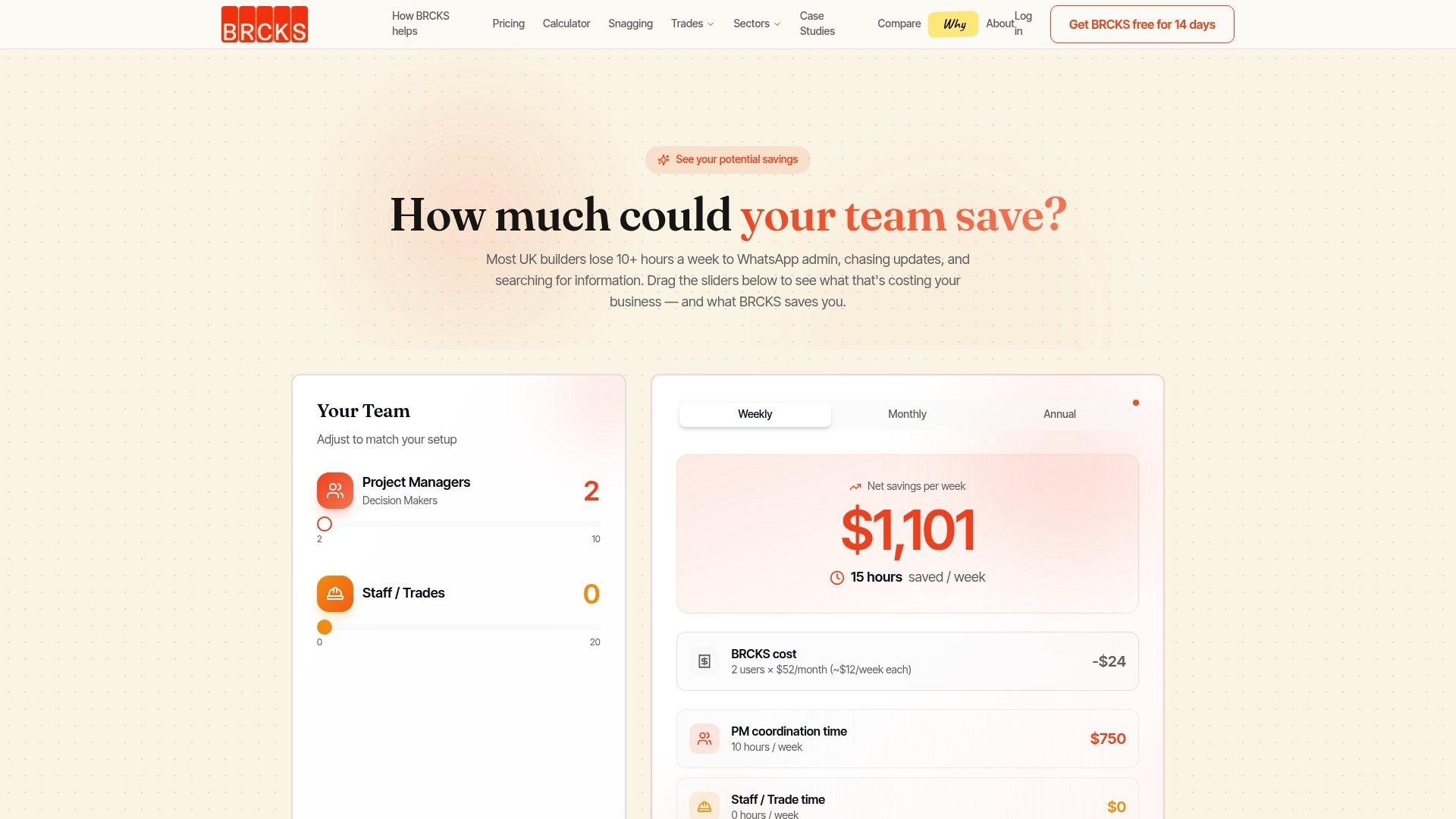
That’s the difference between spending an evening rebuilding what happened on site and pulling a report together in minutes, because the photos, deliveries, inspections and decisions were filed against the right project the day they happened. Subcontractors and clients join free, so the record stays complete without extra admin on your side, and the branded client portal delivers the finished report without a single chasing email.
If you’re preparing monthly progress reports by hand right now, it’s worth seeing what a structured site diary app does to the time it takes. BRCKS runs at £40 per seat per month billed annually, with a 14-day free trial to test it against your own reporting cycle before you commit.
Sources
FAQ
How do I calculate WIP in construction?
Work in progress is the cost value of work completed but not yet certified or invoiced for the period, calculated by applying your percent-complete figure to the relevant valuation lines and reconciling that against actual costs incurred.
What is an example of a progress report?
A typical example runs header details, an executive summary with planned versus actual percentage complete and a RAG status, work completed and in progress, a look-ahead, an issues and risk log, and a cost and valuation snapshot, in that order.
What are the stages of a construction project a progress report should track?
Reports usually track project stages from mobilisation and groundworks through structure, envelope, fit-out, testing and commissioning to handover, with each report reflecting whichever stages are active in that period rather than every stage at once.
What should you include in a progress report?
At minimum: a header with the data date, an executive summary, work completed and in progress, a look-ahead, an issues/risks/variations log, and a cost or valuation snapshot, ideally supported by dated photos and diary references.
How often should a construction progress report be issued?
Monthly is standard UK practice, aligned to the valuation cycle, though contracts using NEC4 clause 32 may also require revised programme submissions at separately stated intervals.
Recommended
How BRCKS Can Help
Navigating the rigorous reporting requirements of NEC4 doesn't have to be a manual burden for your project teams. By centralising site data and automating record-keeping, BRCKS ensures your progress reports are consistently accurate, timely, and contractually compliant. This streamlined approach reduces the risk of disputes and gives you total confidence in your project documentation. We invite you to book a demo today to see how BRCKS can transform your contract management. Learn more at BRCKS and explore our full feature set.