Top 4 site diary apps 2026
Streamline your project documentation with our expert guide to the top 4 site diary apps for 2026, featuring tools that simplify daily records and team communication.
By James Shorter ·
Top 4 site diary apps 2026
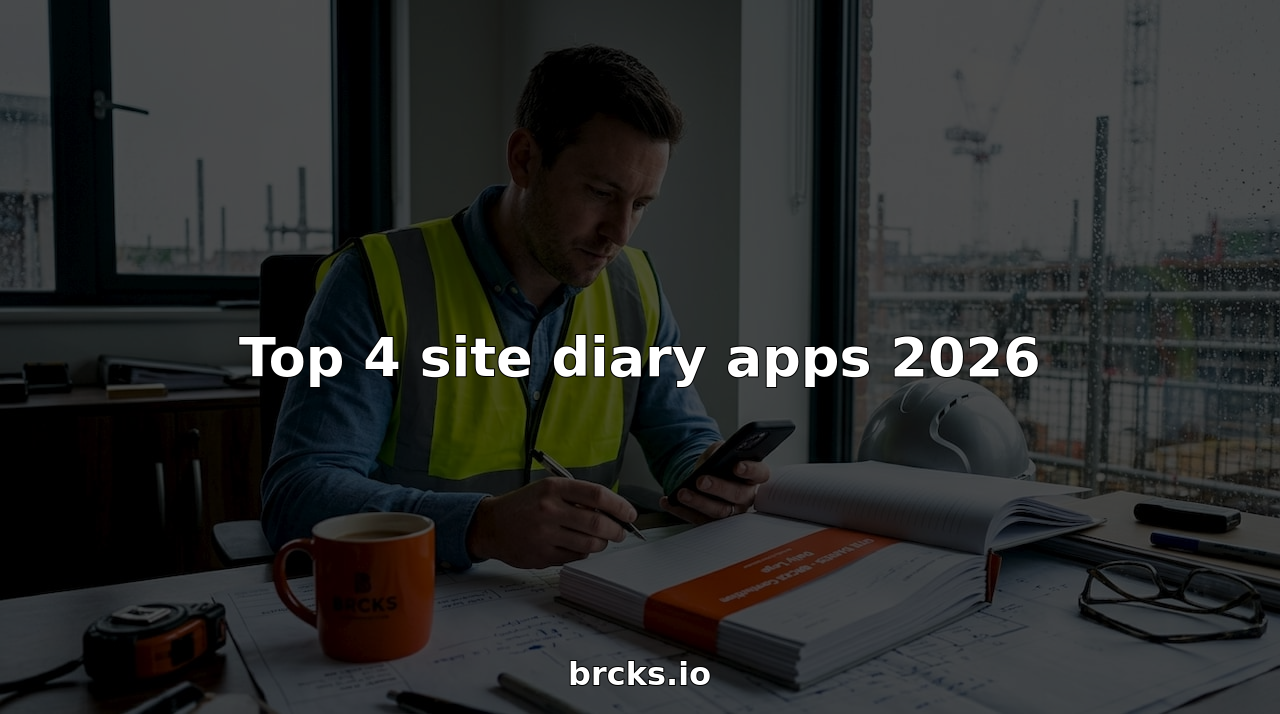
Jotting down vital site updates can feel like a juggling act with many moving parts scattered through notes and emails. Imagine capturing every detail with a few taps and having quick access whenever you need it. The right app can turn daily records into a breeze and keep everyone in the loop without hassle. Curious which tools make this task simpler and help you take control of your site diary? The answers are closer than you think.
Table of Contents
BRCKS
At a Glance
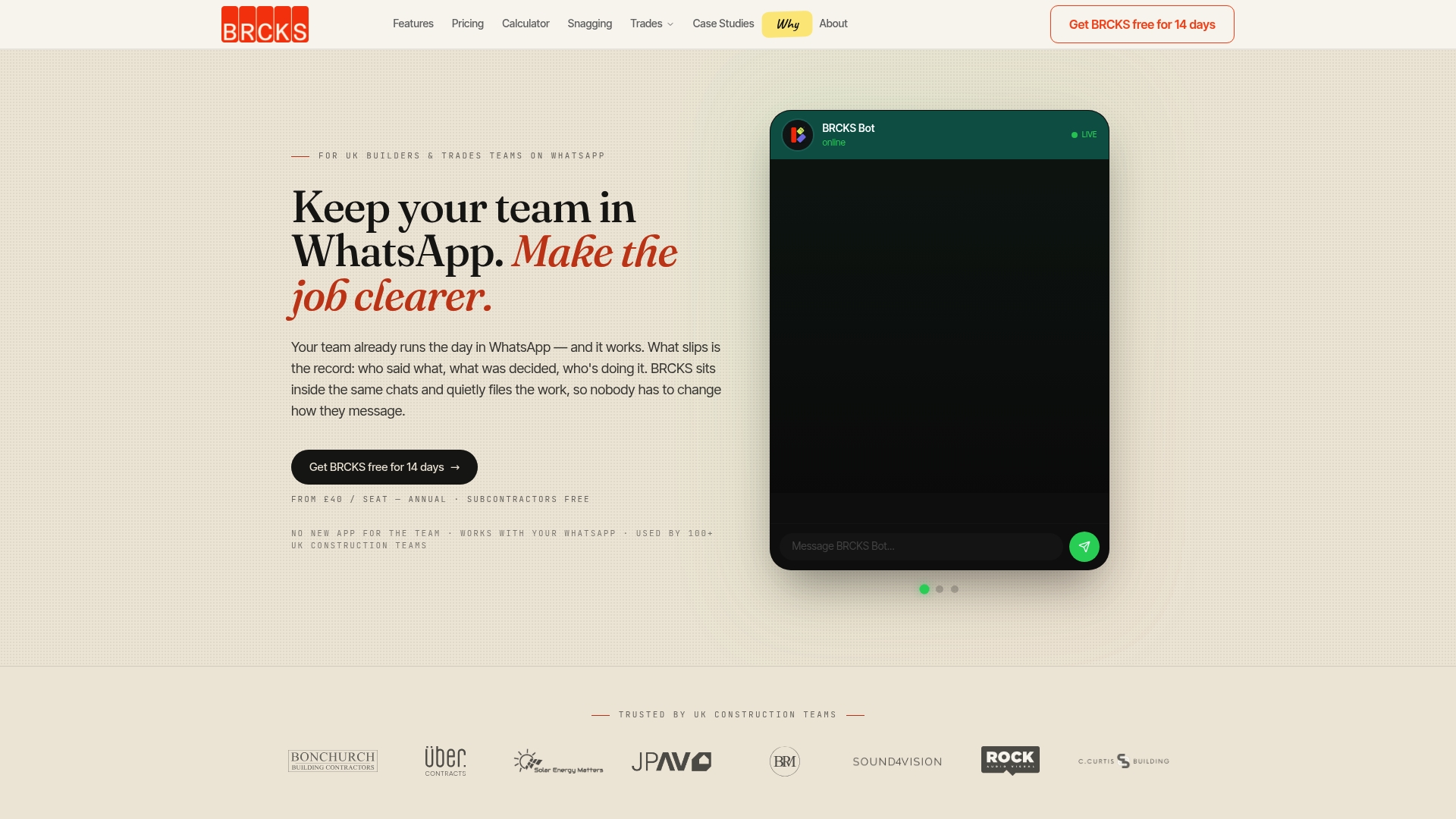
BRCKS is the leading site diary solution for UK builders who use WhatsApp as their day to day communication tool. It converts chats into organised project records so you spend less time hunting messages and more time managing work.
Core Features
BRCKS integrates with WhatsApp to file and organise messages and updates by job rather than by thread. The platform provides automatic tagging and filing, a searchable database for quick recall, meeting notes and action generation, and a client portal to share progress without exposing internal chats.
Pros
-
No new app required. BRCKS uses your existing WhatsApp traffic so teams do not change habits or retrain staff to capture information.
-
Organisation by job. The system organises project information by job rather than by chat thread which improves clarity and reduces misfiled updates.
-
Simple onboarding. The setup process is straightforward so site teams and subcontractors get up to speed quickly and start benefiting on day one.
-
Time saved and less chaos. BRCKS reduces time spent searching for decisions and evidence so you resolve issues faster and keep programmes on track.
-
Client facing transparency. The client portal shares progress with customers without revealing internal conversations which protects commercial confidentiality.
Who It’s For
BRCKS suits construction teams in the UK including builders, tradespeople and project managers who already communicate via WhatsApp and need a reliable way to organise, record and retrieve project information. It works for small teams as well as larger site operations that require clear audit trails.
Unique Value Proposition
BRCKS outperforms other approaches by converting a ubiquitous messaging tool into a structured project management system that matches how site teams already work. It combines WhatsApp filing, automated tagging, and a searchable project archive so you regain control of decisions and records without adding admin overhead.
Sophisticated buyers choose BRCKS because it removes the friction between field communication and formal records, offers clear pricing with free subcontractors, and focuses on UK construction workflows rather than generic features that do not fit site realities. The platform protects client confidentiality while making meetings and actions traceable which reduces disputes and saves time.
Real World Use Case
A UK construction team uses BRCKS to keep all project updates, decisions and tasks organised within WhatsApp chats. Meeting notes become recorded actions automatically and the team retrieves previous instructions within seconds which cuts rework and speeds up handovers.
Pricing
BRCKS is priced at £40 per seat per month billed annually and includes free subcontractor access plus unlimited projects. The transparent model makes budgeting simple and removes per project licensing surprises.
Website: https://brcks.io
See how the BRCKS site diary works from WhatsApp →
Site Diary
At a Glance
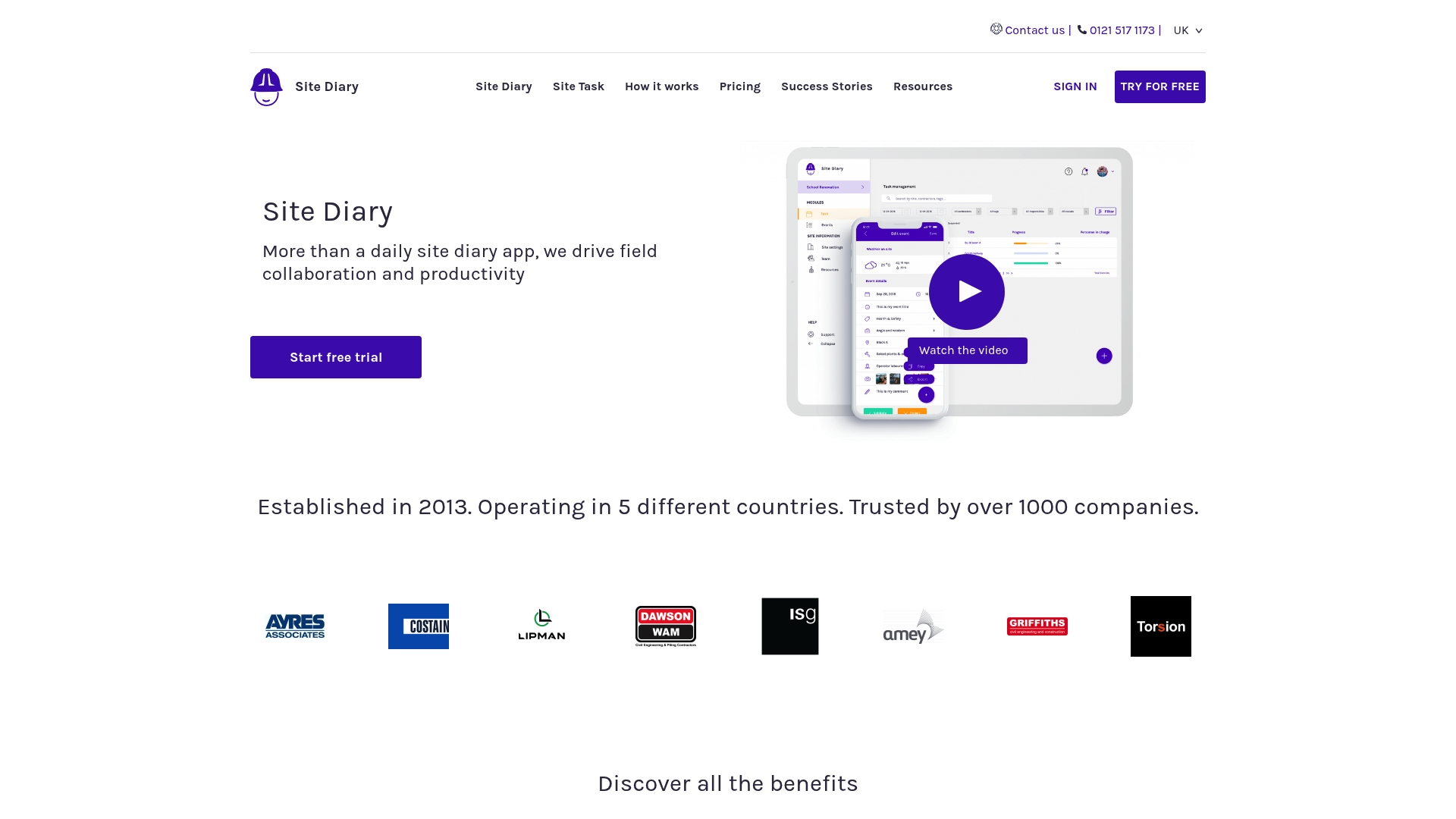
Site Diary focuses on precise daily records and practical field collaboration for construction teams. Launched in 2013 and used by more than 1000 companies across five countries, it combines diary entries with tasks and real time project updates for site and office teams.
Core Features
Site Diary centres on daily site diary creation, task management, and real time updates accessible from both a mobile app and a web app. The platform links diary and task modules so field notes, assignments and progress stay connected for clear documentation.
Pros
-
Improves documentation accuracy: The app makes structured daily entries simple which raises the standard of site records for audits and handovers.
-
Saves time versus paper forms: Digital diaries replace manual filing which reduces admin hours and speeds up report preparation.
-
Enhances team collaboration: Field workers and office staff share updates in one place which reduces missed messages and duplicate work.
-
Offline accessibility across devices: Teams can record events on site without a signal and sync later which keeps records continuous.
-
Diary and task integration for efficiency: Linking tasks to diary entries means progress and issues are easier to track and verify.
Cons
-
Pricing details are limited in available content: The public information gives plan names and one price point but lacks a full feature breakdown by tier.
-
Usability concerns are not addressed in the material: There is no detailed account of the user interface or learning curve for new users.
-
Free plan capabilities may be restricted: The summary implies potential limits for unpaid users but does not specify what is available without payment.
Who It’s For
Site Diary is aimed at construction companies, site managers and project teams who need dependable, collaborative daily records and clear proof of work. Smaller contractors and larger firms both benefit when accurate site diaries reduce disputes and speed stakeholder reporting.
Unique Value Proposition
Site Diary combines structured diary entries with task assignment so your site notes become actionable records. This single place for field notes and task tracking gives teams one source of truth for daily progress and evidence for claims or client updates.
Real World Use Case
A construction firm uses Site Diary to log daily crews, deliveries and weather conditions, assign remedial tasks instantly and produce weekly reports for clients and subcontractors. The system also supplies documented proof in case of payment disputes or quality queries.
Pricing
Site Diary offers a free plan and two paid tiers. The Forklift plan is priced at €15 per user per month billed annually. Bulldozer is available with custom pricing for large teams which suits enterprise requirements.
Website: https://sitediary.com
Gather Insights Platform
At a Glance
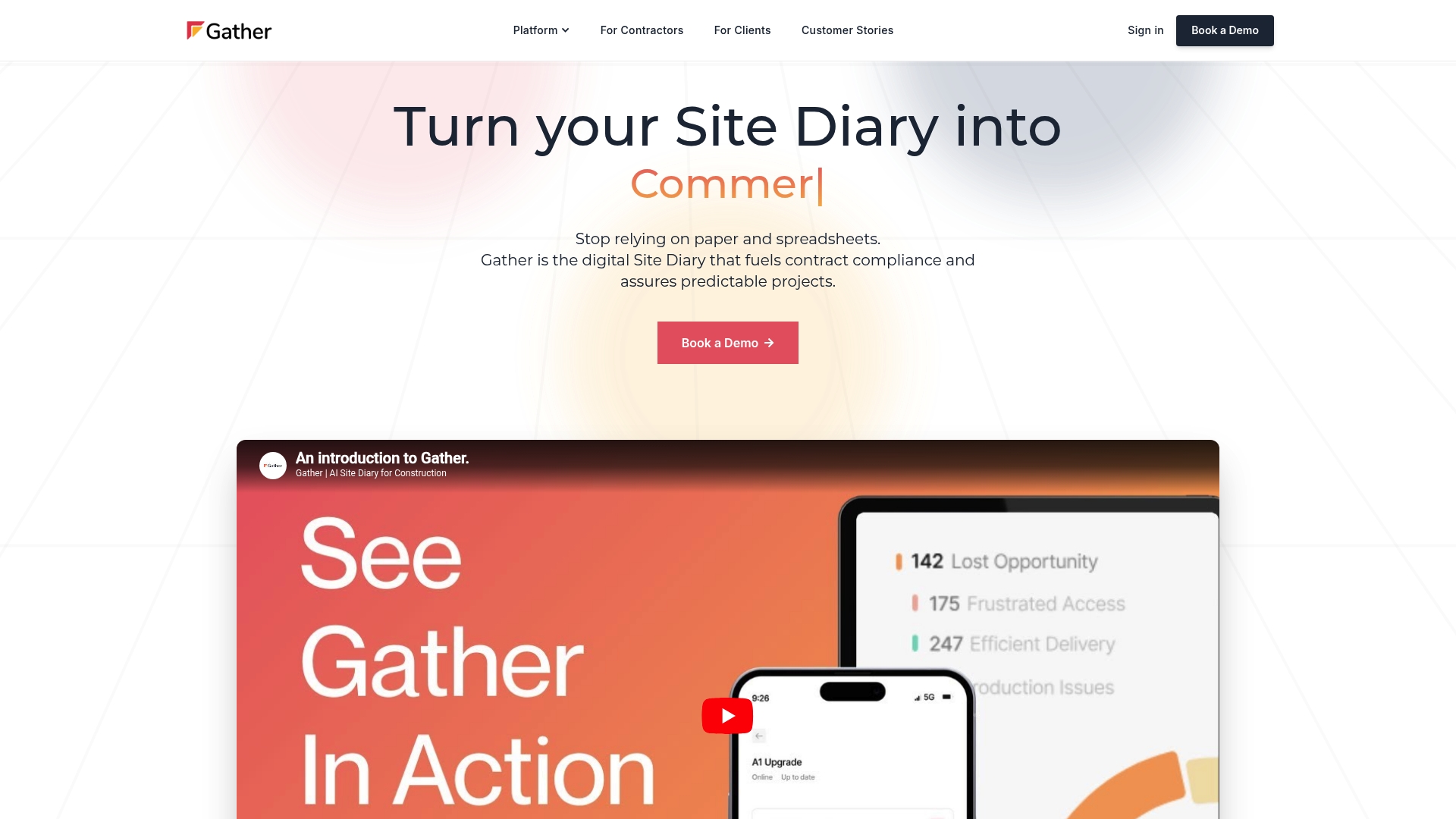
Gather is a site diary and record management system that replaces paper and spreadsheets with a Digital Site Diary and evidence‑ready records. It targets contract compliance and reduces dispute risk by turning daily site data into reliable evidence.
Core Features
Gather combines Programme management, an offline-capable mobile app, data-driven dashboards, and a QS AI Agent to capture, analyse and present site activity as contract evidence.
- Digital Site Diary for capturing work records effortlessly.
- Programme management with automatic diary creation from schedules.
- Offline-capable mobile app for field teams.
- Data-driven dashboards for real-time project insights.
- QS AI Agent for contract clause analysis and early warnings.
Pros
-
Enhances contract compliance and project predictability. The platform converts routine site notes into structured records that support commercial decision making.
-
Automates data collection to reduce manual effort. Automatic diary creation from schedules cuts repetitive administration for siteteams and office staff.
-
Provides real-time decision support through dashboards. Dashboards surface trends and issues so you can escalate problems before they become claims.
-
Reduces legal and administrative costs. Evidence-ready reports help shorten disputes and lower associated advisory fees.
-
Integrates with existing construction software stacks. Integration reduces duplicate data entry and helps keep programme information aligned across tools.
Cons
-
Pricing details are not specified on the website. Lack of transparent costs makes budget planning harder for teams comparing several tools.
-
May require change management for teams used to traditional methods. Adopting structured digital records will need training and process updates on site and in the office.
Who It’s For
Gather suits construction project managers, site engineers, quantity surveyors and contract managers who need dependable daily records and commercial controls. It benefits teams that handle complex contracts and want stronger audit trails for site activity.
Unique Value Proposition
Gather turns routine site observations into documented evidence and early commercial warnings through its QS AI Agent and automatic diary generation. That combination helps teams avoid disputes and maintain programme predictability with less administrative burden.
Real World Use Case
A contractor uses Gather to record daily site activities automatically, track progress against the programme and produce evidence‑ready reports for dispute resolution, which in turn lowers legal exposure and reduces project delays.
Pricing
Pricing is not specified on the website, so you will need to contact Gather for a tailored quote and to understand licence, implementation and support costs.
Website: https://www.gatherinsights.com
Site Productivity
At a Glance
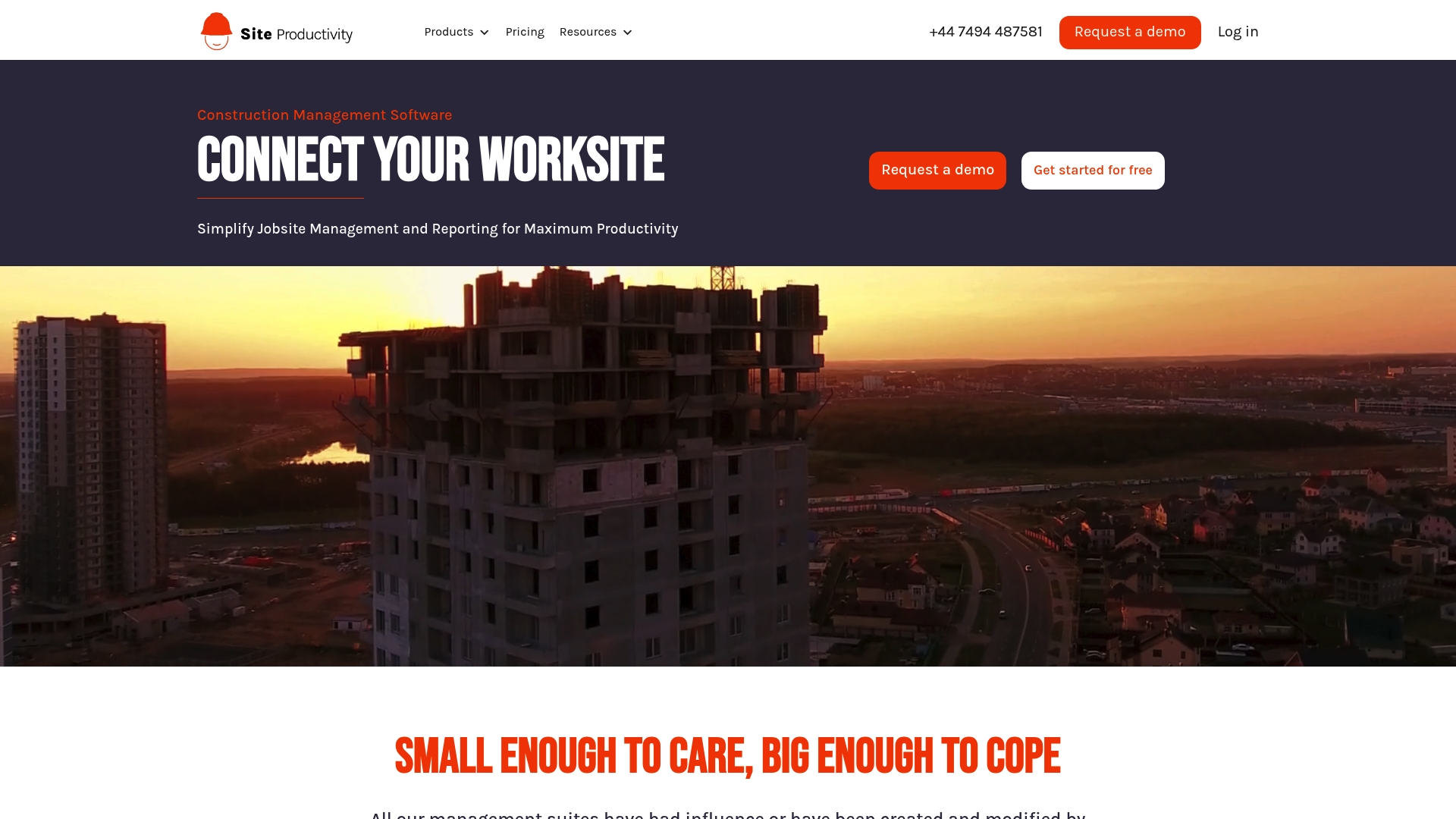
Site Productivity offers a construction‑focused platform that brings jobsite teams, office staff and clients onto one digital system. Its strong suit is field reporting with Site Diary and task management tools built for practical daily use.
Core Features
The platform connects all project stakeholders and simplifies jobsite reporting through a set of purpose built modules. Key elements include Site Diary, Site Task and Site Supervision, with access from mobile, tablet and desktop and industry focused data management.
Pros
-
User friendly interface designed by construction professionals makes on site data entry quick and reduces training time.
-
Real time data collection and communication keep office teams updated with current site conditions without repeated phone calls.
-
Comprehensive toolset covers diaries, task allocation and supervision so you avoid juggling separate apps for basic functions.
-
Trusted by reputable companies and operating since 2013, which supports its track record and ongoing product development.
-
Free trial and flexible subscriptions allow you to test the system before committing to annual licences.
Cons
-
Pricing at £15 per user per month may be expensive for very small projects or sole traders with tight margins.
-
The breadth of features can feel overwhelming for users who want only basic diary and checklist functionality.
-
The platform requires an internet connection for real time collaboration, so offline work is limited on remote sites.
Who It’S For
Site Productivity suits construction project managers and site supervisors who need a single place to capture daily events, assign tasks and manage defects. Owners, developers and subcontractors who report routinely will find the platform aligns with their operational workflows.
Unique Value Proposition
The product emphasises an industry first approach by shaping features around construction workflows rather than adapting general project tools. Its combination of jobsite reporting modules and device agnostic access makes it practical for teams that split time between office and field.
Real World Use Case
A large contractor uses Site Productivity to record daily activities with Site Diary, assign follow up work via Site Task and run inspections with Site Supervision. The result is quicker handovers, fewer misunderstandings and clearer audit trails for quality reviews.
Pricing
Site Productivity lists pricing at £15 per user per month or £144 per user per year with enterprise quotes available for larger teams. A trial period is offered so teams can validate value against their workflows before annual commitment.
Website: https://www.siteproductivity.com
Construction Project Management Tools Comparison
This table presents a summarized comparison of tools designed for construction teams, emphasizing features, benefits, and pricing to aid decision-making.
| Tool Name | Core Features | Pros | Cons | Pricing |
|---|---|---|---|---|
| BRCKS | Integration with WhatsApp; Organised messaging; Automatic tagging; Client portal | Simple onboarding; No retraining needed; Job-based organization; Saves time; Transparent client updates | Integration restricted to WhatsApp; Specialised for UK workflows | £40/seat/month billed annually, free subcontractor access, unlimited projects |
| Site Diary | Daily records; Task management; Real-time updates; Supports offline and cross-device access | Improves documentation; Saves admin time; Team collaboration; Diary-task link | Limited pricing details; Usability not extensively detailed; Restrictions in free plans | Free plan, Forklift €15/user/month, Bulldozer custom pricing for enterprises |
| Gather Insights Platform | Digital site diary; Programme management; AI-powered contracts; Data dashboards | Real-time insights; Automates diary creation; Supports compliance; Reduces disputes; Integration-ready | Pricing not specified; Change management required for adoption | Pricing tailored; requires inquiry for details and support |
| Site Productivity | Site diary; Task allocation; Inspection tracking; Multi-platform accessibility | User-friendly interface; Real-time collaboration; Comprehensive tools; Established reputation | Limited offline capability; Pricing can deter small teams; Feature breadth may overwhelm basic users | £15/user/month or £144/user/year with enterprise options, trial available |
Simplify Your Site Diary with BRCKS
Managing site diaries and construction communications can be chaotic, especially when relying on fragmented messaging like WhatsApp. The article on top site diary apps highlights how important it is to convert everyday chats into organised, easy-to-access project records that save time and reduce errors. If your team’s goal is to stay aligned, track decisions clearly, and share real-time progress without extra admin, BRCKS is designed precisely for you.
BRCKS integrates WhatsApp seamlessly, turning your routine messages into searchable, tagged project updates. It lets you stay in your workflow with no extra apps to learn and provides a secure client portal to keep customers informed while protecting sensitive information. With automation that saves over two hours daily, it is a perfect match for builders and project managers seeking efficient communication and transparent workflows.
Ready to experience smoother site diary management and boost team productivity? Discover how BRCKS can transform your construction projects today by visiting BRCKS.

Frequently Asked Questions
What are the key features to look for in a site diary app?
When choosing a site diary app, consider features such as automatic diary creation, task management, and the ability to access records offline. Prioritise tools that integrate well with existing communication methods and provide clear documentation for audits and stakeholder updates.
How can a site diary app improve project management?
A site diary app enhances project management by centralising daily records, streamlining communication, and automating task tracking. Implementing such a tool can reduce administrative overhead by approximately 20% and help your team stay organised without additional training.
What types of construction teams can benefit from using a site diary app?
Construction teams of all sizes can benefit, including builders, site managers, and project teams needing reliable documentation of daily activities. Even small contractors can find value in the improved accuracy and efficiency that a site diary app provides.
How do I ensure my team adopts a new site diary app?
To ensure successful adoption, provide thorough training and set clear expectations for usage. Encourage regular feedback and emphasise how the app simplifies their daily tasks, which can lead to smoother operations within the first few weeks.
What is the typical pricing structure for site diary apps?
Site diary apps generally offer pricing on a per-user basis, which can vary from monthly subscriptions to annual packages. Be prepared for pricing to range from £15 to £40 per user per month based on the features and functionality required.
How can I track task progress using a site diary app?
Most site diary apps feature integrated task management tools that allow you to assign and monitor tasks directly within the diary. Regularly updating these tasks can help you track progress in real-time and identify any delays early on.
Recommended
- Top Construction Schedule Software for UK Builders 2025 | BRCKS
- 6 Best build-sync.co.uk Alternatives for UK Builders 2026 | BRCKS
- Construction Mobile Apps: Reduce Material Waste by 25% | BRCKS
- 7 Best buildersai.co.uk Alternatives for 2026 | BRCKS
- Top 4 theappdevelopers.co.uk alternatives 2026
How BRCKS Can Help
Selecting the right site diary app is a vital step toward digitising your workflow and ensuring no critical project detail is ever lost. While each of these tools offers unique advantages, BRCKS provides a comprehensive platform that integrates daily reporting directly into your wider construction management process. By centralising your site data, BRCKS helps you reduce administrative overhead and maintain a clear, defensible record of progress across every project. We invite you to explore how BRCKS can streamline your site documentation and bring greater clarity to your builds today. Learn more at BRCKS and explore our full feature set.