UK Builders: 3 WhatsApp Integration Routes That Satisfy ICO Rules
Learn how UK construction teams can integrate WhatsApp with project management systems to automate site diaries and RFIs while remaining fully compliant with ICO regulations.
By James Shorter ·
UK Builders: 3 WhatsApp Integration Routes That Satisfy ICO Rules

Integrating WhatsApp with your project management system is practical and worth doing, but only if you pair it with a way to capture what matters. Field teams already live on WhatsApp for updates, photos and quick decisions, and connecting that traffic to your project records saves admin time. The catch is that the ICO expects substantive decisions made on WhatsApp to be recorded in a corporate system, not just sit in a phone. Platforms like BRCKS solve this by turning WhatsApp chats into searchable, audit-ready project records automatically.
TL;DR:
- Connecting WhatsApp to project management systems works best when paired with a process to capture and file only substantive decisions and evidence.
- Using built-in connectors is easiest for small teams, while larger operations benefit from the control of the WhatsApp Business API or a platform with pre-mapped workflows.
- Automation should convert chat messages into project records, RFIs, variations, or photos without manual re-entry, reducing disputes and administrative time.
- Organisations must run regular data protection assessments, establish clear retention policies, and promptly remove users from groups to meet ICO requirements.
- BRCKS automates WhatsApp chat conversion into searchable project records, saving teams time and reducing project disputes, with costs from £40 per user per month.
Table of Contents
- Integration approaches: business API, middleware and built-in connectors
- Turning site chatter into diaries, RFIs, variations and client updates
- Data protection and records: what the ICO expects from WhatsApp use
- A step-by-step checklist for rolling out WhatsApp integration
- Keeping it running: policies, group management and audits
- Why capturing WhatsApp beats banning it
- How BRCKS turns WhatsApp into a proper project record
- Sources
- FAQ
Integration approaches: business API, middleware and built-in connectors
There are three practical routes to connect WhatsApp to your project workflow, and each suits a different size of operation.
The WhatsApp Business API gives you a dedicated business number and lets you build custom automation, but it needs technical setup and ongoing management. Middleware tools sit between WhatsApp and your existing software, routing messages into task lists or file systems without you building anything from scratch. Built-in connectors, offered by construction-specific platforms, do the mapping for you: messages land against the right project without manual tagging.
Each route trades off differently:
- The Business API gives full control but demands provisioning, a developer or partner, and time to configure.
- Middleware is faster to set up but can struggle with multi-user inboxes when several site staff reply from one number.
- A built-in connector, like the one BRCKS uses, needs the least setup because the mapping to projects, trades and RFIs is already built.
Small field crews with one or two active projects often do fine with a middleware tool or a construction-specific connector. Centralised project offices running multiple sites usually need the Business API’s control, or a platform that has already solved multi-user routing for them.
Turning site chatter into diaries, RFIs, variations and client updates
Most of what a WhatsApp thread contains is already a project management output waiting to be filed correctly.
- A photo with a caption (“first fix done, kitchen”) becomes a site diary entry and a photo log record once it is tagged to the right project and date.
- A question about a spec change, sent as a voice note or text, becomes an RFI when it is logged with a reference number and routed to whoever needs to answer it.
- A client asking for an extra socket, agreed over WhatsApp, becomes a variation only when someone captures the scope, cost and approval, not when the message is sent.
- A snag photo with “fix before handover” becomes a snagging item on a checklist rather than a message that gets lost in a scroll.
Automation rules can do most of this conversion without anyone retyping anything: flag messages containing “RFI” or “variation” for review, auto-tag photos by project number, or route client messages straight into a branded portal thread. Done well, this cuts the time spent chasing what was agreed and reduces disputes over verbal instructions that were never written down.
Data protection and records: what the ICO expects from WhatsApp use
Using WhatsApp for project chat is fine. Treating it as your permanent record is where firms get into trouble.
The ICO’s guidance and related FOI responses make clear that when a message on a non-corporate channel like WhatsApp contains a substantive business decision, that decision must be copied into a corporate system so it can be found later for legal or freedom of information requests. This is not a suggestion. It is the standard regulators apply when things go wrong.
Disappearing messages and ephemeral settings do not remove an organisation’s duty to retain substantive records.
That point comes from FOI and ICO decision documents concerning a government department, where auto-delete settings were no defence when regulators asked for records that should have existed. A separate case involving NHS Lanarkshire resulted in an ICO reprimand after patient data was shared over WhatsApp without a formal risk assessment. Construction firms handle less sensitive data than a hospital does, but the underlying rule is the same.
An organisation should run a data protection risk assessment, a DPIA where required, before relying on WhatsApp for work purposes. That single step catches most of the exposure before it becomes a reprimand.
Build these controls into your process, including robust construction document control for safety meetings and records:
- A DPIA or lighter risk assessment covering what data flows through WhatsApp.
- A written retention policy stating how long chats and exports are kept.
- Access control so leavers are removed from groups immediately.
- A clear export and archive workflow for anything a project record needs to keep.
A step-by-step checklist for rolling out WhatsApp integration
Treat this as a rollout plan, not a one-off setup task.
- Run a lightweight risk assessment and decide what message types are allowed on WhatsApp versus what must go through the main project system.
- Map phone numbers and group chats to project codes, trades and metadata fields so nothing gets filed against the wrong job.
- Provision a dedicated business number, set up routing rules, and decide how multi-user replies from site staff will work.
- Build automation rules that convert flagged messages into site diaries, RFIs, tasks or variations without manual retyping.
- Pilot on a single project for two to four weeks, train the site team on what to flag, then audit a sample of exports before wider rollout.
Pro Tip: Nominate one or two ‘capture admins’ per project who own exports and weekly audits, so nothing falls through when someone is on annual leave.
A short pilot on one project, with a named person checking exports weekly, tells you within a month whether your metadata mapping actually works before you roll it out across every site.

Keeping it running: policies, group management and audits
An integration only stays useful if someone owns it day to day.
Your policy needs a few plain clauses: what counts as acceptable use on WhatsApp, what counts as “substantive” and therefore must be captured, and a clear rule that leavers are removed from groups the same day they go. Local authority policies, such as the Bromsgrove council example, take exactly this approach: permitted for short, non-sensitive operational use, backed by a risk assessment.
Day to day, that means:
- Site staff flag anything that is a decision, cost or instruction, not just chat.
- Photos get named or tagged with project and date at the point they are taken.
- One person per project archives conversations weekly rather than leaving it to memory.
- A monthly sample export checks nothing substantive has slipped through unflagged.
Why capturing WhatsApp beats banning it
Banning WhatsApp on site never works. Subbies and clients use it because it is fast, and fighting that habit wastes more energy than managing it well.
Capturing messages into a proper record does more for disputes than any policy memo. When a variation is logged with the WhatsApp exchange attached, there is no argument about what was agreed or when. That alone speeds up approvals and shortens the arguments that used to drag on for weeks. Set expectations early with subbies and clients: keep messaging as normal, and the system does the filing.
— James
How BRCKS turns WhatsApp into a proper project record
The software lets teams keep using WhatsApp as they do now, through a dedicated business number, while it automatically builds site diaries, logs variations, tracks RFIs with audit trails, and files photos against the right project. No one has to change how they message. The plain-English search across project history saves teams 30 or more minutes a day that used to go on scrolling through old threads looking for who agreed to what.
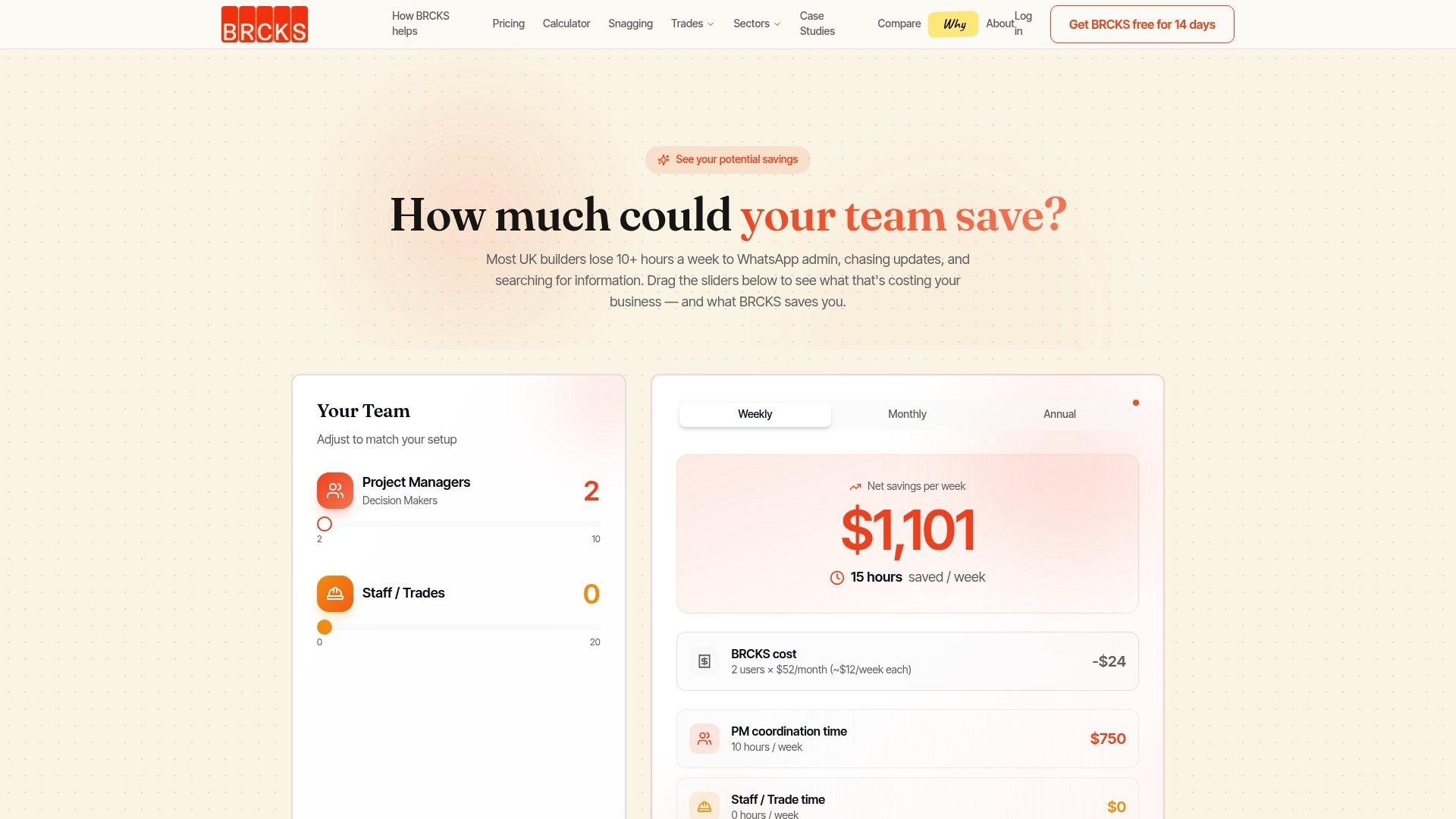
The practical result is fewer disputed variations, a clearer decision trail for every project, and less unpaid admin at the end of the week. Subcontractors and clients get access free, so the whole site can work from the same record without extra licence costs. BRCKS costs from £40 per seat per month billed annually, with a 14-day free trial to see how it handles your own site chats. Compare it against keeping WhatsApp as-is or check the pricing page to start a trial.
Sources
FAQ
Which CRM is best for integrating with WhatsApp?
There is no single best CRM for every trade, since the right choice depends on whether you need general sales tracking or construction-specific project records. For construction teams, a platform built around site diaries, RFIs and variations, such as BRCKS, tends to fit better than a generic sales CRM adapted after the fact.
Can you integrate WhatsApp with project management software?
Yes, through the WhatsApp Business API, middleware tools, or a built-in connector offered by a construction-focused platform. The right choice depends on team size, technical resource and how much manual setup you want to take on.
Is WhatsApp API integration free?
The WhatsApp Business API itself has no flat licence fee, but building and hosting the integration usually needs developer time or a paid middleware tool. Construction platforms with a built-in connector, such as BRCKS, bundle that cost into a per-seat subscription instead.
Can I integrate WhatsApp with my CRM?
Most modern CRMs support WhatsApp through the Business API or a middleware add-on, though the depth of automation varies by provider. For construction-specific record-keeping like site diaries and variations, a purpose-built connector will generally do more of the mapping work automatically than a generic CRM integration.
Do I need a DPIA before using WhatsApp for project work?
A DPIA is required when the processing is likely to result in high risk to individuals, but even a lighter risk assessment is good practice before relying on WhatsApp for work-related decisions. This is especially true if photos or personal data about staff, clients or the public pass through the chat.
Recommended
- WhatsApp GDPR Rules for UK Builders
- Tired of WhatsApp? Best Construction Messaging Apps for UK Builders
- WhatsApp Construction Software for UK Builders: 2026 Guide
- Construction WhatsApp Bot: 2026 Guide for UK Builders
How BRCKS Can Help
Navigating the complexities of ICO compliance doesn't have to hinder your team's communication or slow down project delivery. By centralising your project data and communication within BRCKS, you ensure that every site update and client message is captured in a secure, audit-ready environment. Our platform bridges the gap between convenient messaging and professional accountability, giving UK builders the peace of mind that their data handling meets every regulatory standard. We invite you to see how BRCKS can streamline your workflow while keeping your business fully protected. Learn more at BRCKS and explore our full feature set.