Top 4 Coconstruct.com Alternatives 2026
Finding construction management software that fits UK site teams is challenging. We compare the top 4 alternatives to Coconstruct.com, focusing on communication and real-world pricing.
By James Shorter ·
Top 4 Coconstruct.com Alternatives 2026

Choosing construction project management software that fits UK site teams is harder than expected. Many tools demand costly add ons, lack WhatsApp logging, or hide full pricing behind sales calls. This comparison maps out features, communications workflows, and real world pricing so site managers and project coordinators can select the right platform with less risk.
Table of Contents
BRCKS
At a Glance
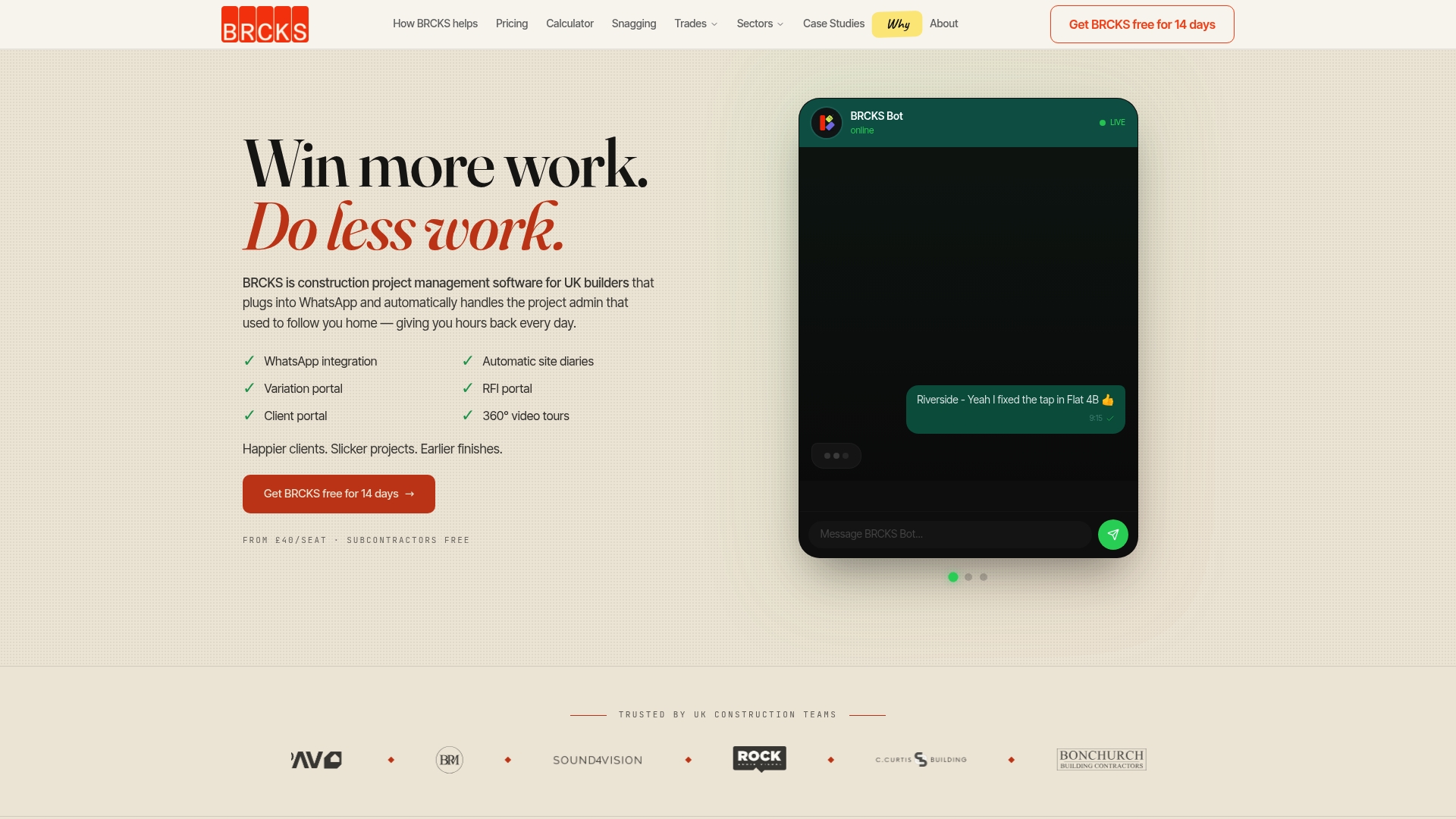
BRCKS’ marketing materials state it saves users over two hours of manual effort daily. The platform captures WhatsApp messages and site updates in real time, building a project record without extra apps. Its core aim is to reduce miscommunication, lost documentation, and the disputes that delay projects.
Core Features
BRCKS uses a bold WhatsApp integration with an AI bot to log messages and site updates automatically, so chats become part of the project record. The product compiles automated site diaries into structured, exportable records and offers a RFI portal with a full audit trail for questions and responses. It also tracks variations in real time, provides a client portal for transparent progress sharing, and supports 360° video tours for virtual site visits and documentation.
Key Differentiator
The single point that sets BRCKS apart is its WhatsApp-first approach combined with an AI logging bot. That pairing lets site teams continue using familiar tools while BRCKS assembles evidence and actions in the background. The result is less admin overhead for site staff and a fuller audit trail for project managers and clients.
Pros
Because BRCKS keeps conversations in WhatsApp, teams avoid learning a new messaging workflow while gaining organised records. Pricing starts from £40 per seat, and subcontractors and clients can be invited free, which lowers onboarding friction for multi-party projects. Automated documentation for diaries, RFIs, and variations reduces time spent on paperwork and helps clarify decisions for clients through the client portal.
Cons
- Limited advanced analytics and reporting compared with enterprise systems.
Who It’s For
BRCKS suits small to mid-sized UK residential builders, site managers, and project coordinators who rely on WhatsApp on site. It fits teams that want to cut admin time without replacing their everyday communications. Larger operations needing deep custom reports may find its analytics light.
Unique Value Proposition
Dedicated client portals that share progress without interrupting site communications give BRCKS a practical edge. That approach means clients get regular updates while site teams keep using WhatsApp. The combination reduces administrative handoffs and, according to the vendor, speeds approvals and clarifies scope changes.
Real World Use Case
The vendor describes a small builders team using BRCKS to coordinate 22 ongoing projects, with the platform logging daily site activity automatically. The team manages RFIs and variations within the same project record and shares progress with clients through the portal. The vendor’s case notes say this reduced project delays and client disputes.
Pricing
Pricing starts from £40 per seat per month. Subcontractors and clients can be invited free. Billing is annual by default, with monthly billing available and a 14 day free trial to test the service.
Website: https://brcks.io
Site Manager Pro
At a Glance
The vendor advertises tiered subscriptions from £245 to £1,995 per month, with optional add-on modules for billing and quality assurance. Site Manager Pro targets trade contractors on UK housebuilding sites and emphasises mobile-first workflows for wages, inspections, and compliance. That industry focus makes it a close match for firms handling multiple trades across several plots.
Core Features
Site Manager Pro centralises wage booking from tradespeople’s mobile devices, customise inspections with signatures and photos, and document sharing with sign-offs. It also handles product and order management, a competency matrix for subcontractor qualifications, and variations management to reduce disputes. The package extends to integrated billing and payment applications plus inspections and handovers with geo tagged photos and checklists.
Key Differentiator
The product’s main angle is a narrow focus on UK housebuilding trades, where features are adapted to common contractor tasks such as wage bookings and competency tracking. That specialism places compliance and tender readiness at the centre of workflows rather than treating them as add ons. Contractors who need tools mapped to trade practices will notice the difference.
Pros
Site Manager Pro provides mobile tools that let site teams record wages and inspections from phones, cutting paper and repeated admin. The inspection and handover features support signatures and geo tagged photos, which help defend compliance during audits. Customisable safety and quality checklists let supervisors enforce standards on site. Reporting and integrated billing simplify commercial tasks for teams preparing tenders or monthly applications for payment.
Cons
- Potential high cost for smaller firms, especially if several add on modules are required.
- Limited public detail on third party reviews, so external validation is scarce.
- Integrations with mainstream accounting or project platforms are not listed, which may create extra manual work.
When It May Not Fit
If your firm rarely uses mobile data on site, some features will be harder to use because full functionality relies on internet access. Small outfits that use occasional spreadsheets may find the entry price high compared with single purpose tools. Teams that require deep integrations with a specific accounts package should confirm compatibility first.
Who It’s For
Site Manager Pro suits subcontractors working on UK housebuilding projects such as carpenters, electricians, and bricklayers who need organised wage records and compliance trails. It works for growing firms with multiple sites that want one system for inspections, variations, and billing. Sole traders with minimal admin needs may find it more than required.
Real World Use Case
A carpentry contractor uses Site Manager Pro to capture daily wage bookings on site, attach signed inspection photos to handover packs, and log variations with supporting photos. That process reduces time spent collating paper timesheets and helps prepare clearer tender documents. The same records then feed billing and payment applications.
Pricing
Pricing follows a tiered subscription model from £245 to £1,995 per month, adjusted for company size and selected modules. Optional modules for billing and quality assurance add to the monthly fee, so compare module costs before committing. For a quick comparison, check BRCKS snagging app and BRCKS pricing.
Website: https://sitemanagerpro.co.uk
Sync Software
At a Glance
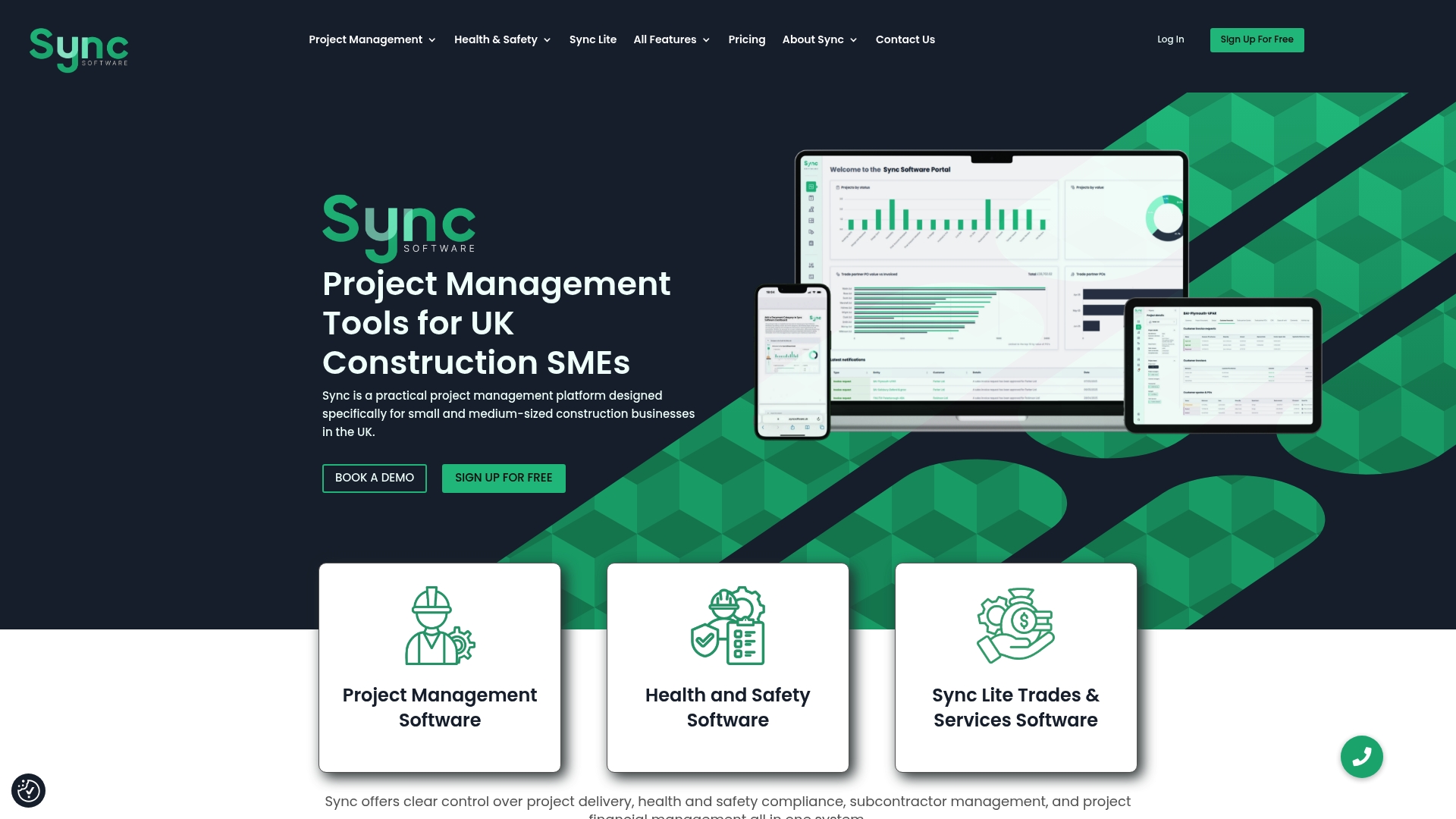
Plans start with Sync Lite at £5.99 per user/month, rising to Premium and an enterprise tier. The platform bundles project, health & safety, financial, and environmental workflows into one system. That single-system approach aims to cut manual paperwork and keep records tied to specific sites and projects.
Core Features
Sync combines project management tools with task tracking, timelines, and delivery monitoring, while handling contractor records and credential checks. It includes health & safety incident reporting alongside budgeting and cost tracking, and it produces environmental reports for net zero and carbon emissions obligations. Role based access and automated workflows help keep permissions and routine checks consistent across sites.
Key Differentiator
Sync is built around common UK construction practices and the paperwork teams actually do on site. The vendor highlights compliance automation and sustainability reporting as core strengths rather than general office collaboration. That focus makes Sync more of a compliance and reporting workbench for field teams than a chat or client portal first tool.
Pros
The interface is clear and easy to pick up, which helps site teams adopt the system quickly. Integrated health & safety, contractor management, and financial tools reduce the need to use separate spreadsheets for those tasks. Automated compliance checks and sustainability reporting keep documentation organised and make regular audits simpler for project managers and health & safety officers.
Cons
-
Limited advanced analytics reported by third party reviewers. Larger organisations may find reporting less flexible than specialised BI tools.
-
Granular workflow customisation can be restricted. Users who need deep custom automation may find the system constraining.
-
Entry level pricing may still be high for very small teams or startups seeking minimal investment.
When It May Not Fit
If your organisation requires highly custom analytics or bespoke workflow engines, Sync may feel restrictive. Large enterprises that need heavy customisation across many reporting formats will likely need a specialist analytics platform. If you want a WhatsApp centred communications workflow as the primary tool, Sync does not emphasise that approach.
Who It’s For
Small to medium sized UK construction firms that must keep health & safety and environmental records in order will find Sync relevant. Project managers, site supervisors, and health & safety officers who want one place for budgets, incidents, and contractor credentials will gain daily use. The platform suits teams that prefer structured compliance and reporting over ad hoc communications.
Real World Use Case
A regional construction SME runs multiple housing projects and uses Sync to track site safety credentials, record incidents, and control budgets. The team uploads subcontractor documentation against each site and generates carbon reports for client reviews. That replaces stacks of paper and separate spreadsheets with a single record per project.
Pricing
Plans start with Sync Lite at £5.99 per user/month, followed by Sync Site Manager at £9.99 per user/month and Premium at £40 per user/month. An Enterprise option is available through direct contact for larger organisations.
Website: https://syncsoftware.uk
Priceworx
At a Glance
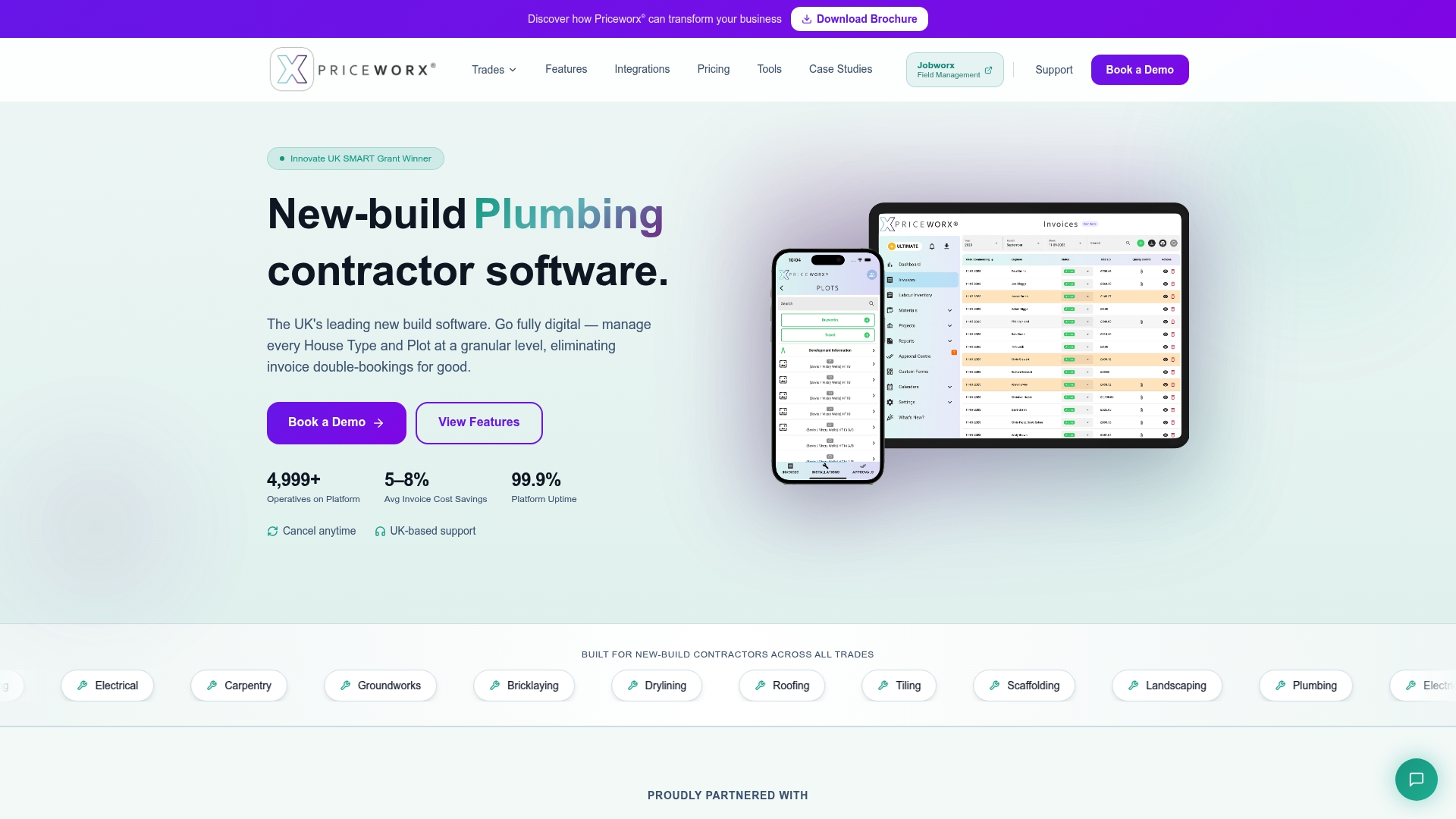
Priceworx reports it reduces invoice costs by 5–8%. That claim highlights a specific cost saving for contractors who move billing and invoicing into the platform. The company is recognised as an Innovate UK SMART Grant winner, which underlines its focus on UK new‑build workflows.
Core Features
Priceworx provides granular plot level booking and scheduling alongside NHBC compliant quality control workflows and labour and material management. The platform includes an operative app for on site booking, photo evidence, attendance tracking with geo fence sign in, and AI powered predictions for costs and project timelines. Real time site performance dashboards and an analytics engine supply financial insights and profit tracking, and the system links to accounting and project tools via Zapier.
Key Differentiator
Priceworx targets UK new build contractors with workflows designed to match NHBC requirements and common housebuilder processes. Its orientation at the plot level makes it practical for teams managing multiple developments and handovers. That focus differs from general project management tools that treat projects as single entities.
Pros
The platform is tailored for UK new build contractors and offers UK based support and full onboarding, which helps teams adopt plot level booking and NHBC style checks. Priceworx reports the 5–8% invoice reduction above, and that reduction will appeal to contractors seeking tighter billing controls. The vendor says it integrates with over 7,000 apps via Zapier, which makes it easier to connect to existing accounting and CRM systems.
Cons
-
Some third party reviews are more positive than vendor claims, suggesting implementation or onboarding can be uneven for certain teams.
-
Pricing is provided on request, which means costs are less transparent than fixed list prices and may require negotiation.
-
Several features appear reserved for higher tier packages, which could require upfront investment to access the full feature set.
When It May Not Fit
Priceworx may be a poor match for contractors who do not operate in the UK new build sector or who manage only single, bespoke projects. Smaller trades or sole traders needing a simple timesheet or invoice app could find the platform more complex than they need. Buyers seeking fixed list pricing may prefer vendors with published tiered plans.
Notable Integrations
- Xero
- QuickBooks Online
- Sage
- Salesforce
- HubSpot
- Slack
- Microsoft Teams
- Gmail
Who It’s For
Priceworx suits UK based small to medium new build housing contractors, builders, and project managers who want to replace spreadsheets and WhatsApp with a single system. It fits teams managing multiple plots and developers that must meet NHBC style checks. It also fits firms that expect UK based support and staged onboarding.
Real World Use Case
A regional housebuilder uses Priceworx to manage 50-plus plots across several developments. The team replaces spreadsheets and WhatsApp with centralised booking, quality control, and payroll workflows. That change reduces manual admin, cuts double bookings, and brings clearer visibility to site performance.
Pricing
Pricing is available on request. Contact [email protected] for a tailored quote and details about tiers or modules.
Website: https://priceworx.co.uk
Comparison of alternatives
Selecting the most effective construction project software depends on your organisation’s size, type, and operational needs. Here’s a comparison of four competitive platforms to highlight their unique strengths and suitable applications.
AI automation and communications focus
BRCKS excels with its real-time WhatsApp integration backed by an AI logging bot. This feature uniquely supports on-site communication and record maintenance by reducing the administrative workload for teams already relying on WhatsApp. Teams can manage Requests For Information (RFIs) with an audit trail and generate structured documentation without manual transcription.
Compliance and sustainability management
Sync Software distinguishes itself with dedicated compliance and sustainability measures. It offers features like environmental reporting, health and safety documentation, and automated contractor checks, providing a clear advantage for organisations prioritising compliance with evolving standards. This focus reduces redundancy and paperwork in processes critical to site operation oversight.
Best fit
- For teams needing efficient messaging and client project portals, BRCKS is tailored with WhatsApp integration and automated event logging.
- For firms handling subcontractor wages and on-site compliance, Site Manager Pro matches its mobile-based wage and competency tracking tools.
- For construction managers emphasising structured compliance and sustainability document management, Sync Software offers integrated health & safety and environmental reporting functionalities.
- For UK-based housing projects requiring NHBC compliance, Priceworx provides specialised tools for plot management and generation compliance workflows.
Our pick
BRCKS emerges as the best-suited platform for teams seeking to reduce unnecessary administrative tasks while keeping site communication on familiar platforms like WhatsApp. If streamlined compliance reporting takes precedence, however, Sync Software is a strong alternative with its dedicated health and safety features.
Understand the distinctive features and offerings of these construction project management platforms to determine which one best fits your organisation’s needs.
| Product | Key Features | Best For | Pricing | Limitation |
|---|---|---|---|---|
| BRCKS | Automated WhatsApp integration, RFI and variation tracking, client progress portal | Small to mid-sized UK residential builders | From £40 per seat/month | Limited advanced analytics and reporting |
| Site Manager Pro | Mobile tools for wages and inspections; billing and tender preparation | UK housebuilding subcontractors | £245–£1,995 per month | Potential high cost for smaller firms |
| Sync Software | Health & safety compliance, contractor credential tracking, sustainability reporting | Small to medium-sized construction firms | £5.99–£40 per user/month | Limited workflow customisation for enterprises |
| Priceworx | Plot-level management, quality control workflows, AI-powered cost and timeline predictions | UK new build contractors and project managers | Price not published | Costs are not transparent and require negotiation |
How to reduce admin delays when searching for coconstruct.com alternatives
Finding the right construction communication and project management app is challenging when teams want familiar tools alongside effective snagging and site diary features. BRCKS offers a WhatsApp-centred solution that automates site diaries, tracks RFIs, and logs variations in real time. This reduces time spent on paperwork and captures vital project updates without changing how site teams communicate.
BRCKS saves users over two hours daily by turning WhatsApp chats into a structured project record. Clients also benefit from dedicated portals that keep them informed while project teams maintain their existing workflows. Explore the site diary app, learn about using the snagging app, and review pricing to see how BRCKS compares with other coconstruct.com alternatives.
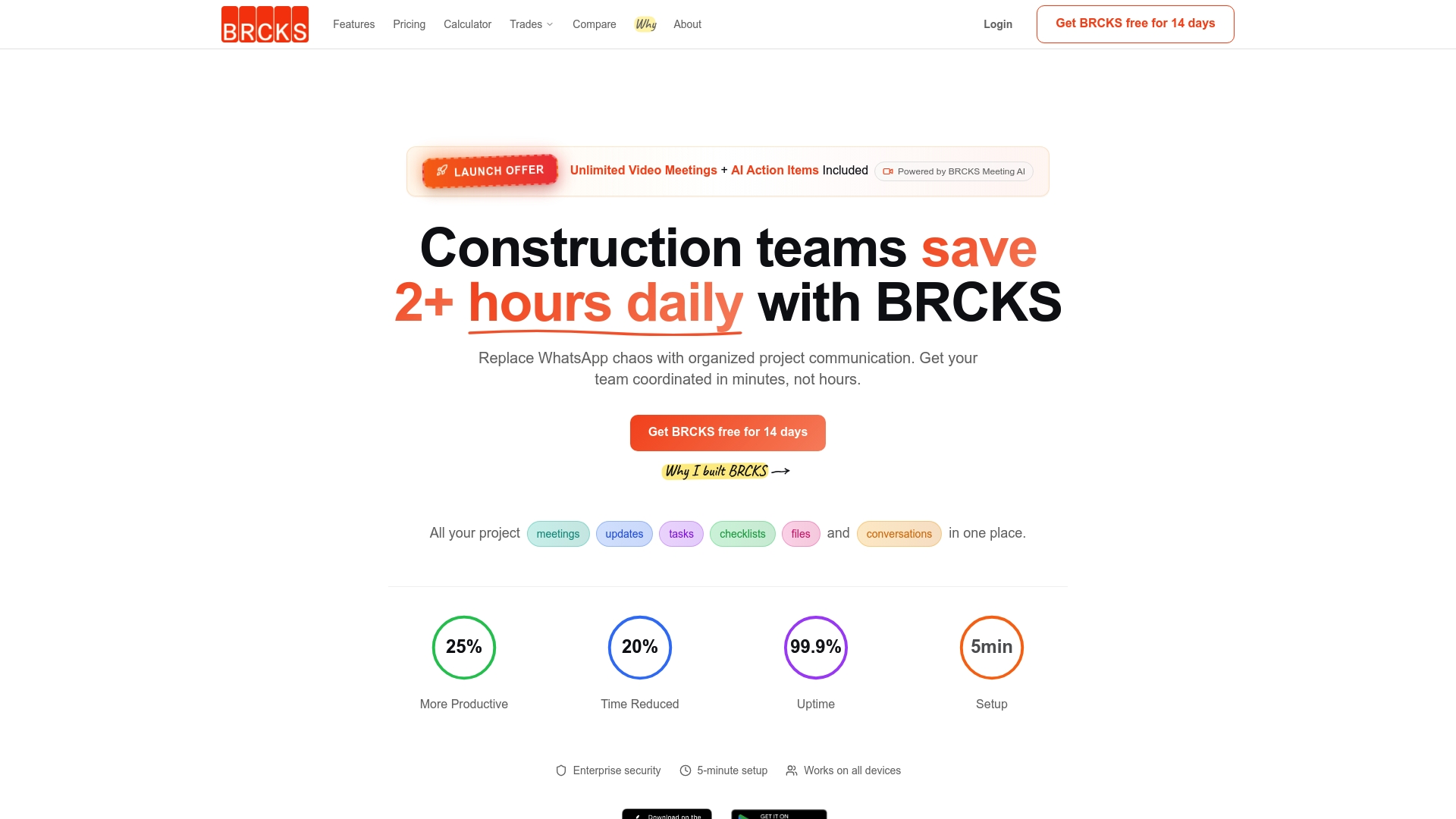
Check out BRCKS to reduce admin overhead caused by lost communication and disputes. Visit https://www.brcks.io/ to get a free 14-day trial and see how automated WhatsApp logging accelerates project approvals.
FAQ
How does BRCKS enhance communication during construction projects?
BRCKS optimises construction communication through its WhatsApp integration, allowing teams to log messages and site updates automatically. The platform captures real-time communication, ensuring that conversations become part of the project record. This feature helps reduce miscommunication and losses associated with documentation.
What is the difference between Site Manager Pro and BRCKS?
Site Manager Pro excels in mobile-first workflows for trade contractors, efficiently managing wage bookings and inspections directly from site. BRCKS, on the other hand, focuses on utilising WhatsApp to streamline communication and documentation without requiring users to change their existing messaging tools, catering to teams that need to maintain familiarity while organising their records.
Can I use BRCKS without replacing my current messaging tools?
Yes, BRCKS is designed to integrate with WhatsApp, allowing users to continue using their existing messaging platform while centralising project documentation. This ensures users do not have to adapt to entirely new communication tools, simplifying the transition to a more organised project record.
Which platform provides better pricing for small construction teams?
BRCKS starts from £40 per seat per month, which can be more accessible for small teams compared to Site Manager Pro’s tiered pricing starting at £245 per month. This lower starting price allows smaller teams to manage project documentation effectively without a significant upfront investment.
How does BRCKS handle documentation for site diaries?
BRCKS compiles automated site diaries into structured, exportable records, reducing the time spent on paperwork and ensuring accurate documentation trails. This feature helps users maintain detailed daily records without additional effort, promoting daily accountability on-site.
Does Priceworx offer unique features for new build contractors?
Priceworx targets UK new build contractors with plot-level booking and NHBC compliance features. While Priceworx has its strengths, BRCKS is ideal for teams looking for a WhatsApp-centred approach to communication and project management, offering flexibility for teams already using WhatsApp.
Recommended
- 6 Best build-sync.co.uk Alternatives for UK Builders 2026 | BRCKS
- 7 Best Buildworks.co Alternatives for UK Builders in 2026 | BRCKS
- 7 Best buildersai.co.uk Alternatives for 2026 | BRCKS
- 5 Best Construction Client Portal Alternatives 2026
How BRCKS Can Help
Finding the right fit for your firm is essential, as the ideal platform should simplify your workflow rather than complicate it. BRCKS offers a streamlined, modern alternative designed specifically to eliminate the administrative bottlenecks that often hinder project delivery. By prioritising a user-friendly interface and robust real-time reporting, we ensure your team stays focused on the build itself. We invite you to discover how BRCKS can transform your operations by exploring our features today. Learn more at BRCKS and explore our full feature set.