Top 5 Construct Apps UK Alternatives 2026
Explore the leading alternatives to Construct Apps UK for 2026, focusing on WhatsApp integration, automated site diaries, and cost-effective project management for site teams.
By James Shorter ·
Top 5 Construct Apps UK Alternatives 2026

Coordinating construction project management, site diaries and communication across teams remains slow and fragmented when workflows depend on multiple disconnected tools. Many popular systems charge per user, restrict essential features to premium tiers or lack WhatsApp integration for direct site communication capture. This list compares pricing, user limits and core features across five UK construction project management apps so site managers and contractors can choose one that matches team size and workflow needs.
Table of Contents
BRCKS
At a Glance
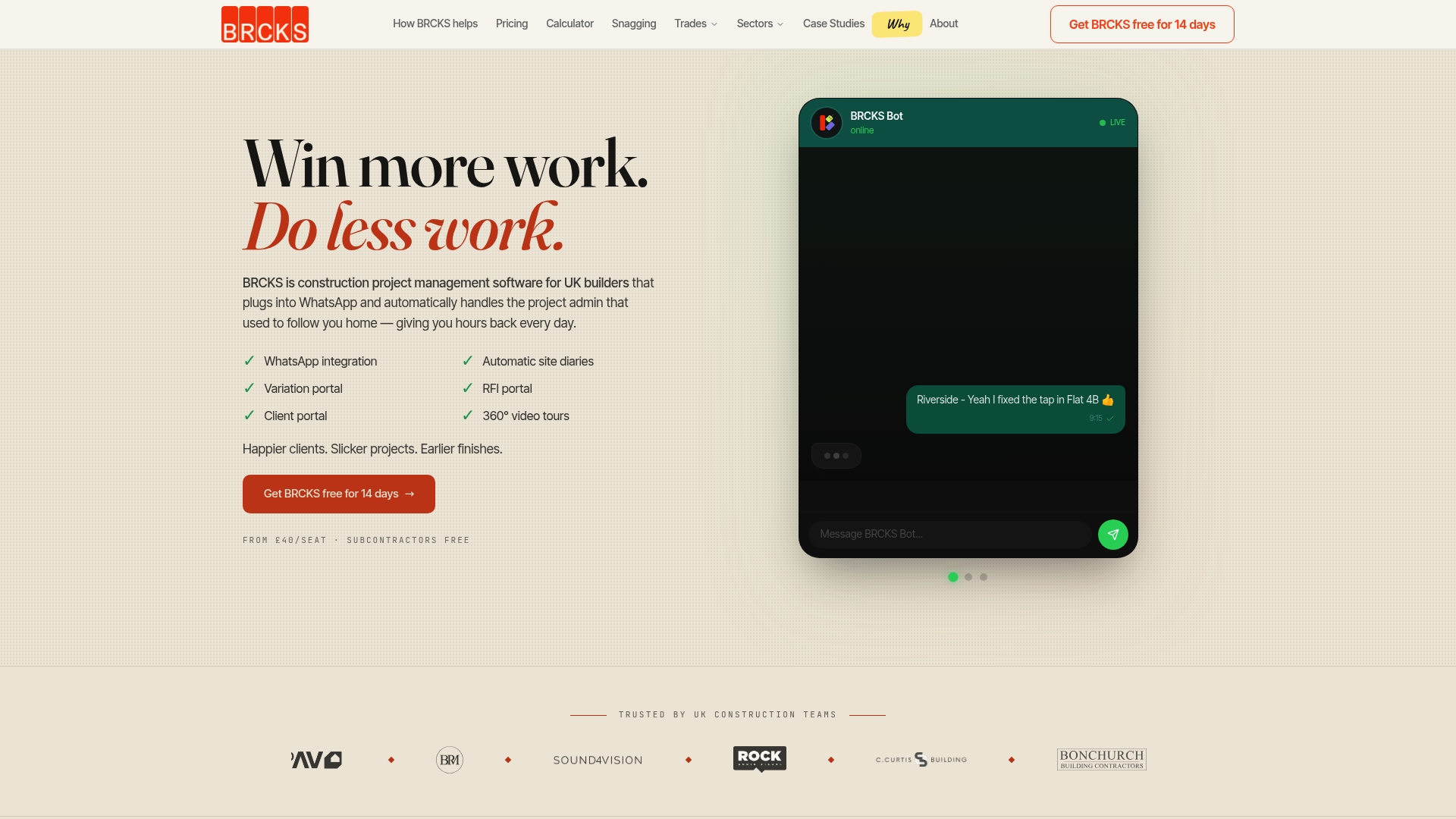
The vendor advertises that BRCKS saves users over two hours of manual effort daily. That claim reflects the product’s focus on reducing repetitive administration for site teams.
BRCKS captures WhatsApp exchanges and turns them into project records to reduce lost messages and disputes. Subcontractors and clients can join for free, which lowers onboarding friction.
Core Features
BRCKS centres on WhatsApp integration so messages, photos and attachments feed directly into project records. The system compiles automatic site diaries, maintains an RFI portal with an audit trail and logs variations to track scope changes.
Additional capabilities include task management, photo logs, budget and progress tracking, meeting transcriptions, document storage, templates, search and filtering, snag lists and mobile compatibility. Client portals and 360° video site tours are available as premium bolt-ons.
Key Differentiator
Seamless capture of team WhatsApp communication into site diaries, RFI records and variation logs so conversation becomes part of the official project record.
Pros
Because BRCKS uses WhatsApp it fits into channels your team already uses, reducing the need for extra apps on site. The platform automates daily logs and RFI trails, which cuts time spent on paperwork and helps preserve evidence for disputes.
Pricing allows subcontractors and clients to participate at no extra seat cost, which makes collaboration cheaper for main contractors. The feature set focuses on record keeping and project transparency for UK construction workflows.
Cons
- Advanced features such as client portals and 360° site tours are premium bolt-ons, which can increase the total cost for projects that need them.
Notable Integrations
Who It’s For
BRCKS suits UK builders, site managers and project managers who rely on WhatsApp for day to day communication and want that dialogue captured. It works well for teams that need clear audit trails for RFIs, variations and daily site activity without forcing staff to learn a new messaging app.
Unique Value Proposition
Messages, photos and attachments from WhatsApp flow straight into site diaries, RFIs and variation logs. That direct capture reduces the need for manual copying of messages into records and keeps a retrievable audit trail linked to the project.
This design means your site updates and client queries live in the same system as your official documents, which reduces admin duplication and helps keep clients informed without adding work for on-site teams.
Real World Use Case
A UK builder uses BRCKS to accept daily site updates from subcontractors via WhatsApp. The app automatically produces site diary entries, records RFIs with timestamps and stores variation requests so the project manager spends less time compiling reports and chasing messages.
Pricing
From £40/seat per month, billed annually. Subcontractors and clients join for free, though premium features such as client portals and 360° tours incur extra fees.
Website: https://brcks.io
SymTerra
At a Glance
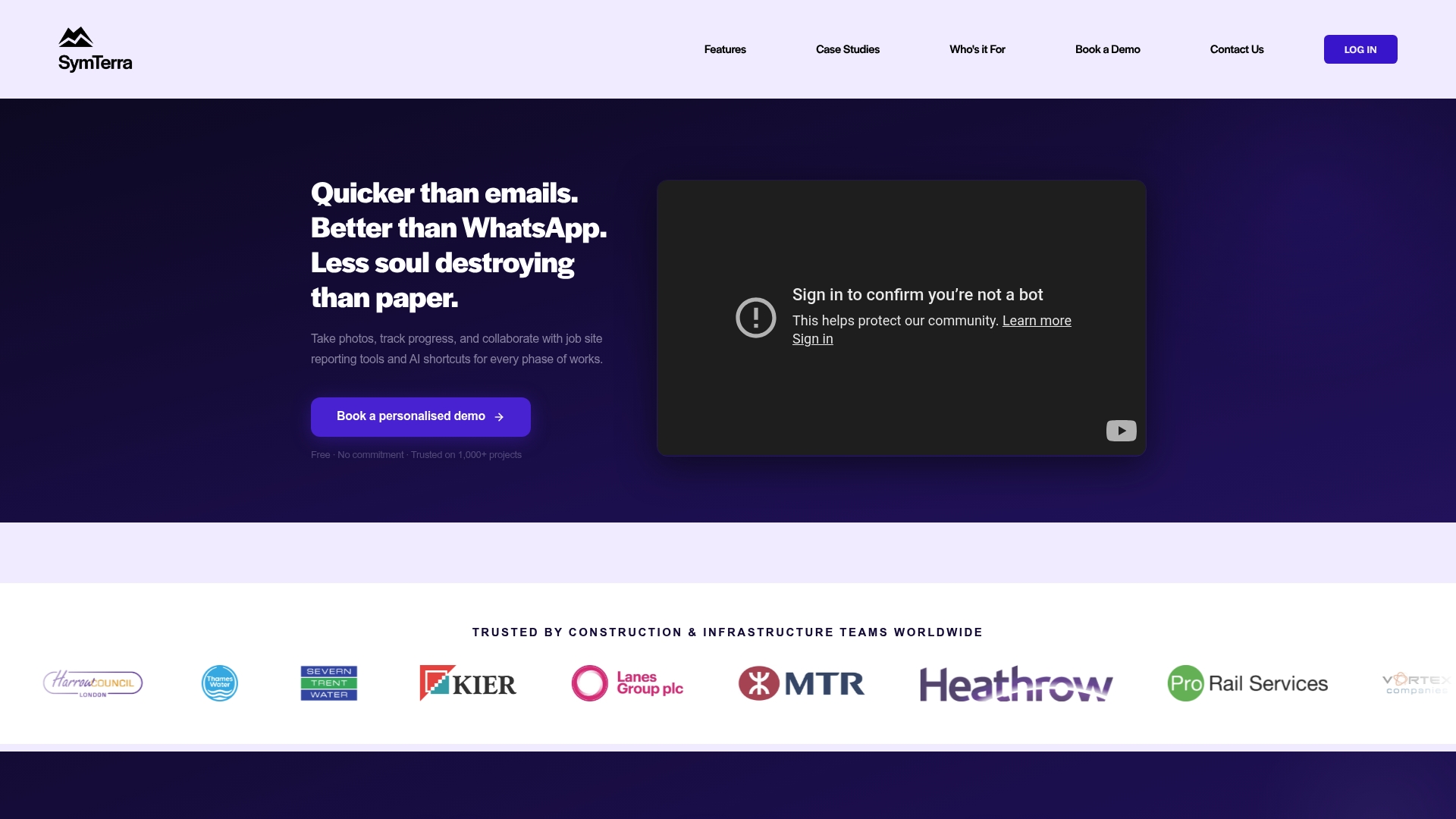
According to the company, SymTerra offers a flat fee for unlimited users and projects. That pricing claim is uncommon in construction reporting software. The platform combines real time site reporting with AI driven risk signals and a document library to replace paper based reporting.
Core Features
SymTerra captures site data with photos, video, and geotagging and stores it in a tagged library for evidence and quality control. Live dashboards present project visibility while custom forms and workflows standardise reporting. The platform also produces automated reports and AI driven signals to highlight risks and anomalies.
Key Differentiator
The single most distinctive element is the unified licence model with unlimited users and projects alongside AI driven insights. That pricing claim reduces per user accounting work for larger teams. The combined focus on field capture, dashboards, and library search makes it a single place to hold site records and compliance evidence.
Pros
SymTerra delivers broad site data collection and visibility that fits multi disciplinary projects. The flat fee for unlimited users and projects lowers licensing overhead for large teams. Integrations with common industry systems help data flow into programme and BI tools, and the mobile app is straightforward so field crews adopt it quickly.
Automated reporting and structured data collection cut the time teams spend compiling evidence for audits and meetings.
Cons
- Limited public detail on pricing tiers or extras. This makes budget planning harder for buyers who need itemised costs.
- The full feature set can feel complex for small teams. Some onboarding or training may be needed to use advanced functions.
- Reliance on internet connectivity reduces usefulness on very remote sites without reliable signal.
When It May Not Fit
Teams that require offline first tools will struggle with SymTerra in remote locations. Small contractors who prefer pay per user licences may not benefit from a flat fee model. Organisations seeking an ultra simple checklist app will find the platform broader than required.
Notable Integrations
SymTerra connects with key construction and reporting systems such as Procore, Power BI, and SharePoint. Other supported integrations include Oracle P6, Excel, Google Drive, Looker Studio, and Zapier to automate exports and synchronise documents.
Who It’s For
Site managers, project managers, contractors, and oversight teams working on construction, utilities, rail, or transport projects. Larger teams that need centralised evidence, compliance tracking, and cross project visibility will see the most value. Teams that want unlimited seats under one licence will particularly benefit.
Real World Use Case
The vendor says a UK utility company used SymTerra to automate field data capture and reduce manual paperwork. That project yielded real time dashboards that improved oversight and decision making. The case reflects how the platform converts field activity into accessible project information.
Pricing
Free plan with unlimited users and the option to cancel anytime is listed. Most features are included, though detailed pricing and enterprise tier specifics are not publicly listed. Buyers should request a tailored quote for large or complex programmes.
Website: https://symterra.co.uk
Gather

At a Glance
Gather’s marketing materials state a major infrastructure contractor saw 11% cost savings and over 100 hours saved per month after replacing manual site diaries. The product centres on a Digital Site Diary that captures structured site records from a mobile app. That approach aims to improve contemporaneous evidence for audits and claims.
Core Features
Gather captures offline, structured site data via a mobile app and links diary entries to project schedules to show progress in near real time and exposes data through dashboards for cost, productivity, and progress analysis. It generates automated evidence for disputes and audits, and it offers AI Analysis to flag contract changes and commercial opportunities from everyday site records. Integrations include common construction platforms to keep existing workflows intact.
Key Differentiator
The single most distinctive element is automated AI analysis of every site record to surface contractual implications and commercial opportunities in near real time. That capability attempts to turn routine diary entries into early warnings and commercial leads without extra administration. Vendors describe this feature as continually scanning records for change signals and claims evidence.
Pros
The product reduces reliance on paper and spreadsheets, cutting duplicate admin and lowering the risk of lost records. It integrates with tools many contractors already use, helping teams keep schedules, pay applications, and claims aligned with contemporaneous evidence. That reported case showing time and cost savings supports the claim that better records can reduce disputes and speed decisions on site.
Cons
- Limited public detail on pricing and plan structure, which makes budgeting for small projects harder.
- Some public pages return page not found, suggesting gaps in published feature documentation.
- Effectiveness depends on disciplined adoption by site teams and training for consistent data entry.
When It May Not Fit
Gather may not suit very small contractors who lack the capacity to train site teams on a new diary process. Organisations that require fully open, self‑service pricing will find the vendor’s customised approach awkward. If adoption on site will be sporadic, the AI analysis and audit evidence will deliver less value.
Notable Integrations
Integrations listed include Microsoft 365, Procore, Autodesk, CEMAR, Aconex, Viewpoint, and Fieldwire. These connections let diary entries populate schedules, claims logs, and document repositories without manual export.
Who It’s For
Construction site managers, project managers, quantity surveyors, and contractors on infrastructure projects who need reliable contemporaneous records benefit most. Teams handling claims, variations, and compliance where audit evidence matters will gain the most from the product.
Real World Use Case
A major infrastructure contractor moved from paper diaries to Gather and reported material admin savings and fewer disputes. That reported saving freed project staff to focus on delivery instead of chasing evidence, which supported on‑time completion.
Pricing
Pricing is not publicly specified. The vendor positions Gather for enterprise projects and appears to use tailored or custom quotes rather than set public tiers. Contact the vendor for a project‑specific proposal and deployment estimate.
Website: https://gatherinsights.com
BuildersAI
At a Glance
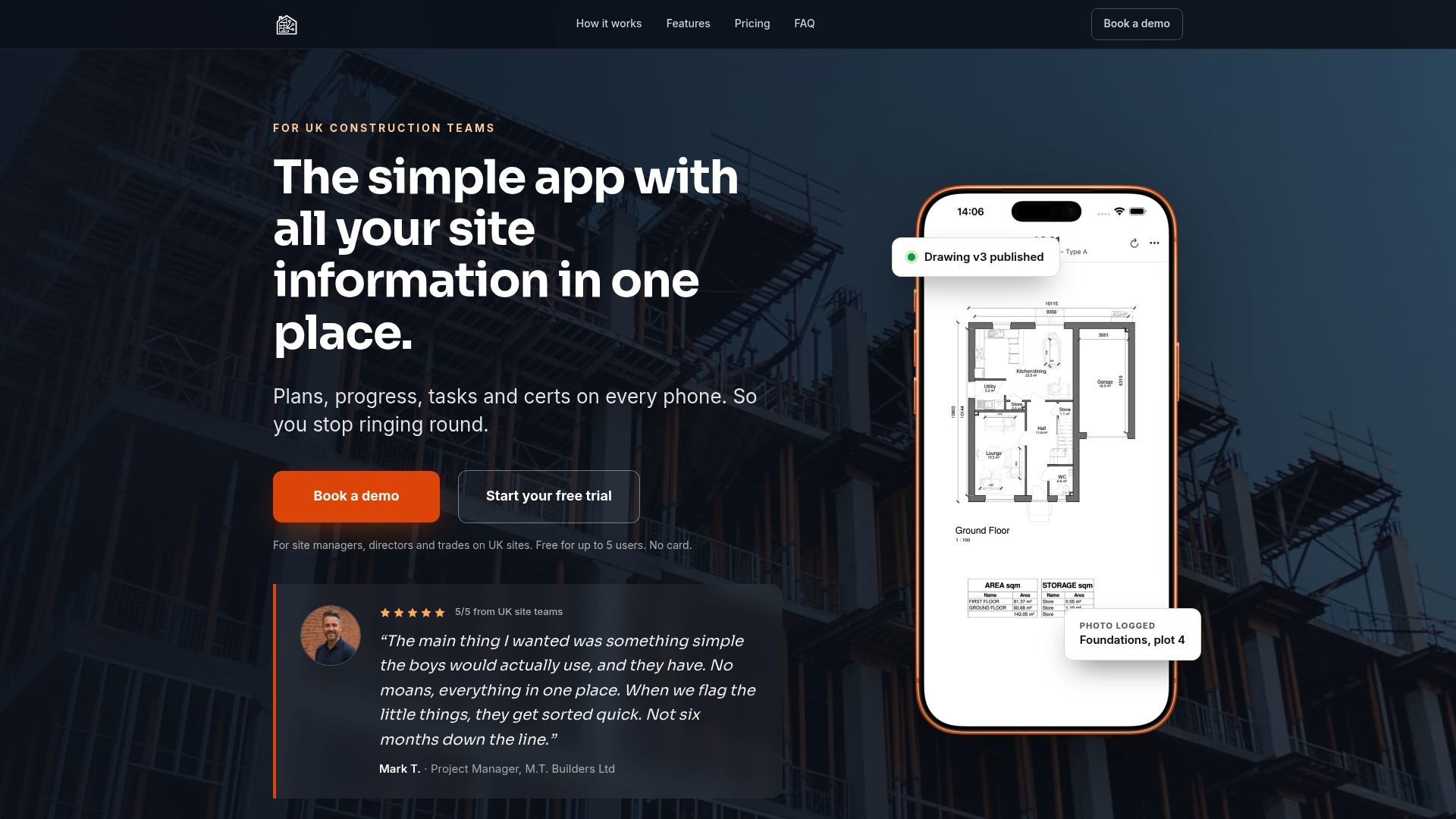
Free for up to 5 users and offered as a flat rate for larger teams. BuildersAI targets UK builders with an app that works offline and centralises plans, tasks, photos, and certifications. The pricing model removes per-user fees, which makes cost forecasting straightforward for multi-site teams.
Core Features
BuildersAI records real-time site status and progress while keeping plan and drawing versions under control. It captures photos with geo tagging and search, assigns tasks with timestamps, and logs completions for an audit trail. The vendor states ICO registration for certification audit trails and provides expiry alerts for CSCS, training, and licence records.
Key Differentiator
Built specifically for UK construction workflows with offline capability, BuildersAI focuses on role based features and quick rollout. The flat-rate pricing removes per-user charges and simplifies budgeting across sites. That combination suits teams that want rapid adoption without licence administration.
Pros
Designed for UK compliance and on-site realities, BuildersAI matches construction forms and certification needs to local practice. Works offline and retains data on poor signal sites such as basements or tunnels, which keeps crews productive. The no per-user fees model and minimal setup time reduce administrative overhead and give directors a single source of truth for site progress.
Cons
-
Limited evidence of deep customisation options or enterprise integrations.
-
Advanced reporting and analytics are not detailed beyond site level summaries.
-
Automation and AI features appear limited to a basic Sitebot style capability.
When It May Not Fit
BuildersAI may not suit large contractors needing two-way integrations with enterprise resource planning or payroll systems. Teams that require complex dashboards and exportable analytics could find reporting too basic. Organisations seeking heavy automation or machine learning workflows should evaluate integration and customisation needs first.
Who It’s For
Small to medium sized UK construction teams, site managers, project managers, and directors who need a quick to deploy coordination tool. It fits firms replacing fragmented WhatsApp, email, and spreadsheet workflows with a single mobile app. It also suits multi-site residential builders who must track compliance and provide remote visibility for stakeholders.
Real World Use Case
A residential builder uploads plans to BuildersAI, assigns tasks to trades, and captures geo tagged site photos during inspections. The team logs certifications and receives expiry alerts, which simplifies ongoing compliance management. Directors check progress remotely and reduce phone traffic between offices and sites.
Pricing
Pricing is flat rate per organisation with no per-user fees. Tiers are £149/month for up to 10 users, £299/month for 10–50 users, and £599/month for 50–100 users. There is a free tier for small teams of up to 5 users.
Website: https://buildersai.co.uk
Site Manager Pro
At a Glance
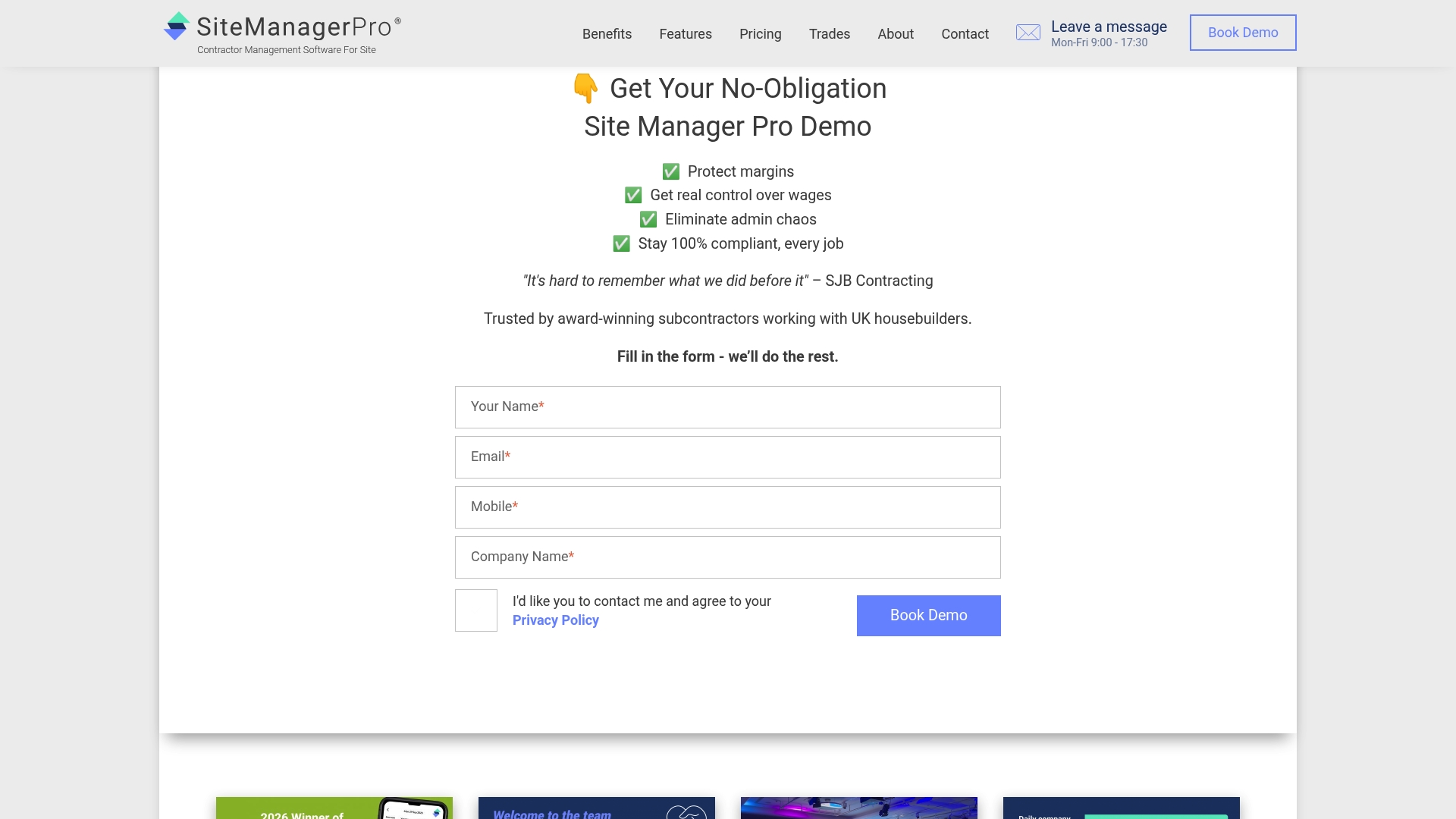
Tiered plans run from £245 to £1,995 per month, ex VAT, depending on the number of site operatives. The platform targets subcontractors on UK housebuilding projects and combines workforce, quality, safety, and financial tools in a single product. It is available on desktop, tablet, and mobile for on-site use.
Core Features
Site Manager Pro offers mobile-friendly contractor management with digital wage booking, variation tracking, and orders and billing tools. The product includes custom inspections, quality assurance, competency and compliance tracking, and real-time document signing. Additional modules are planned for future release.
Key Differentiator
The product is built specifically for subcontractors in the UK housebuilding sector with integrated tools for wages, inspections, compliance, and project oversight. That industry focus brings workflows and terminology aimed at housebuilder contracts and subcontractor reporting. The design favours on-site tasks handled from mobile devices.
Pros
The feature set addresses common subcontractor tasks such as wage control, variations, and snagging, which reduces paperwork and administrative handoffs. Mobile app access lets trades book wages, complete inspections, and sign documents on site. The vendor offers tiered packages so teams of different sizes can adopt the service with a single platform.
Cons
- Reliance on digital tools may challenge less tech savvy trades and require training.
- Tiered pricing may be costly for very small operations or single-site contractors.
- Onboarding and implementation can take time, and customer support experiences vary by report.
- Mobile features depend on internet connectivity and can be affected when signal is weak.
When It May Not Fit
If your workforce resists mobile tools or has low digital literacy, adoption will slow and training costs will rise. Very small one or two person outfits may find the lower tiers still above their budget. If your work frequently happens in areas with no mobile signal, the mobile features will underperform.
Who It’s For
Construction contractors and project managers working with UK housebuilders who manage multiple trade teams will find the product relevant. It suits subcontractors who need wage control, compliance tracking, and a single place to record inspections and variations. It is designed for on-site staff who can use tablets or phones.
Real World Use Case
A UK housebuilding subcontractor uses Site Manager Pro to co-ordinate daily tasks across three sites. Trades submit inspection reports and sign off handovers on their phones. Variations are logged in the system and wages are processed from the same mobile interface, cutting paper and repeated site visits.
Pricing
Pricing is tiered from £245 to £1,995 per month, ex VAT, and scales with the number of site operatives. The vendor sets exact costs by package and workforce size. Trial or pilot terms are not publicly listed.
Website: https://sitemanagerpro.co.uk
Comparison of alternatives
In the realm of construction project management tools, balancing features, pricing, and operational workflows is essential to selecting the right platform. The options analysed below each shine in unique ways, aligning with diverse project requirements.
Integration of communication channels
BRCKS deftly integrates WhatsApp communications into its project management workflow. This functionality streamlines creating searchable site diaries, allowing managers to connect site conversations directly to audits and reporting. SymTerra, although centred on real-time field data collection, doesn’t offer direct WhatsApp integration, making it less suited for teams already reliant on that tool.
Cost structure and team scalability
For organisations managing extensive teams and numerous projects, SymTerra provides notable advantages with its flat-fee pricing model, encompassing unlimited users and projects. This eliminates per-user budgeting complexities. BuildersAI offers flat-rate pricing tiers tailored to team sizes but doesn’t encompass the single unlimited tier approach that SymTerra delivers. These pricing schemes are compelling for larger teams seeking predictable costs without sacrificing functionality.
Best fit
- Teams heavily reliant on WhatsApp for daily updates and official site communications and seeking streamlined integration into formal records should consider BRCKS.
- Projects requiring auditability with AI-driven analytics for oversight and compliance benefit significantly from Gather.
- Organisations with expansive crews needing unrestricted user access under a flat fee model will find SymTerra.
- Small-to-medium-sized contractors prioritising localised tools catering explicitly to UK compliance protocols may choose BuildersAI.
Our pick
Among the five solutions reviewed, BRCKS presents the most effective choice for teams prioritising the integration of WhatsApp communications into official project records, greatly simplifying site communications handling. While considerations for specific situations or feature requirements may lead to other options in certain contexts, BRCKS proves for its targeted solution to a common challenge in UK construction workflows.
BRCKS provides a robust solution for integrating WhatsApp communications into detailed project records, making it a centralised management tool for construction workflows.
| Product | Key Feature | Pricing | Best For | Limitation |
|---|---|---|---|---|
| BRCKS | WhatsApp communication integration | £40/seat/month | UK builders and site managers | Premium features incur additional fees |
| SymTerra | Unlimited user licence and AI risk insights | Price not published | Large multi-disciplinary teams | Internet connection required for remote sites |
| Gather | Digital site diary with AI-driven analysis | Price not published | Contractors prioritising contemporaneous records | Adoption requires disciplined and consistent site usage |
| BuildersAI | Offline-capable construction coordination | £149–£599/month | Small to medium-sized UK construction teams | Limited advanced reporting and enterprise integrations |
| Site Manager Pro | Workforce and financial task management | £245–£1,995/month | Subcontractors on UK housebuilding projects | Reliance on digital literacy for trade adoption |
Challenges of Managing Construction Site Communication and Records
Managing site diaries and snag lists while maintaining clear communication often burdens UK construction teams. The risk of losing messages or duplicating admin tasks can delay projects and increase disputes. BRCKS tackles these pain points by integrating WhatsApp conversations directly into your site diary app and variation logs, saving over two hours of manual effort daily. This reduces miscommunication and keeps clients informed via dedicated portals without disrupting your workflow.
If you want fewer delays and more accurate record keeping for your projects, consider BRCKS. Its focus on WhatsApp construction workflows and automated site diaries suits site managers and project managers looking for a dependable tool. Get started by exploring the site diary app and enhance your project management today. See how BRCKS can improve your snagging process too with the snagging app. Review pricing options at BRCKS pricing and take the next step toward smoother project delivery.
FAQ
How does BRCKS support construction communication?
BRCKS captures WhatsApp exchanges and automatically turns them into project records. This feature helps reduce lost messages and disputes, making communication more reliable on-site. Consider trying BRCKS for seamless communication capture in your projects.
What is the difference between SymTerra and BRCKS?
SymTerra offers a flat fee for unlimited users and projects, making it cost-effective for larger teams. BRCKS, on the other hand, excels in integrating WhatsApp messages directly into site diaries and records, making it ideal for teams that need extensive documentation of conversations. Choose BRCKS if your focus is on WhatsApp communication.
Can I manage project budgets with BRCKS?
Yes, BRCKS includes capabilities for budget tracking alongside automatic site diaries and RFI logs. This integration simplifies financial oversight during construction projects, which is crucial for project managers. Use BRCKS to keep your budget aligned with real-time project updates.
Which platform has better site diary automation, Gather or BRCKS?
Gather focuses on structured site records captured from a mobile app and provides AI-driven insights. In contrast, BRCKS automates the creation of site diaries from WhatsApp conversations, which may be more beneficial for teams already using WhatsApp for communication. If WhatsApp integration is key for your workflow, opt for BRCKS.
Does BRCKS have a free trial for new users?
BRCKS does not specify a free trial period in the available details; however, it allows subcontractors and clients to join for free, which helps reduce onboarding friction. This model enables teams to explore its capabilities at a lower commitment level before making a full subscription.
What unique feature does BuildersAI offer compared to BRCKS?
BuildersAI enables offline usage, which is essential for site teams working in remote areas. While BRCKS relies on WhatsApp integration for communication documentation, BuildersAI ensures functionality even without internet connectivity, making it suitable for specific project conditions.
Recommended
- Best Construction Apps UK: 2026 Guide for Builders
- BRCKS | Construction Project Communication Software
- 6 Best build-sync.co.uk Alternatives for UK Builders 2026 | BRCKS
- 5 Best Construction Client Portal Alternatives 2026
How BRCKS Can Help
Finding the right software to replace Construct Apps requires a balance of robust functionality and ease of use tailored for the UK market. BRCKS offers a modern, integrated alternative that simplifies project tracking and financial management without the complexity of legacy systems. By centralising your site data and streamlining communication, our platform ensures your team stays productive and your projects remain profitable. We invite you to see how BRCKS can transform your operational efficiency by booking a demo or starting a free trial today. Learn more at BRCKS and explore our full feature set.