UK builders: snagging list template that saves 30+ minutes' admin
Streamline your site inspections with our professional snagging list templates. Available in Excel, Word and PDF formats to help UK builders save 30+ minutes of admin per project.
By James Shorter ·
UK builders: snagging list template that saves 30+ minutes’ admin

You can download free snagging list templates in Excel, Word and PDF, and the format you pick should match the job. Use a room-by-room layout for houses and flats, and a consolidated schedule for simple commercial fit-outs. Whichever you choose, it only works if it captures a reference number, exact location, description, trade, priority, target date, status and photos.
TL;DR:
- Using a room-by-room template is ideal for houses, while a consolidated schedule suits simple commercial fit-outs or refurbishments by trade.
- Properly filling out the snagging list requires clear reference numbers, detailed location descriptions, objective defect descriptions, responsible trades, and signed-off status updates.
- Conduct snagging inspections when the property is close to practical completion, prioritising areas like kitchens, bathrooms, windows, electricals, and heating system tests.
- Photos should clearly show both the defect’s context and detail, with filenames linked to reference numbers for easy tracking and dispute resolution.
- Transitioning to a searchable, photo-led management system like BRCKS can streamline multiple-site snagging projects and reduce admin time compared to spreadsheets.
Table of Contents
- Where to find a free snagging list template
- How do you fill in a snagging list template correctly?
- When and how should you carry out a snagging inspection?
- How do you document and submit a snagging list?
- What experienced snaggers wish everyone knew
- Moving from spreadsheets to a searchable snagging record
- Templates and standards worth bookmarking
- Sources
- FAQ
Where to find a free snagging list template
Most UK template providers offer three broad formats, and the differences matter more than they first appear.
Excel spreadsheets are the workhorse. You can sort by trade, filter by status, and export a clean sheet to the site manager without retyping anything. If you’re chasing a developer across forty items on a new-build, Excel earns its keep.
Word and PDF templates suit handover packs. They print well, they look formal enough for a customer-care inbox, and they’re easy for a homeowner to fill in by hand during a walk-round. Doxuno’s UK snagging templates come in both print-ready PDF and editable Word formats, with fields already built in for photo references, severity rating and rectification tracking.
Mobile or photo-led formats are worth considering if you’re snagging the same house type repeatedly, or managing several plots at once, because typing on site slows you down.
Match the format to the project:
- New build homes: room-by-room template, one sheet per property
- Refurbishment: consolidated list, grouped by trade rather than room
- Commercial fit-out: consolidated schedule with a separate M&E section
- Multi-plot developments: one master template, duplicated per plot, using a shared numbering convention
Whatever you start from, adjust the reference scheme to match how your project is actually organised. If plots are numbered rather than named, build that into the reference field from day one rather than retrofitting it later.
How do you fill in a snagging list template correctly?
Get the header right before you touch a single defect. Project name, plot or unit number, inspection date and inspector’s name go at the top of every sheet. Skip this and you’ll be cross-referencing photos against memory a fortnight later.
- Set your reference numbering scheme first. Something like LR-01 for the first living room item, KIT-01 for the kitchen, keeps items traceable even once the sheet runs to eighty rows.
- Record the exact location. Not “kitchen” but “kitchen, worktop join beside sink, left-hand side.”
- Describe the defect objectively. State what it is, where it is, and how it fails. “Skirting board gap of roughly 4mm at internal corner, adjacent to window” beats “skirting looks bad” every time a trade has to go and fix it.
- Assign the responsible trade, set a priority, and give a realistic target date. Safety and functional issues get short deadlines. Cosmetic snags can wait for a second-fix visit.
- Update status and get sign-off. Once fixed, mark it, note the date, and record who verified it. This is the field most templates leave out, and it’s the one that stops arguments six weeks later.
Here’s a worked example row: LR-01 | Living room, skirting board, left of bay window | 4mm gap at internal corner, paint not feathered | Trade: Joiner | Priority: Minor | Target: 14 days | Status: Open.
Pro Tip: Never write “as discussed” in a defect description. If it isn’t on the sheet in plain English, it doesn’t exist as far as the site manager or the developer’s customer-care team is concerned.
The formal term for this document under standard building contracts is a Schedule of Defects, or a List of Notified Defects, though almost everyone on site still calls it a snagging list.
When and how should you carry out a snagging inspection?
Timing matters more than most people assume. Snagging typically happens around a fortnight before practical completion, once the contractor considers the property ready for inspection. Site experience suggests developers are often more receptive to fixing items before legal completion than after, when retention money has already changed hands and urgency drops off.
A thorough inspection of a typical three-bedroom house takes 2 to 4 hours, working at roughly 15 to 20 minutes per room. Rushing this is where most snags get missed.
Prioritise these areas:
- Kitchen units: doors aligned, drawers running smoothly, worktop joins sealed
- Bathroom waterproofing: sealant around baths and showers, grout lines, floor falls to drains
- Windows and doors: locking mechanisms, draught seals, glazing free of scratches
- Electrics: every socket tested, light switches wired correctly, consumer unit labelled
- Heating: radiators bleeding correctly, thermostat responding, no leaks at valves
Run the taps, cycle the heating, and test every socket while you’re there. Functional snags caught during a live test are far cheaper to fix than the ones discovered after the family has moved in and the boiler won’t fire.
How do you document and submit a snagging list?
Photos settle disputes. Use the wide-and-close method: one photo showing the defect’s location in context, one close-up showing the fault itself. Name files against the reference number, something like LR-01-wide.jpg and LR-01-close.jpg, so nobody has to guess which photo goes with which line.
- Attach photos directly or share a linked folder. Caption each image with its reference number so the trade assigned to fix it doesn’t need to hunt.
- Send a dated email to the site manager and customer-care team. This creates the paper trail that matters if remediation stalls.
- Ask for acknowledgement and a remediation schedule in that same email. A list with no reply is worth nothing if the dispute drags on.
- Keep every reply. When an item is marked fixed, request written confirmation and note the date on your master sheet.
RPSA’s new-build inspection standards recommend noting lighting and weather conditions alongside labelled photographs, since poor light hides exactly the kind of finish defects a snagging list exists to catch.
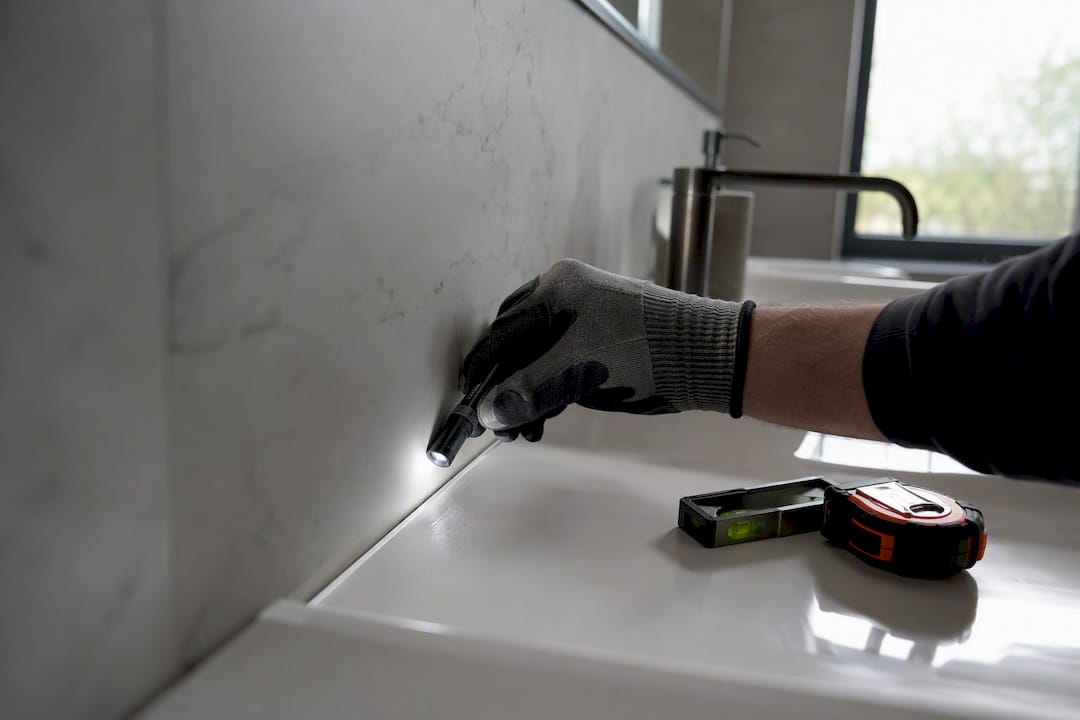
Pro Tip: Reinspect in the same light conditions you first noted. A sealant gap invisible under overhead spotlights shows up clearly in daylight, and vice versa.
What experienced snaggers wish everyone knew
The same three mistakes turn up on nearly every messy snagging list: vague locations (“bedroom” instead of “bedroom 2, skirting under window”), descriptions with no detail on how the fault fails, and photos that never got linked back to a reference number. Fix those three and most disputes over “which item are you even talking about” disappear.
A consistent template forces discipline that memory alone can’t. Photo-led records, in particular, cut down the back-and-forth because nobody’s arguing about what a defect looked like on day one. That’s the same principle behind photo-led checklists in construction snagging software: a searchable record with role-based notifications means the right person sees the right snag without a spreadsheet doing the rounds by email.
— James
Moving from spreadsheets to a searchable snagging record
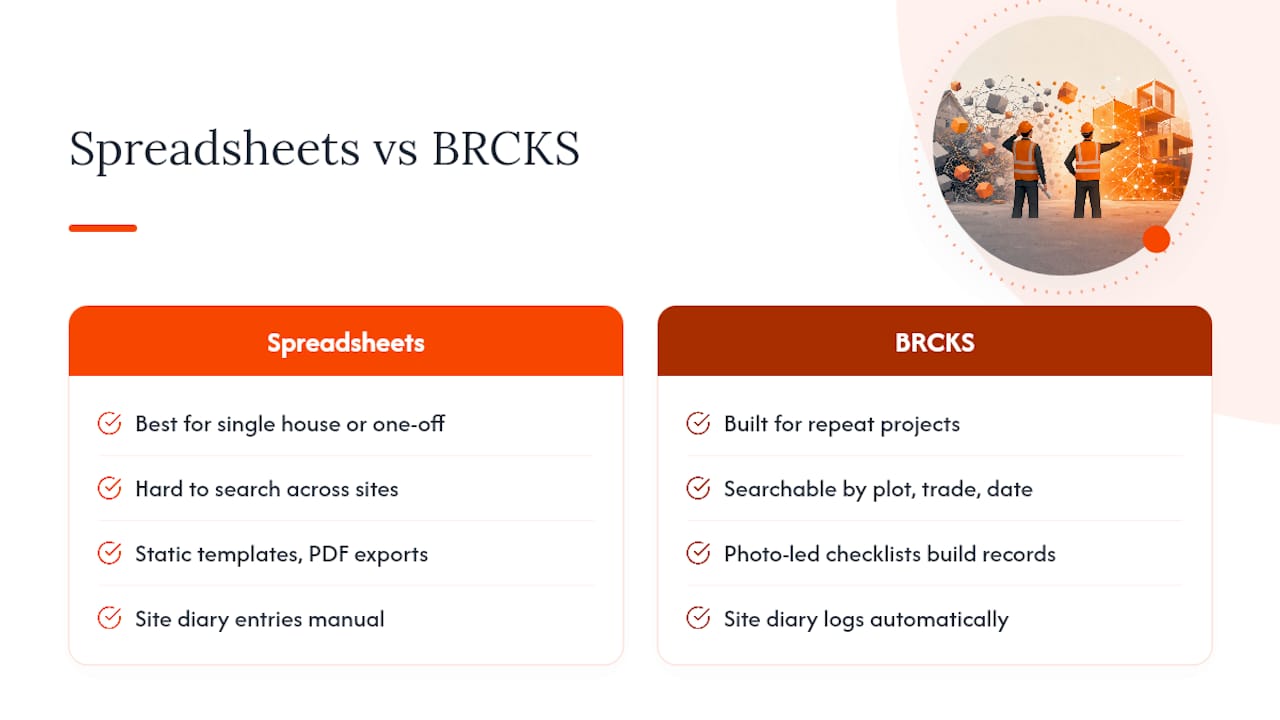
Spreadsheets and PDFs work well for a single house or a one-off refurbishment. They start to strain once you’re running several plots at once, chasing the same six subbies across multiple sites, and trying to remember which version of the sheet has the latest status.
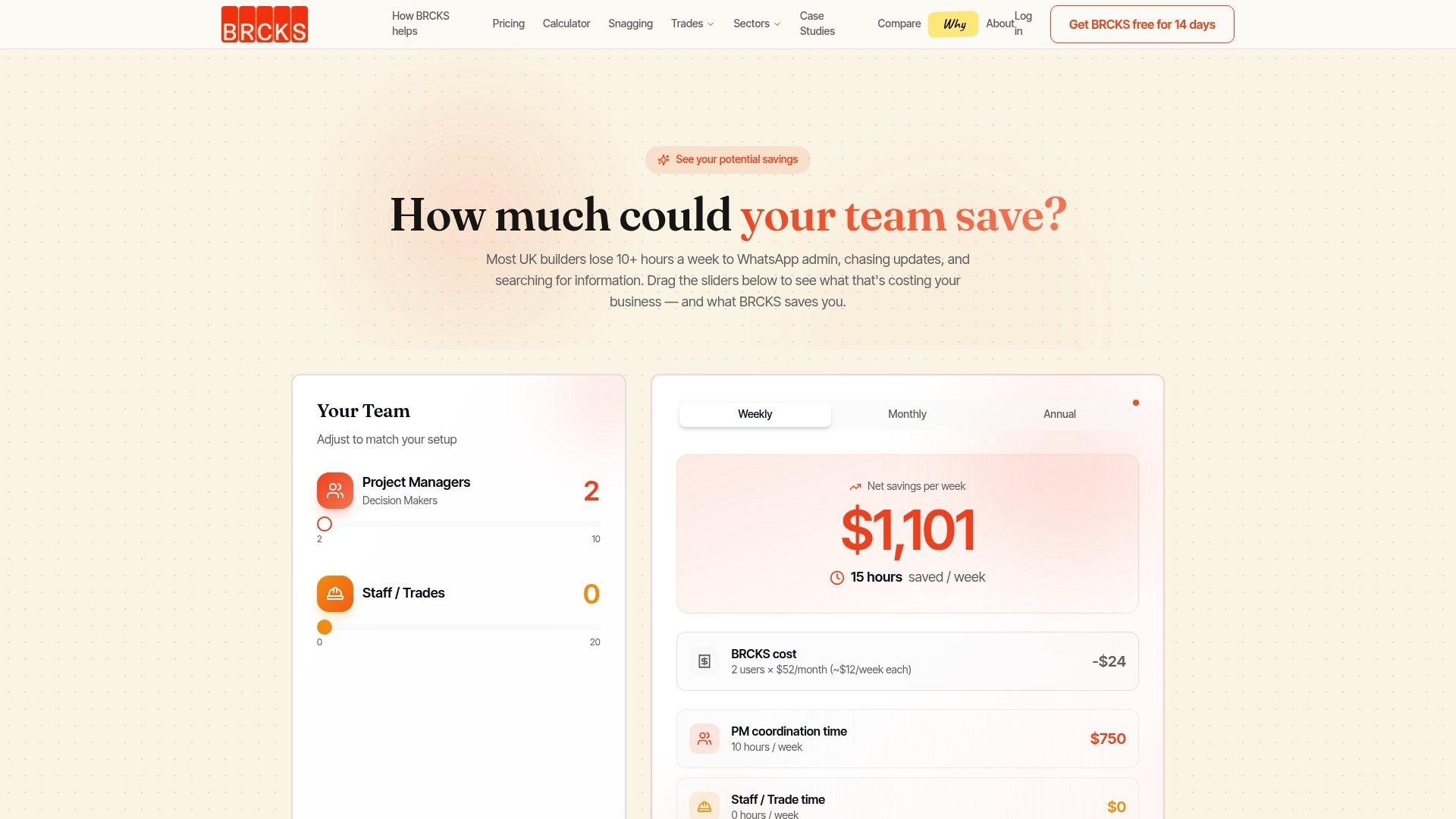
That’s the point where BRCKS becomes the practical alternative to a growing pile of spreadsheets. Instead of a static template, you get photo-led checklists that build a searchable project record automatically, so any snag, photo or sign-off is findable by plot, trade or date without scrolling through old email threads. Site diary entries log themselves as work happens, and role-based notifications mean the plasterer only sees the plasterer’s snags, not the whole list. If you’re managing repeat projects with multiple subcontractors, that searchable history, rather than another version of a spreadsheet, is what actually saves the 30-plus minutes a day most site managers lose to admin.
Have a look at BRCKS for builders to see how the snagging and site diary features fit together, or check pricing at £40 per seat per month billed annually, with subcontractors and clients invited free. Start a trial and run your next snagging round through it before your next handover.
Templates and standards worth bookmarking
Doxuno offers ready-made UK snagging templates in Word and PDF. BuildAlliance explains which format suits which project scale. LexisNexis covers the legal terminology behind the phrase “snagging list.” RPSA sets out inspection and photo standards worth following on any new build.
Sources
- Snagging list meaning in UK Law — LexisNexis UK
- Snagging list guide — BuildAlliance
- Snagging List Template (UK) — Doxuno
- RPSA new-build inspection and reporting standards — RPSA
FAQ
How do you write a snagging list?
List every defect with a reference number, exact location, objective description, assigned trade, priority and target date, then add photographs against each entry before sending it to the site manager.
Can you do a snagging survey yourself?
Yes. Most homeowners inspect their own new build using a template, though a professional inspector adds an independent eye and knows what RPSA-standard checks typically cover.
What should a snag list checklist include?
A reference number, specific location, defect description, responsible trade, priority level, target completion date, current status and dated photographs are the minimum fields any usable template needs.
Who is responsible for fixing items on a snag list?
The contractor or developer is responsible for remediating defects listed before practical completion, formally recorded as a Schedule of Defects under standard building contracts.
Recommended
- Snagging List: The Ultimate UK Guide (2026)
- Top Construction Reporting Tools for UK Sites Compared
- Snagging Inspection: The Complete UK Guide (2026)
How BRCKS Can Help
While a robust template is a brilliant starting point for tidying up your site handovers, manual data entry still eats into your evening. BRCKS simplifies this process by digitising your snagging workflows, allowing you to capture issues and assign tasks to subcontractors directly from your mobile. By centralising your site records, BRCKS ensures nothing falls through the cracks while saving you hours of tedious admin every week. We invite you to take a closer look at how our platform can streamline your next project. Learn more at BRCKS and explore our full feature set.