
Report a snag
Spotted something that needs fixing? Send it to your builder with a photo, and follow it in Snags.
Which are you using?The steps change to match.
- Tap the orange + at the bottom.
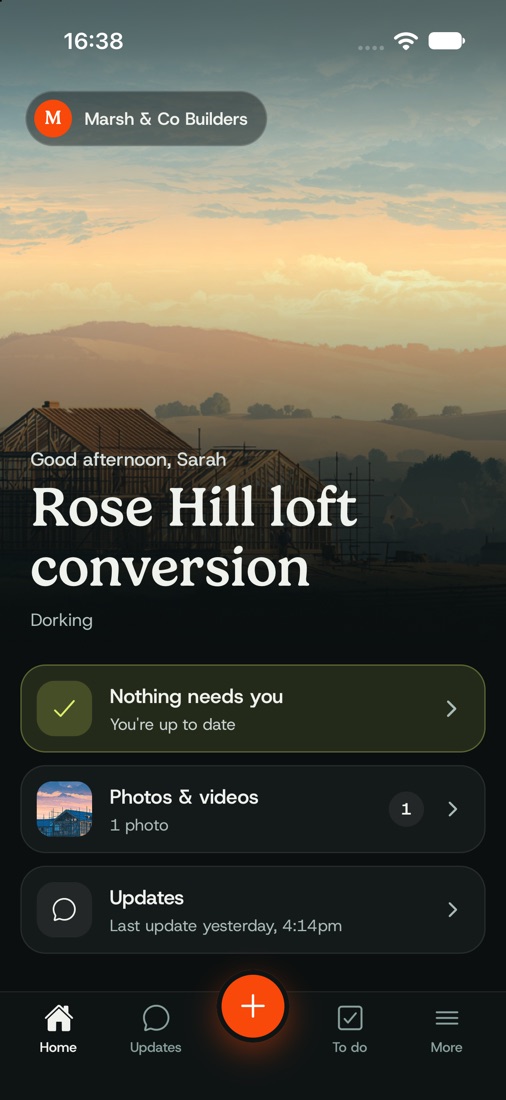 Tap here
- Tap Report a snag.
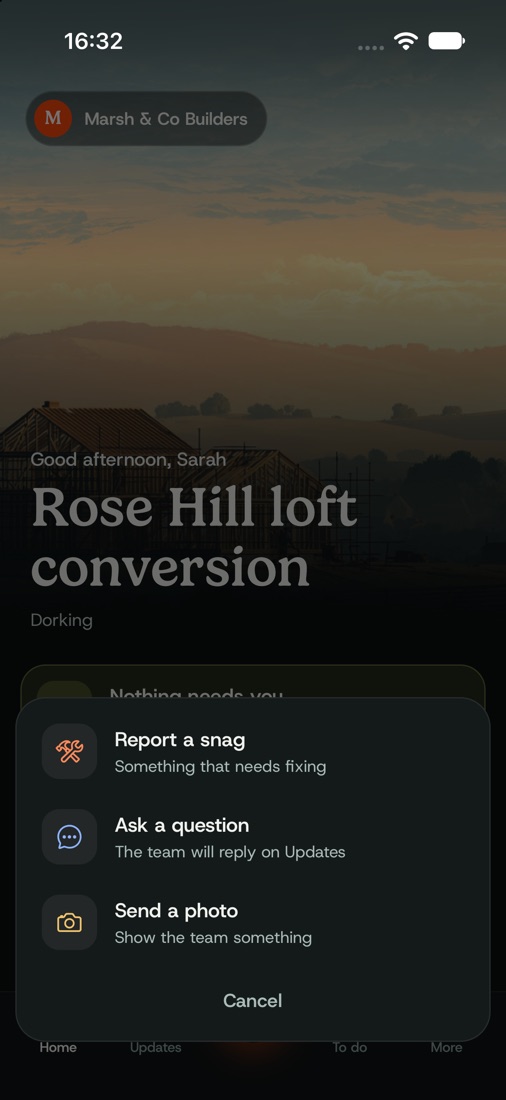 Tap here
- Add a photo if it helps: tap Choose from photos or Take a photo.You can send it without one.
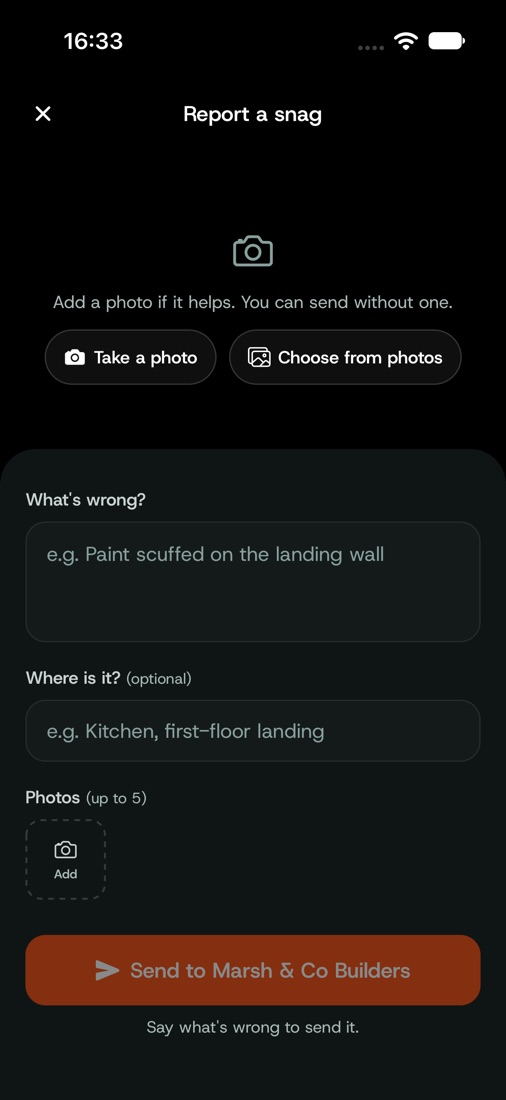 Tap here
- Say what's wrong, and where it is.
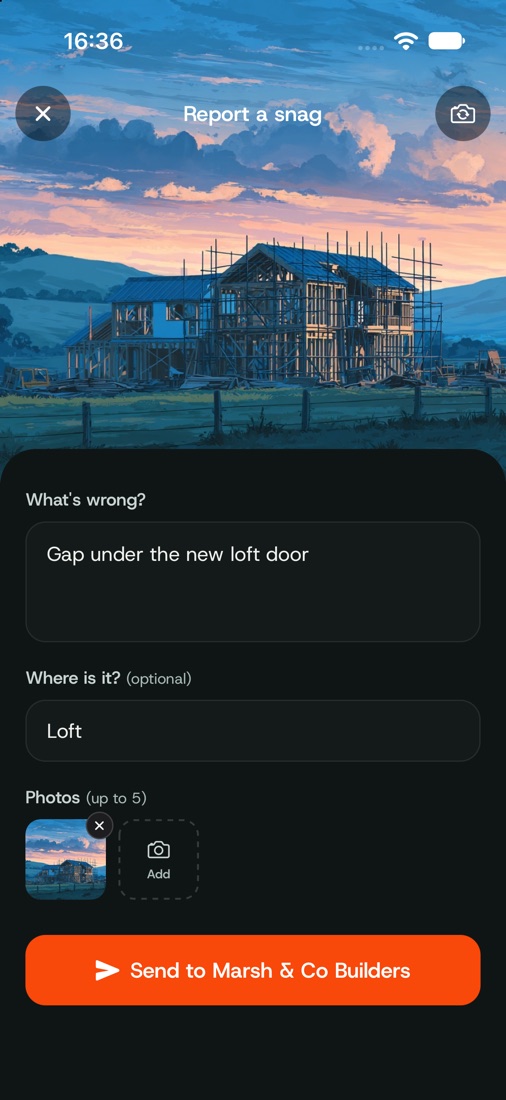 What's wrong?
- Tap Send to Marsh & Co Builders.The button shows your builder's name.Tap here
- That's it. Your builder has it, with a snag number.Tap View snag to follow it.
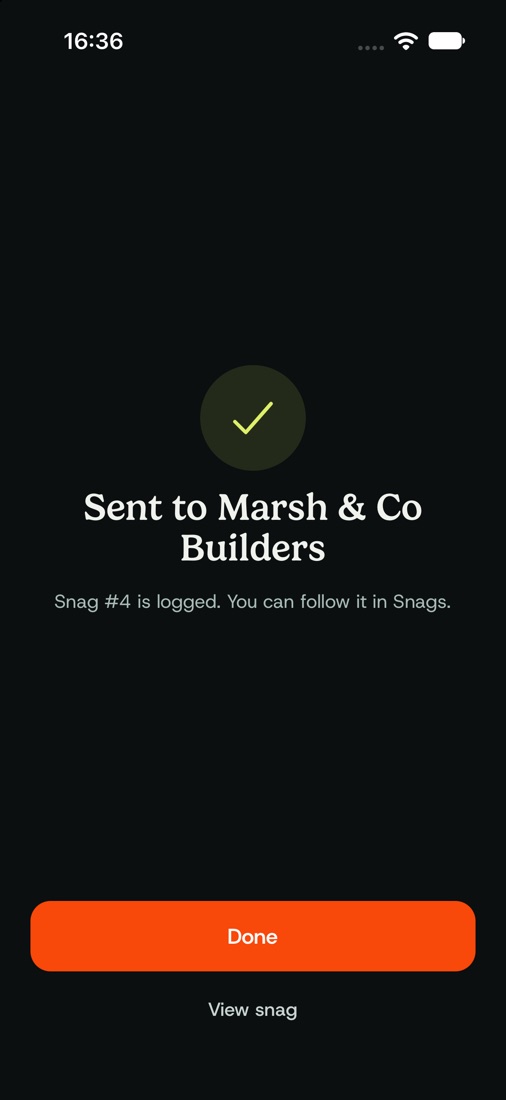 Sent
- Click Report a snag at the top right.It opens a short menu.
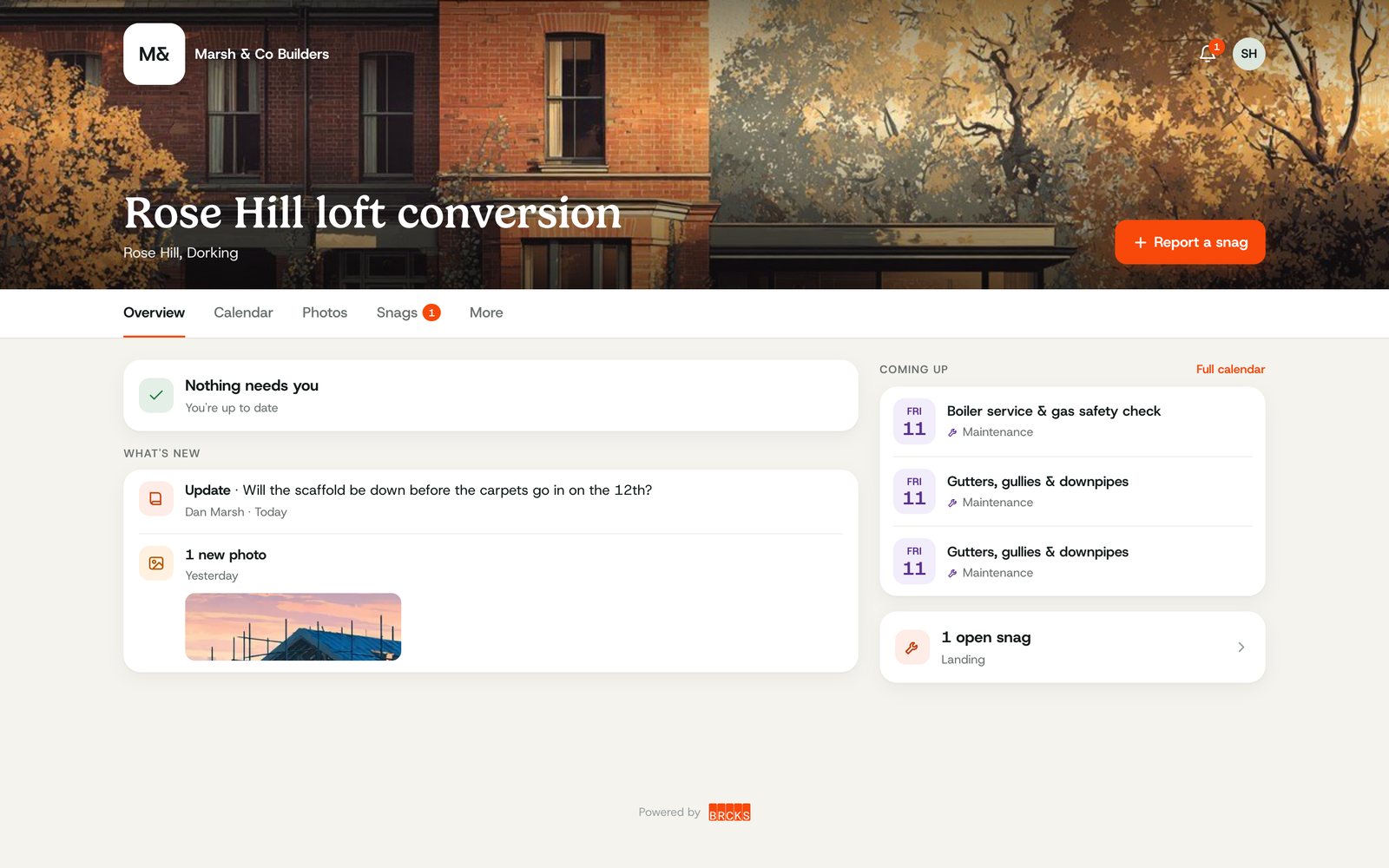
 Click here
- Click Report a snag.
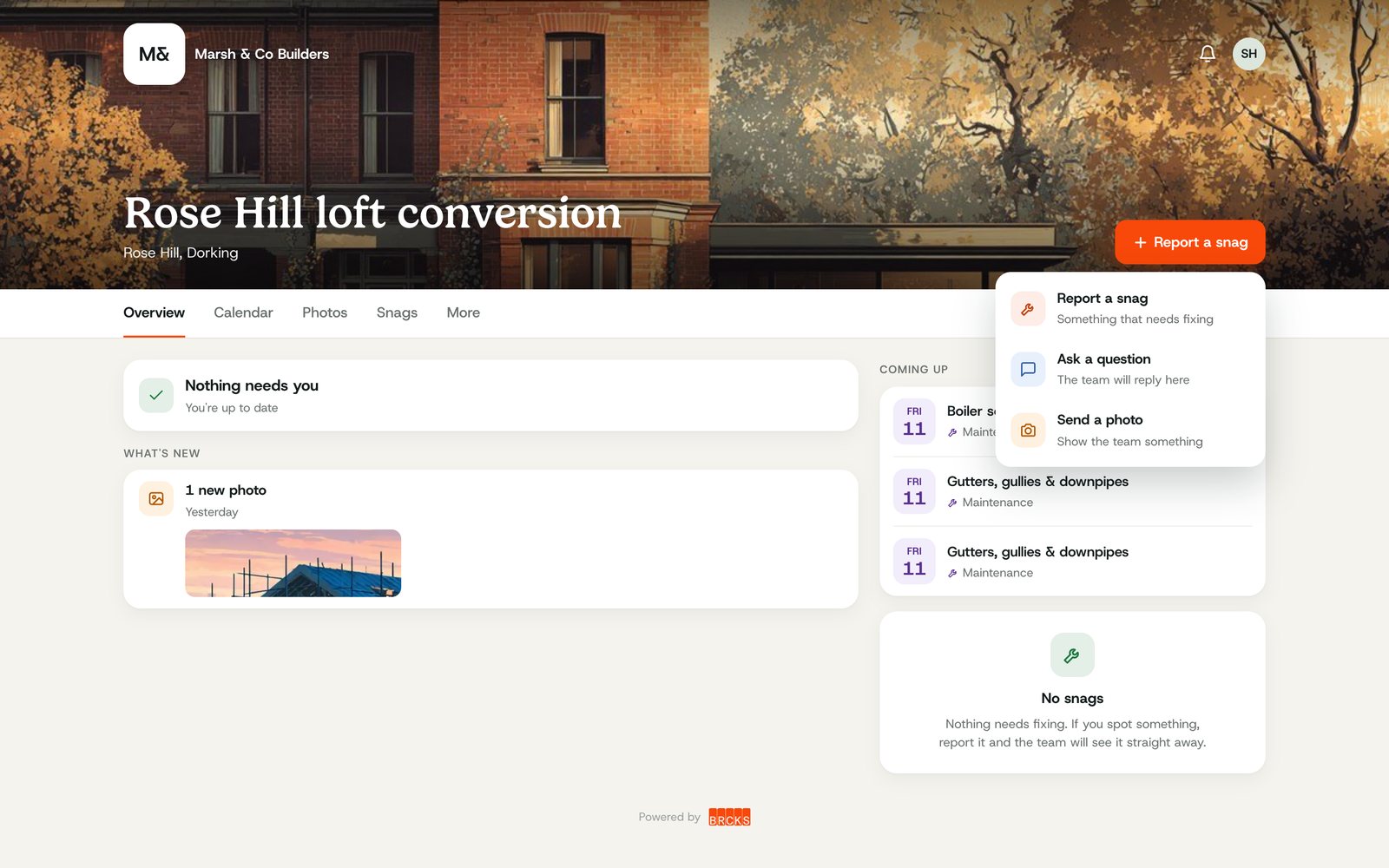
 Click here
- Say what's wrong, and where it is. Add a photo if it helps.
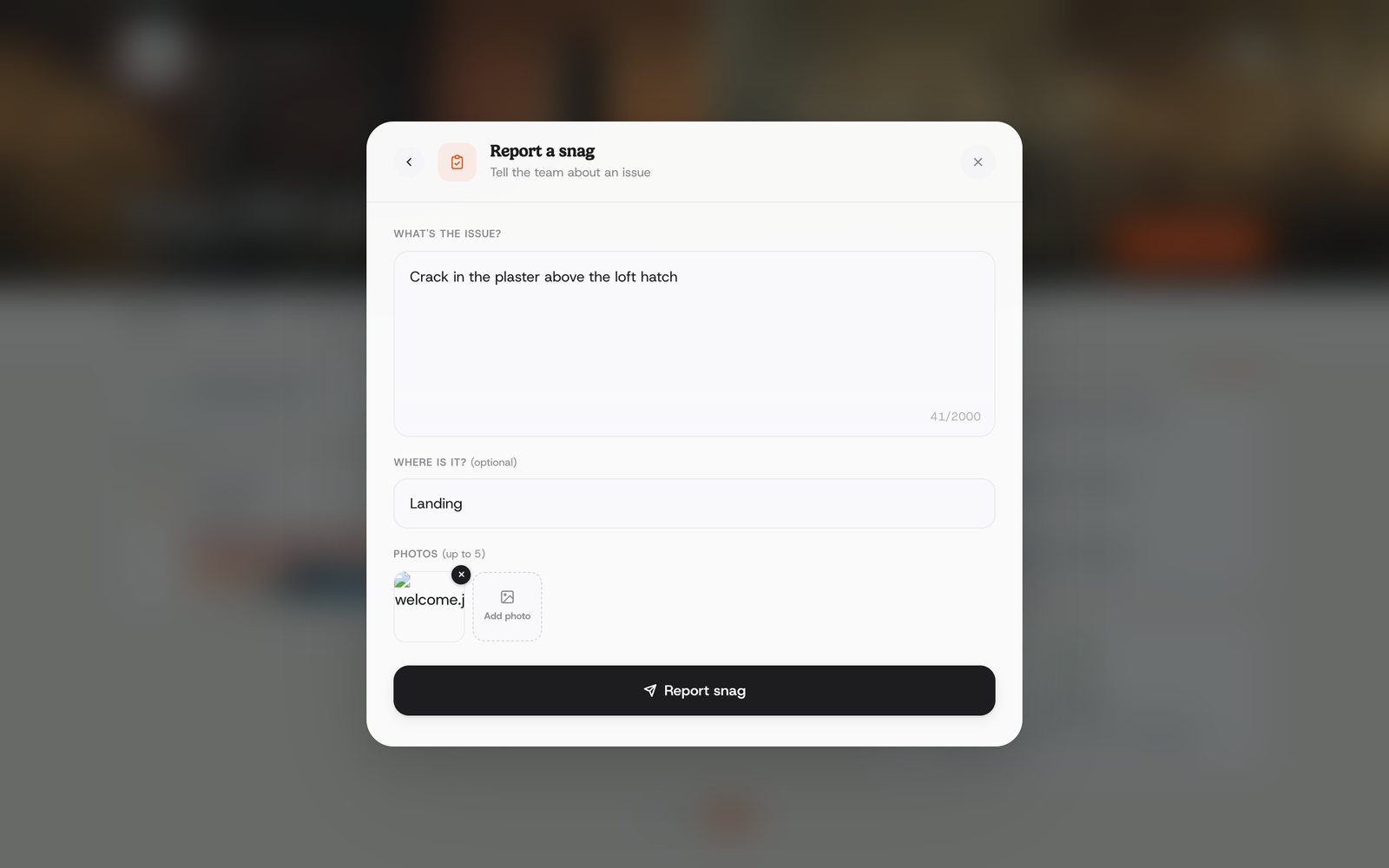
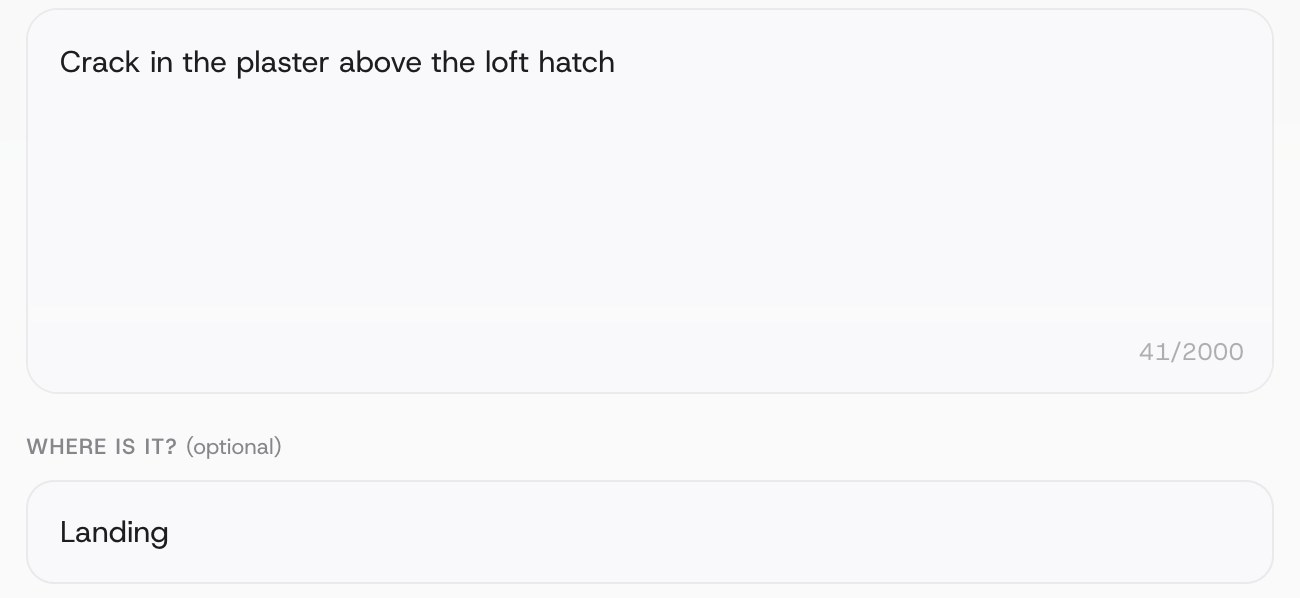 What's wrong?
- Click Report snag.
 Click here
- That's it. The team has been told.
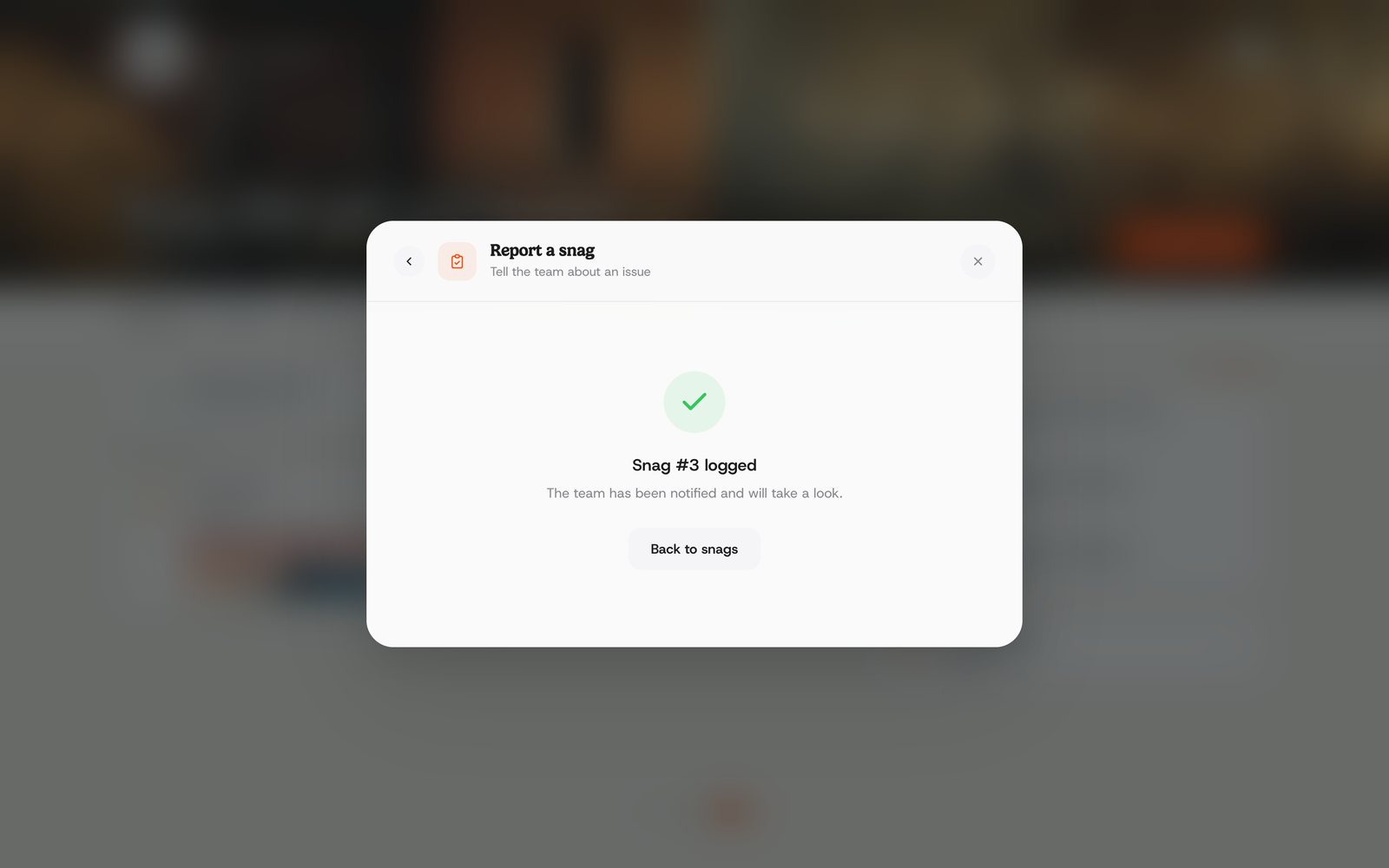
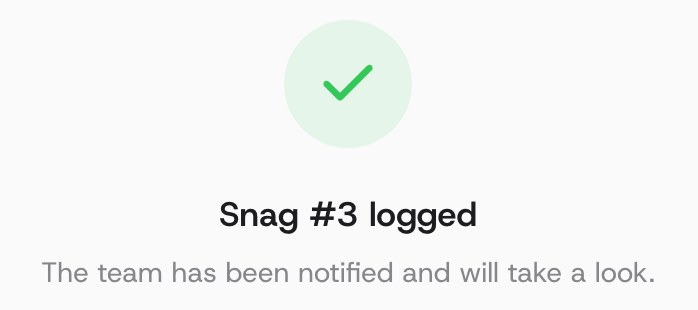 Logged
Having trouble?
Where do I see my snags?
In the app, tap To do and then Snags. On the website, click the Snags tab.
Where do I see my snags?
Click the Snags tab at the top of your home's page.
Did this help?