BRCKS app: choosing the best construction apps for UK jobs
Navigate the saturated market of site management tools with our 2026 guide to the best construction apps UK, focusing on compliance, usability, and efficiency.
By James Shorter ·
Best construction apps UK: 2026 guide for builders
TL;DR:
- The UK construction market is saturated with apps claiming to solve site management issues, but reliable choices are hard to find. Selecting tools aligned with your team’s specific needs, UK compliance, and accessibility features can significantly improve project efficiency and reduce costs. Testing each app on a single project helps ensure it effectively addresses your key operational challenges before full implementation.
The UK construction market is flooded with apps promising to fix everything from scheduling chaos to missed payments. Finding the best construction apps UK professionals can actually rely on, day in and day out, is harder than it looks. The wrong choice costs you time, money, and the patience of your team. The right one can genuinely change how a site runs. This guide cuts through the noise with clear criteria, honest app comparisons, and practical guidance tailored to builders, project managers, and subcontractors working in the UK.
Table of Contents
- Key takeaways
- What to look for in the best construction apps UK
- Top construction apps for UK project management and communication
- Comparing the top UK construction apps
- Choosing the right app for your role and project size
- Emerging trends in UK construction apps
- My take on picking the right construction app
- How Brcks helps UK construction teams work smarter
- FAQ
Key takeaways
| Point | Details |
|---|---|
| Match the app to your role | Subcontractors, site managers, and project managers have different needs — choose accordingly. |
| UK compliance matters | Check record keeping against your project’s legal and warranty requirements; software alone does not establish compliance. |
| Mobile apps cut waste | Mobile construction apps can help teams keep a clearer record of deliveries and materials. Results depend on how the tool is used. |
| Neurodiversity is now in scope | Accessibility features like dyslexia-friendly fonts are no longer a niche add-on but a real selection factor. |
| Trial before committing | Pilot any app on one project before rolling it out across your whole team or business. |
What to look for in the best construction apps UK
Before you look at any specific product, get clear on what actually matters for your team. The market is full of tools that look impressive in a demo and frustrate everyone on site by week two.
Usability across your whole team. A project manager using a desktop in the office is a different user from a bricklayer checking tasks on a muddy phone screen. Any app worth using must work cleanly on mobile, be readable in bright daylight, and require minimal training. This matters even more given that neurodiversity in construction is increasingly recognised as a factor in workforce productivity. Check readability, voice input and accessibility with the people who will use the software.
UK regulatory alignment. Compliance with UK standards like the Building Safety Act and NHBC requirements isn’t optional. Document control, audit trails and sign-offs can support your records; check the applicable requirements with your project team. Do not assume a supplier meets or fails UK requirements solely because of where it is based.
Key factors to weigh up when evaluating any app:
- Core features: task management, scheduling, document storage, site reporting, and client communication
- Integration: does it connect with tools you already use, including WhatsApp, accounting software, or drawing viewers?
- Pricing: is subcontractor access included, or will costs multiply quickly as your team grows?
- Platform support: test both mobile and browser workflows on the devices and connections your team uses
- Accessibility: dyslexia-friendly text, voice functionality, and simplified dashboards are worth testing with your team
Pro Tip: Before trialling any app, write down the three biggest communication or admin headaches your team faces. If the app doesn’t directly address at least two of them, move on.
Top construction apps for UK project management and communication
The following apps illustrate different workflows to investigate; this is not a universal ranking. Each has a distinct focus, so the best fit depends heavily on your role and project scale.
Brcks is purpose-built for UK construction teams and works natively inside WhatsApp, which most site workers already use. Rather than forcing your team onto yet another platform, Brcks for builders brings task management, checklists, file sharing, client portals, and team chat into a single layer over WhatsApp. Site teams use BRCKS Chat on iPhone and Android, the office uses BRCKS Web, and subcontractors and clients can remain on WhatsApp. Free subcontractor access keeps costs manageable for smaller firms.
Fieldwire is designed for site management with a strong focus on blueprint management, task coordination, and real-time site reporting. It suits mid-to-large sites where multiple trades need visibility of drawings and daily progress.
Zoho Projects offers Gantt charts, time tracking, and document sharing with an approachable interface for small-to-mid-sized teams. It is not construction-specific but works well for project managers who need structured task oversight without a steep learning curve.
Contractor Foreman combines project scheduling, budgeting, and daily reporting in one tool. It is best suited to mid-sized contractors who need integrated management without paying for enterprise-level software.
TRADEWAYS is described in the cited material as a construction platform designed around neurodiverse builders. Verify its current accessibility features, availability and administration tools directly before choosing.
ToolTime handles job scheduling, invoicing, and time tracking. Evaluate its scheduling, invoicing and time-tracking workflow against your own jobs.
Comparing the top UK construction apps
| App | Best for | Mobile app | WhatsApp integration | UK compliance support | Free tier / trial |
|---|---|---|---|---|---|
| Brcks | Builders, electricians, PMs | Yes | Yes (native) | Yes | 14-day free trial |
| Fieldwire | Site management, large sites | Yes | No | Partial | Limited free plan |
| Zoho Projects | General project management | Yes | No | Partial | Free plan available |
| Contractor Foreman | Mid-sized contractors | Yes | No | Partial | Check current trial terms |
| TRADEWAYS | Neurodiverse users, sole traders | Yes | No | Yes | Check current availability |
| ToolTime | Small trades, invoicing | Yes | No | Partial | Free trial available |
A few observations worth making beyond the table. Fieldwire is genuinely excellent for blueprint coordination on larger sites but adds little value to a small team that doesn’t manage complex drawings. Zoho Projects works well for project managers who already live inside the Zoho ecosystem, but it can feel generic if construction-specific workflows matter to you. Brcks stands out for teams that want to avoid app fatigue entirely. The WhatsApp-native approach means subcontractors never have to download or learn a new tool, which is a significant practical advantage on site.
Choosing the right app for your role and project size
The answer here is rarely one-size-fits-all. The factors that matter to a sole trader electrician are completely different from those that matter to a project manager overseeing a 30-person site.
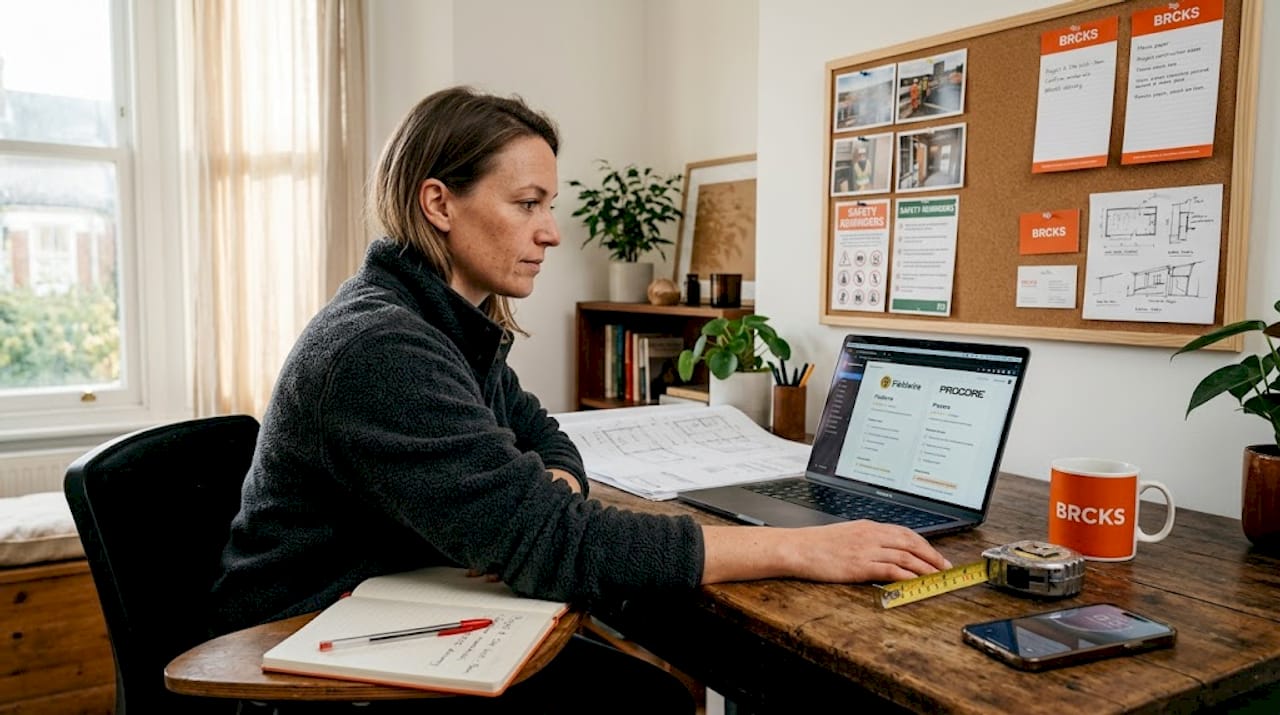
Subcontractors need simplicity above everything. You want toreceive tasks clearly, confirm completion, and share photos or documents without friction. Look for tools where you can participate for free without needing your own account or subscription. Brcks offers this, with subcontractors joining via WhatsApp at no cost.
Builders and small contractors typically need scheduling, client updates, and basic document control in one place. Tools like ToolTime or Brcks suit this well. The key is avoiding over-featured platforms that require weeks of configuration. If the app takes longer to set up than your next project, it is the wrong app.
Site managers and project managers can justify more feature-heavy tools. Fieldwire or Contractor Foreman start to make sense when you are coordinating multiple trades, managing RFIs, or tracking against a programme. Check the onboarding each tool requires rather than assuming the effort.
Larger firms may need integrations with ERP or accounting systems, detailed reporting, and role-based access control. At this scale, it is worth involving your IT function in the evaluation. Check whether the tool supports UK data residency requirements, particularly post-GDPR.
Pro Tip: Run any new app on a single project for four weeks before making a wider decision. Measure three things: how often your team actually uses it, whether communication errors decrease, and what questions or complaints come up repeatedly.
Emerging trends in UK construction apps
Accessibility is worth including in your trial. Test text readability, voice functionality and navigation with your own team, and verify the current features and availability of any specialist platform directly.
Beyond accessibility, automation is becoming part of everyday construction work. Automated quoting, pricing gap analysis, and document search are all becoming standard expectations rather than premium features.
The shift toward mobile-first, UK-built platforms aligned with local regulations signals a maturity in the market. Generic tools built for global audiences are slowly losing ground to software that actually understands a UK site.
Cloud-based communication tools are also standardising across the industry. Top reporting tools for UK sites now routinely include real-time dashboards, photographic evidence logging, and client-facing portals, all accessible from a phone on site.
My take on picking the right construction app
I’ve spent years watching construction teams wrestle with software that was clearly built by someone who has never been on a site. The gap between what developers think builders need and what builders actually need has historically been enormous.
What I’ve noticed consistently is that the tools that get used are the ones that meet workers where they already are. That’s why the WhatsApp-native model makes sense to me. Asking a busy subcontractor to download an unfamiliar app, set up an account, and learn a new interface is asking a lot. Asking them to respond in a WhatsApp thread they’re already in is almost no ask at all.
I’ve also seen the neurodiversity conversation shift from a footnote to a genuine priority in the last couple of years. Roughly 15 to 20 per cent of the UK construction workforce is estimated to be dyslexic. Designing apps that work for them is not a charitable gesture. It’s a commercial necessity.
My honest view is that most construction businesses need fewer apps, not more. The trap is adding a scheduling tool here, a messaging tool there, and a document tool somewhere else, until nobody knows where anything lives. One platform that handles 80 per cent of your needs is worth more than four platforms that each handle 25 per cent perfectly.
Choose something your least tech-comfortable team member can use on day one. Everything else is a secondary consideration.
— James
How Brcks helps UK construction teams work smarter
If the app overload your team faces sounds familiar, Brcks was built precisely to address it.
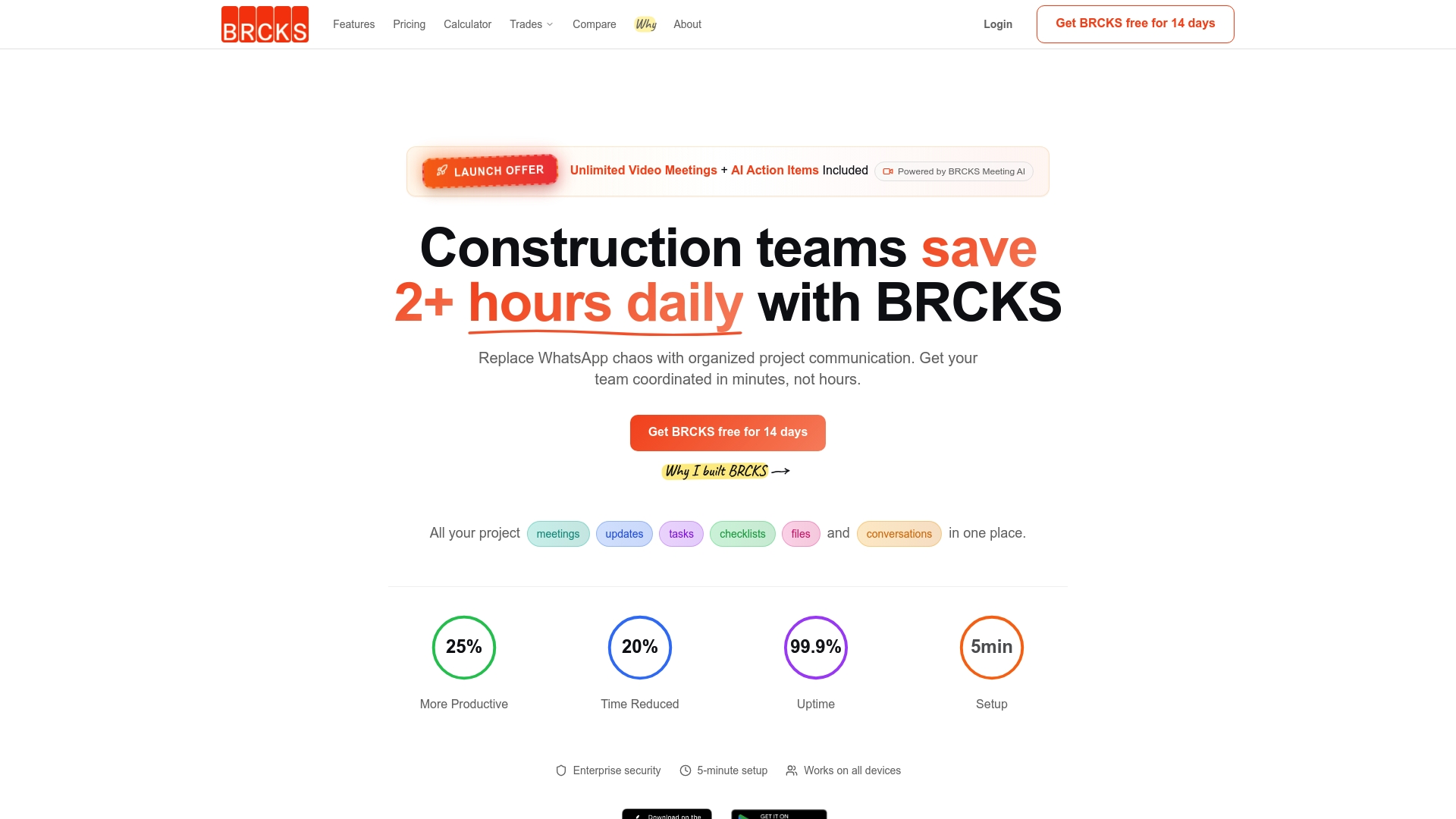
BRCKS connects site chat and project records with WhatsApp contributions from subcontractors and clients. Your team gets task management, checklists, site updates, file sharing, and client communication without switching between multiple platforms. Subcontractors join for free, so there’s no friction at the edges of your project. Check setup on a real job. Test the workflow on a real job rather than assuming a particular time saving.
If you manage electrical projects, Brcks for electricians brings the same clarity to more specialised workflows. Try it free for 14 days and see whether your team actually uses it. That’s the only test that matters.
FAQ
What are the best construction apps for UK builders?
The best construction apps UK builders use include Brcks for WhatsApp-native communication and task management, Fieldwire for site management on larger projects, and ToolTime for scheduling and invoicing on smaller jobs. The right choice depends on your team size and primary pain points.
Do construction apps support UK regulations like the Building Safety Act?
Some do, some don’t. Check document control and record keeping against the Building Safety Act and any relevant warranty requirements, whichever supplier you choose. Always verify this before committing.
Are there construction apps designed for neurodiverse builders?
The cited material describes TRADEWAYS as designed for neurodiverse builders. Check current availability and accessibility features directly; no single app suits everyone.
Can mobile apps for builders really reduce costs?
A clearer record can help teams check deliveries, work and decisions. Measure the effect on your own job; this guide does not promise a percentage saving.
How do I choose between construction project management apps?
Start by identifying your two or three biggest operational problems, whether that’s miscommunication, scheduling gaps, or document chaos. Then shortlist apps that directly address those problems and trial each one on a live project before making a final decision.
Recommended
- BRCKS | Construction Project Communication Software
- Top Construction Schedule Software for UK Builders 2025 | BRCKS
- Tired of WhatsApp? Best Construction Messaging Apps for UK Builders | BRCKS
- Construction Mobile Apps: Reduce Material Waste by 25% | BRCKS
How BRCKS Can Help
Selecting the right digital tools is essential for staying competitive in the evolving UK construction landscape. While the apps featured in this guide offer specialised solutions for various site tasks, BRCKS provides the comprehensive management framework needed to tie your entire operation together seamlessly. By integrating your project data into one intuitive platform, BRCKS helps you reduce administrative overhead and focus on delivering high-quality builds. We invite you to explore how BRCKS can transform your workflow and help your business thrive throughout 2026 and beyond. Learn more at BRCKS and explore our full feature set.
Sources
- BRCKS - Construction Management Software
- Building Safety Act 2022 - UK Government
- NHBC Standards and Regulations
- CIOB Report: Neurodiversity in the Built Environment
- CITB: Construction Industry Training Board UK
Further reading
- Buildxact UK
- Fieldwire UK pricing
- JobTread
- digital system for managing projects
- Project management platforms combine
- Platforms that offer real-time visibility
- Platform adoption depends heavily
- The best project management tools
- CIOB - Chartered Institute of Building
- UK Government Construction Strategy
- NBS - National Building Specification
Compare features and pricing in our guide to construction project management software for small UK builders.