
Add a snag straight from a message
Mention a snag in the chat and BRCKS offers to add it for you. One tap.
- On your Chats screen, tap the project.
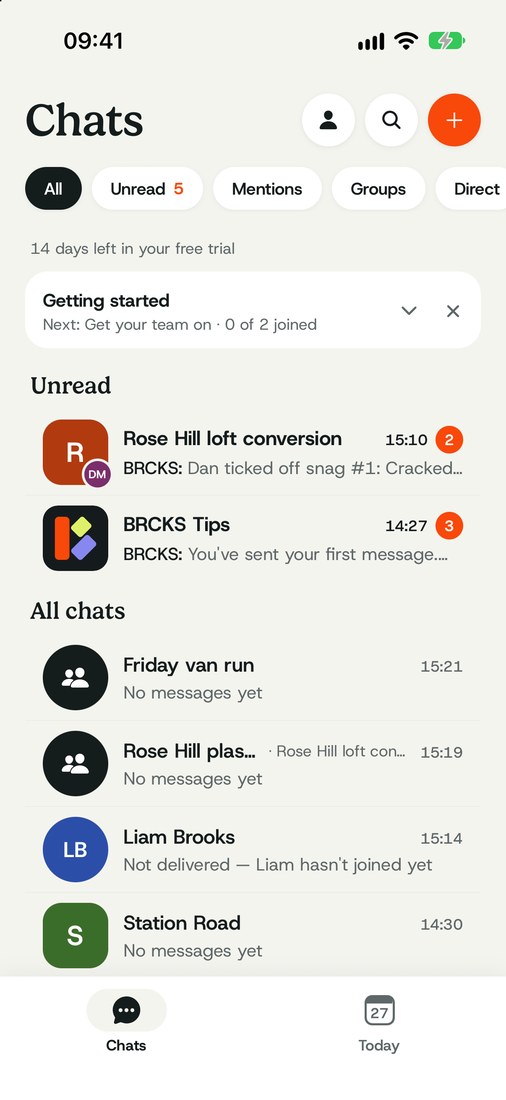 Tap your project
- Send a message about the snag, like "Snag. Tap leaking under the kitchen sink". Then tap Add this snag under it.
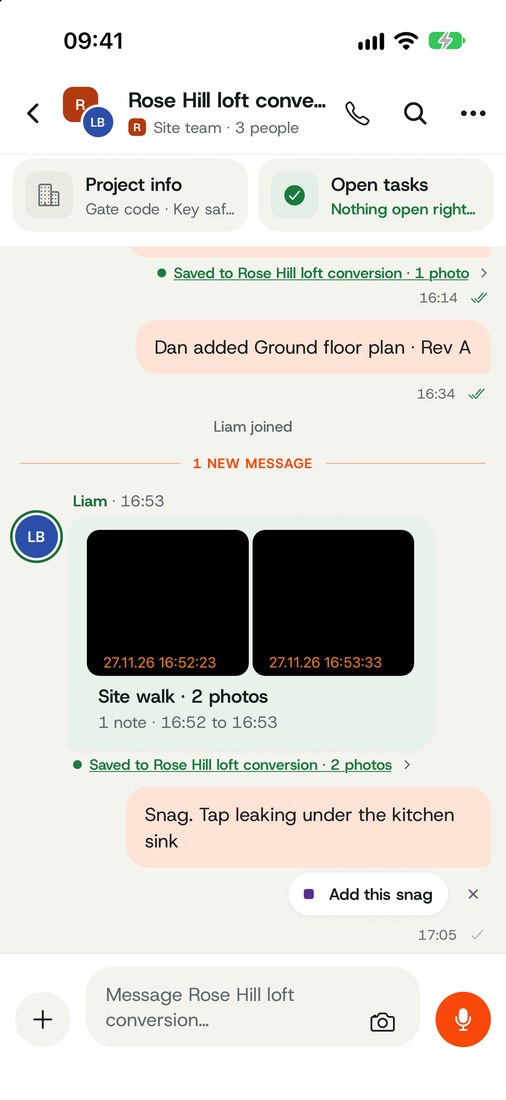 Tap it
- Pick who's sorting it, then tap Add this snag.The project is filled in already. Tap Change if it's for a different one.
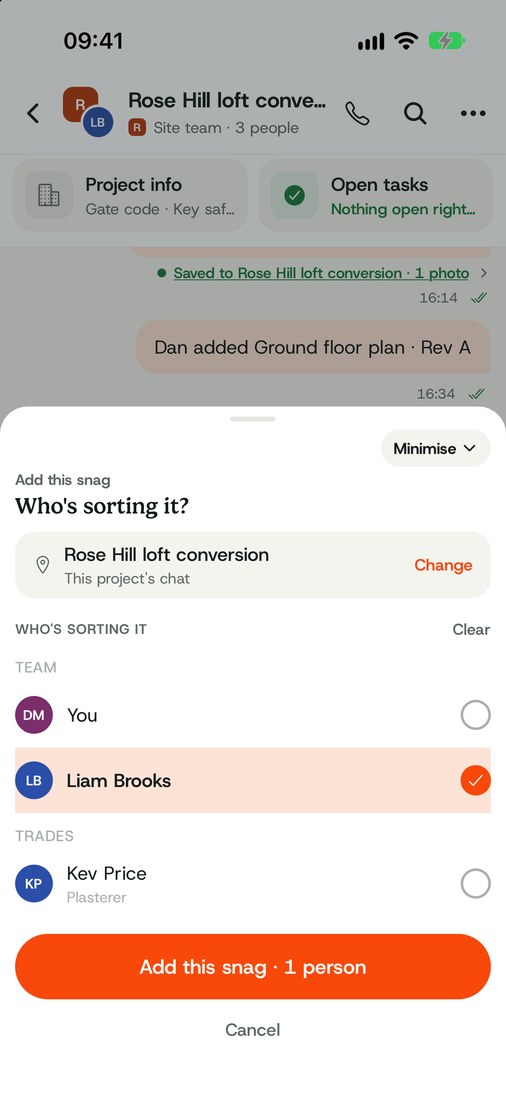 Tap here
- That's it. The snag is raised and in Open tasks.It gets a number, like Snag #2. Tap Undo if you didn't mean it.
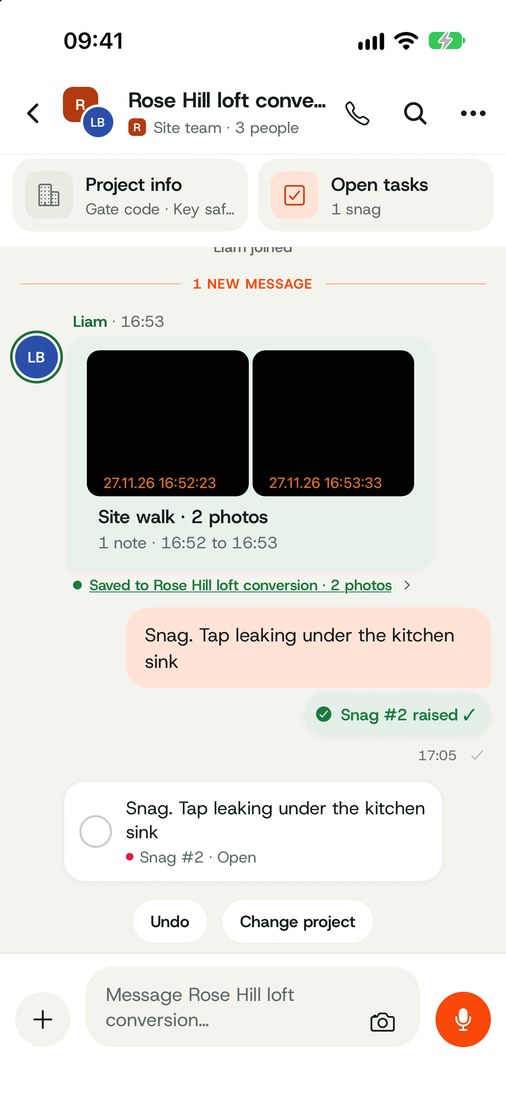 Snag raised
Having trouble?
No suggestion showed up
Press and hold the message, tap Create from message…, then Add this snag.
I don't want it
Just ignore it, or tap the × next to it.
Can I still add snags the normal way?
Yes. Tap Open tasks at the top of the chat, then Add.
Did this help?