
Turn a message into a task, snag or more
Any message can become a task, snag, booking, note, material request, variation or RFI.
- On your Chats screen, tap the project.
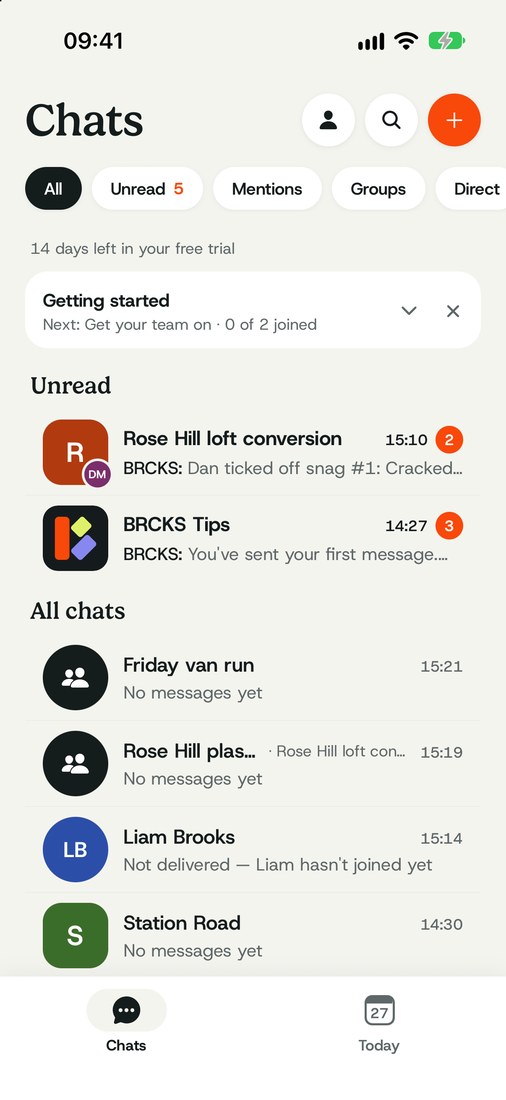 Tap your project
- Find the message and press and hold it.It works on words or a photo, like this one.
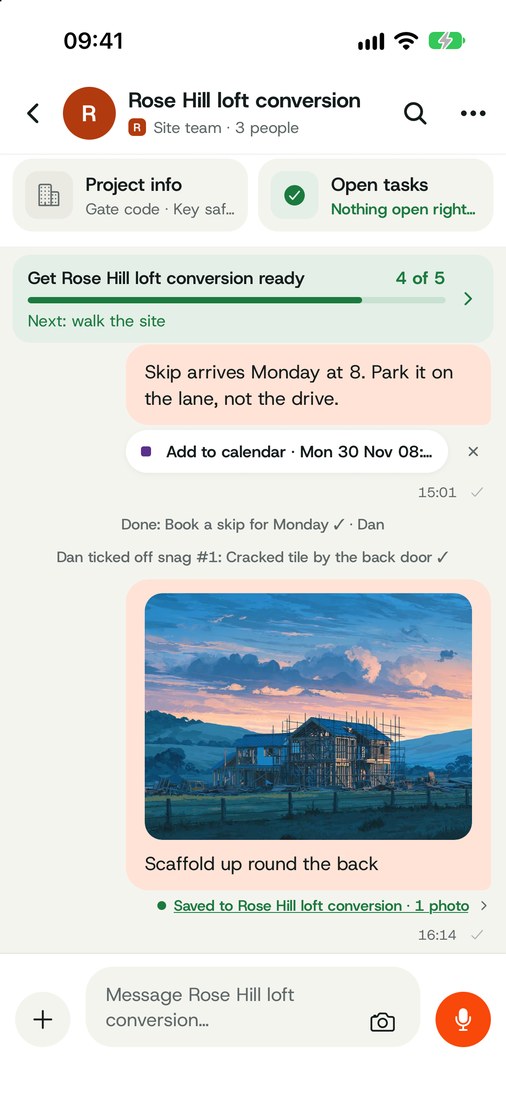 Press and hold
- A menu pops up. Tap Create from message….
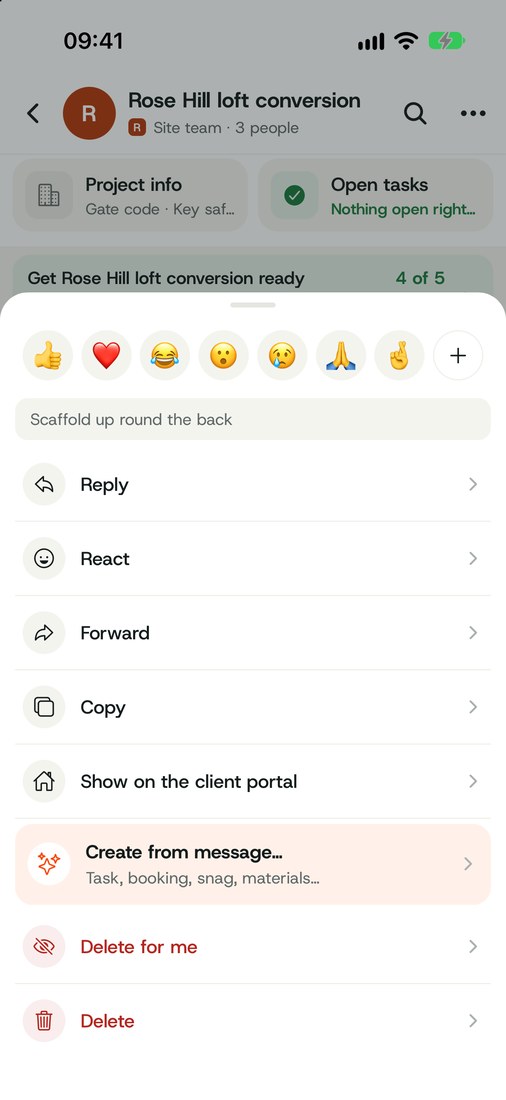 Tap here
- Choose what it should become. You check the details before anything is saved.The original message stays in the chat.
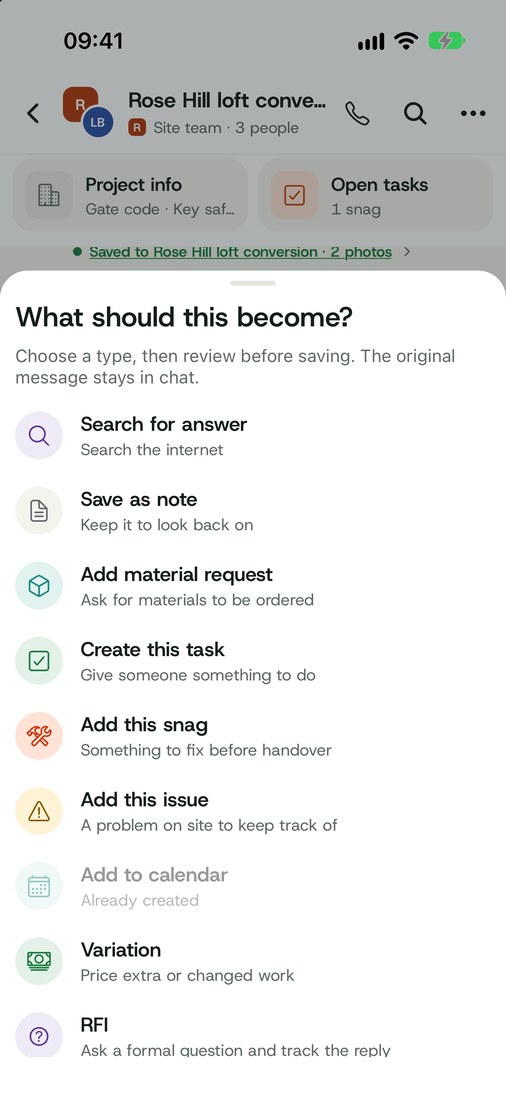 Pick oneSearch for answer, Save as note, Add material request, Create this task, Add this snag, Add this issue, Add to calendar, Variation or RFI.Greyed out?It says why, like Already created.
Having trouble?
What's the difference from the suggestion under a message?
A suggestion like Add this snag appears by itself when BRCKS spots something. Create from message… works on any message, whenever you want.
Does it delete my message?
No. The original message stays in the chat.
Did this help?