
Add a snag or task
Keep track of what needs doing and what's wrong on each project.
- On your Chats screen, tap the project.
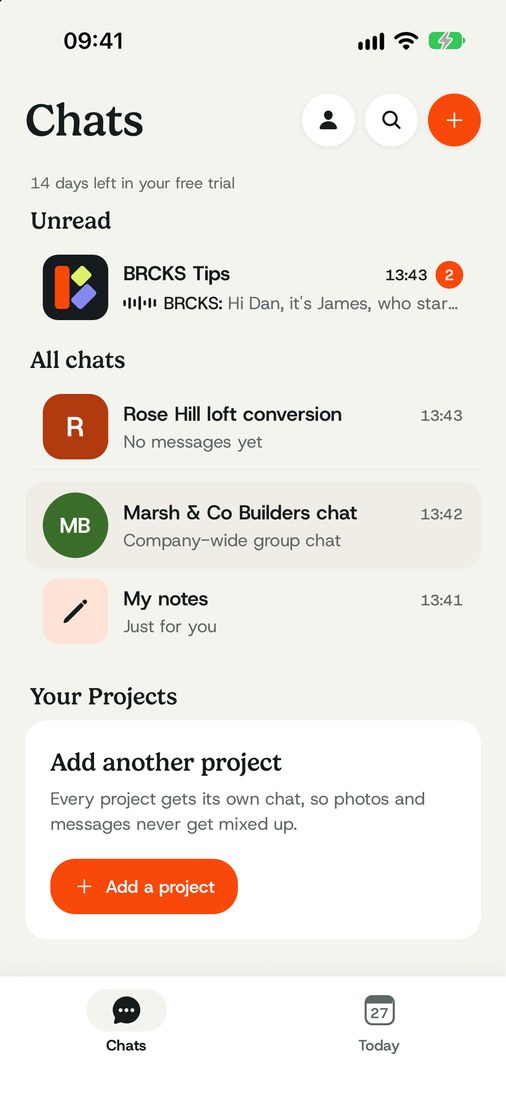 Tap your project
- Tap Open tasks at the top.
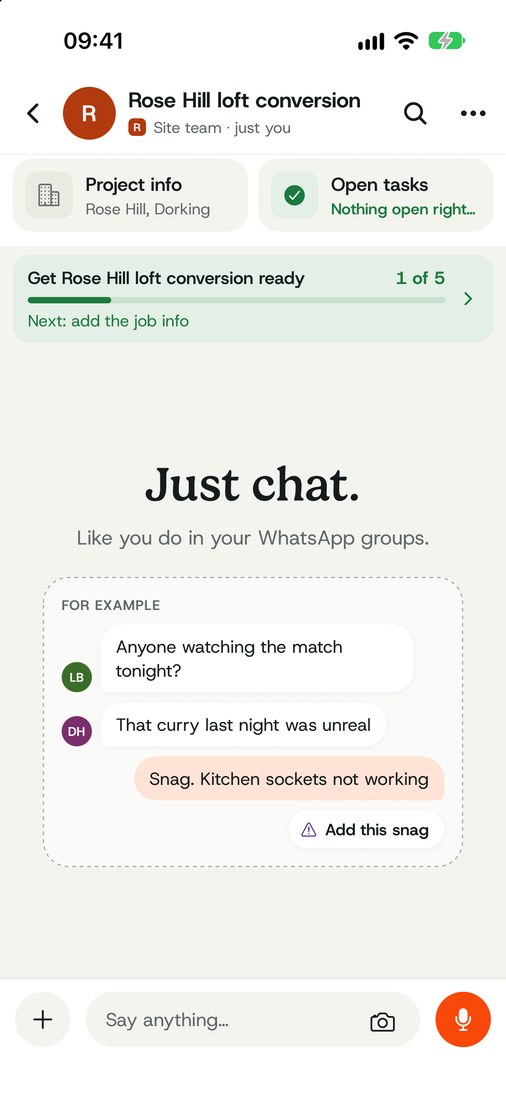 Tap here
- Tap Add.
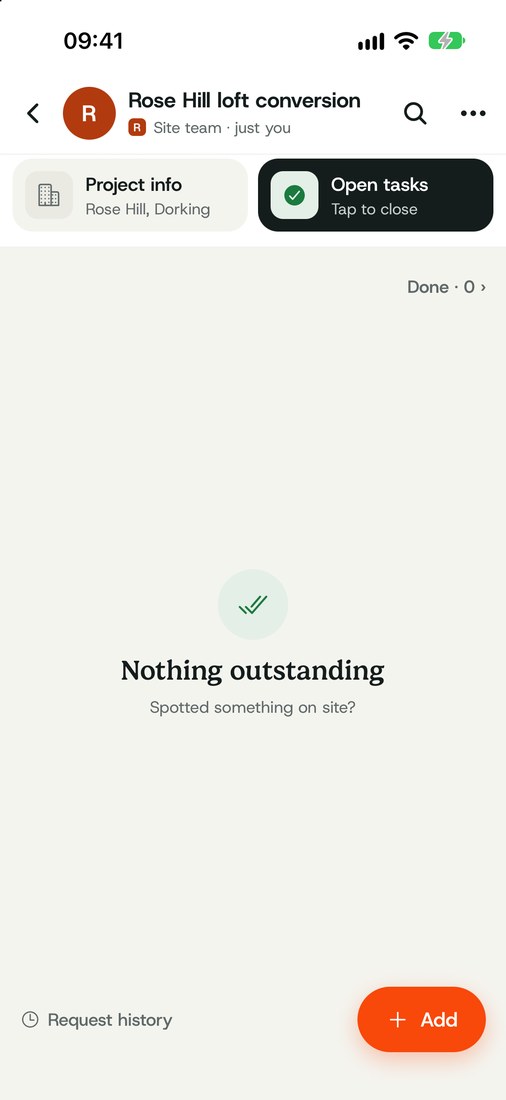 Tap here
- Choose Task or Snag.
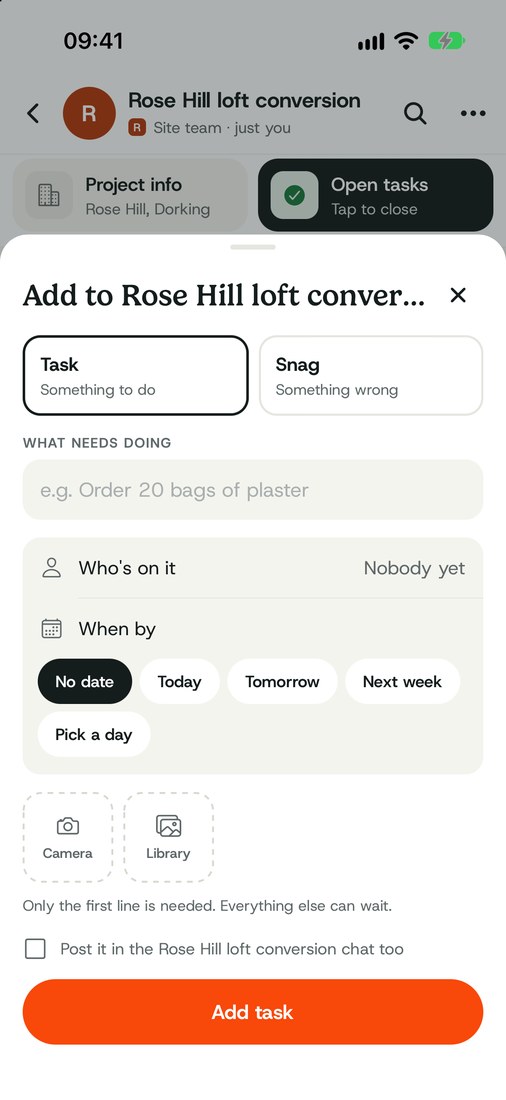 TaskSomething to do.SnagSomething wrong. Snags get a number, and you can add where it is, the trade and if it's chargeable.
- Type what needs doing, then tap Add task.Only the first line is needed. You can also pick who's on it and when it's due.
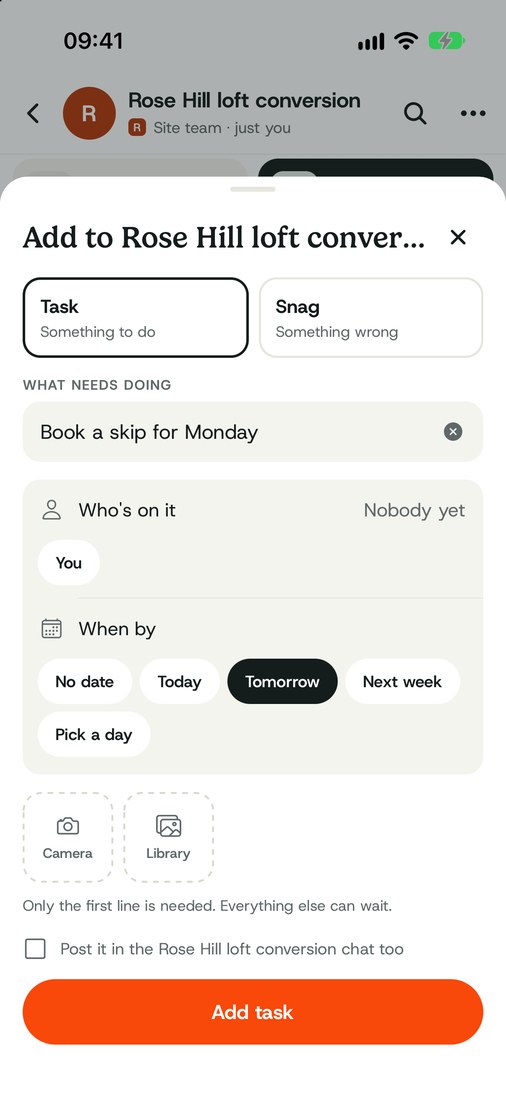 Tap here
- That's it. It's in Open tasks for the project.
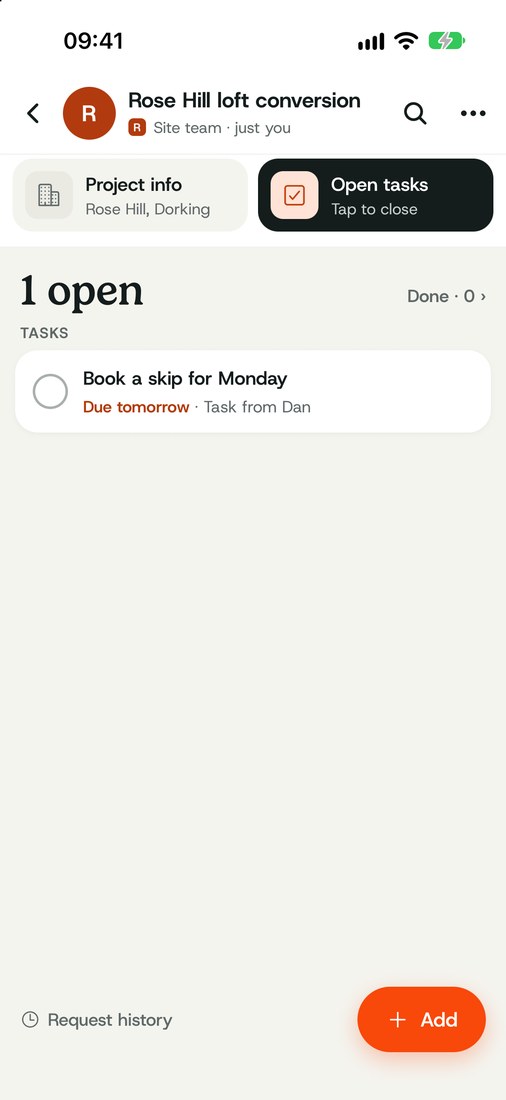 Your task
Having trouble?
Do I have to fill everything in?
No. Only the first line is needed. Everything else can wait.
Can the team see it in the chat?
Yes, if you tick Post it in the … chat too before you tap Add.
What's a snag number?
Each snag is numbered for you, in order, on that project. You'll see it at the top, like Snag 1.
Did this help?