
Add a subbie to a project
For a trade you bring in. Subcontractors are free on up to 3 of your projects.
- On your Chats screen, tap the project you want to add them to.Here, that's Church Street kitchen extension.
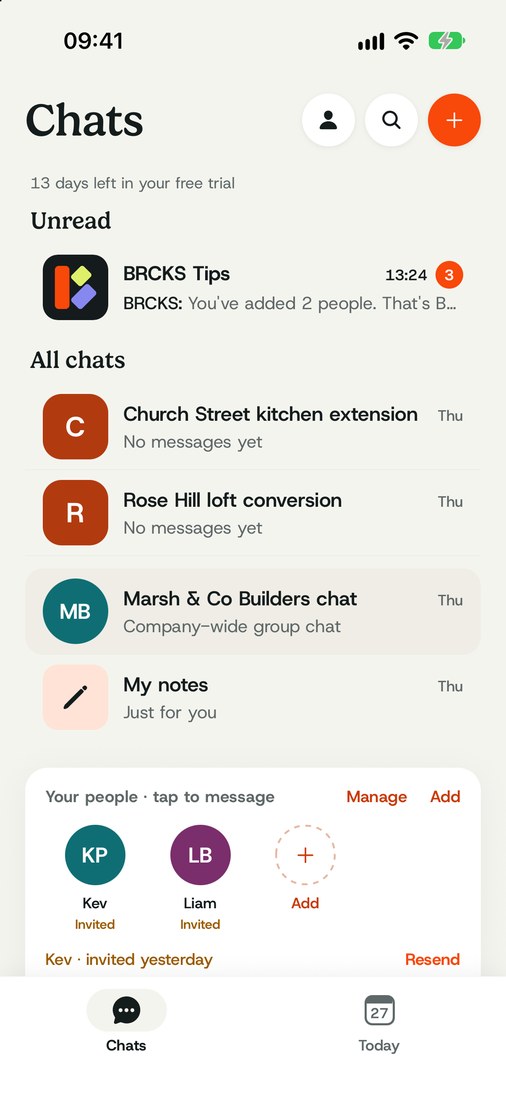 Tap your project
- Tap Project info at the top.
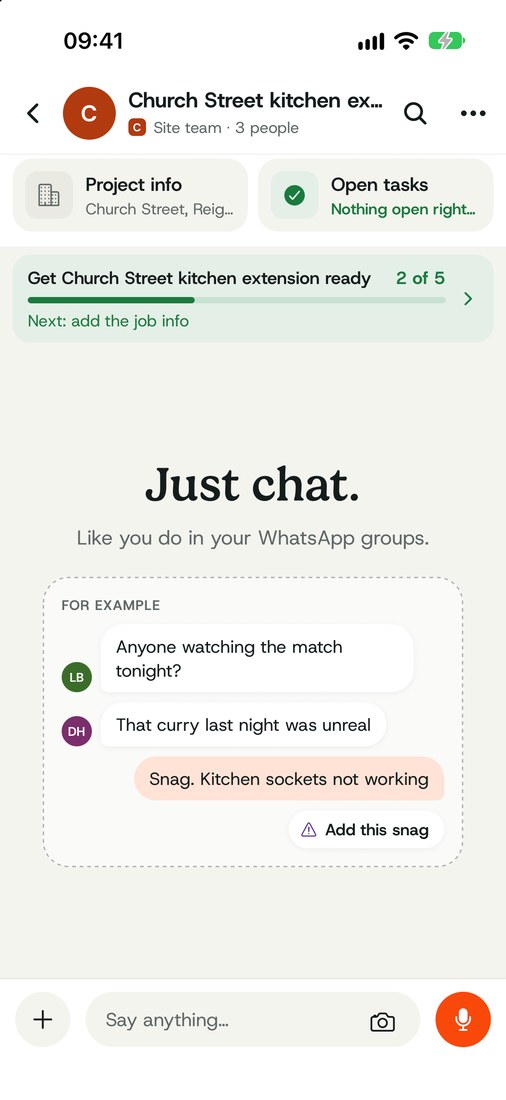 Tap here
- Scroll down and tap People.
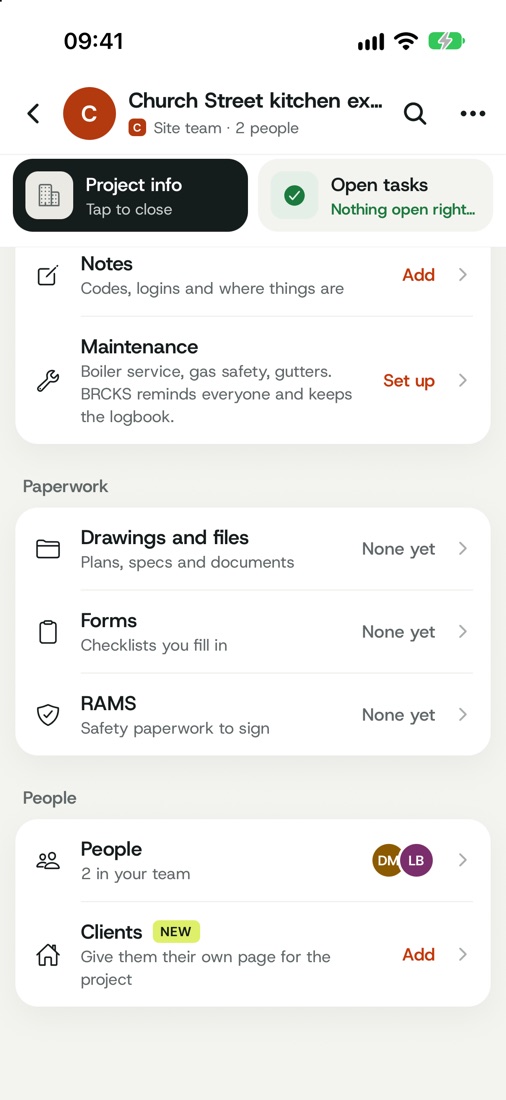 Tap here
- Tap Add subcontractor.
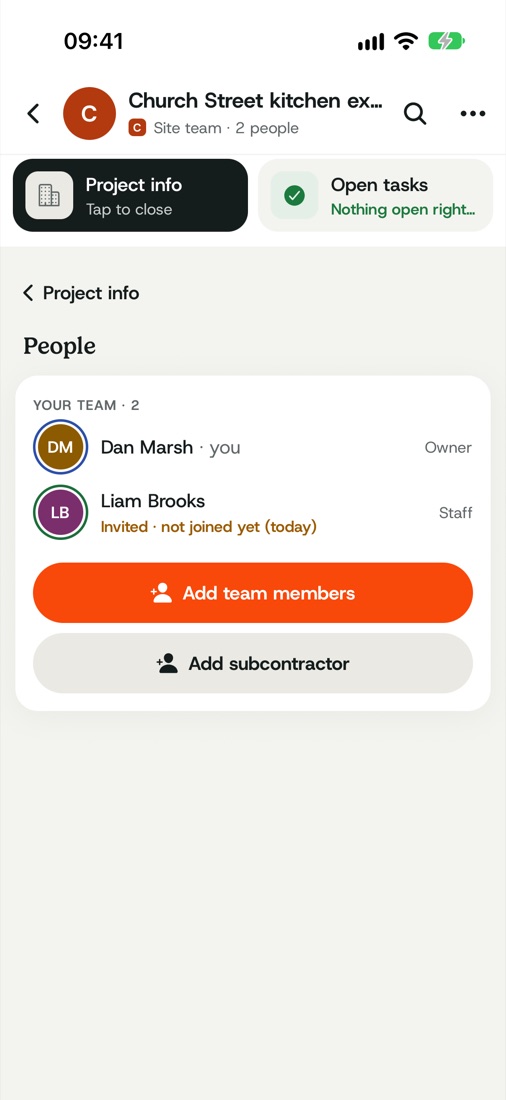 Tap here
- Type their mobile and name, then tap Next.Adding their trade is optional. Or tap Or choose from phone contacts.
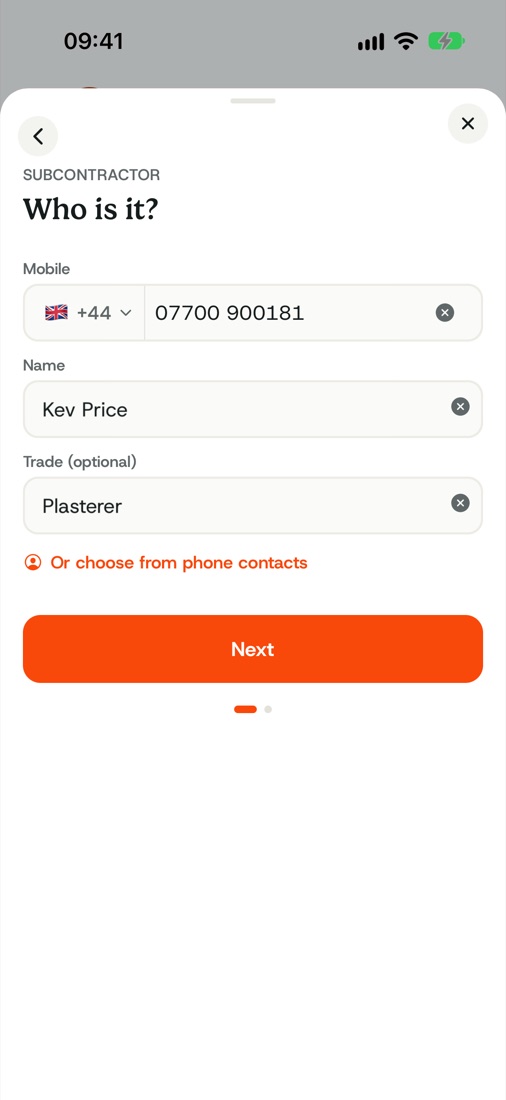 Tap here
- Check the details, then tap Add Kev to Church Street kitchen extension.The button shows their name and the project. They'll get a text with a link to join.
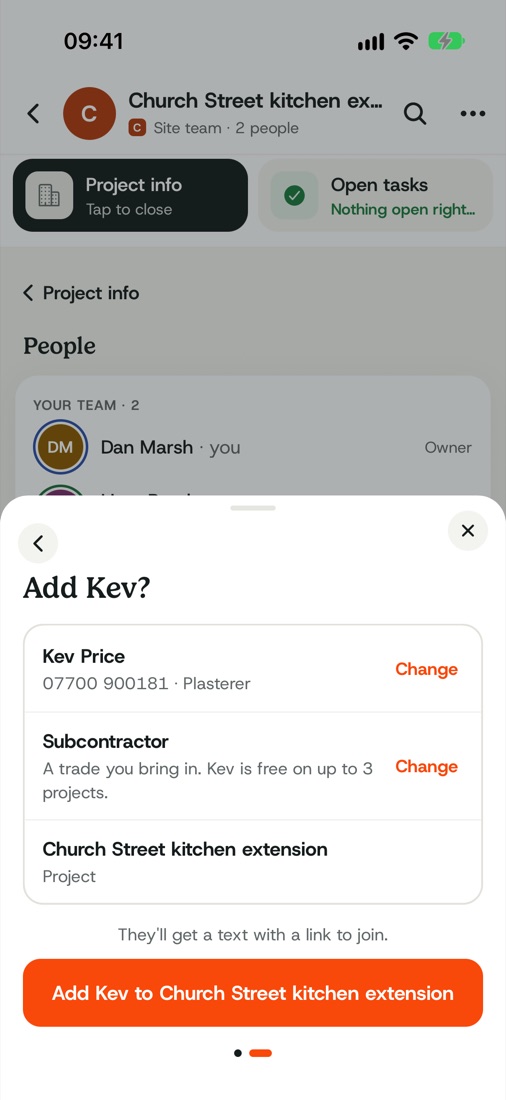 Tap here
Having trouble?
I got a detail wrong
Before you tap the orange button, the check screen has a Change link next to their details. Tap it to go back and fix it.
They work for me, they're not a subbie
Add them to your team instead. They'll see your projects without being added to each one.
Did this help?