
Add someone to your team
For people who work for you. They'll get a text with a link to join.
- Tap the orange + at the top of your Chats screen.
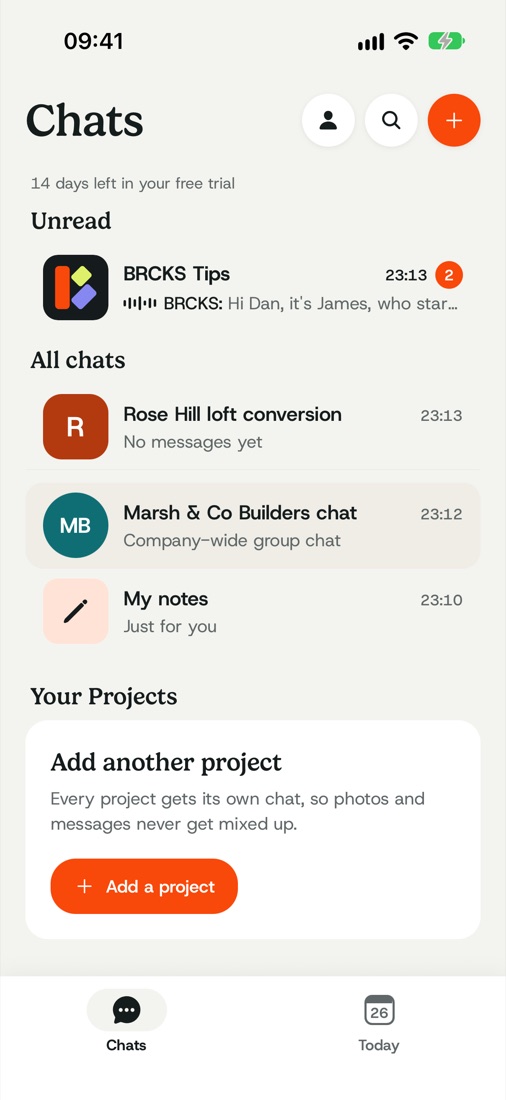 Tap here
- Tap Add a person.
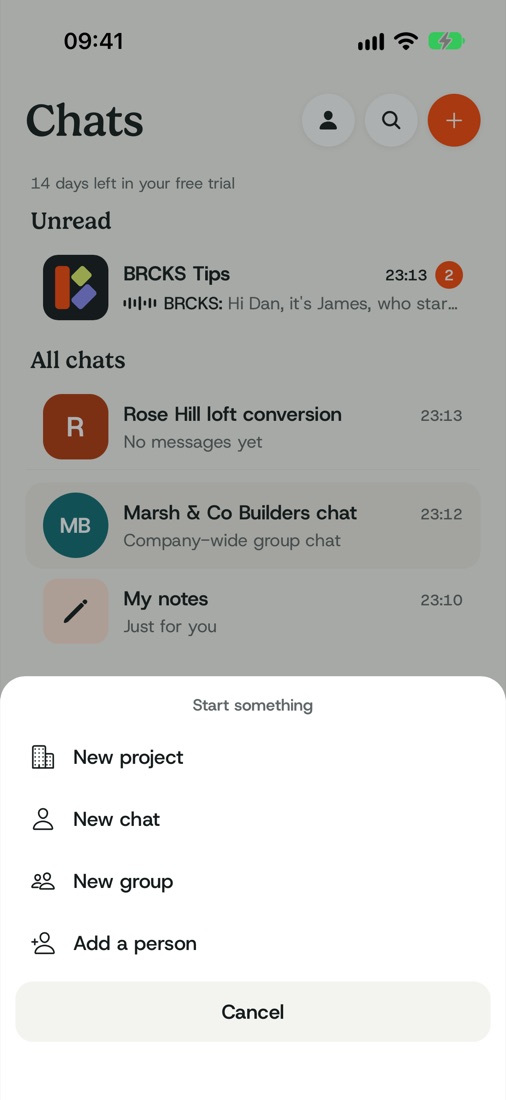 Tap here
- Choose In my team.Adding a subbie? Choose A subcontractor instead.
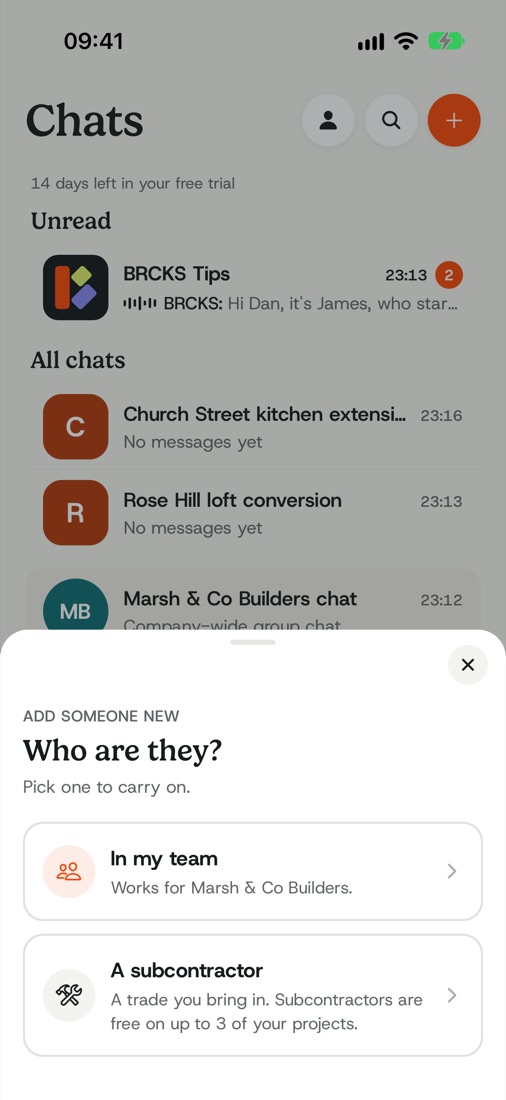 Tap here
- Choose what they can see.
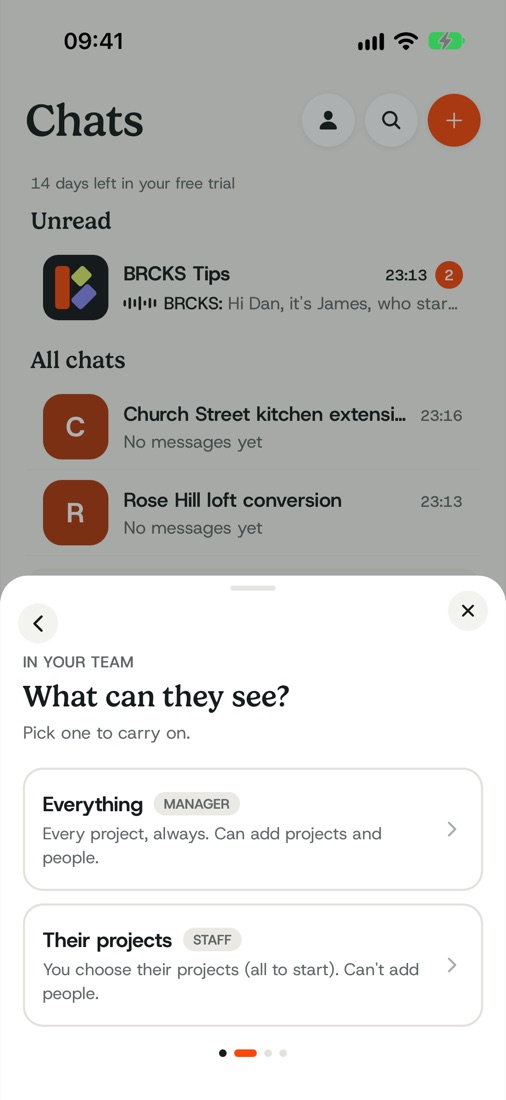 ManagerEverythingEvery project. Can add projects and people.StaffTheir projectsYou choose their projects. All of them to start with.
- Type their mobile and name, then tap Next.Or tap Or choose from phone contacts.
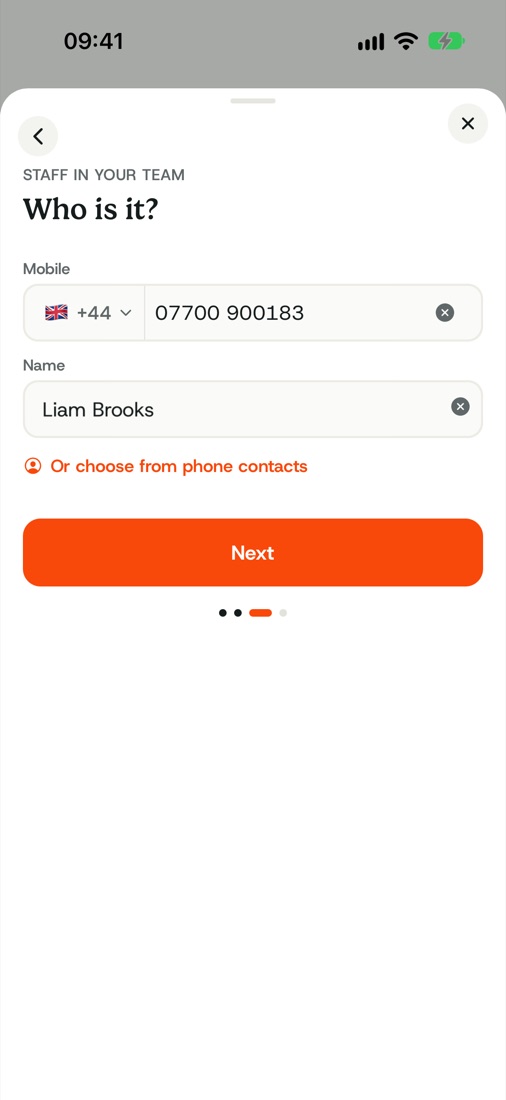 Tap here
- Check the details, then tap Add Liam to your team.The button shows their name. Tap Change to fix anything.
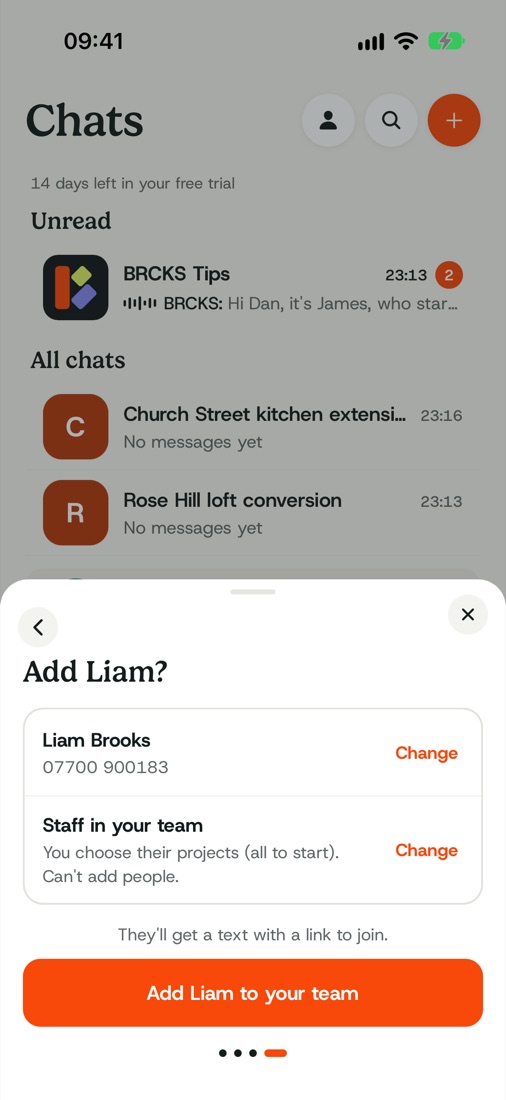 Tap here
- That's it. They'll get this text:They now show under Your people on your Chats screen.
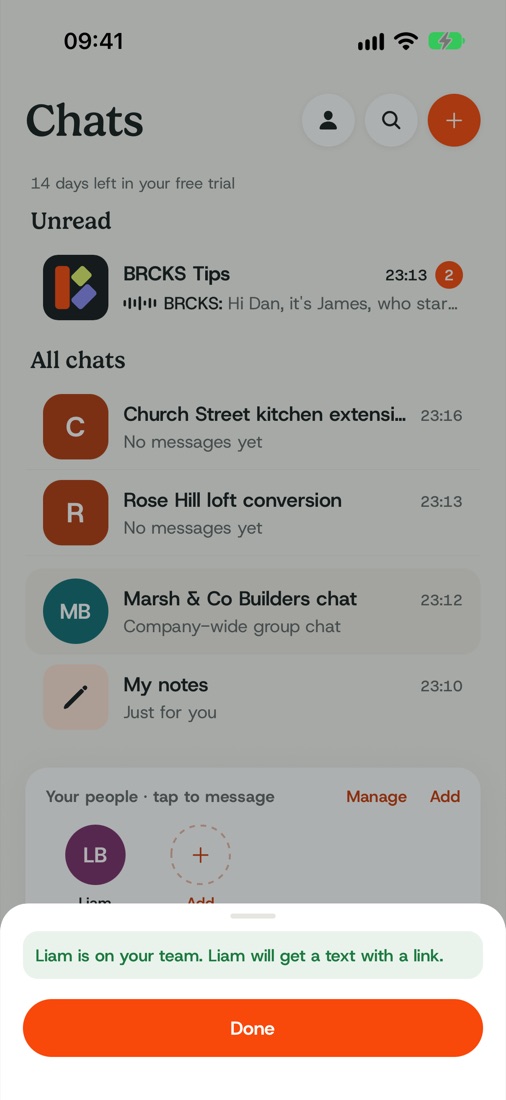 Text message
Dan from Marsh & Co Builders invited you to BRCKS Chat. Get BRCKS Chat, sign in with this number: join.brcks.io/invite/…
Having trouble?
What's the difference between Everything and Their projects?
Everything makes them a manager. They see every project, always, and can add projects and people. Their projects makes them staff. You choose which projects they see, and they start on all of them.
I got a detail wrong
Before you tap Add … to your team, the check screen has a Change link next to their name and number, and next to what they can see. Tap it to go back and fix it.
They're a subbie, not part of my team
At step 3, choose A subcontractor instead. Subcontractors are free on up to 3 of your projects.
They didn't get the text
Tap +, then New chat, then their name. At the top it says they haven't joined yet. Tap Resend and BRCKS texts them the invite again. It then says Sent again with the time.