
Ask for materials
Say what you need in the chat. BRCKS makes the list, and you tick things off when they arrive.
- On your Chats screen, tap the project.
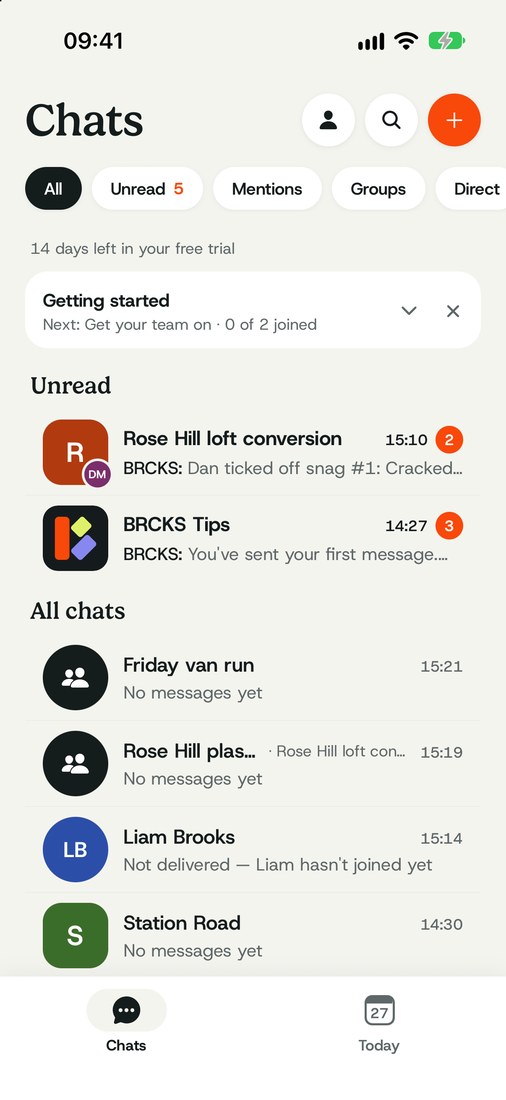 Tap your project
- Send a message about what you need, like "We need 20 bags of multi-finish plaster on site for Tuesday". Then tap Make a materials list under it.
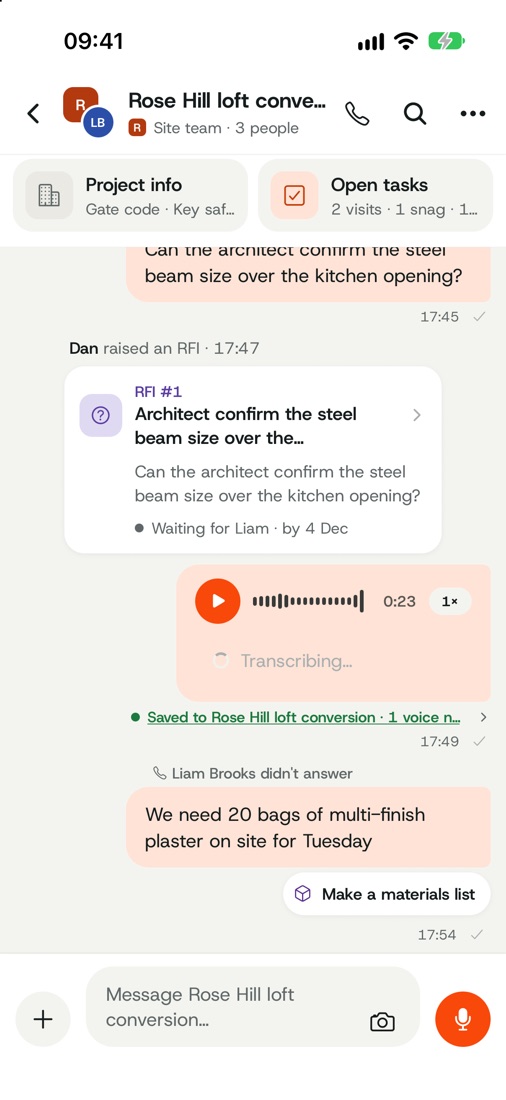 Tap it
- Check the list. To add more, tap Add an item.It's filled in from your message, with the day it's needed.
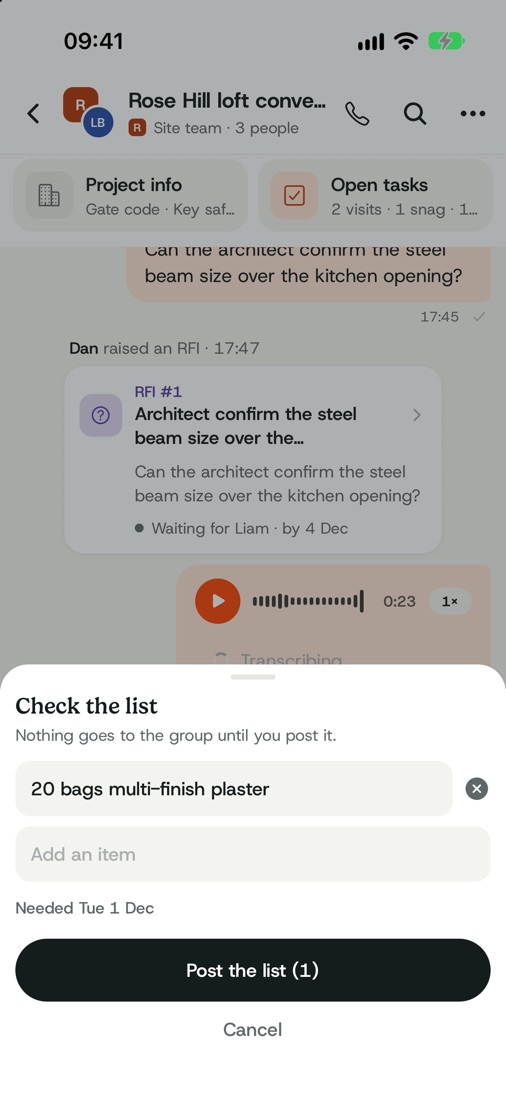 Tap here
- Tap Post the list.Nothing goes to the group until you post it.
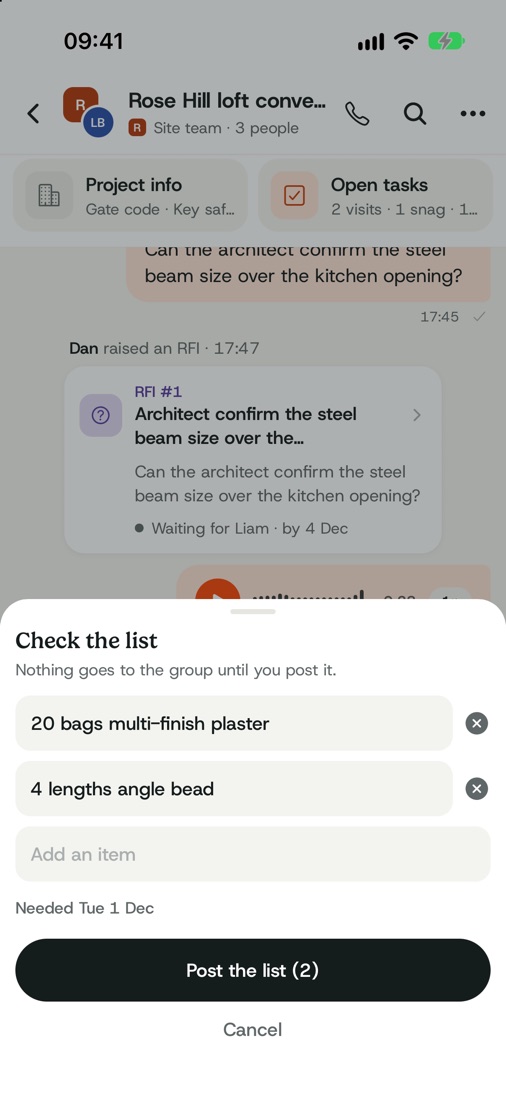 Tap here
- The list is in the chat. Tap Open to see it.
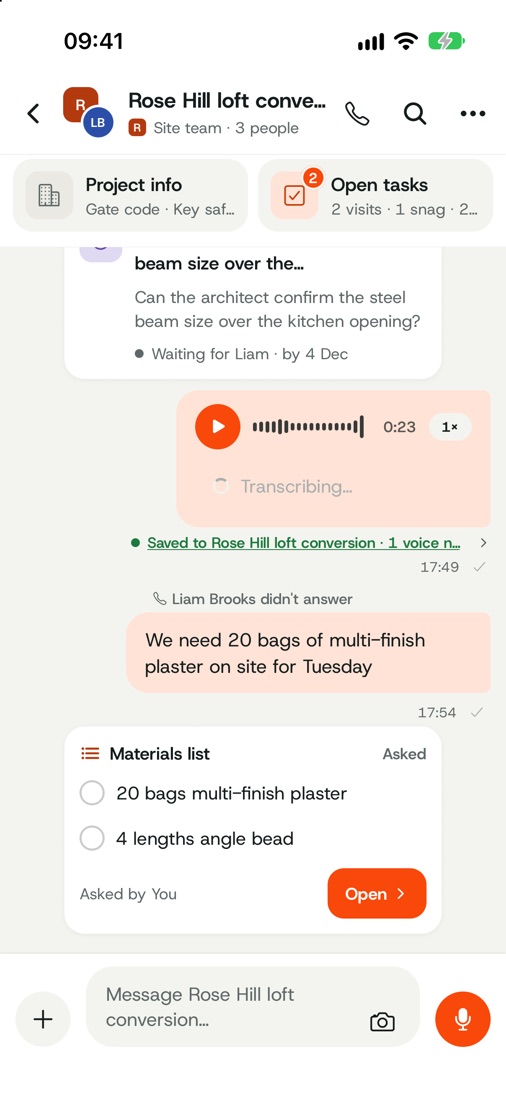 Tap here
- When something arrives, tap its circle.To order, use Email the request · choose who or Send as text at the bottom.
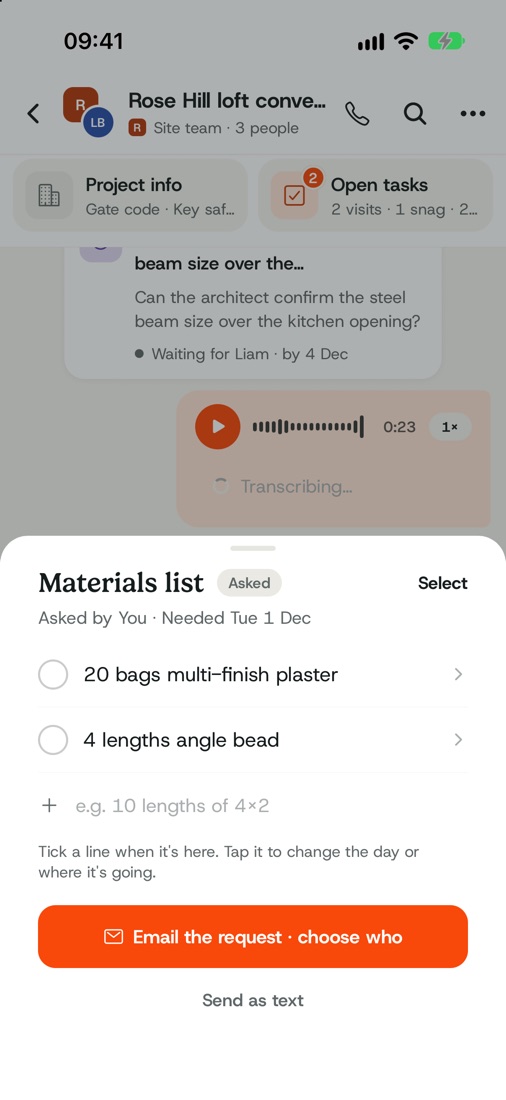 Tap here
- That's it. It shows who got it and where.After you tick, you can say where it is: In the van, On site, Collected or Delivered. Or Skip.
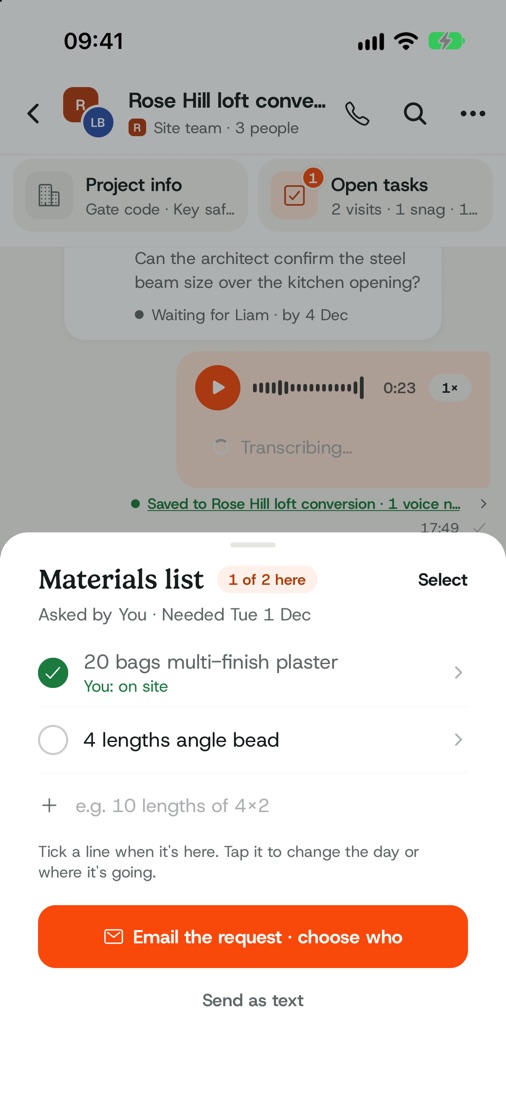 Ticked off
Having trouble?
No suggestion showed up
Press and hold the message, tap Create from message…, then Add material request.
Who does Email the request go to?
Your merchants. Set them up in your profile under My merchants.
Did this help?