
Find your way around the app
The first time you open BRCKS Portal, a short tour shows you the four things that matter. Here they are.
App only
This is the BRCKS Portal app on your phone.
- Anything waiting for you shows at the top of Home: changes to sign off, questions to answer and visits to confirm.
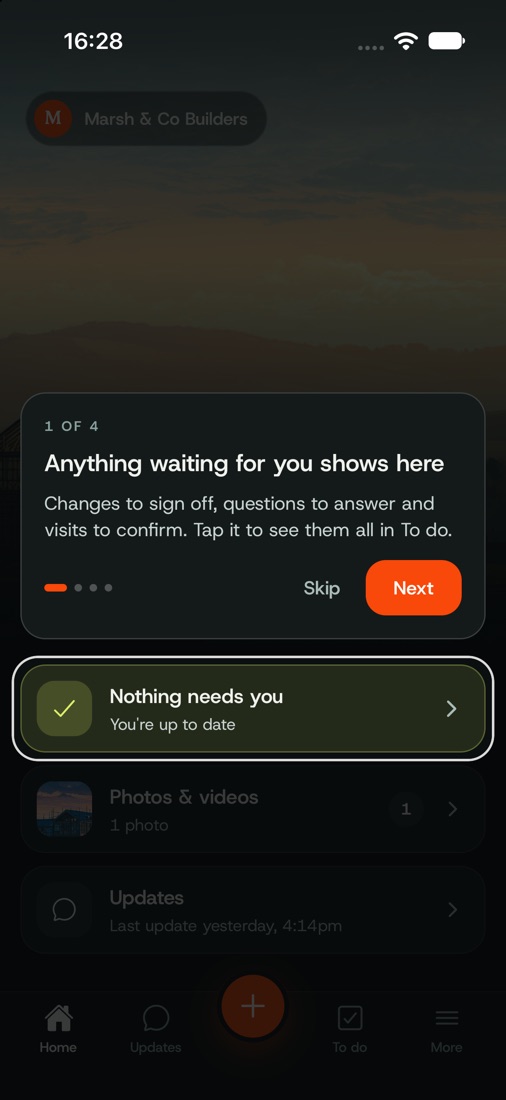 Waiting for you
- Spotted something? Tap + to report a snag, ask a question or send a photo.
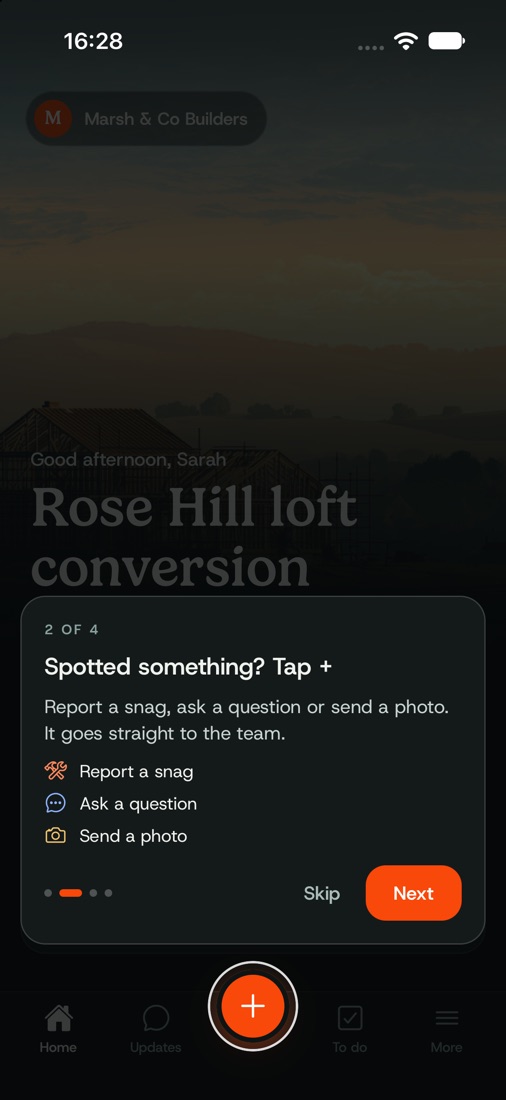 Tap here
- Updates has news, photos and replies to your questions. A number shows when there's something new.
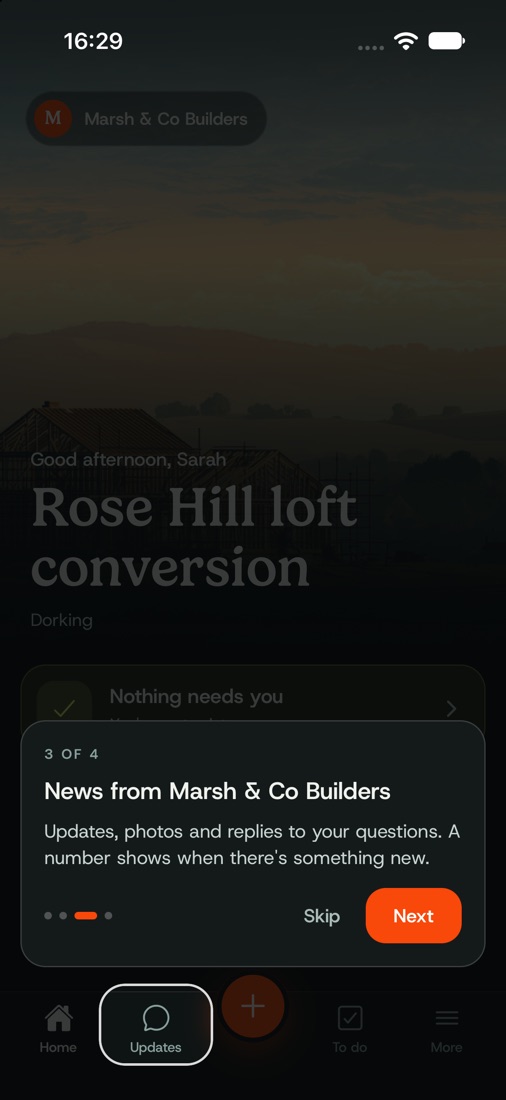 Tap here
- Everything else lives under More: home notes, the handover pack and who to call.
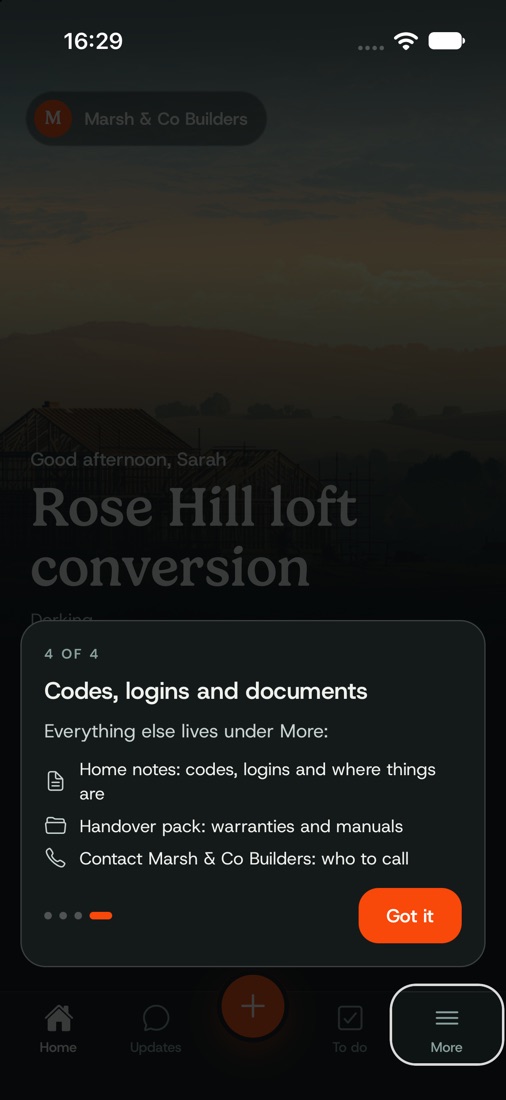 Tap here
Having trouble?
Can I see the tour again?
It shows once, the first time you sign in. This page has the same four tips.
Did this help?