
Sign out
Signing out is quick. You can sign back in any time with a new code.
Which are you using?The steps change to match.
- Tap More at the bottom.
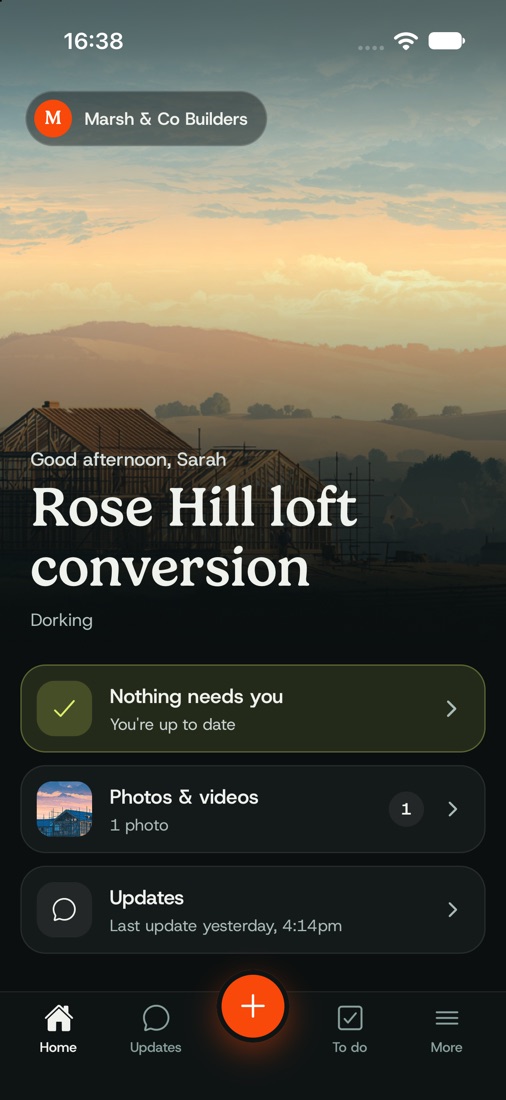 Tap here
- Tap Account.
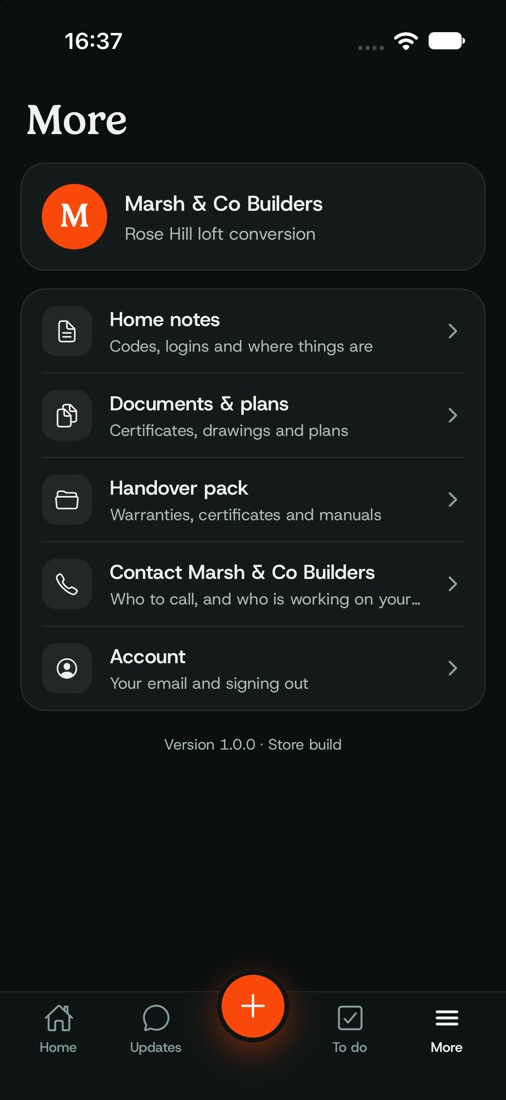 Tap here
- Tap Sign out.It shows which email you're signed in with.
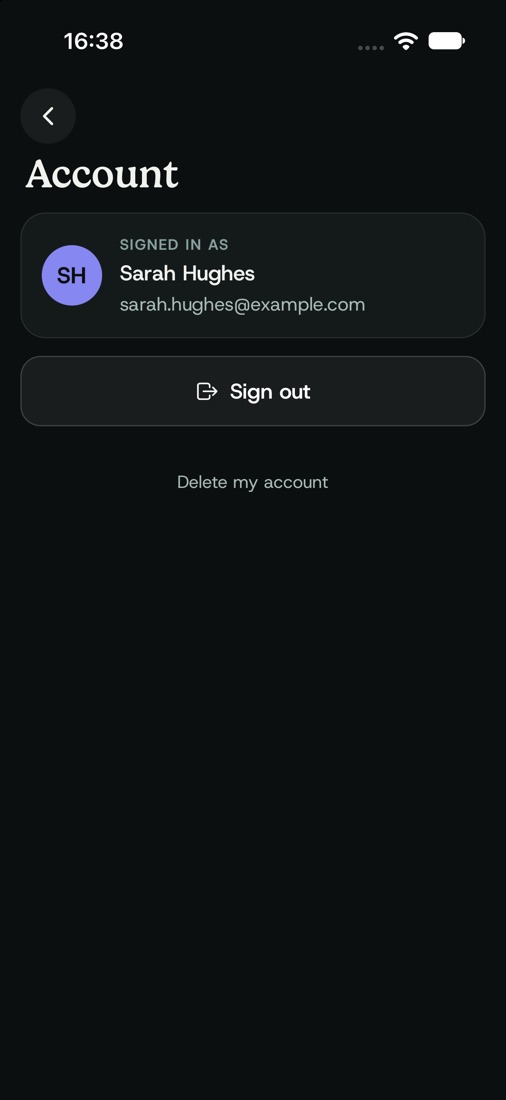 Tap here
- Click your initials at the top right.
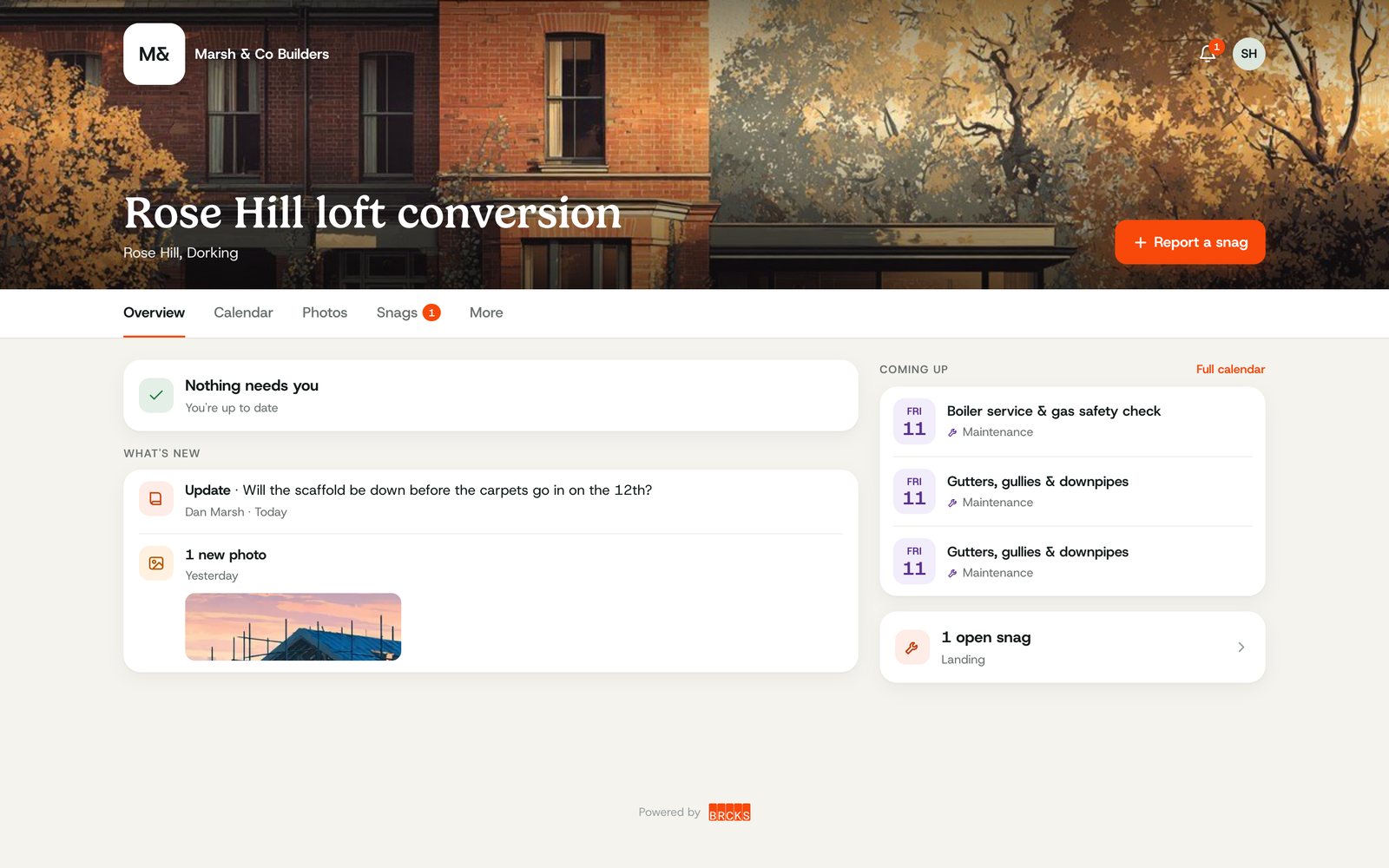
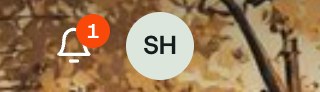 Click here
- Click Sign out.
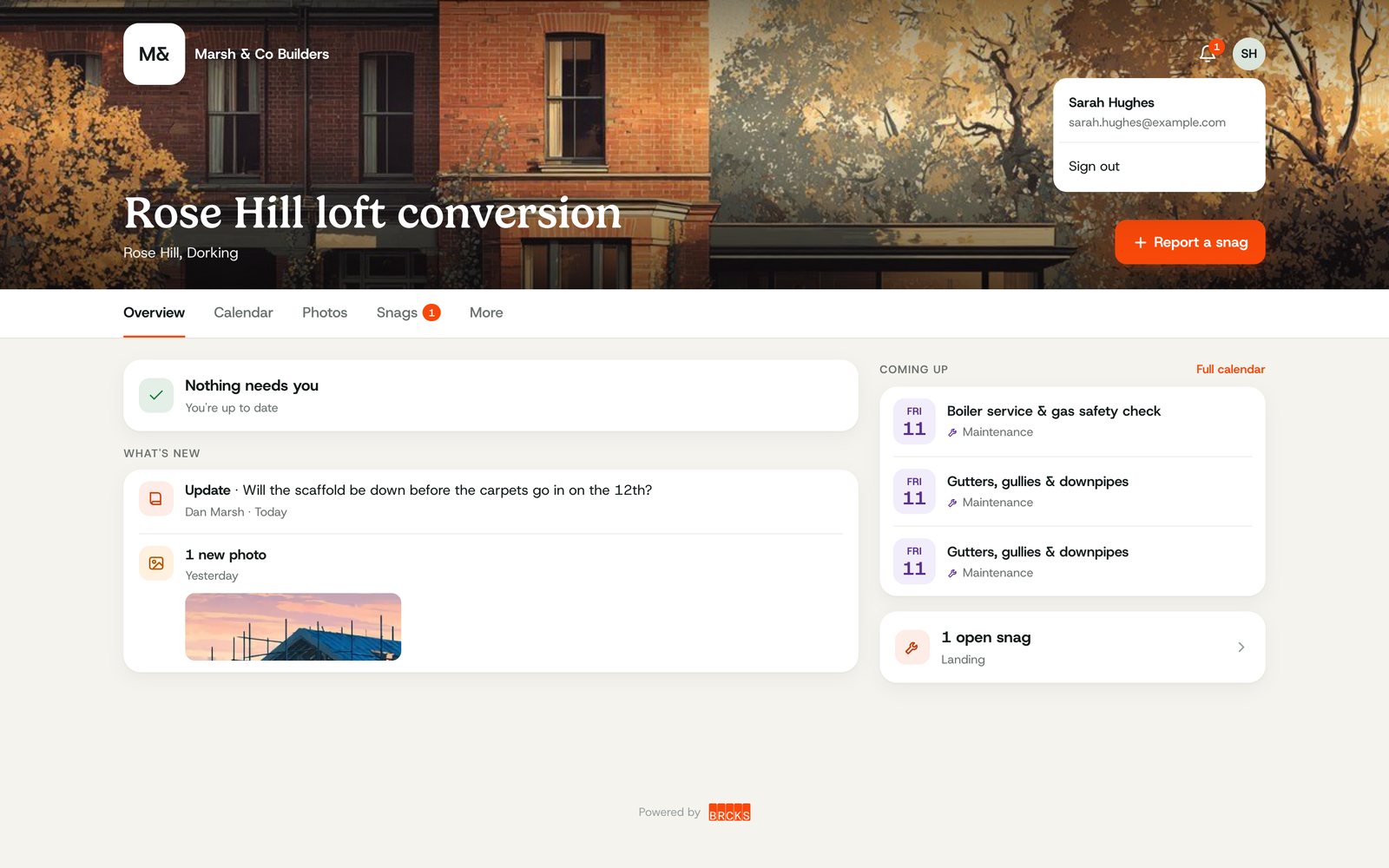
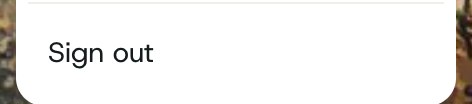 Click here
Having trouble?
How do I sign back in?
Open the app and type your email again. We'll email you a new code.
How do I sign back in?
Open the link from your builder again, or go to portal.brcks.io, and ask for a new code.
Did this help?