
Fill in a form
Toolbox talks, inductions, inspections and permits, filled in on your phone and saved to the project.
- On your Chats screen, tap the project.
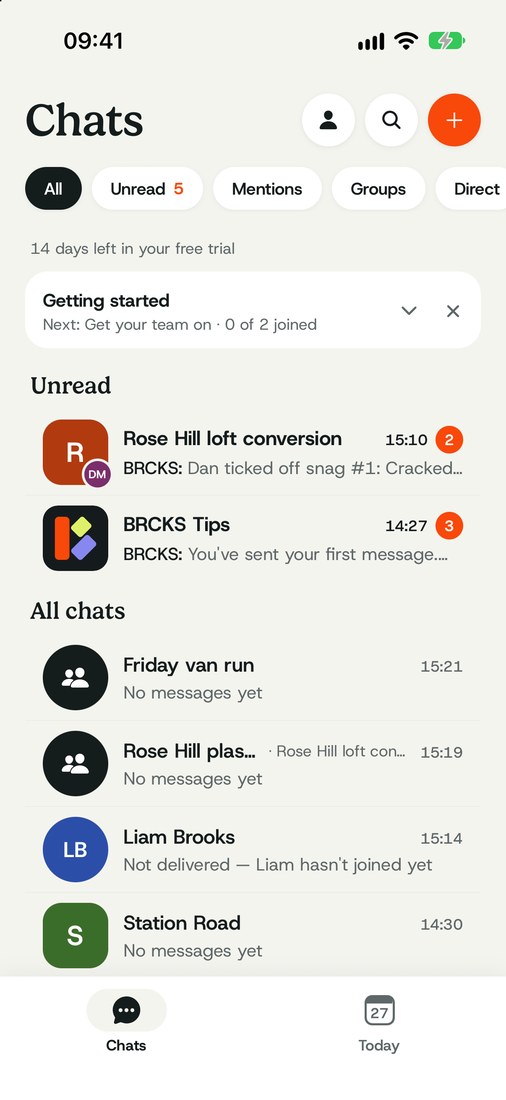 Tap your project
- Tap Project info at the top.
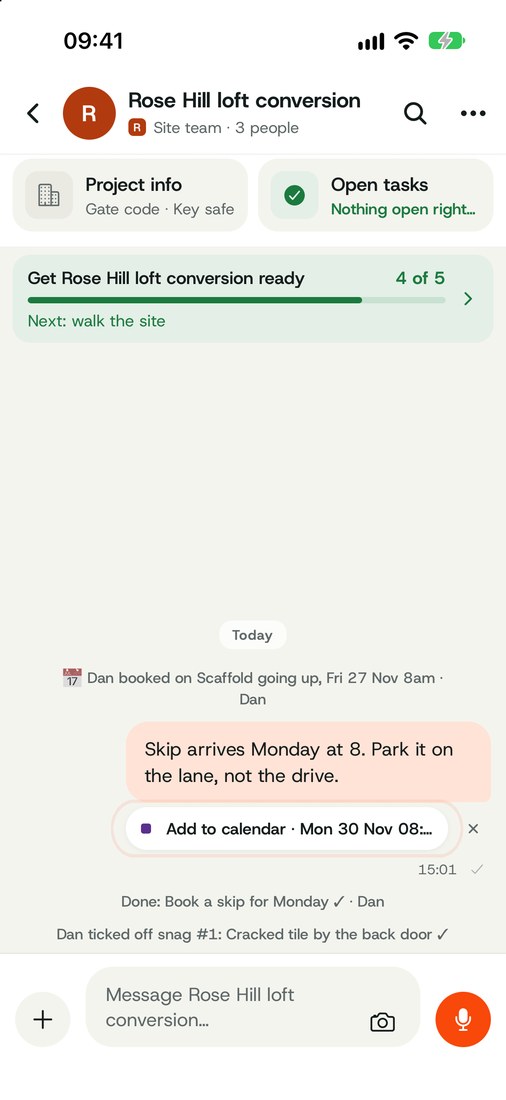 Tap here
- Scroll down and tap Forms.
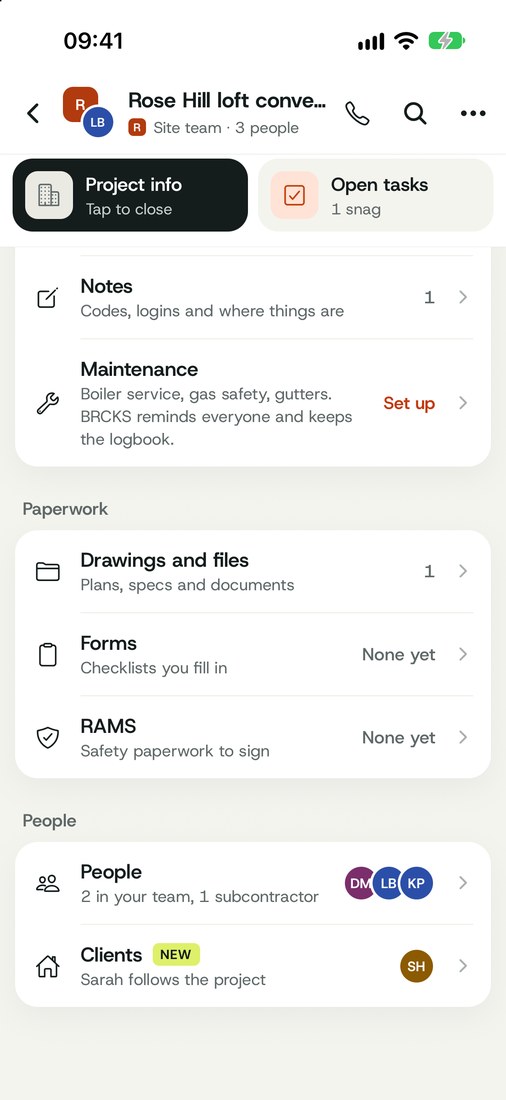 Tap here
- Tap the form you need.Not there? Tap All forms to see every one.
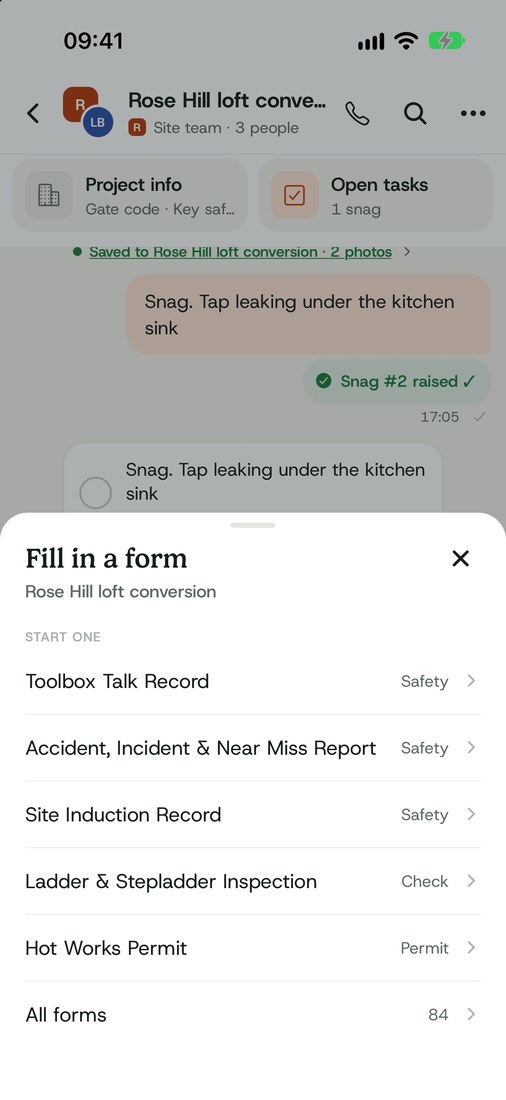 Tap a form
- Answer each question, then tap Next.
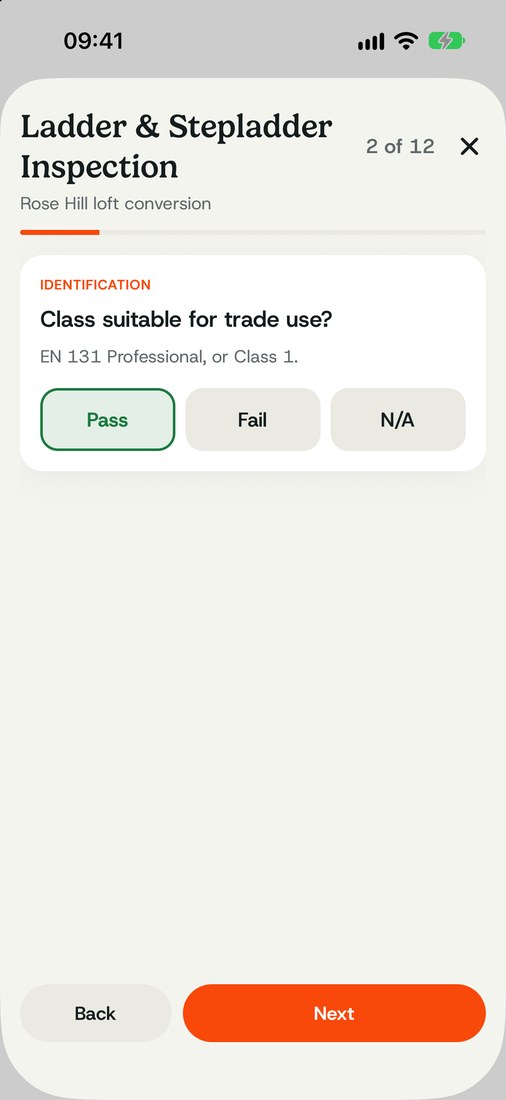 One question at a timeSome are Pass, Fail or N/A. Some you type.
- On the last question, tap Finish.
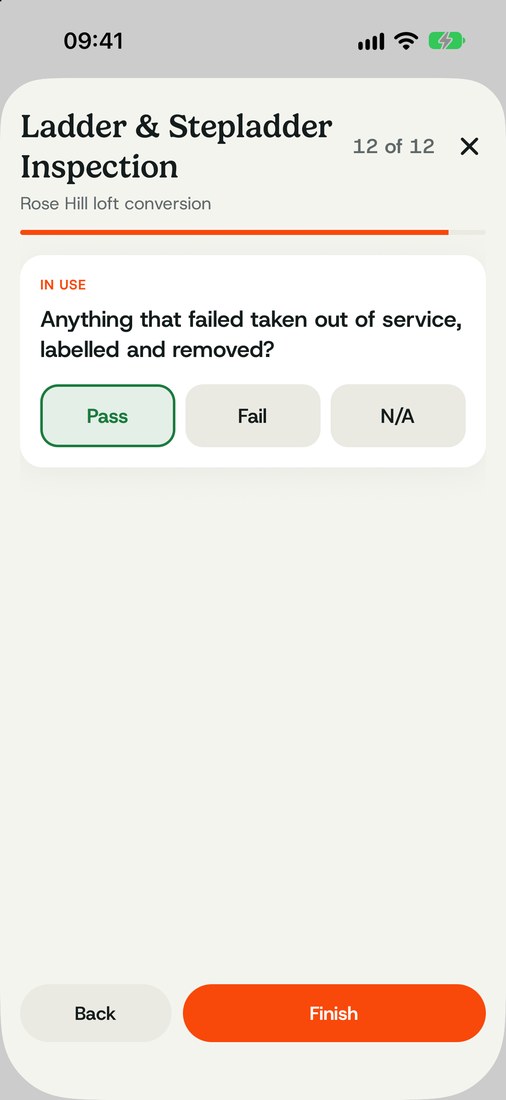 Tap here
- Check the summary, then tap Finish form.It tells you if any question has no answer yet. Tap Keep going to go back.
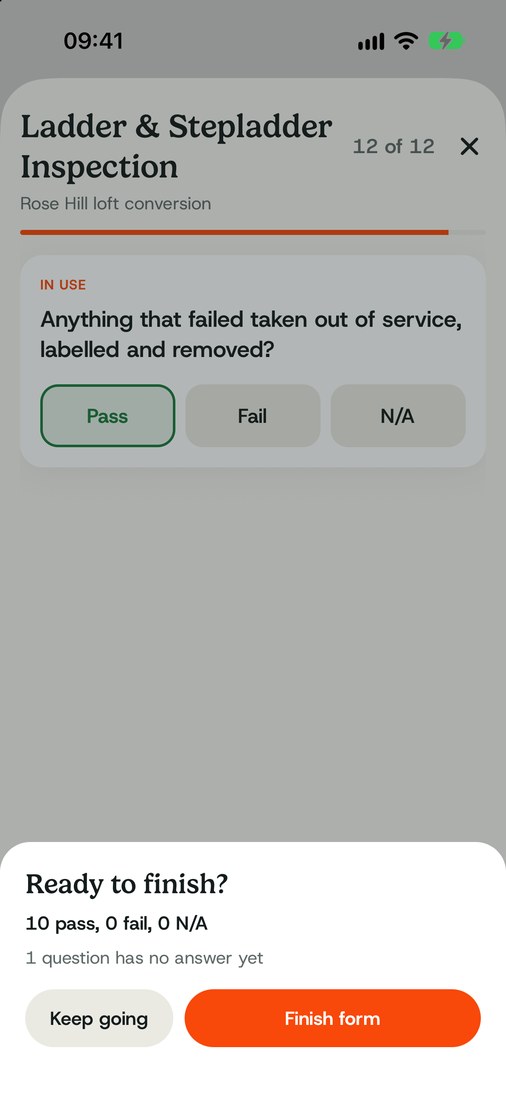 Tap here
- That's it. The form is saved and posted in the chat.The chat line shows the result, like 10 pass, 0 fail.
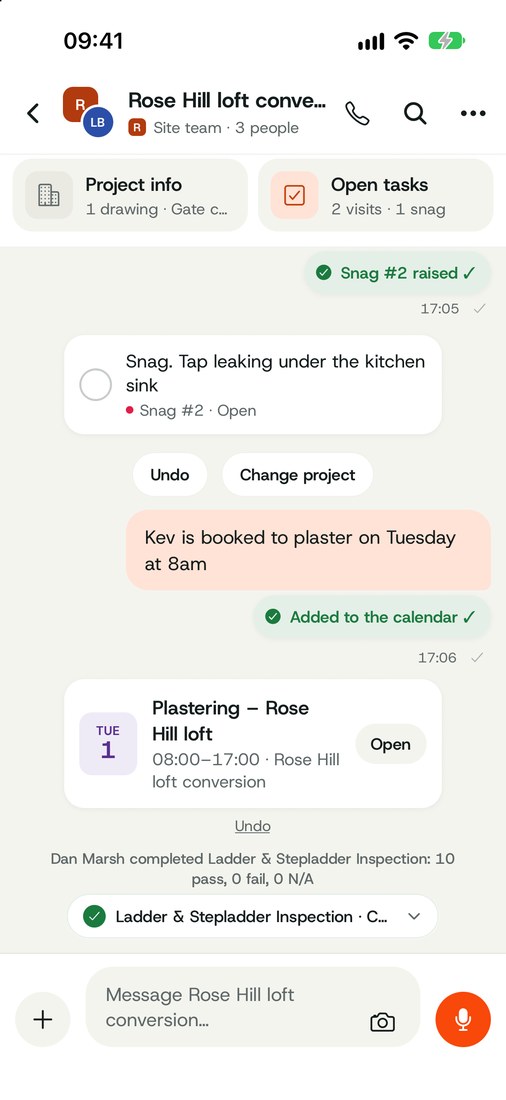 Posted in the chat
Having trouble?
I missed a question
Before you finish, the summary says how many have no answer. Tap Keep going to go back, or use Back.
How many forms are there?
Tap All forms in the list to see them all.
Did this help?