
Find a project's photos
Every photo sent in a project's chat is kept together in one place.
- On your Chats screen, tap the project.
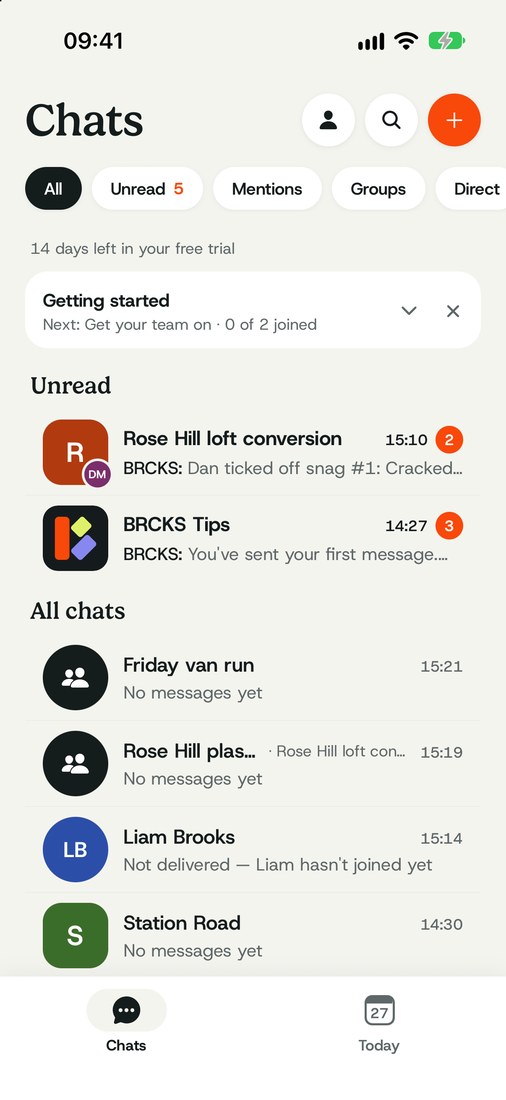 Tap your project
- Tap Project info at the top.
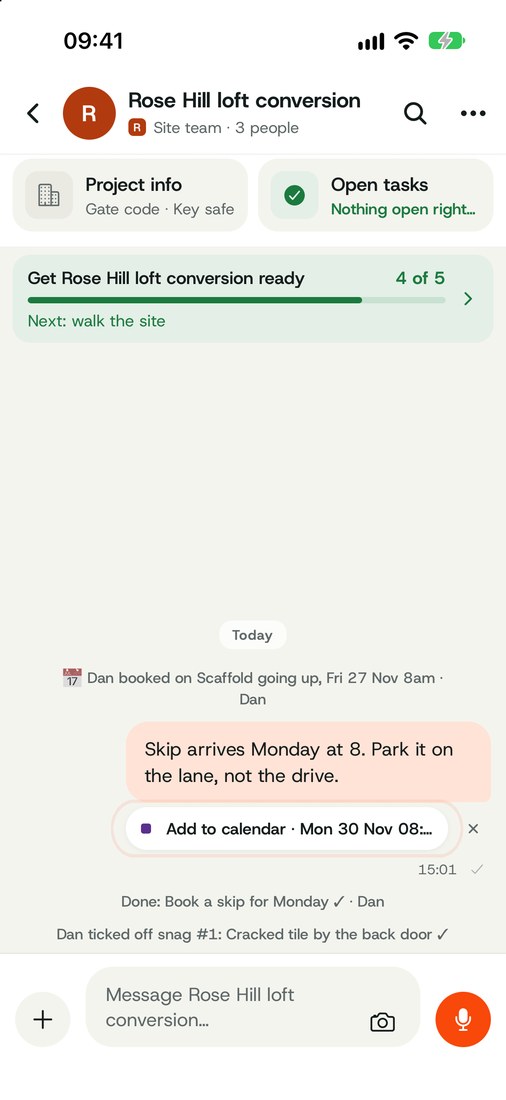 Tap here
- Tap Photos and videos.It shows how many there are.
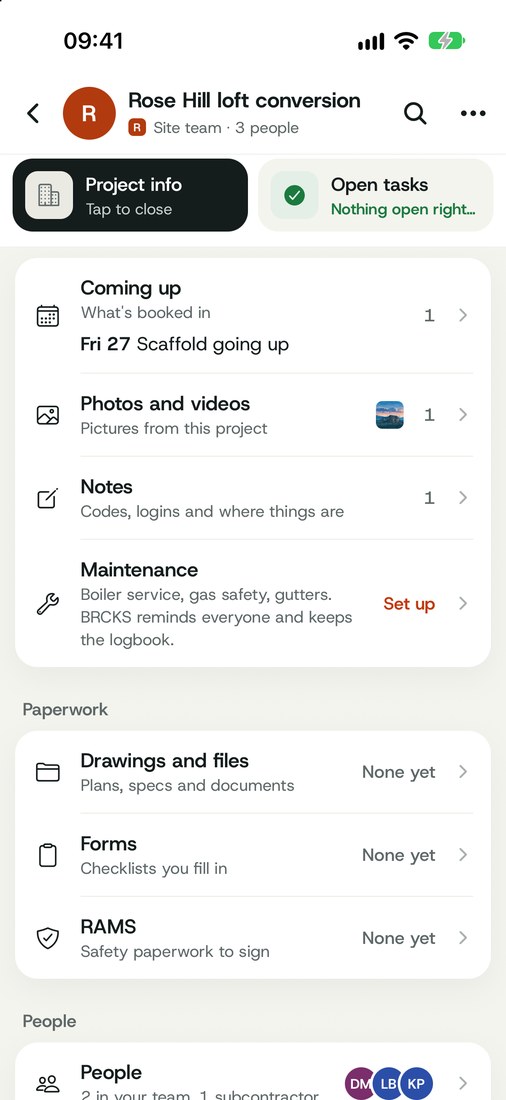 Tap here
- That's it. Every photo sent in the project's chat is here.
 SearchBy name, who sent it, or date.TabsPhotos and video, Documents, and Voice notes and decisions.
Having trouble?
What about photos in a one-to-one chat?
They stay in that chat, just the two of you. They only go to a project if you save one there.
Can my client see these photos?
Only the ones you show them. On the Clients screen the app explains how: press and hold a photo in the chat or in Photos and videos, then tap Show on the client portal.
Did this help?