
Get started with BRCKS Chat
Set up your company and your first project. Free for 14 days, no card needed.
- Open BRCKS Chat and tap Get started.You'll see three welcome screens first. Tap Next on each, or Skip at the top.
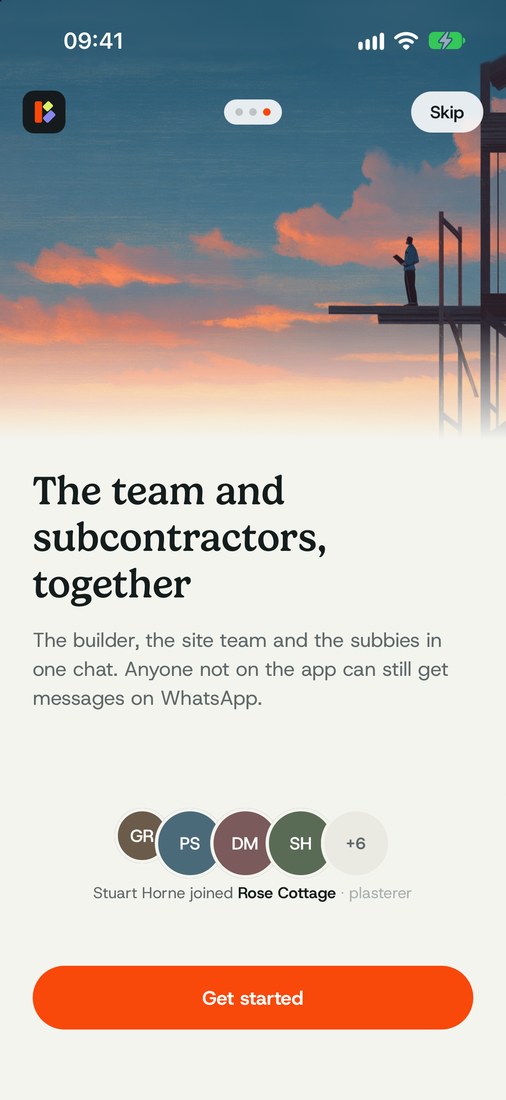 Tap here
- Type your mobile number, then tap Text me a code.
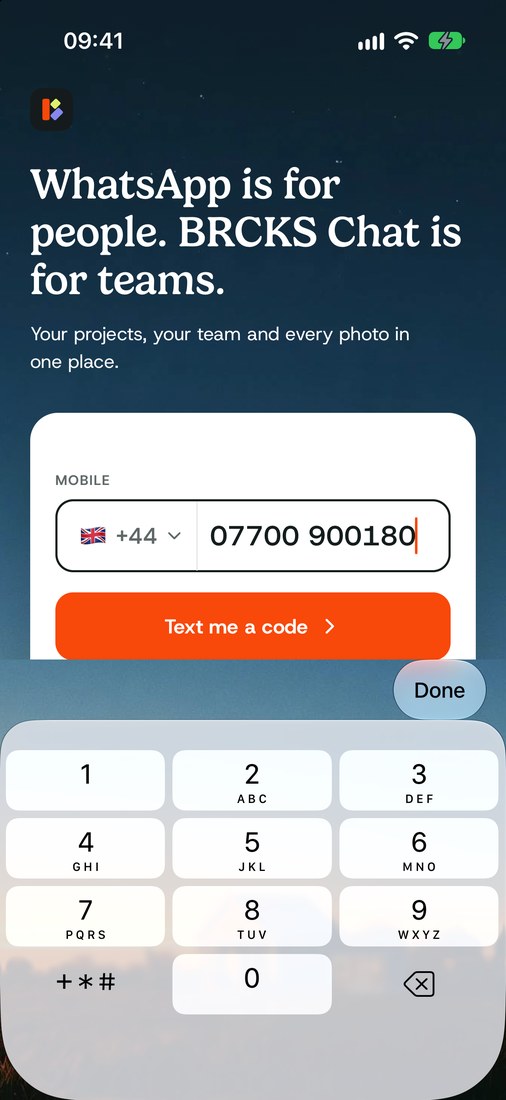 Tap here
- Check it's your number, then tap Yes, text me.Wrong number? Tap Change it.
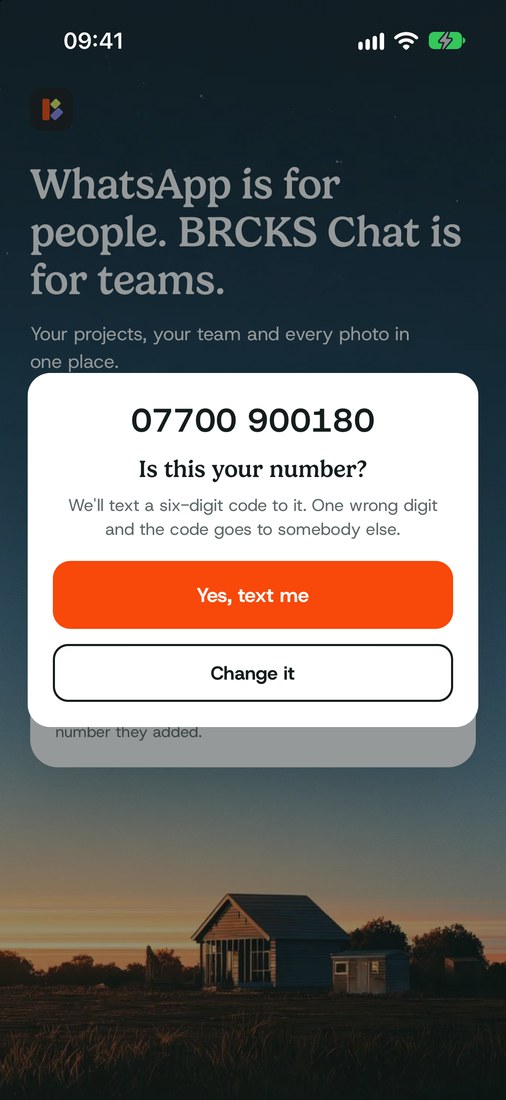 Tap here
- Tap Set up my company.
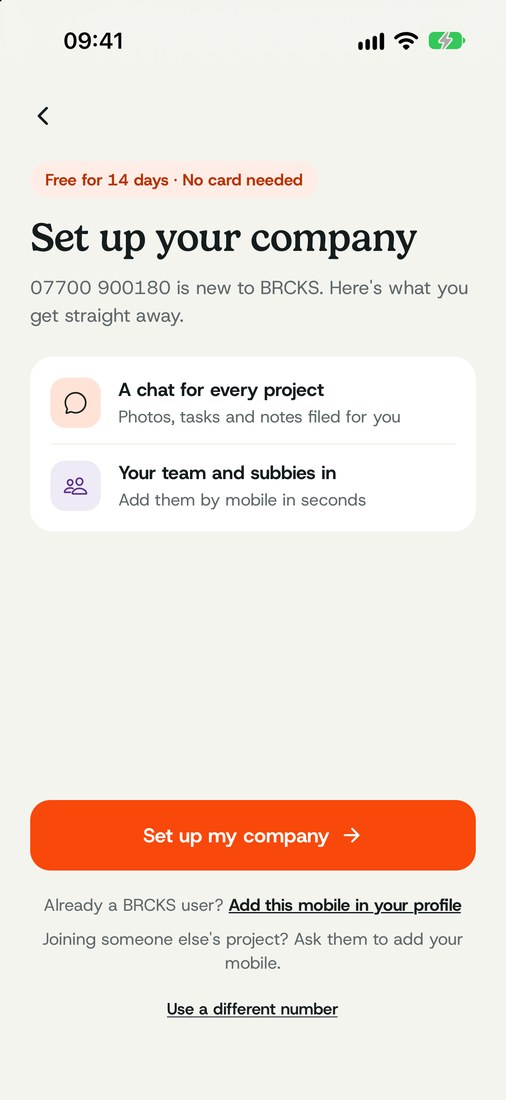 Tap here
- Type the six-digit code we text you.Your keyboard may offer the code. Tap it, or type it in.
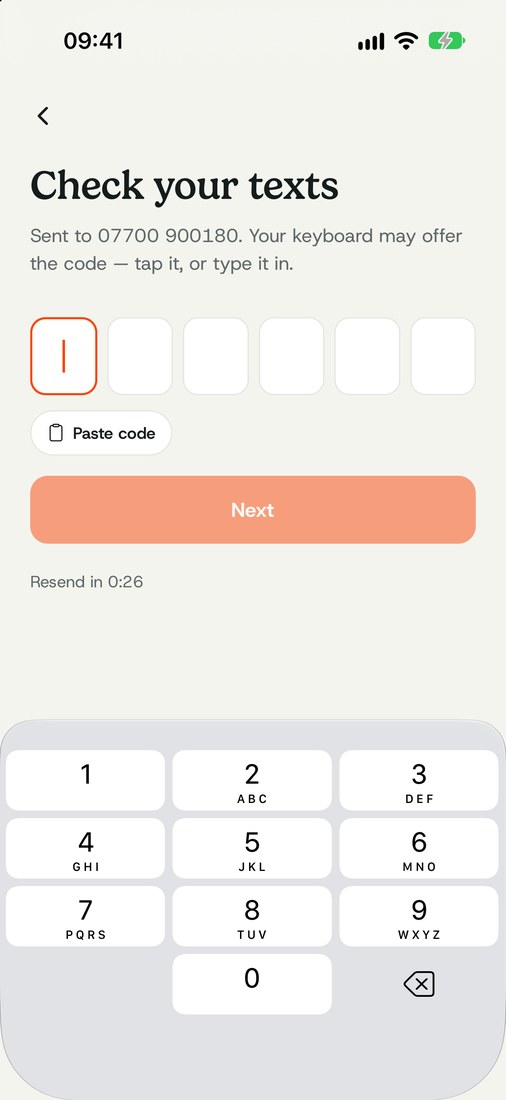 Tap here
- Fill in your name, email and company name. Then pick what you do and how many people are in your company.
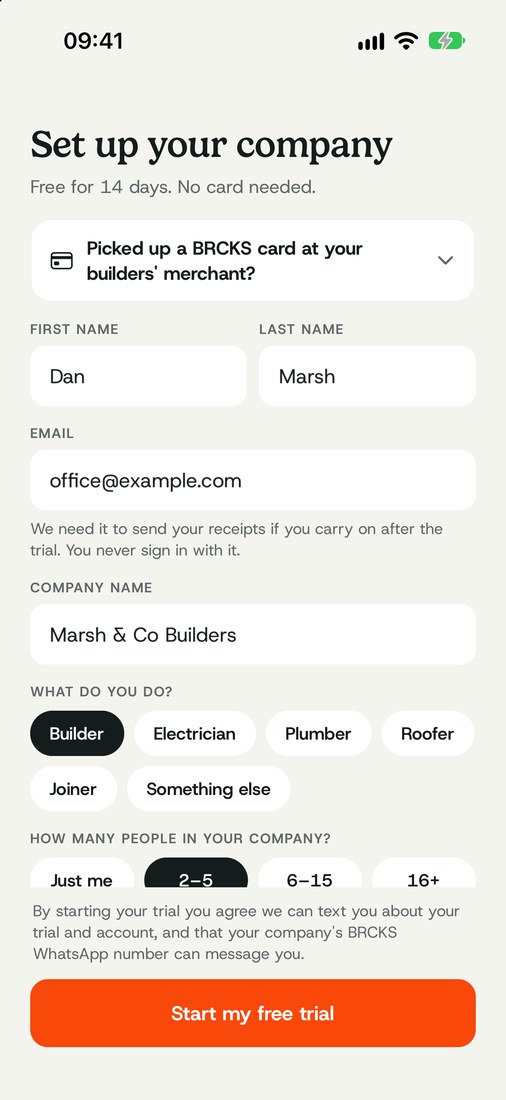 Free for 14 daysNo card needed.Why your email?It's for receipts if you carry on after the trial. You never sign in with it.
- Tap Start my free trial.Tap here
- Start typing the address of a job you're working on. Tap it when it shows up.Can't see it? Tap Use "…" as typed.
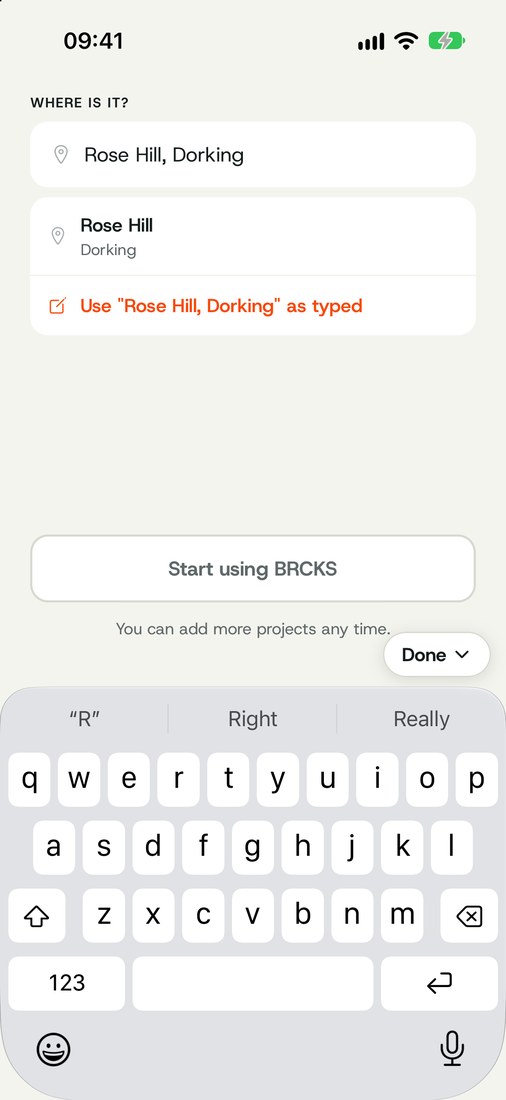 Tap your address
- Tap Start using BRCKS.You can add more projects any time.
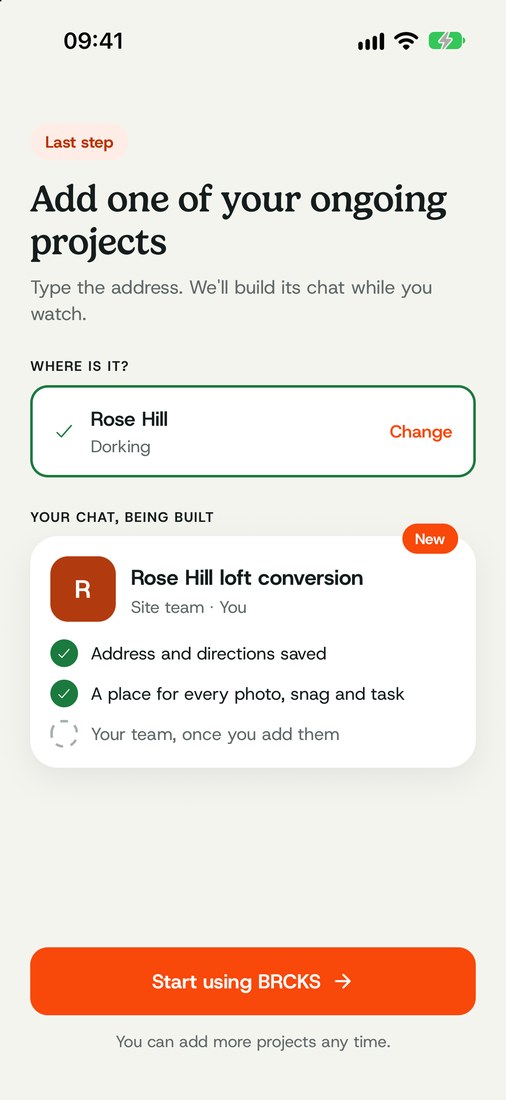 Tap here
- That's it. Your project has its own chat, on your Chats screen.This is your home screen. Your projects, your company chat and your notes are all here.
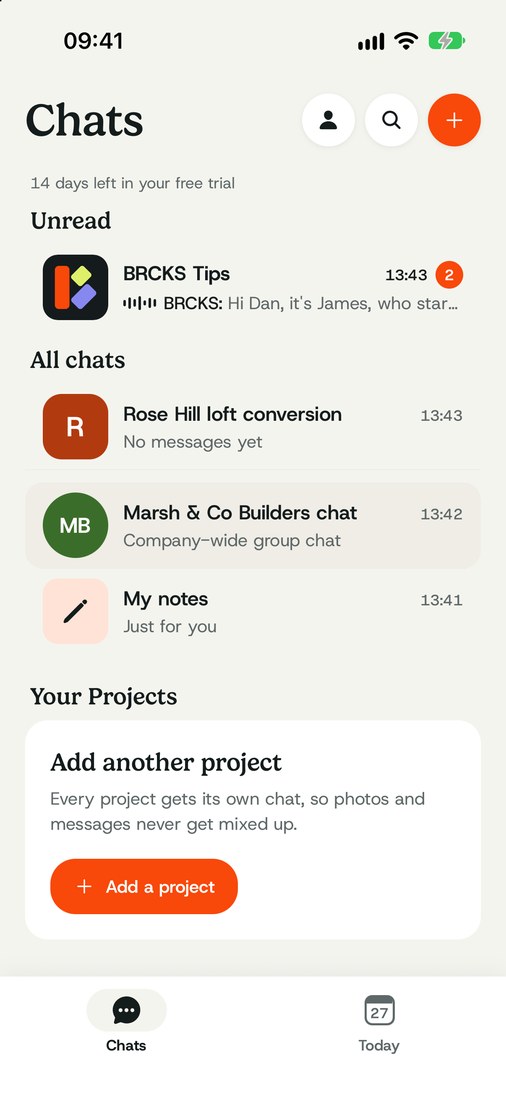 Your first project
Having trouble?
I typed the wrong number
When it asks Is this your number?, tap Change it and type it again.
The code hasn't come through
Under the Next button there's a countdown, like Resend in 0:30. When it runs out, you can ask for a new code.
Someone wants to add me to their project
Don't tap Set up my company. Ask them to add your mobile, then sign in with the number they added.
Did this help?