
Make a voice or video call
Call anyone from their chat, without leaving BRCKS.
- On your Chats screen, tap the project.
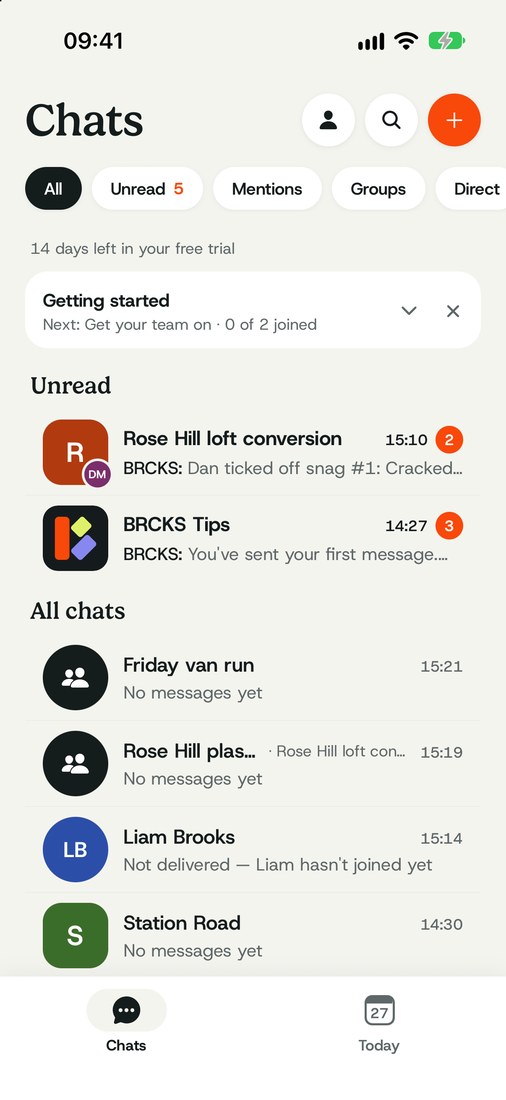 Tap your project
- Tap the phone at the top of the chat.
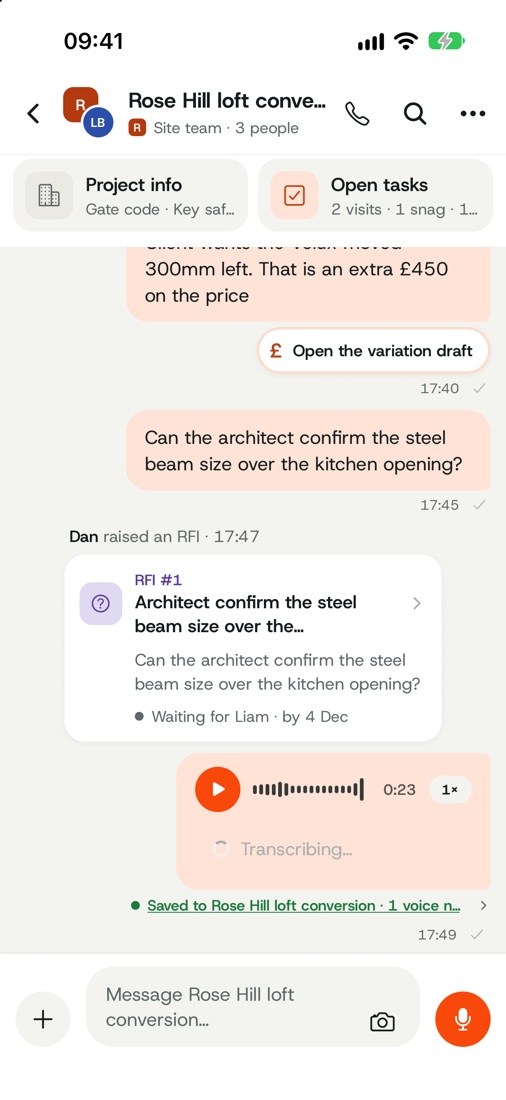 Tap here
- Tap Voice call. Or Video call.
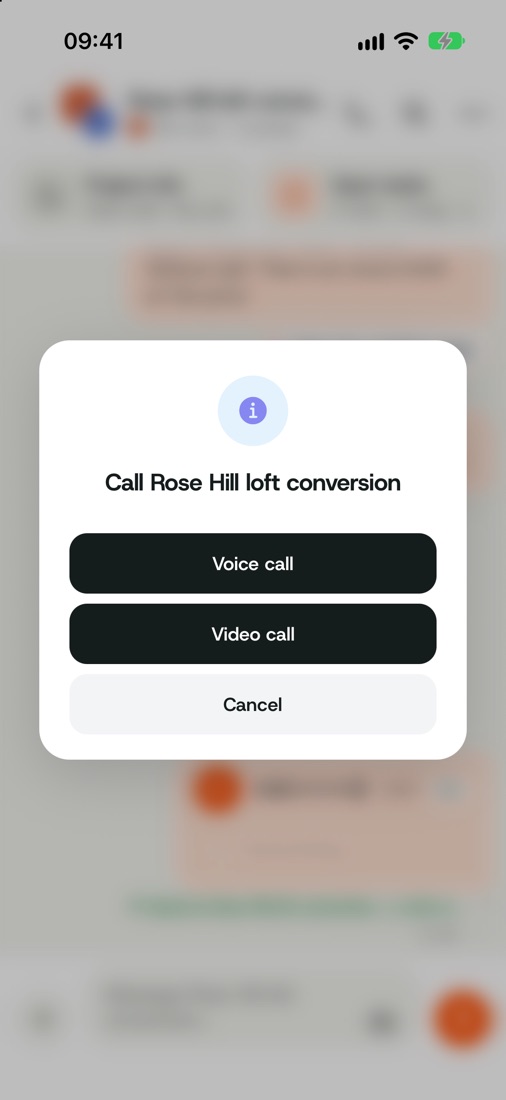 Tap here
- It rings them. Tap the red button to hang up.The other buttons are Unmute, Speaker and Video.
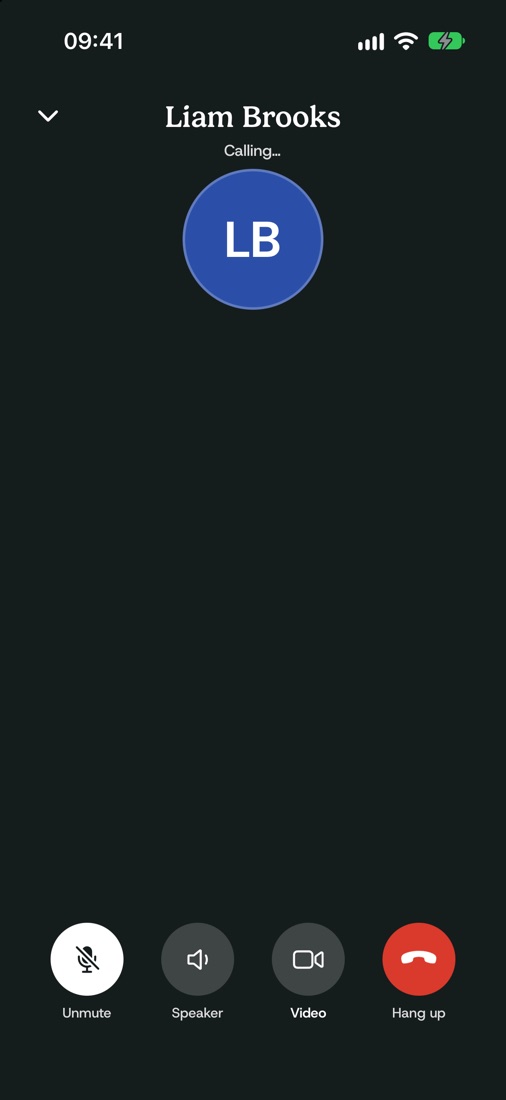 Tap here
- If they don't pick up, the chat says so.Your Chats list shows "Missed voice call".
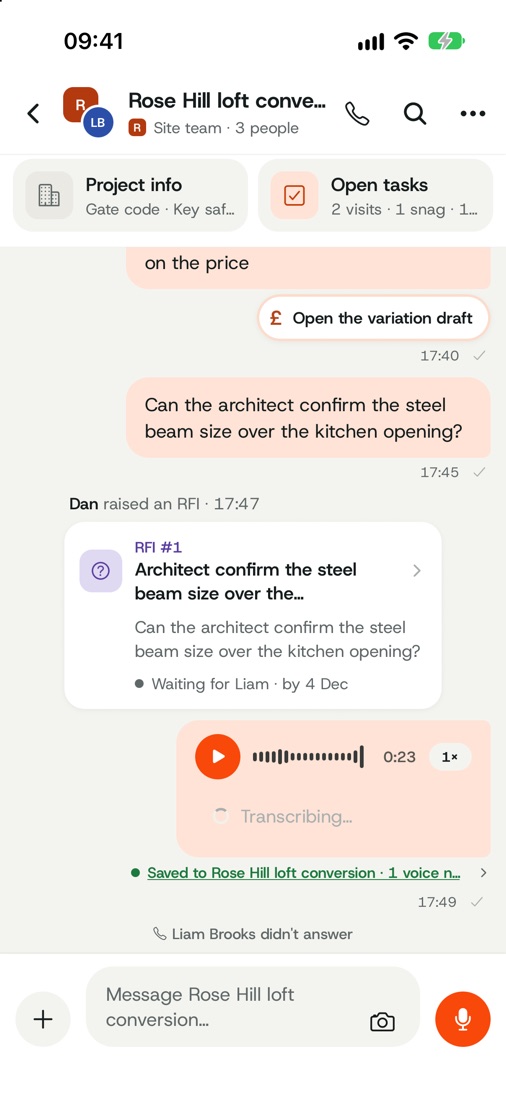 Didn't answer
Having trouble?
My phone asked about the microphone
Tap Allow. BRCKS Chat uses the microphone for calls, voice notes and site walk notes.
Did this help?