
Start a chat with one person
A private chat, just the two of you.
- On your Chats screen, tap the orange +.
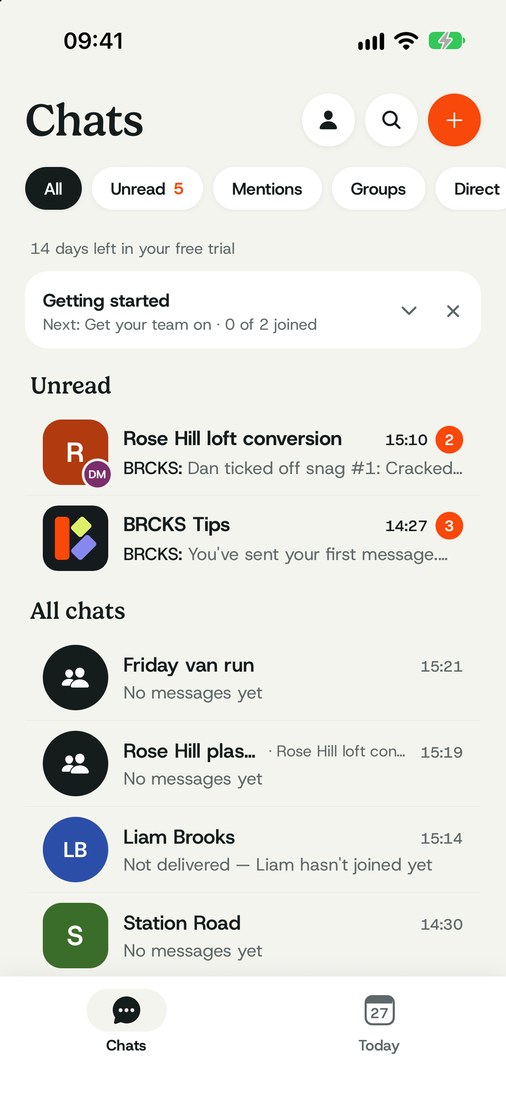 Tap here
- Tap New chat.
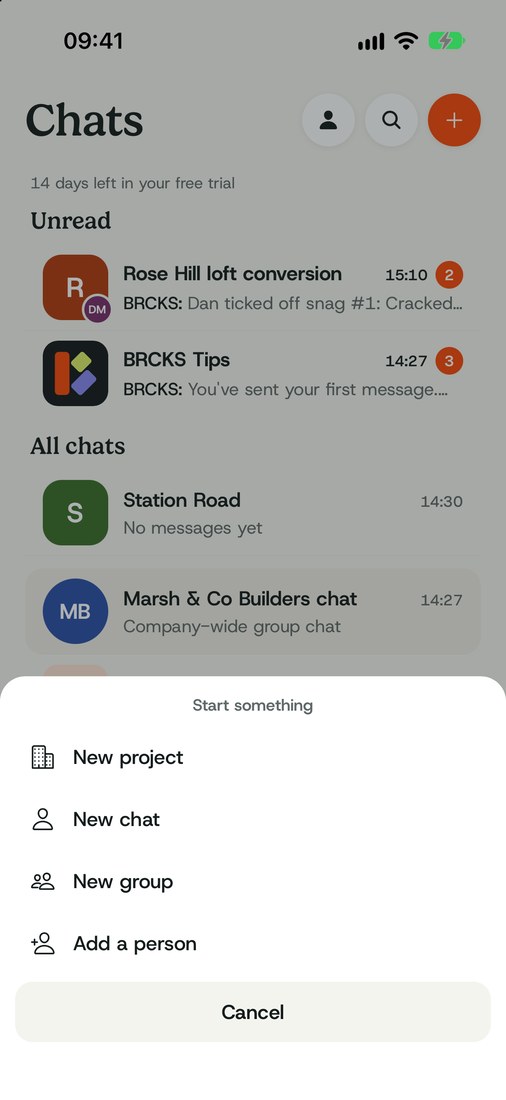 Tap here
- Tap the person you want to message.Not there? Tap Add someone new.
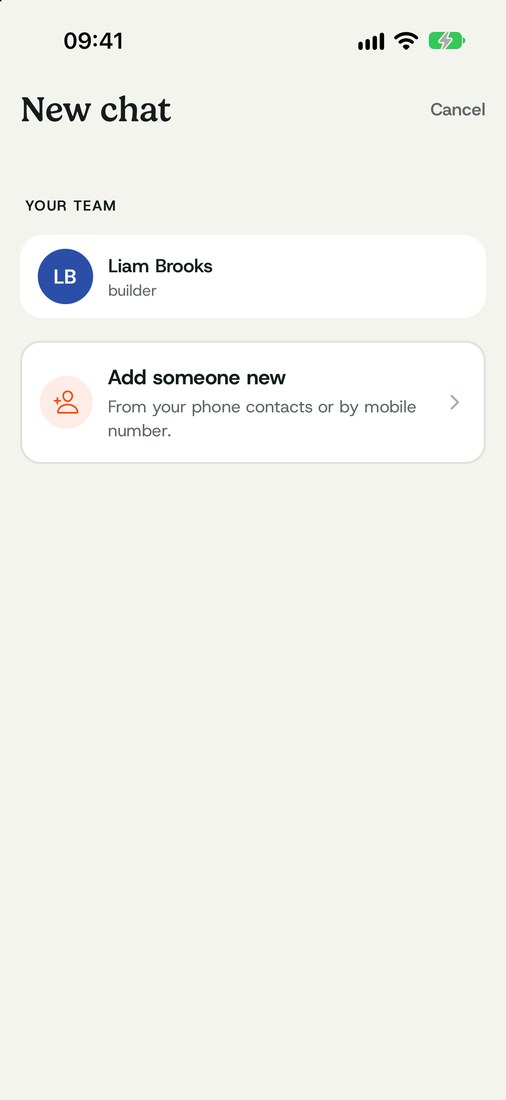 Tap them
- Type your message and tap the orange arrow to send it.What you send stays private unless you save it to a project.
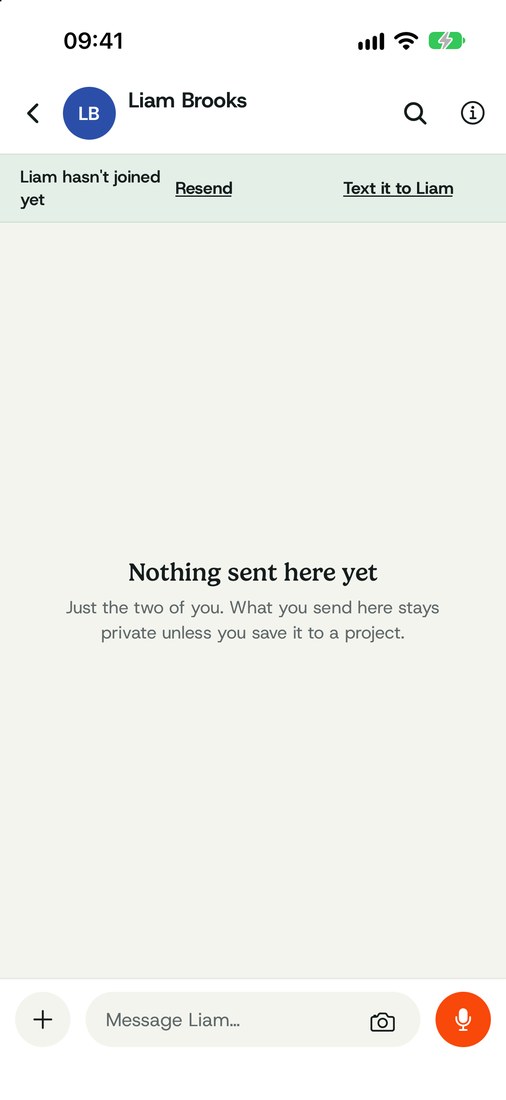 Type here
- That's it. Only the two of you can see it.
 Your message
Having trouble?
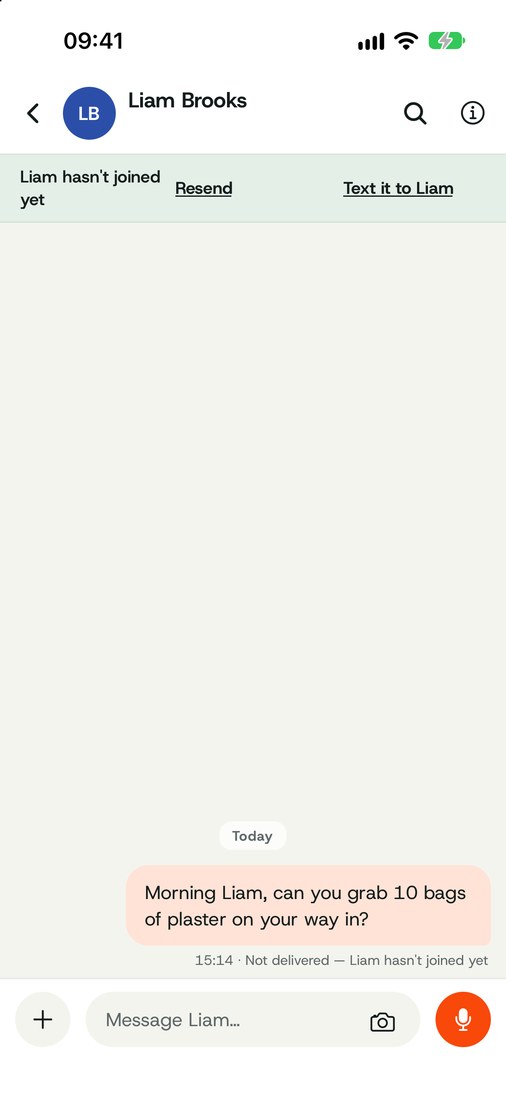
It says Not delivered
They haven't joined BRCKS yet. At the top of the chat it says they haven't joined, with a Resend button.
Is there a quicker way?
Yes. On your Chats screen, under Your people · tap to message, tap their face.
Can anyone else see it?
No. It's just the two of you, unless you save something to a project.
Did this help?