
Raise an RFI
Turn a question in the chat into an RFI, so the answer is tracked with a name and a date.
- On your Chats screen, tap the project.
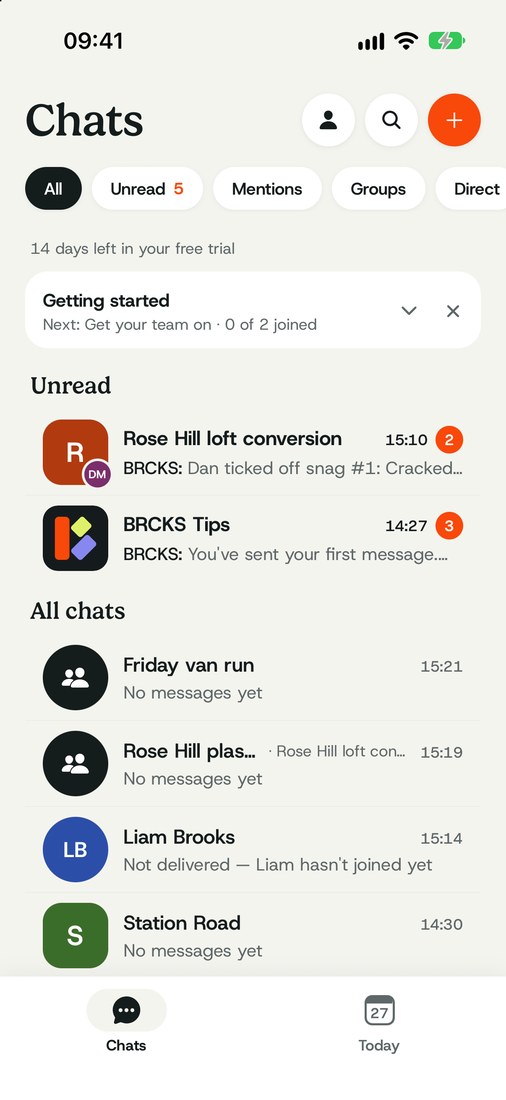 Tap your project
- Send your question in the chat, then press and hold it.
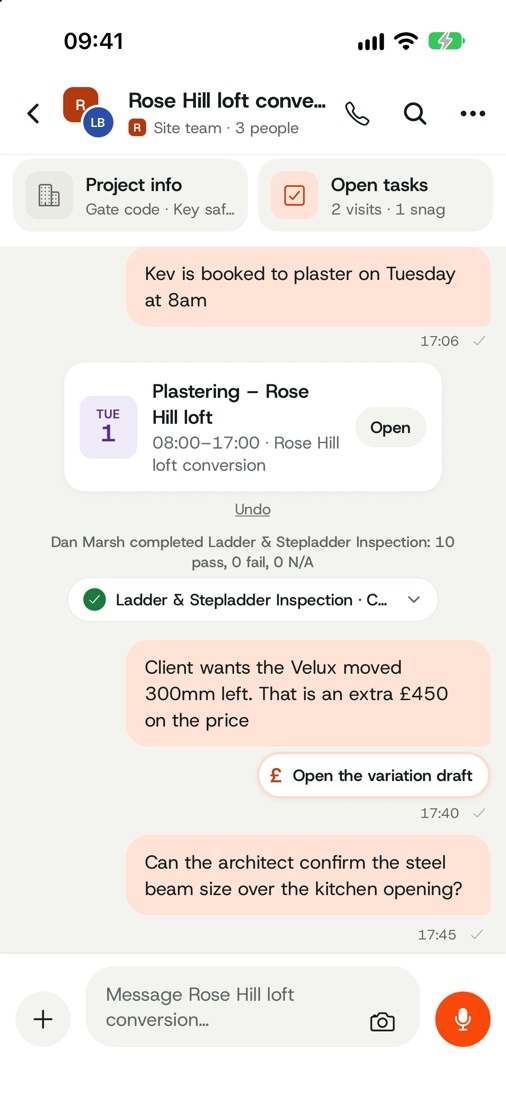 Press and hold
- A menu pops up. Tap Create from message….
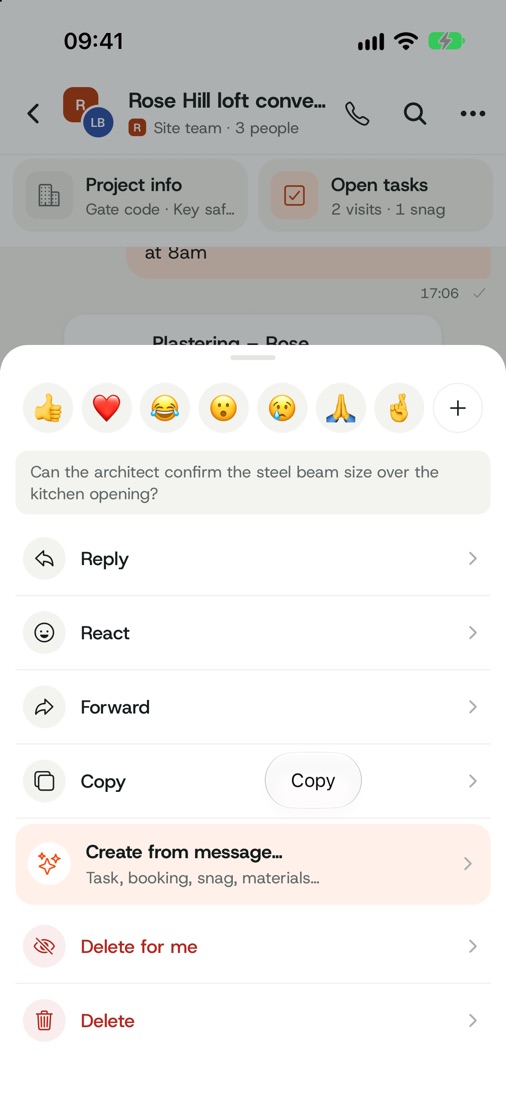 Tap here
- Tap RFI."Ask a formal question and track the reply".
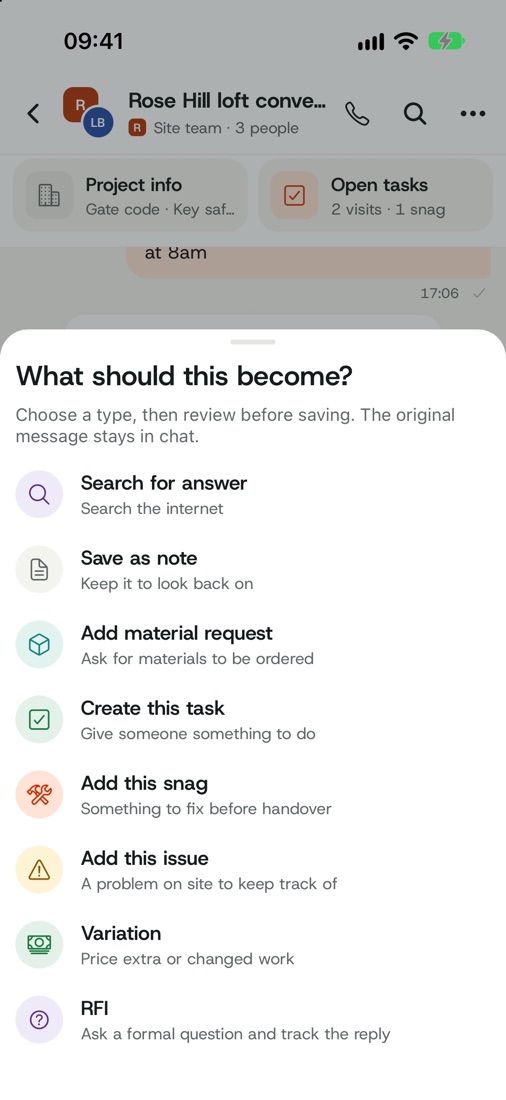 Tap here
- Check the Question. It's filled in from your message.
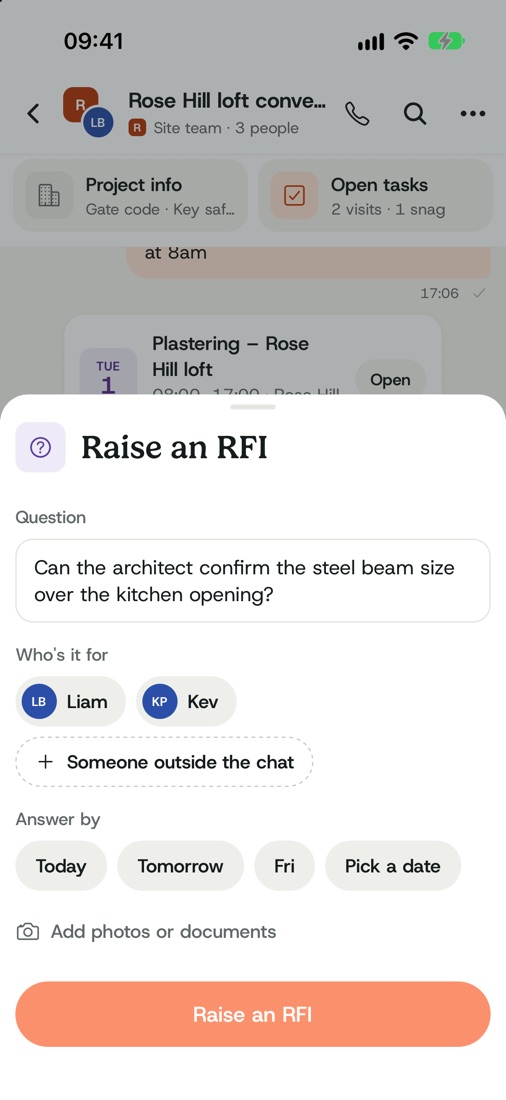 Check it
- Under Who's it for, tap the person.If they're in the chat, it goes straight to them. Or tap Someone outside the chat.
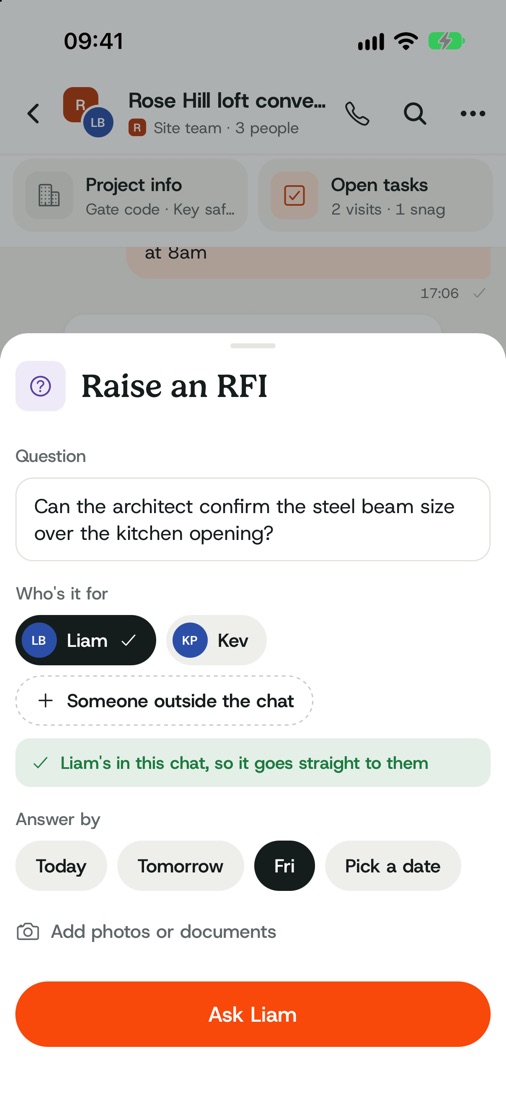 Tap here
- Under Answer by, pick when you need the answer.Today, Tomorrow, a day, or Pick a date.Tap here
- Tap Ask Liam.The button shows their name.Tap here
- That's it. The RFI is in the chat with a number, like RFI #1.It shows who it's waiting for and the date it's needed by.
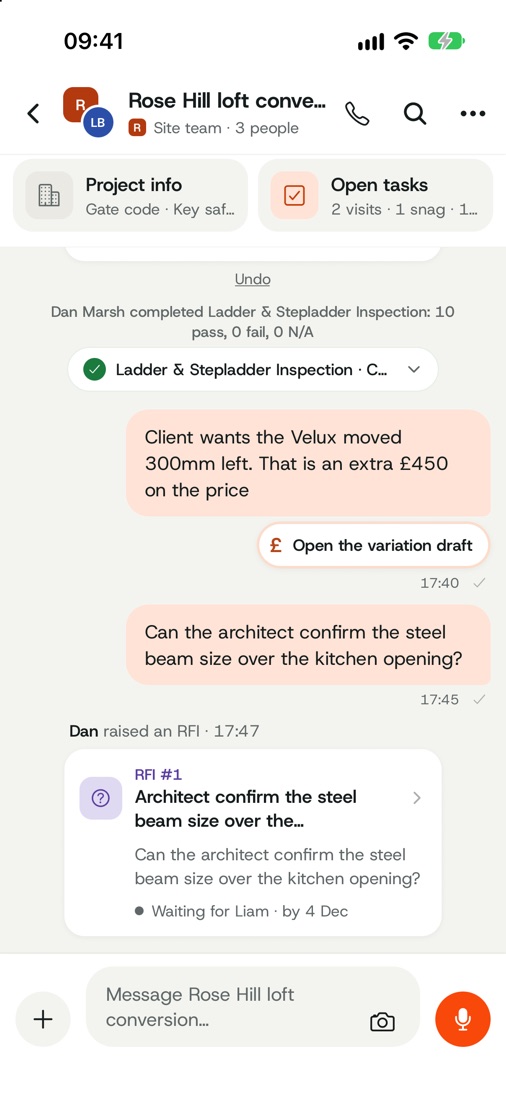 Your RFI
Having trouble?
Can I add a drawing or photo?
Yes. Tap Add photos or documents before you send it.
Did this help?