
Search inside a chat
Find something said in one project's chat. Only you see what you search.
- On your Chats screen, tap the chat you want to search.
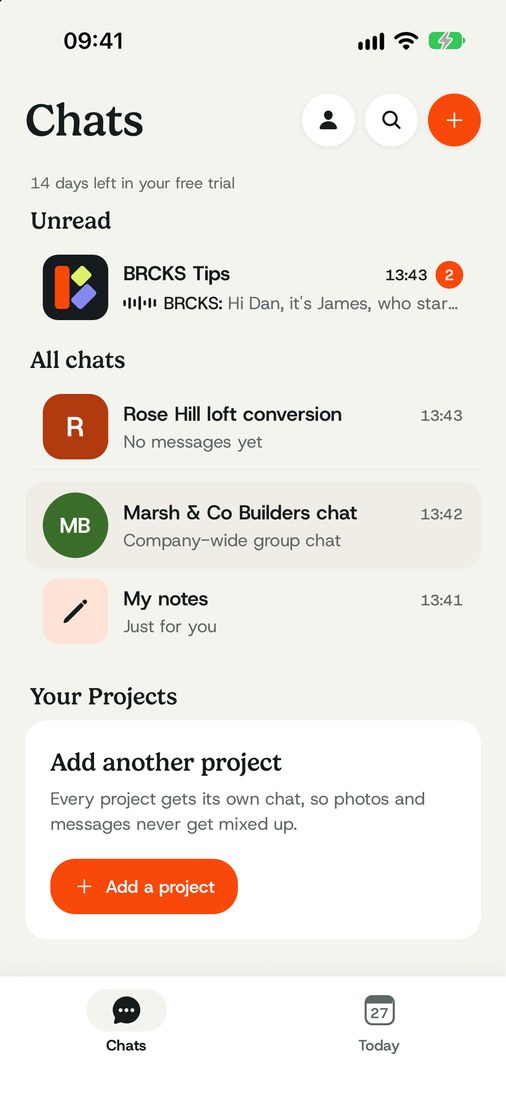 Tap your project
- Tap the search button at the top of the chat.
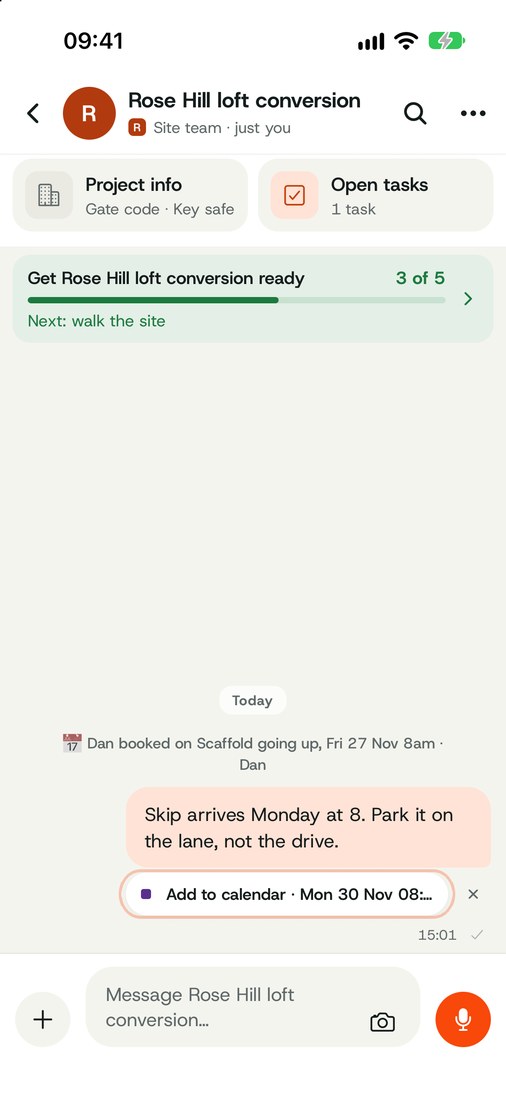 Tap here
- Type what you're looking for. Results show as you type.Only you see this. Nothing is sent to the chat.
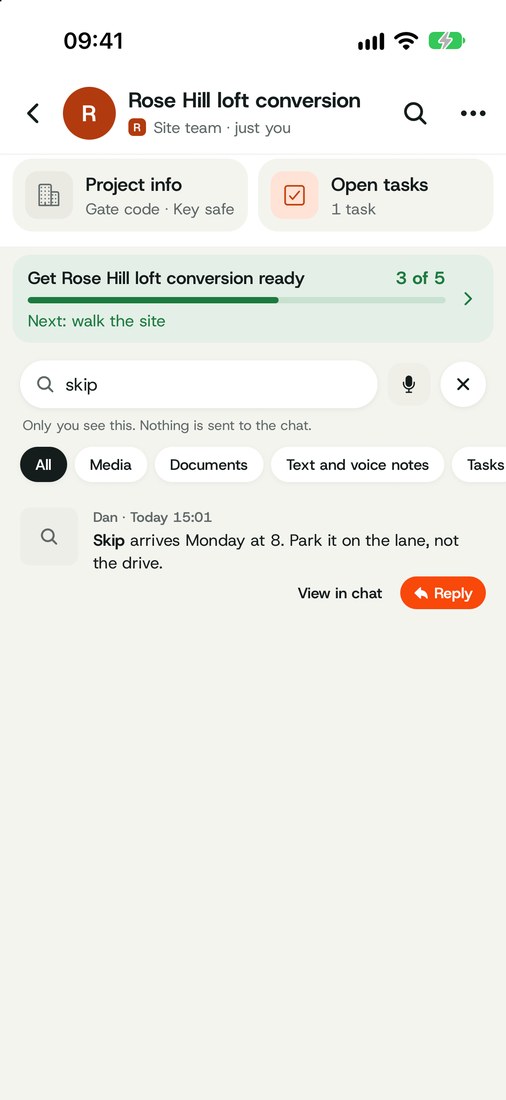 Type here
- That's it. Tap View in chat to jump to the message.View in chat
Having trouble?
Can anyone see what I search?
No. Only you see it. Nothing is sent to the chat.
Can I search all my chats at once?
Yes. Use the search button on your Chats screen instead.
Did this help?