
Search your chats
Find any message, chat, person or project from one search box.
- On your Chats screen, tap the search button at the top.
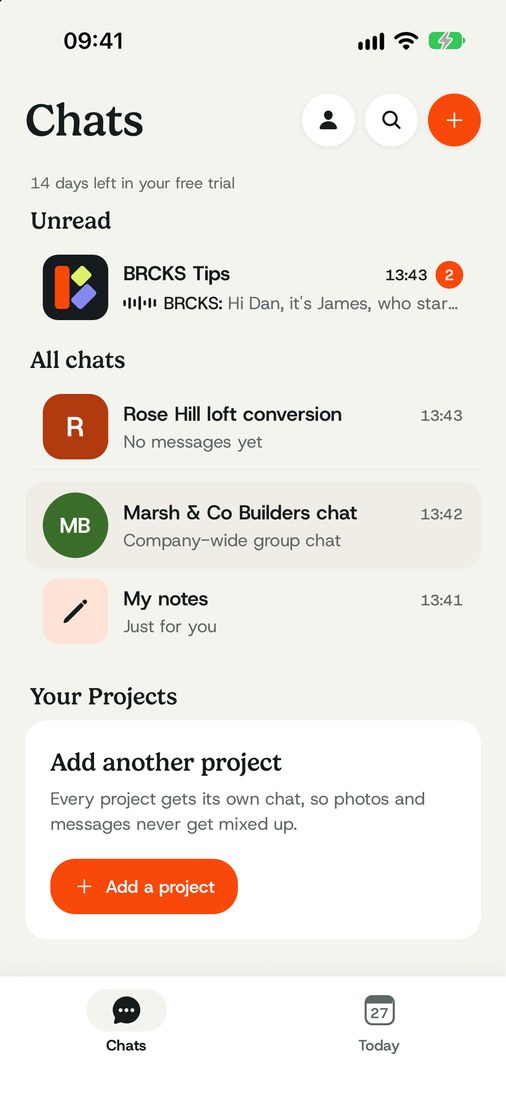 Tap here
- Type what you're looking for.It finds chats, people and projects by name, and words in messages.
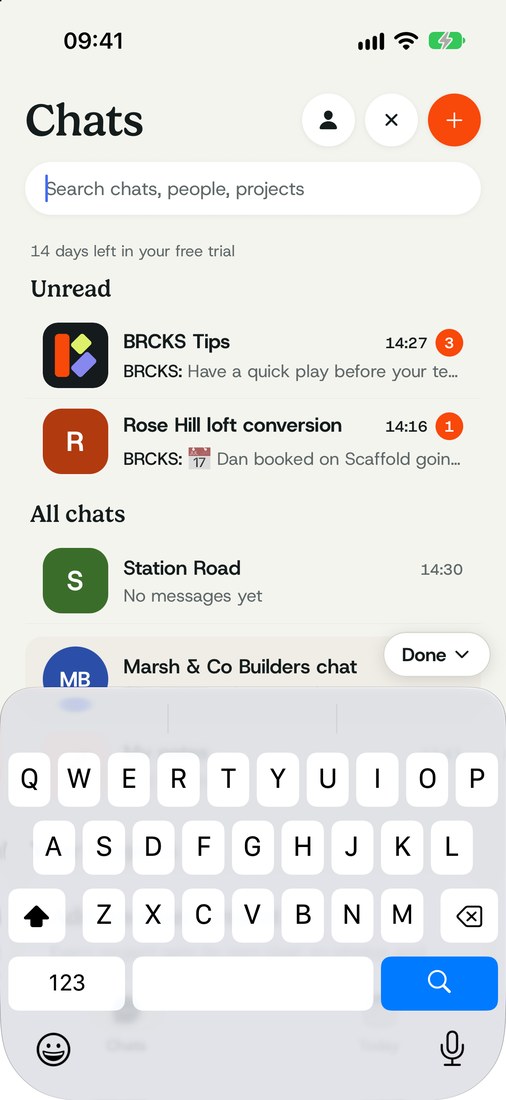 Type here
- Tap View in chat next to the message you want.Each result shows which project it's from.
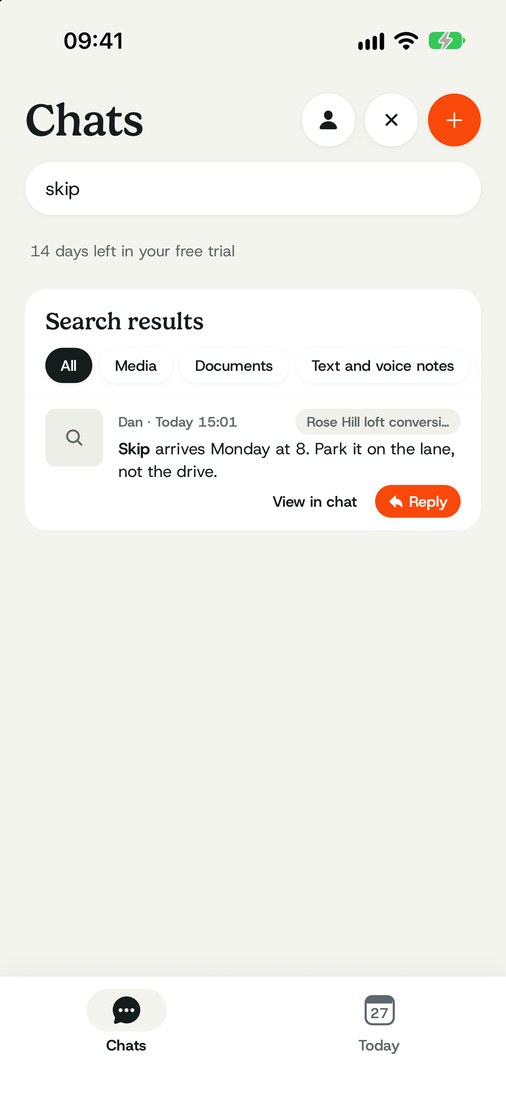 Tap here
- That's it. The chat opens at that message.
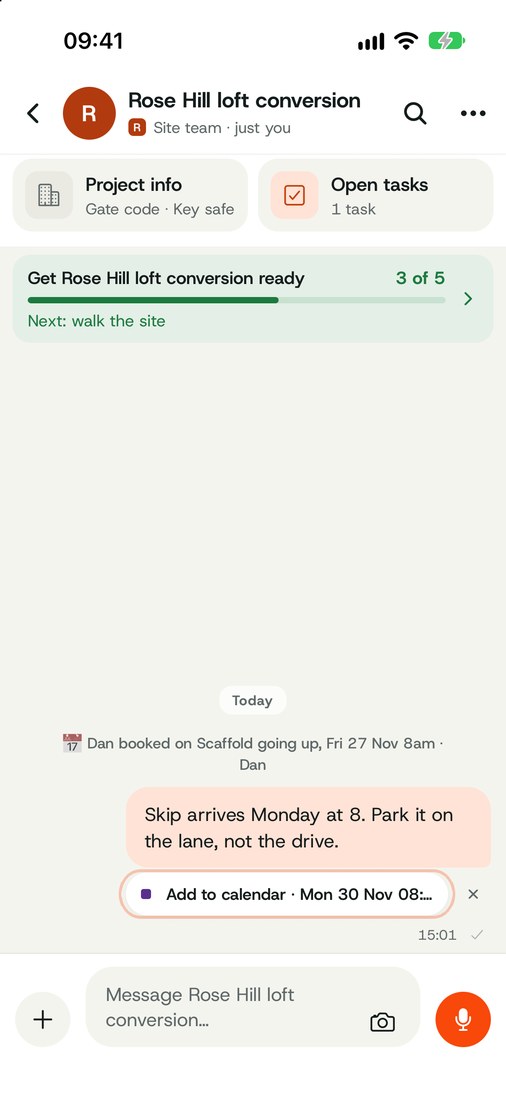 Your message
Having trouble?
Can I find a chat by its name?
Yes. Type part of the name, like rose, and the chat shows at the top.
Can I search just photos or documents?
Use the buttons above the results: Media, Documents, and Text and voice notes.
Can I search inside one chat?
Yes. Open the chat and tap the search button at the top of it.
Did this help?