
Sign in on a computer
Use BRCKS on a bigger screen at app.brcks.io. You sign in with the same mobile number as the app.
Web only
Do this on a computer at app.brcks.io. Sign in with your mobile number.
- Go to app.brcks.io and type your mobile number.Use the number you use in BRCKS Chat.
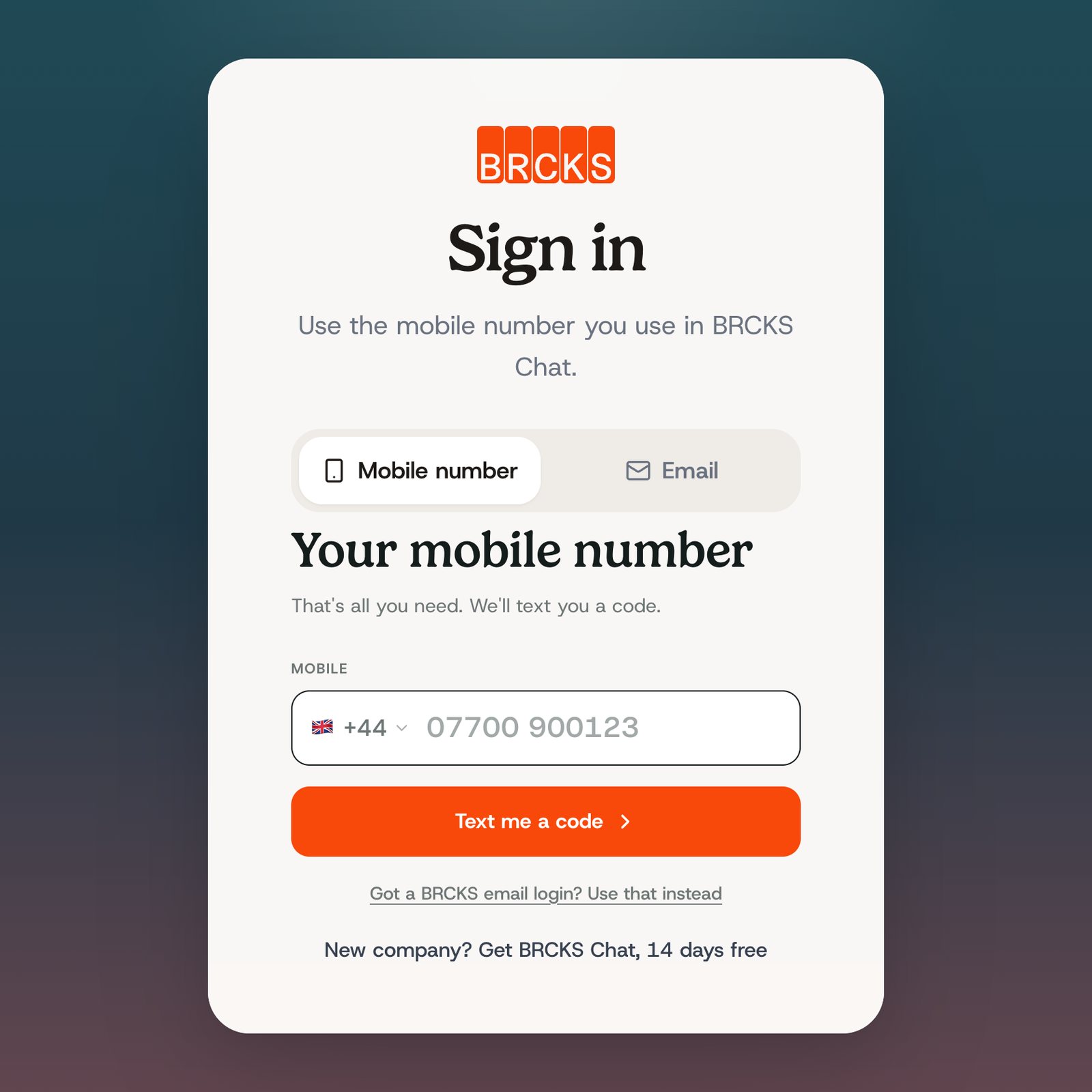
 Type here
- Click Text me a code.
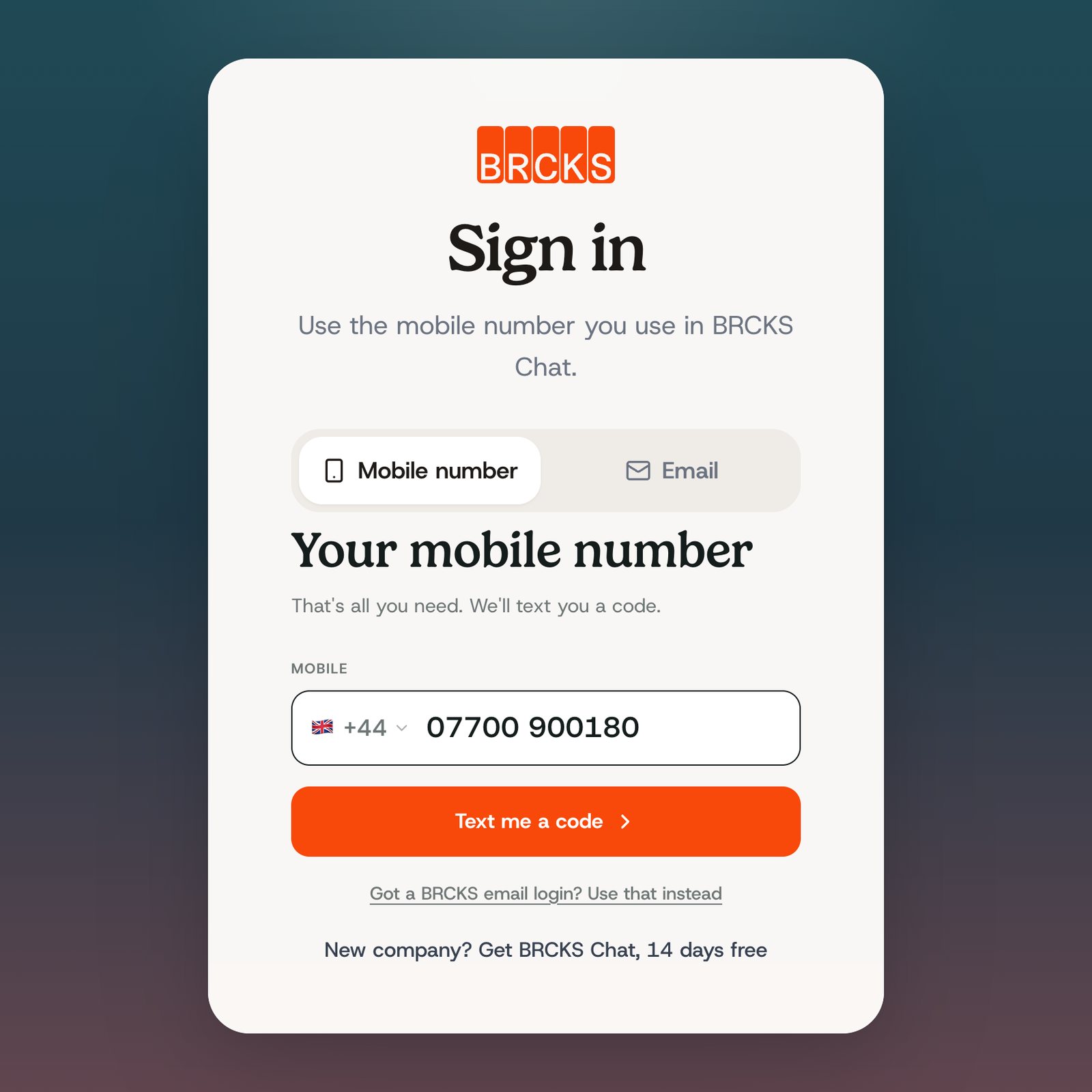
 Click here
- Type the code we text you.It signs you in as soon as the last number goes in.
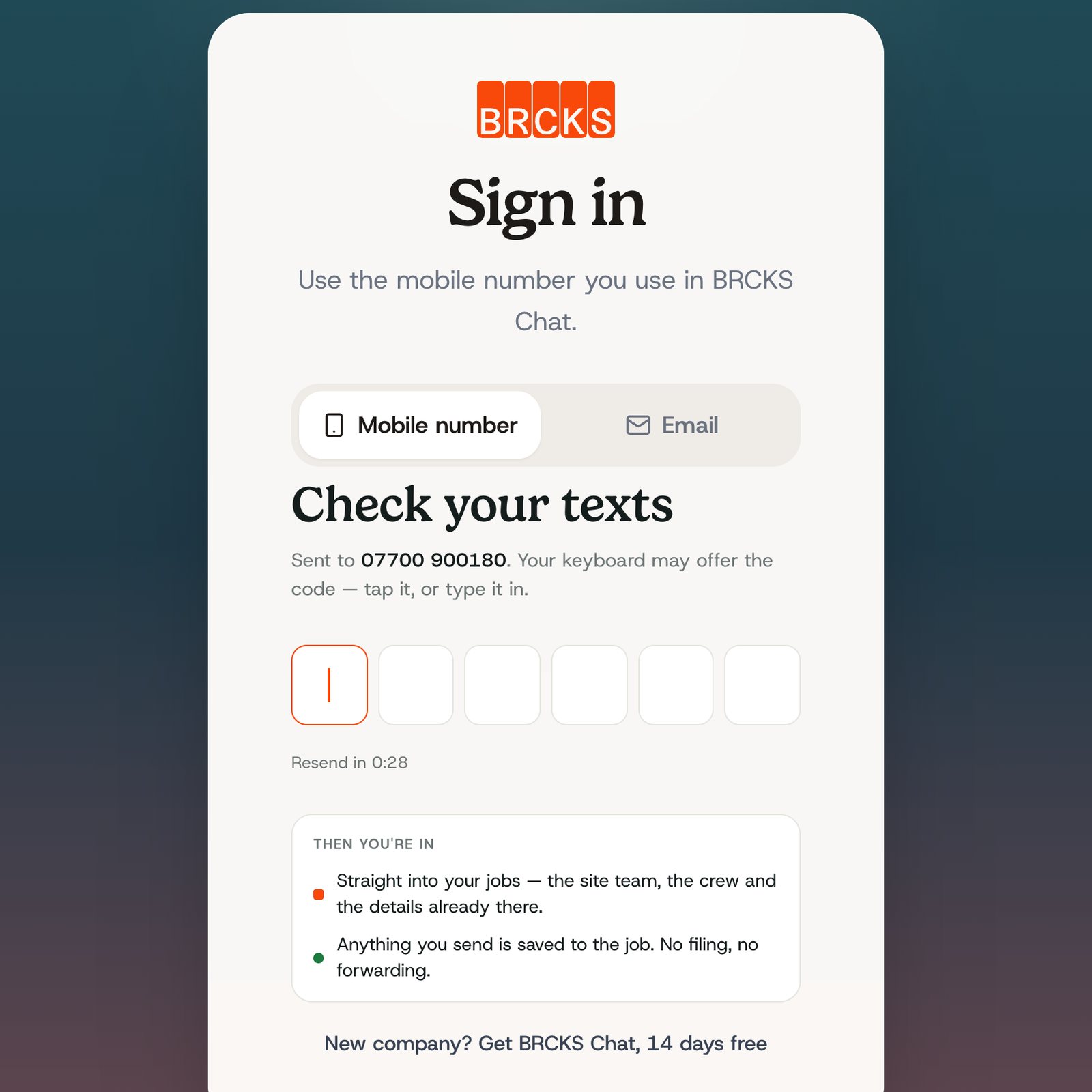
 Type the code
- That's it. You're in.Everything in BRCKS Chat is here too, and it stays in sync.
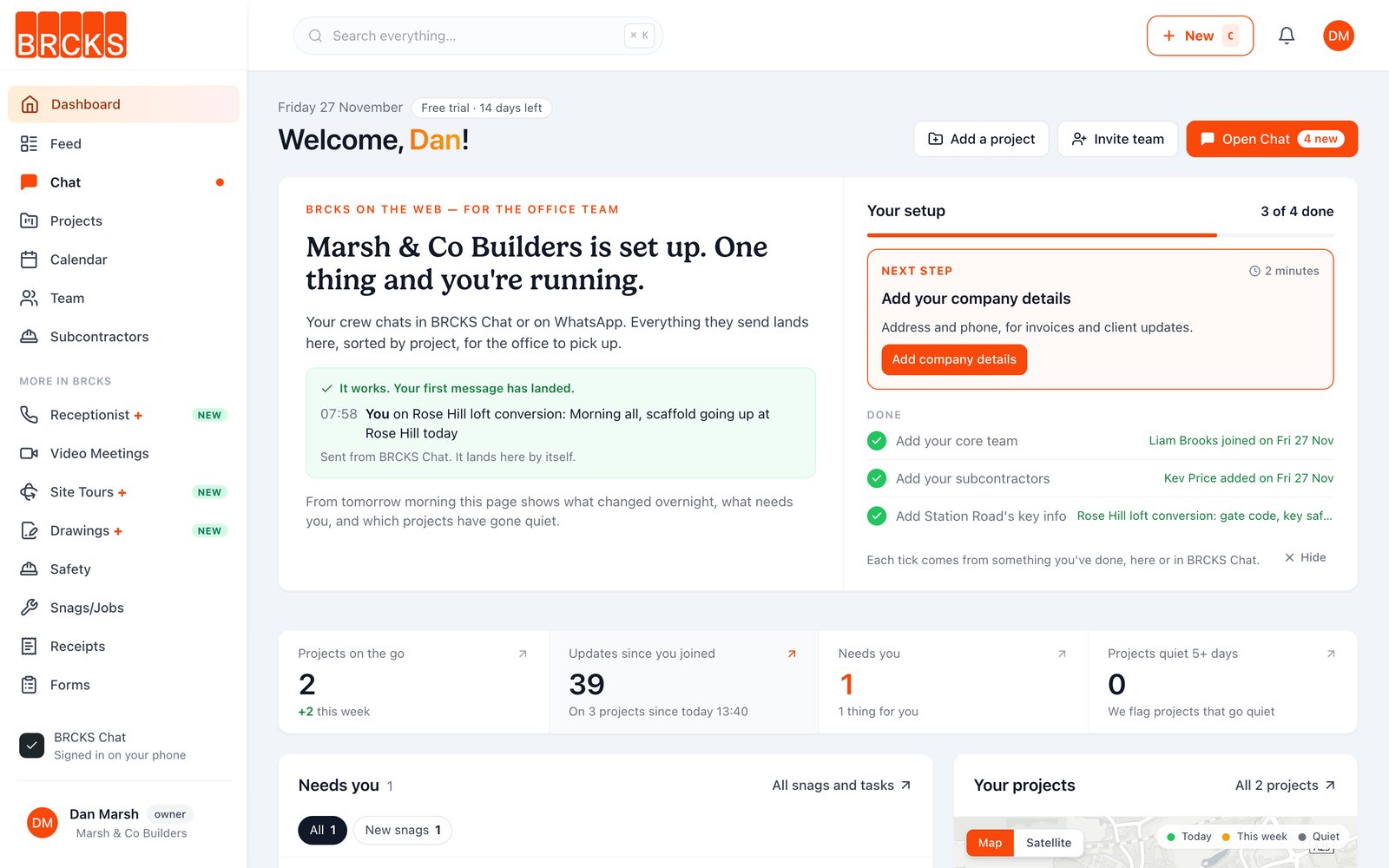
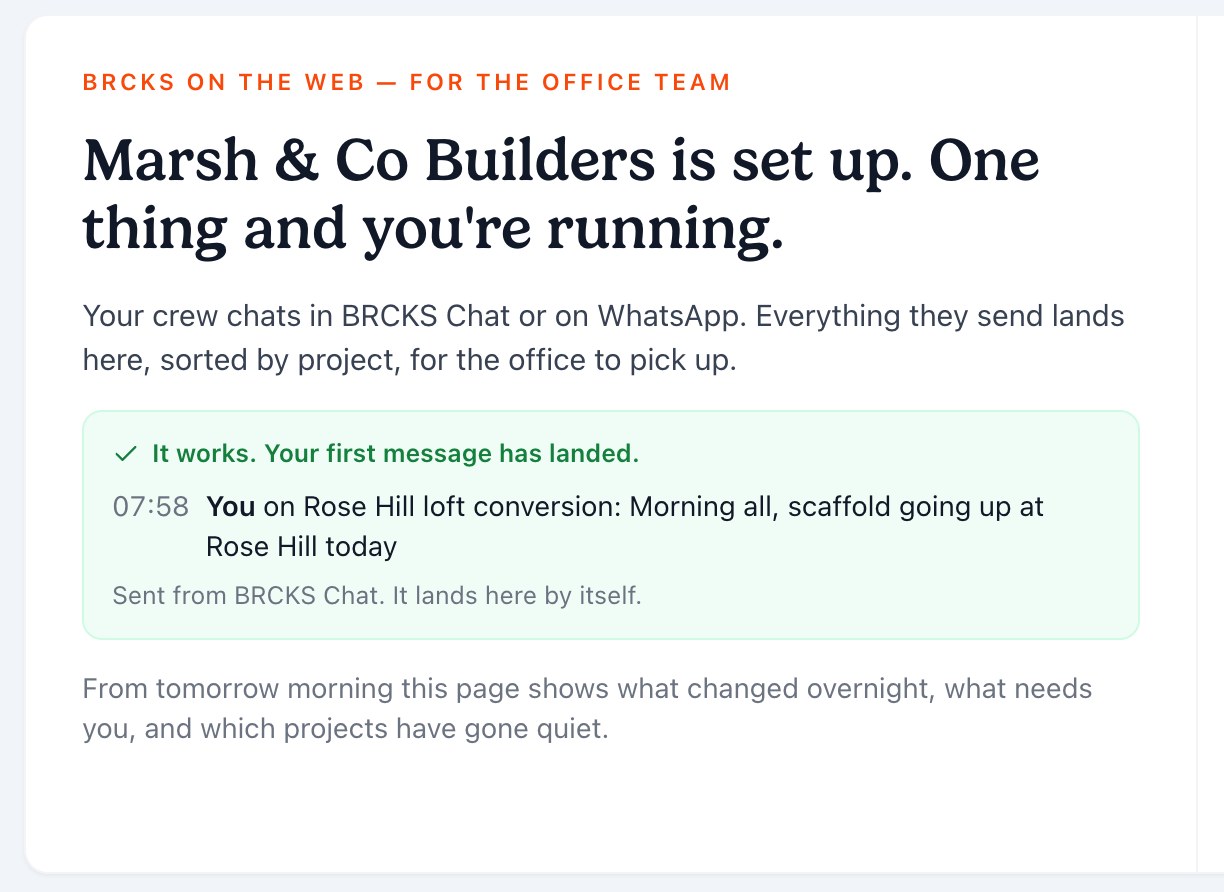 Signed in
Having trouble?
I have a BRCKS email login
Click Got a BRCKS email login? Use that instead on the sign-in page.
Did this help?