
What your team sees when you invite them
Send this to someone you've just added. It shows what happens on their phone.
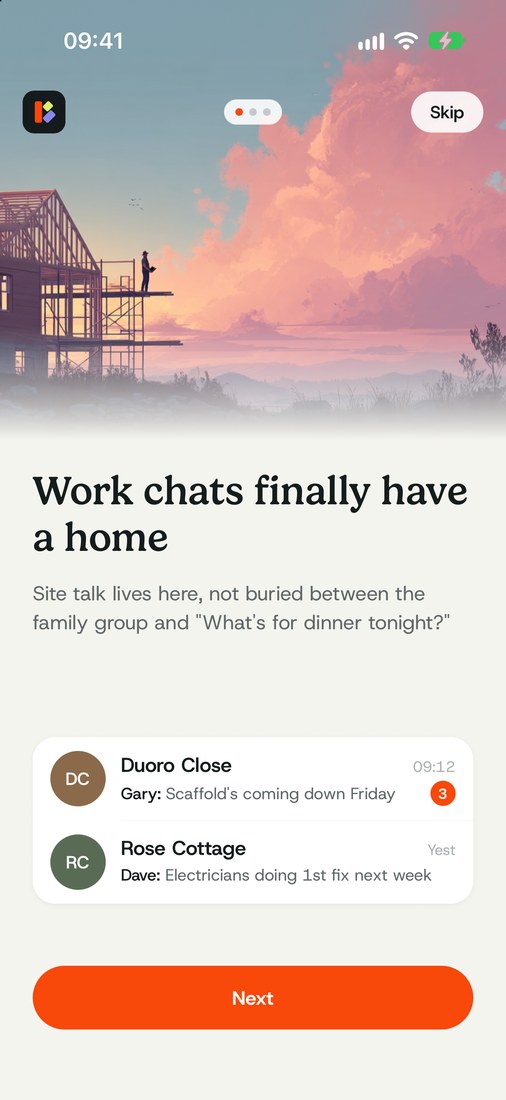
- They get this text. Once they have BRCKS Chat, they open it and tap Skip.
 Text message
Dan from Marsh & Co Builders invited you to BRCKS Chat. Get BRCKS Chat, sign in with this number: join.brcks.io/invite/…
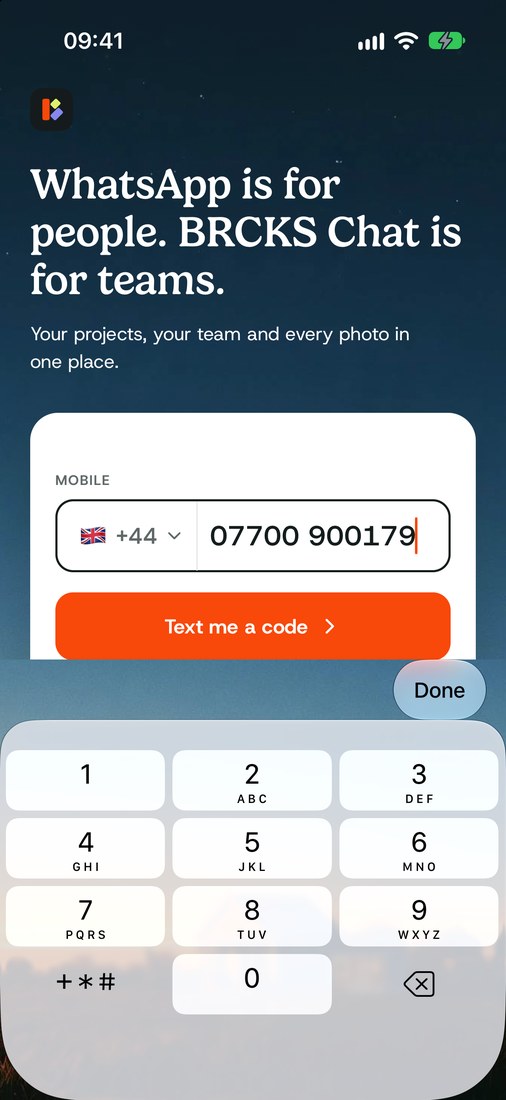
- They type the mobile number you added, then tap Text me a code.
 Tap here
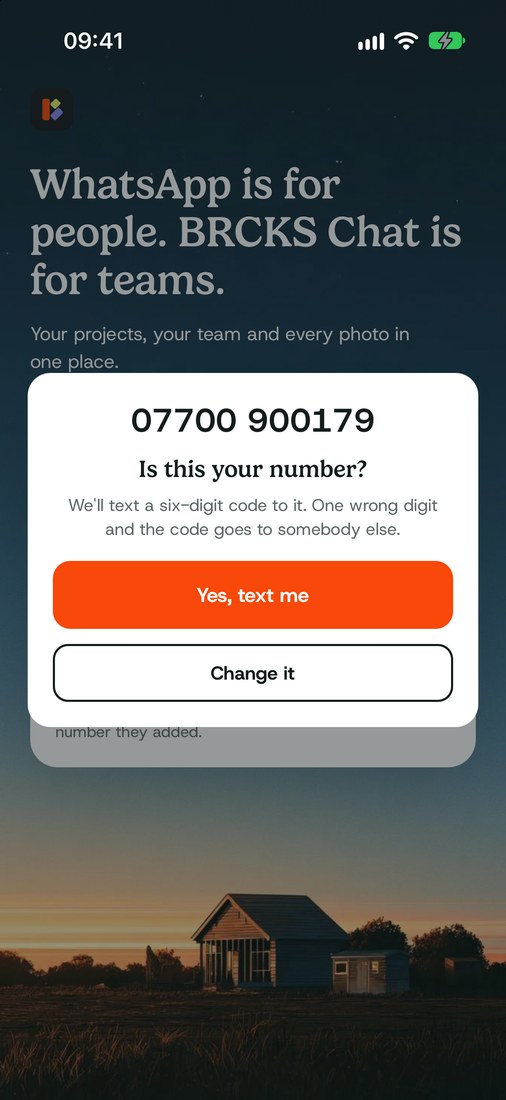
- They check the number and tap Yes, text me.
 Tap here
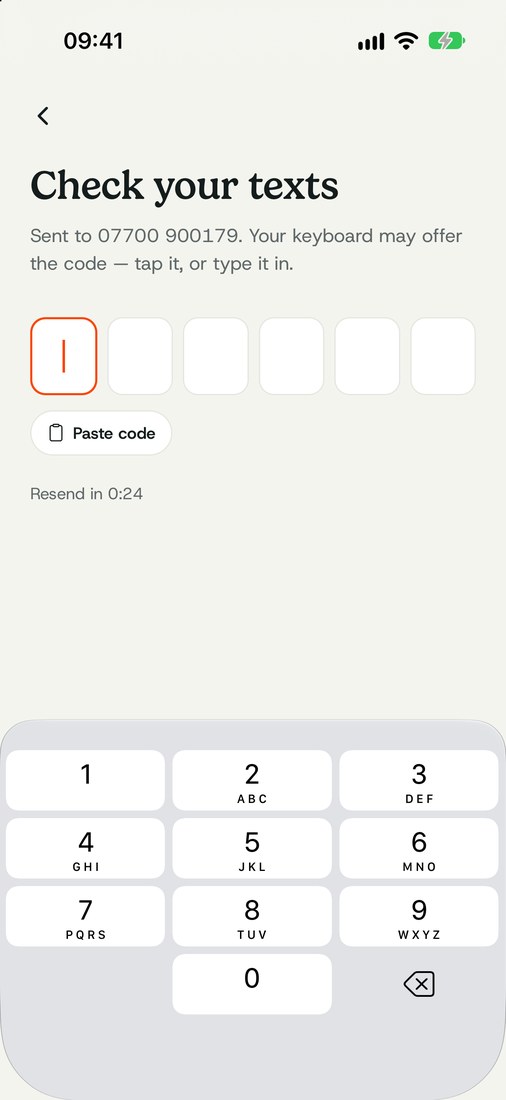
- They type the six-digit code from the text.There's no company to set up. You've already added them.
 Tap here
- They're straight in, on every project and chat you added them to.
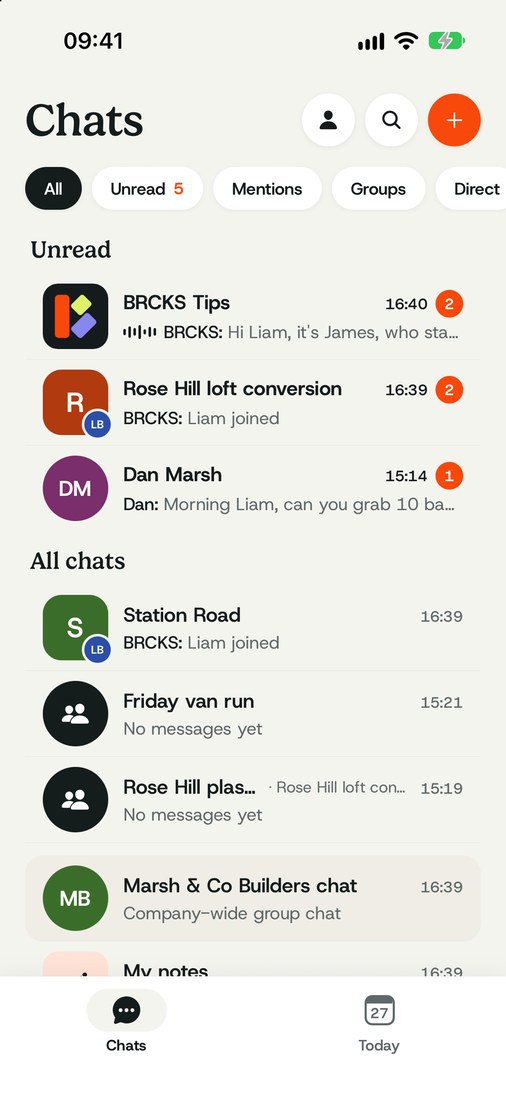 Already on the project
- That's it. Anything you sent before they joined is waiting for them.
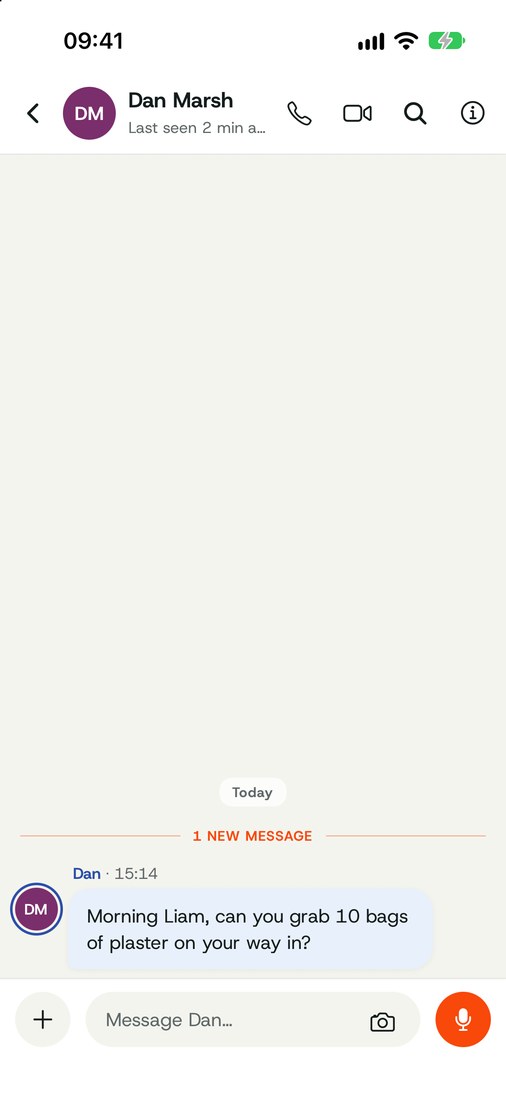 Your message
Having trouble?
They haven't had the text
Tap +, then New chat, then their name, and tap Resend.
Do they need to set up a company?
No. Because you added their number, they go straight to the code and then into your chats.
Which number should they use?
The mobile number you added them with. The text says to sign in with that number.
Did this help?