
Change your mobile number
Move your account to a new number. Your old one keeps working until you enter the code.
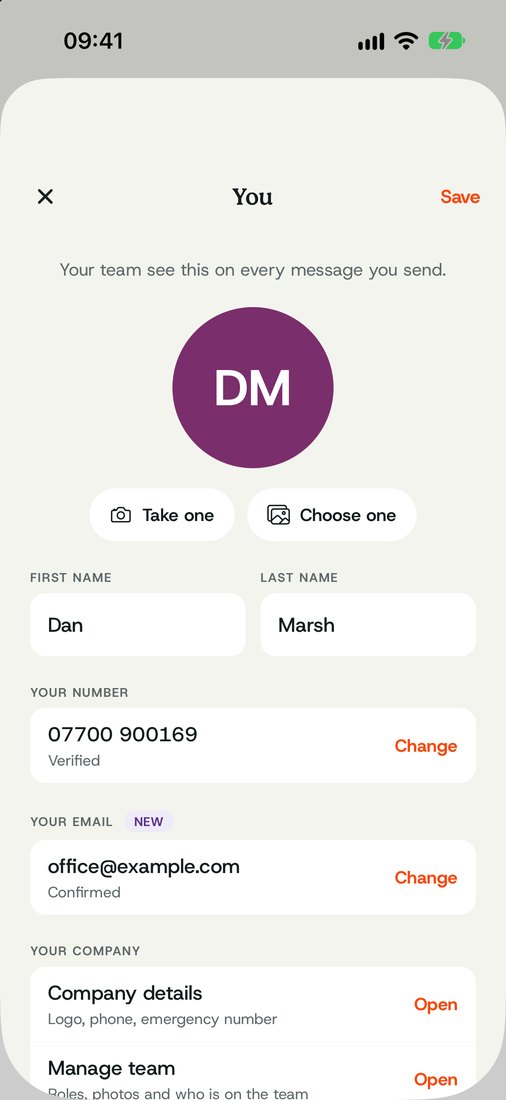
- On your Chats screen, tap the person icon at the top.
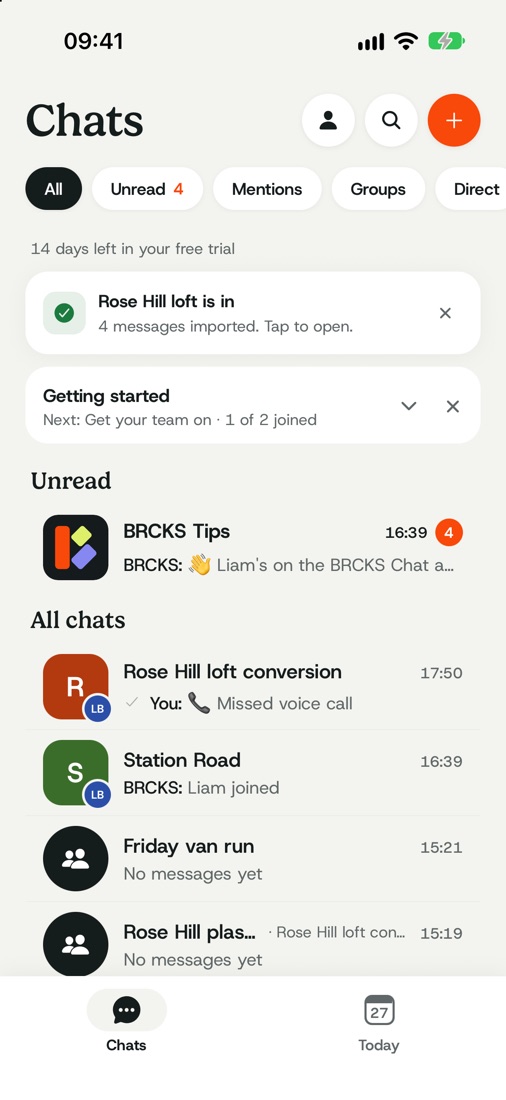 Tap here
- Tap Change next to Your number.
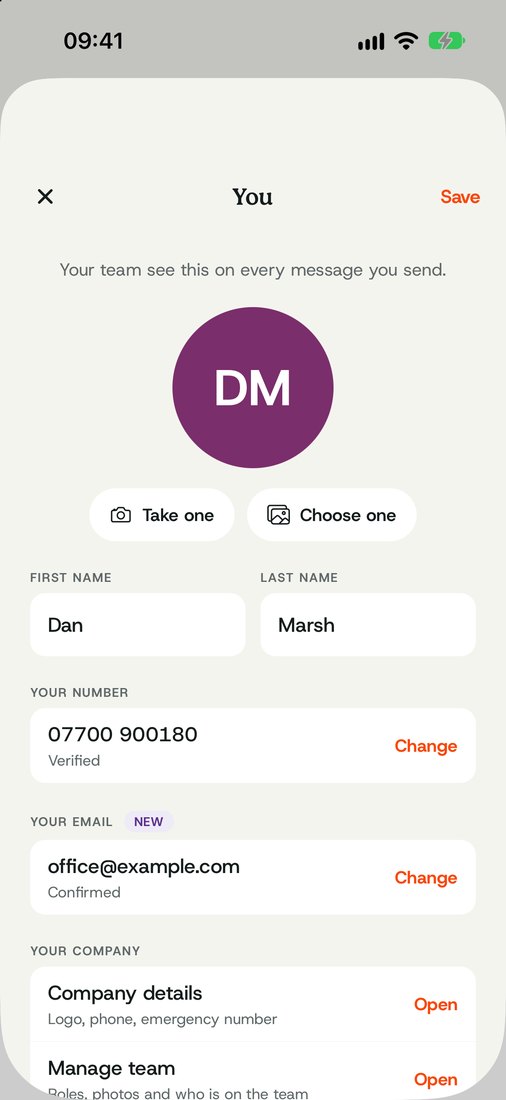 Tap here
- Type your new mobile number, then tap Text me a code.Your current number keeps working until you enter the code.
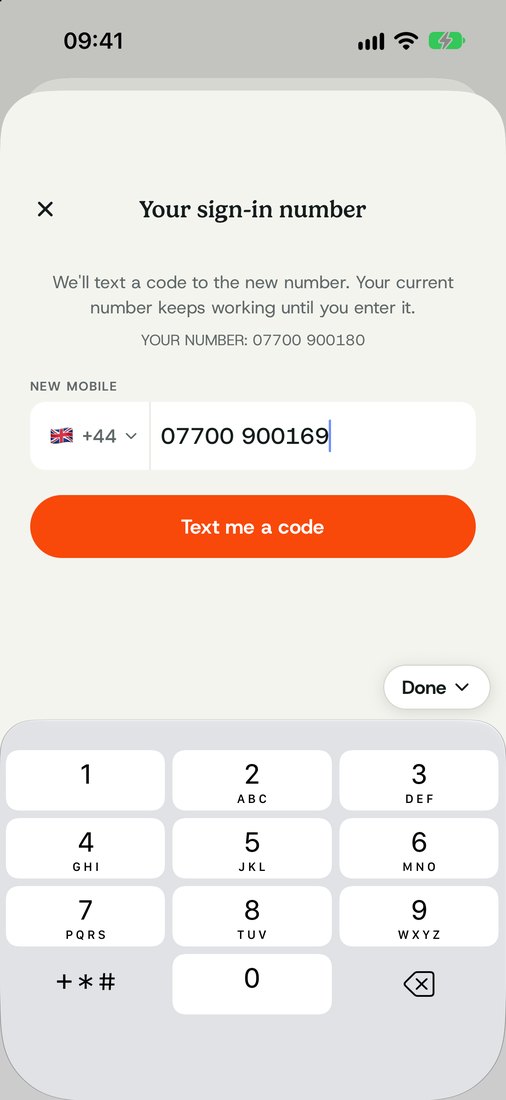 Tap here
- We text a code to the new number. Type it in.
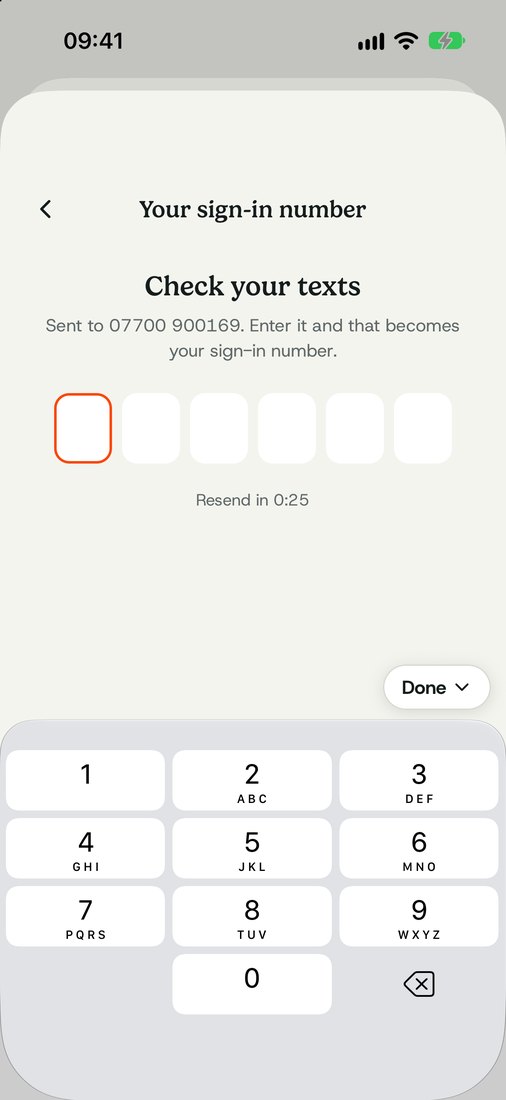 Your code
- That's it. You sign in with the new number from now on.
 Changed
Having trouble?
The code didn't come
It goes to the NEW number, so check that phone. When the timer under the boxes runs out, you can send it again.
Did this help?