
Add or change your email
Save an email to your account. You can sign in with it on app.brcks.io too.
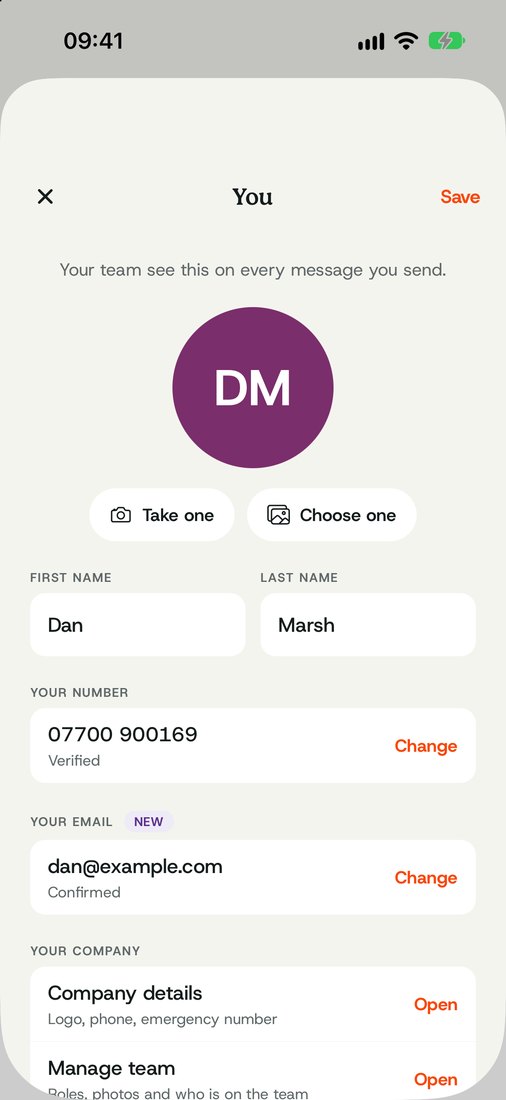
- On your Chats screen, tap the person icon at the top.
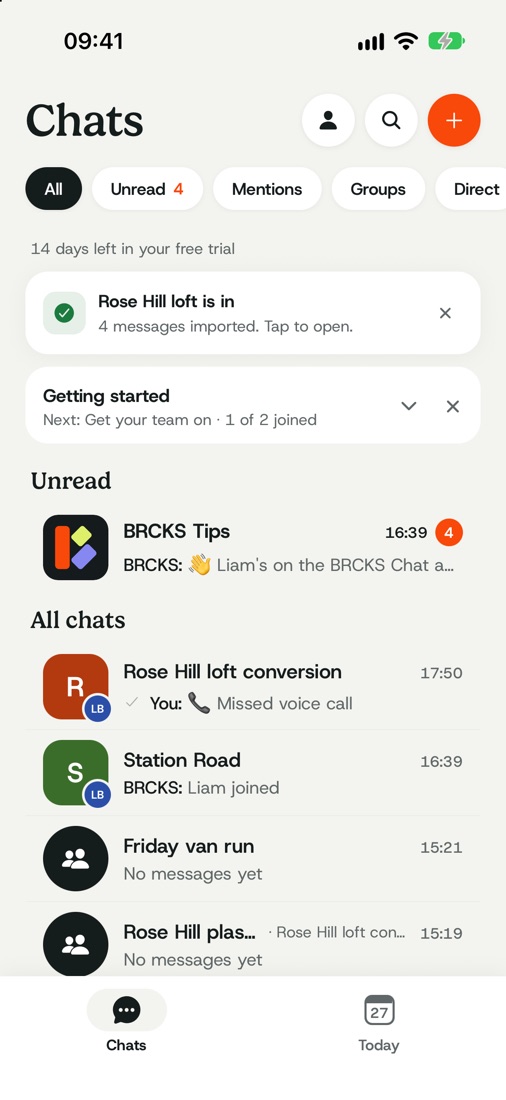 Tap here
- Tap Change next to Your email.No email yet? The button says Add.
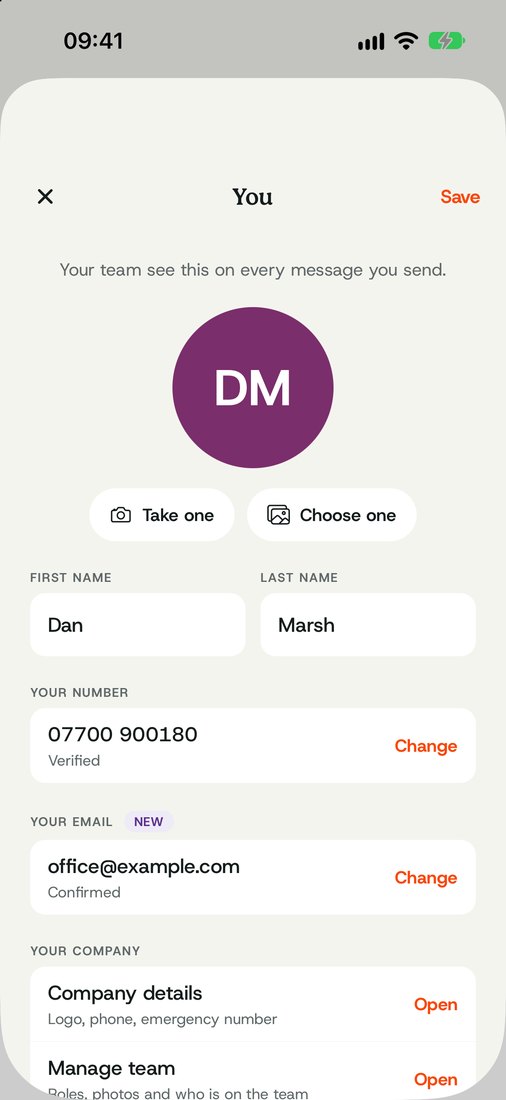 Tap here
- Type your email, then tap Email me a code.
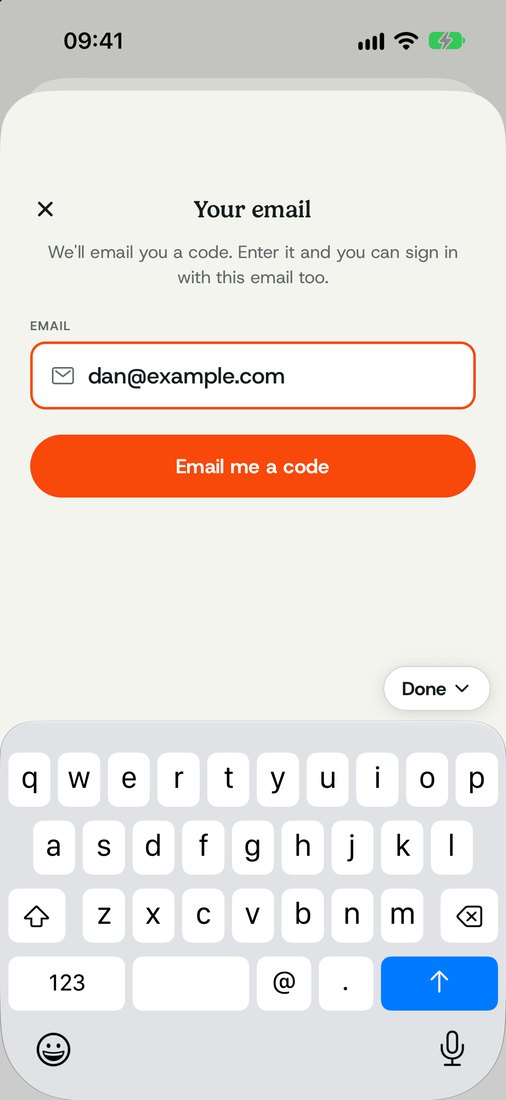 Tap here
- We email you a code. Type it in.Not there? Check your spam, or send it again when the timer runs out.
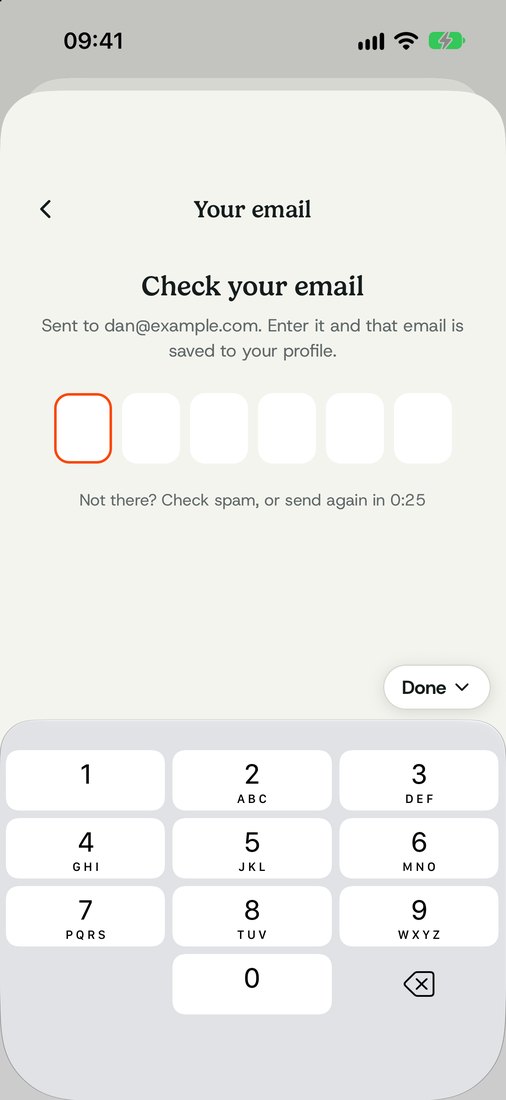 Your code
- That's it. Your email is saved.
 Saved
Having trouble?
Why do I need a code?
Your email is a way into your account, so we check it's really yours before saving it.
Did this help?