
Log the cost of a snag and invoice it
Record the hours and materials, then keep track of what's been invoiced.
Web only
Do this on a computer at app.brcks.io. Sign in with your mobile number.
- In the menu on the left, click Snags/Jobs.
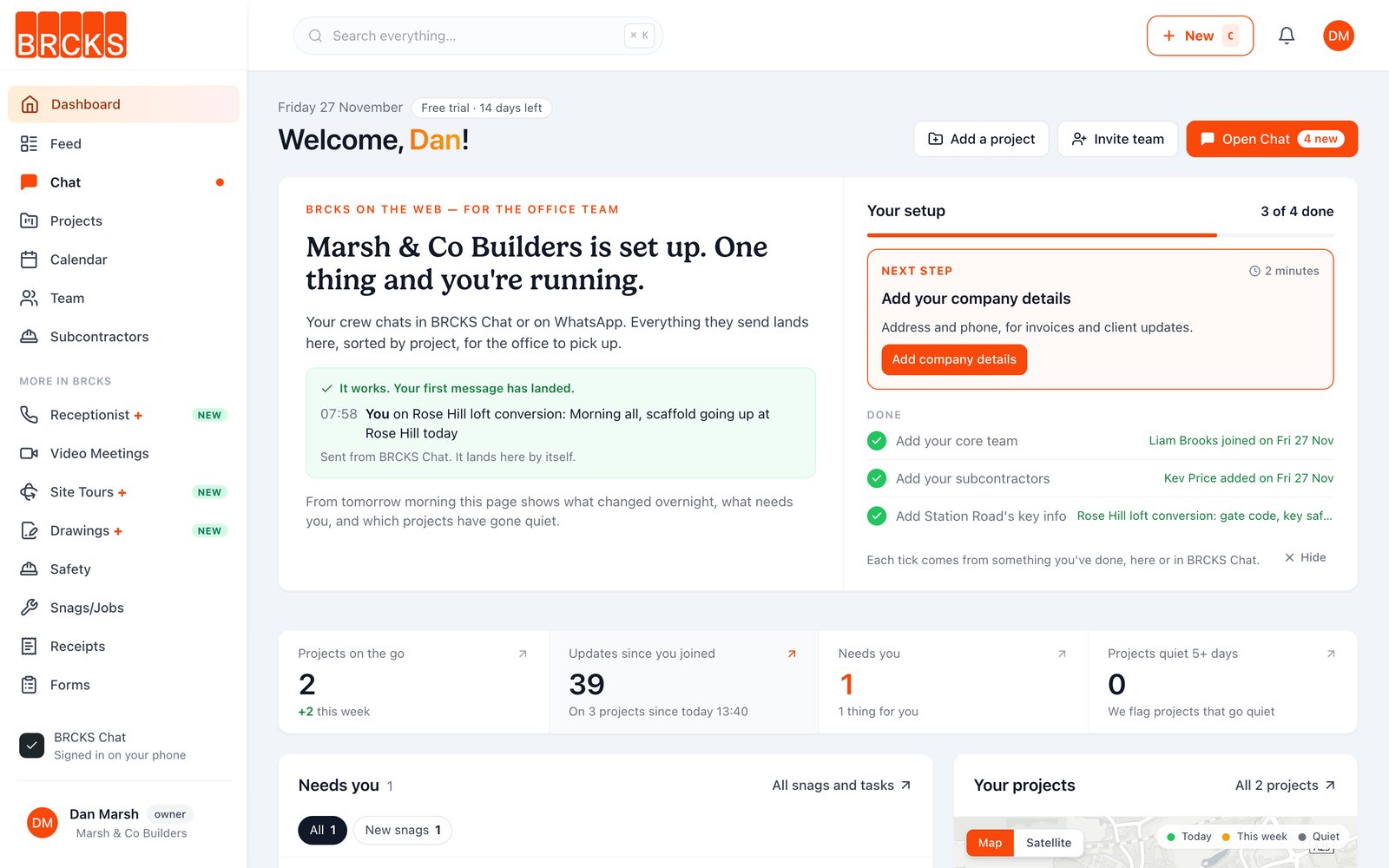
 Click here
- Click the snag to open it.
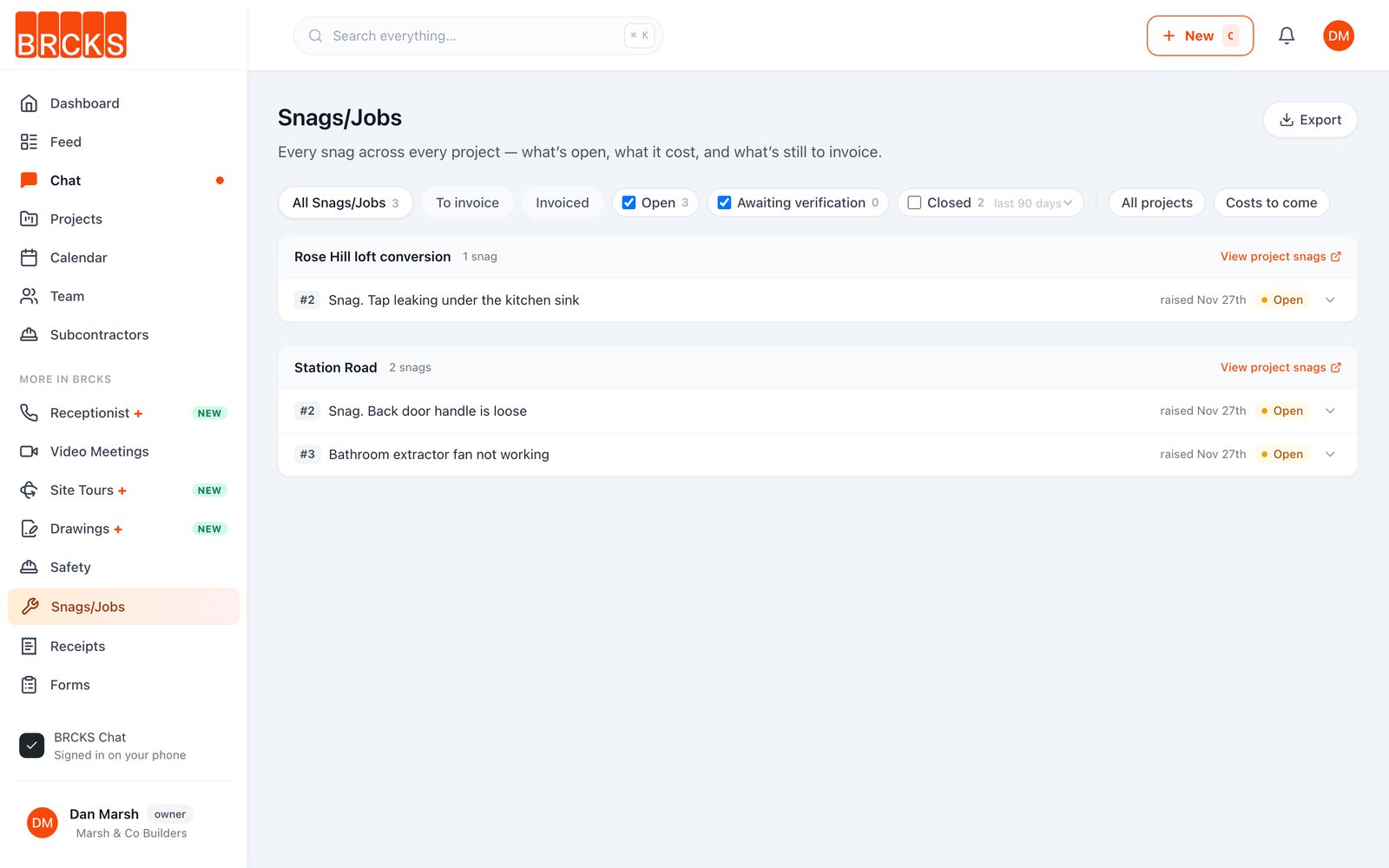
 Click here
- Next to Chargeable to the client?, click Chargeable.Choose how the job came in too: Reactive, Planned or Approved Quote.
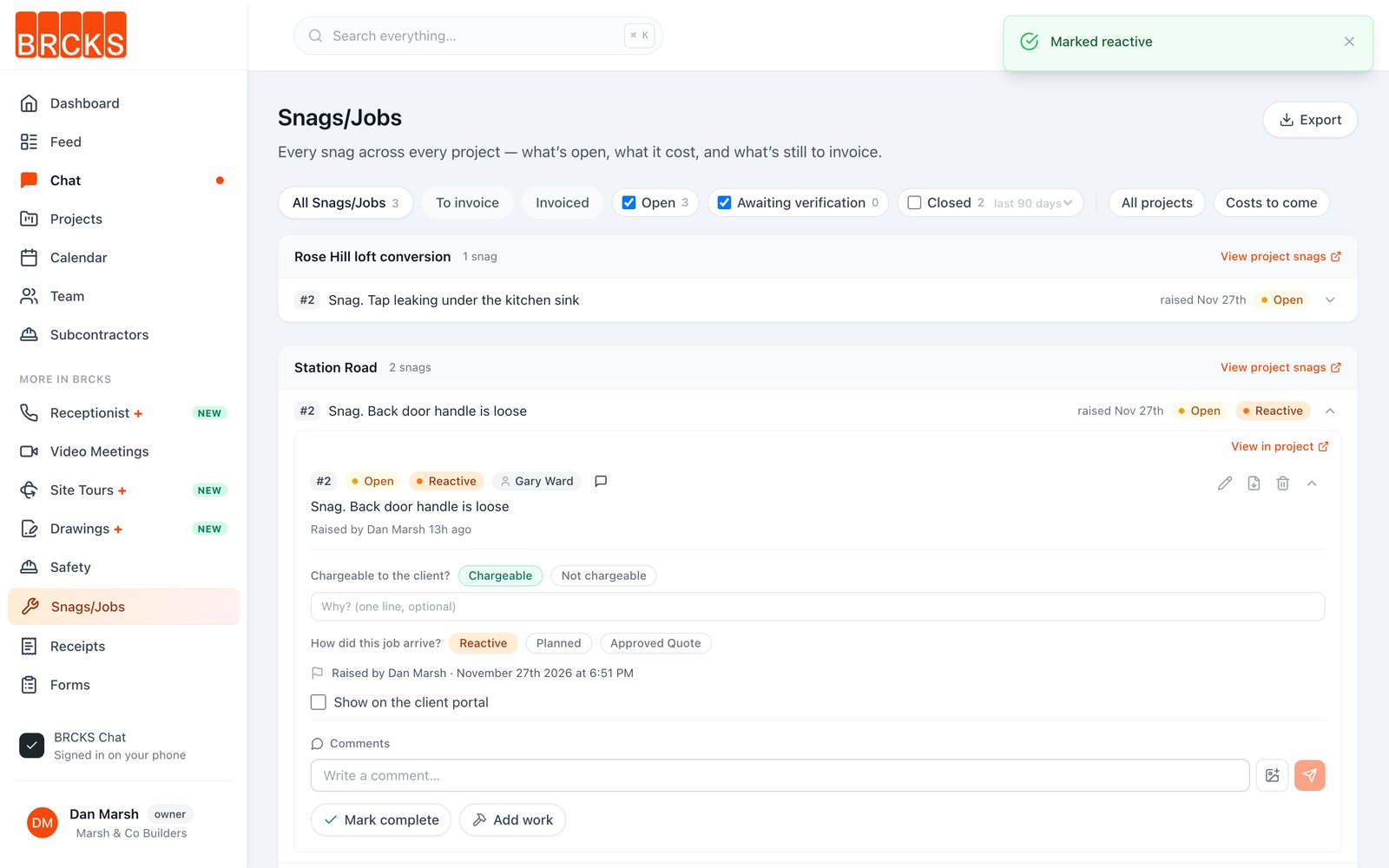
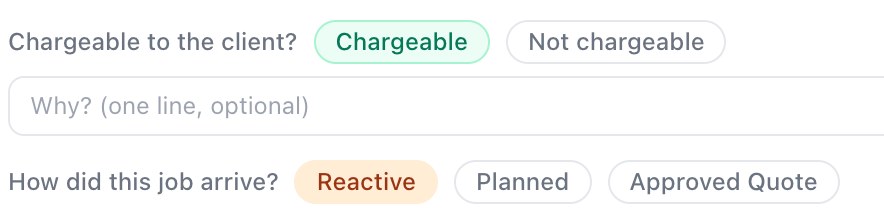 Click here
- Click Add work.
 Click here
- Type the Hours and the Materials cost.Materials at cost. Add parking and tolls if there were any.
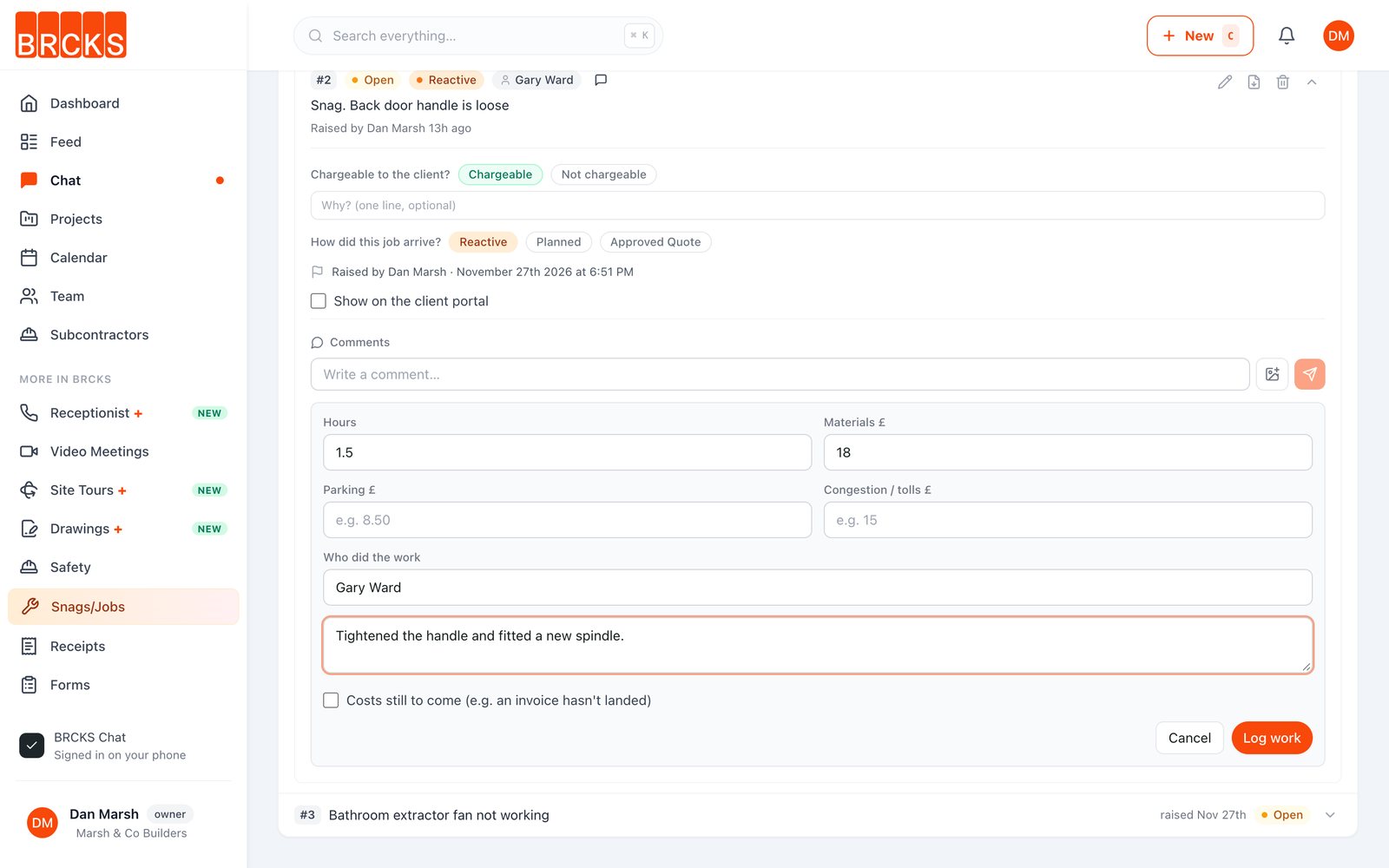
 Type here
- Add who did the work and what was done.Both are optional. Tick Costs still to come if an invoice hasn't come in yet.
 Type here
- Click Log work.
 Click here
- When the job is finished, click Mark complete.The hours and cost now show on the snag.
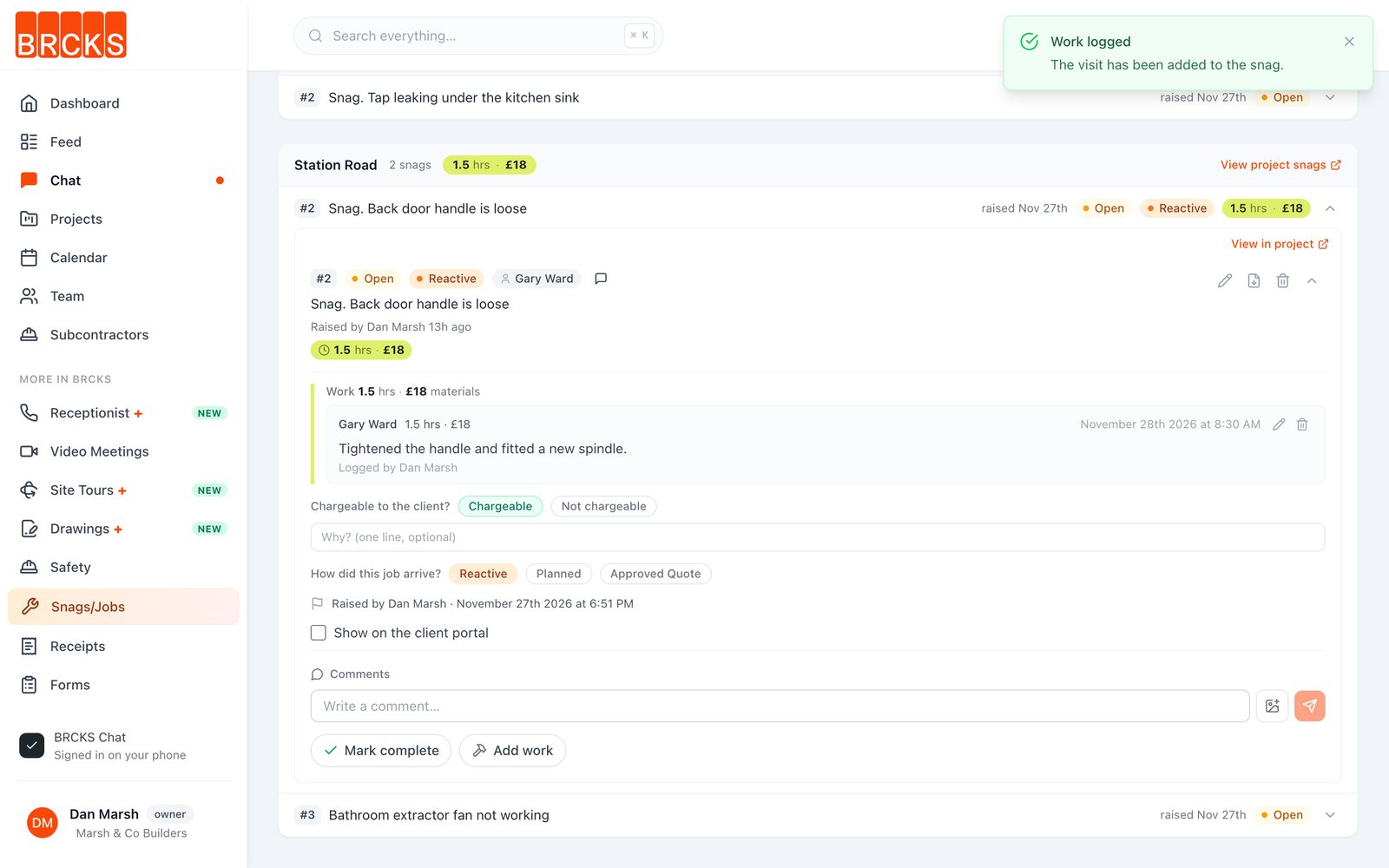
 Click here
- Add a note if you like, then click Confirm complete.
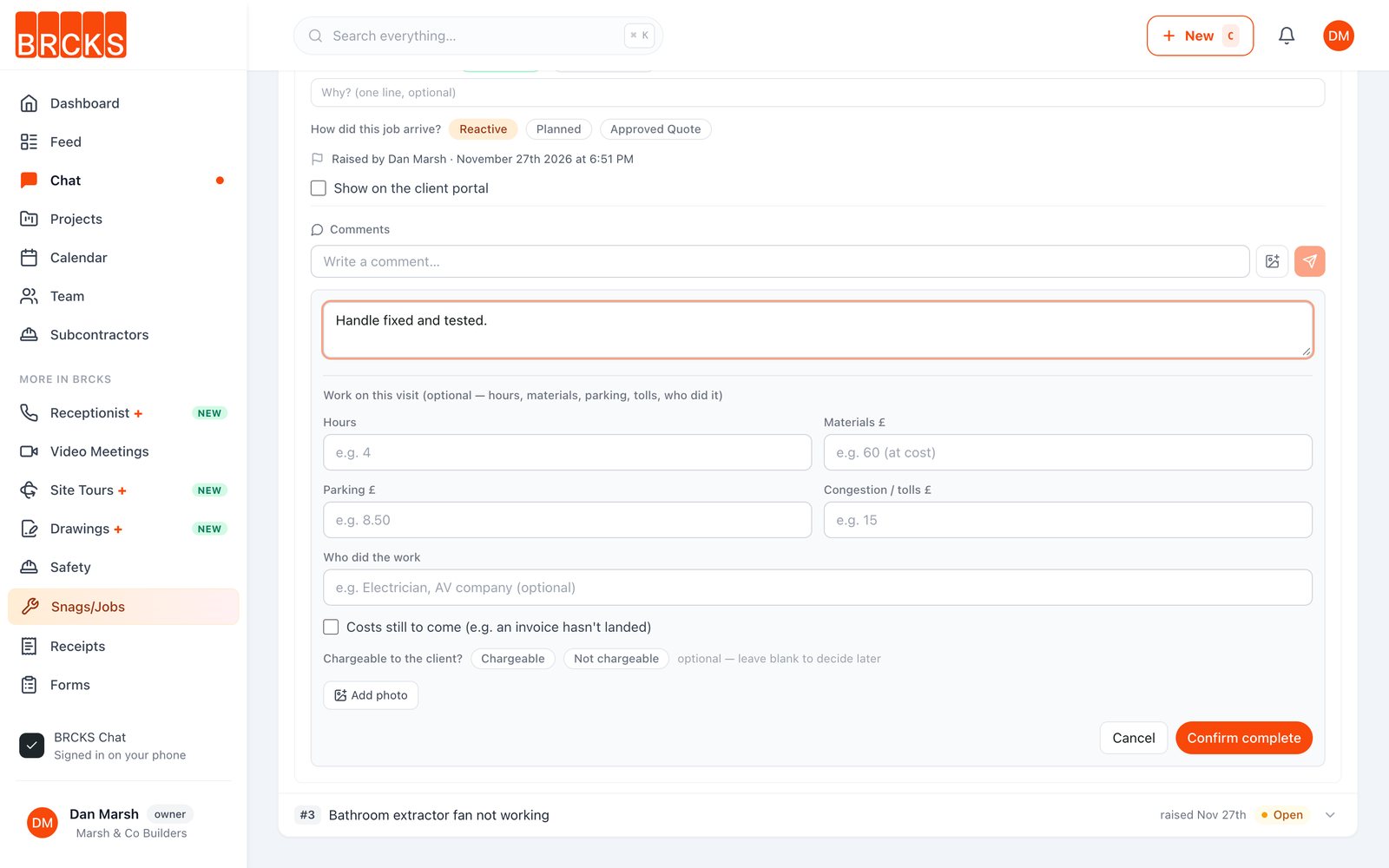
 Click here
- It moves to To invoice. When you've sent your invoice, tick Invoiced.Ready ticks itself too. Mark all invoiced does every snag on that project at once.
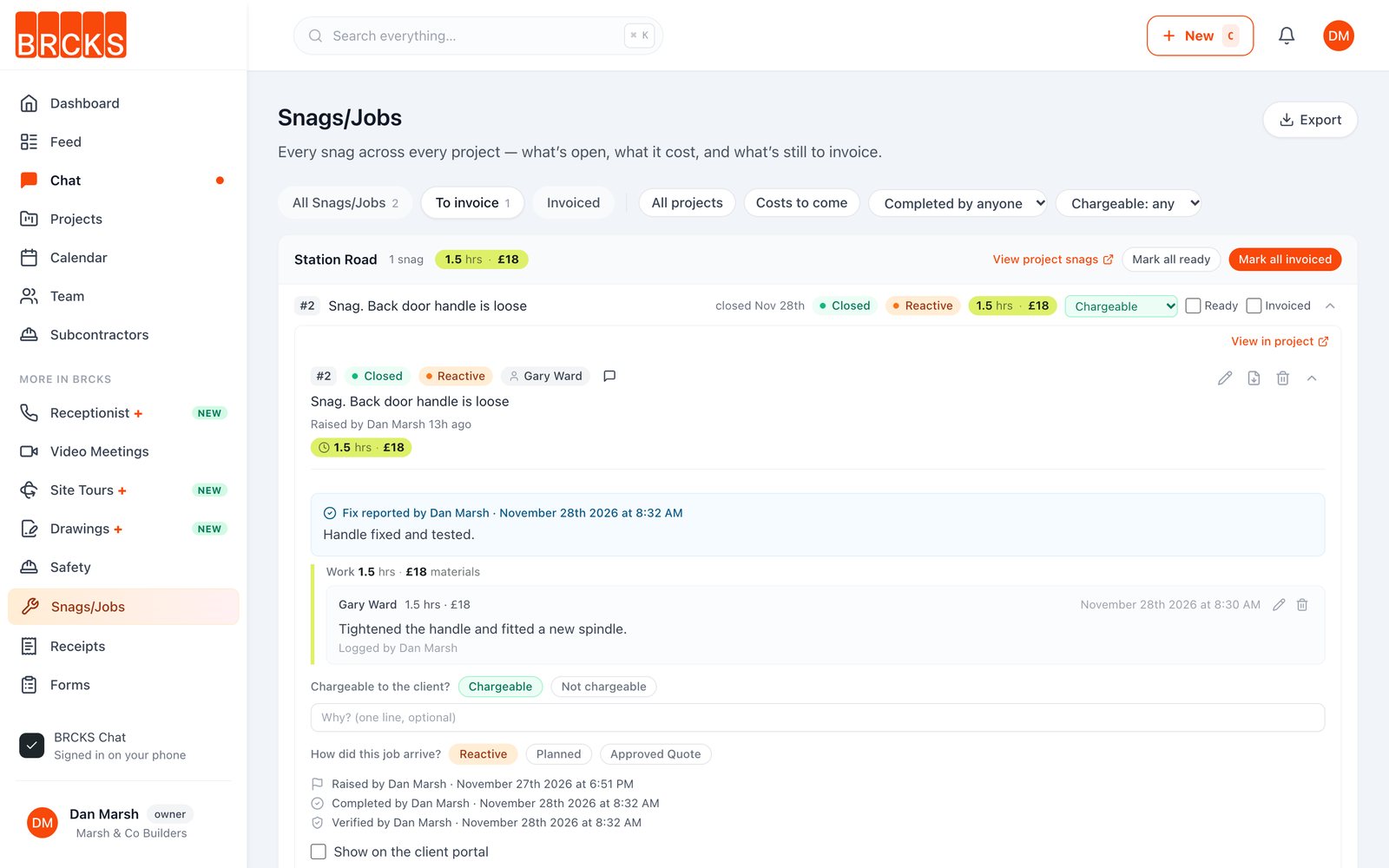
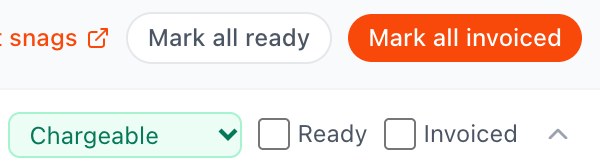 Tick here
- That's it. It's in Invoiced, under the month.
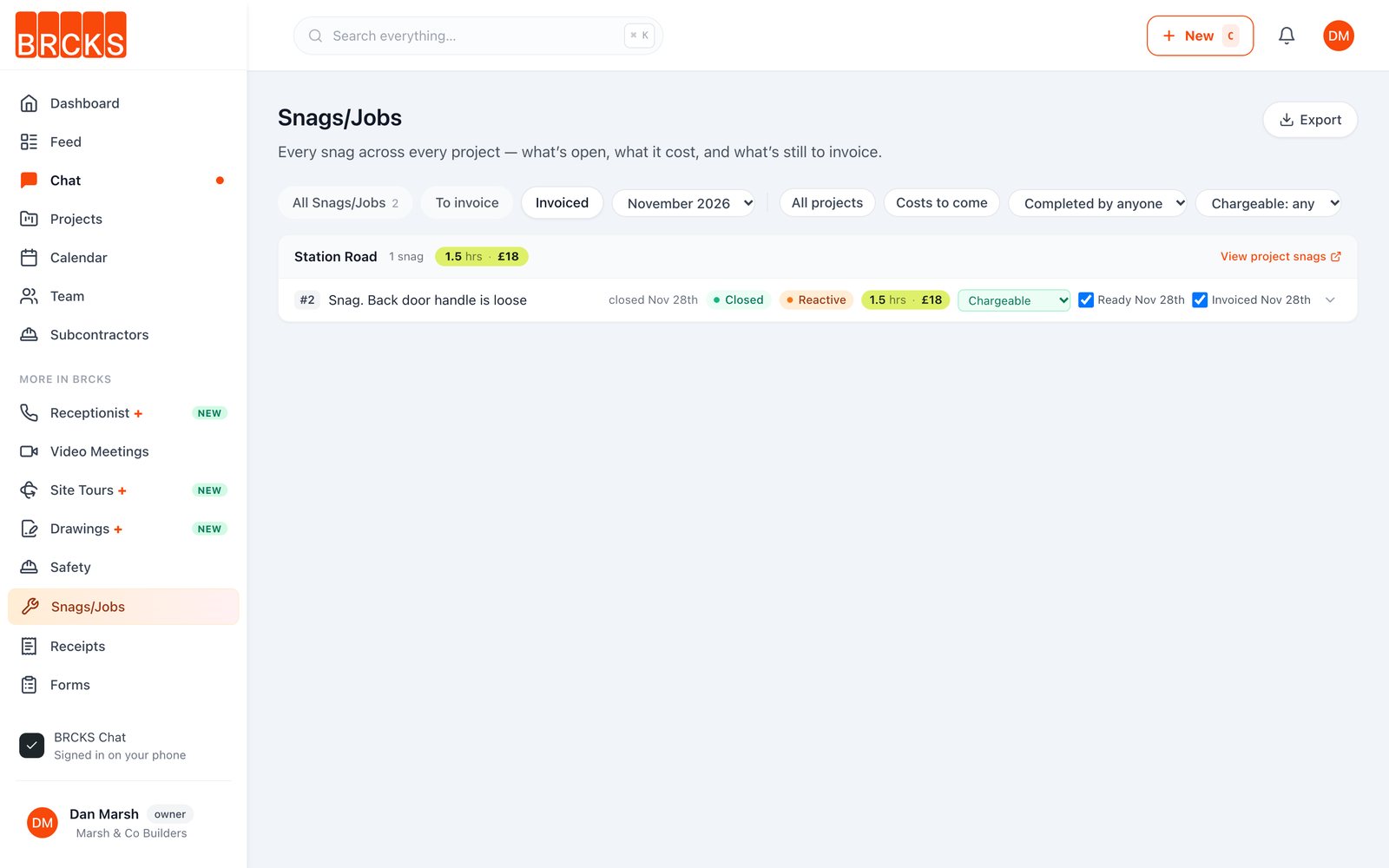
 Invoiced
Having trouble?
I can't see To invoice
Only owners and managers see the To invoice and Invoiced tabs.
A snag isn't in To invoice
It needs to be finished and have hours or materials logged against it.
Someone else marked it complete
If they're not an owner or manager, it waits in Awaiting verification. Open it and check the fix to close it.
Did this help?