
See every snag across your projects
One list of every open snag on every project, so nothing gets forgotten.
Web only
Do this on a computer at app.brcks.io. Sign in with your mobile number.
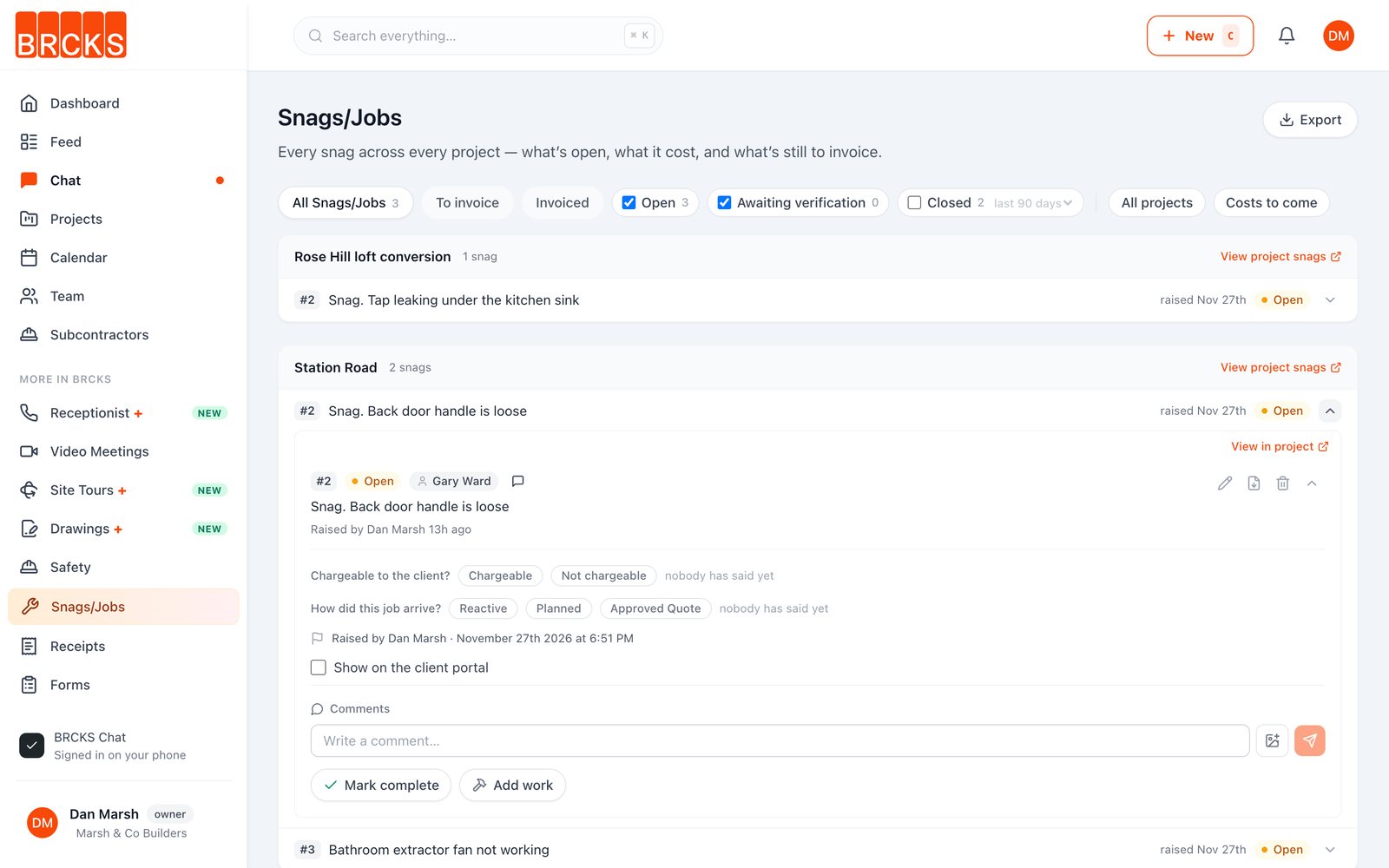
- In the menu on the left, click Snags/Jobs.
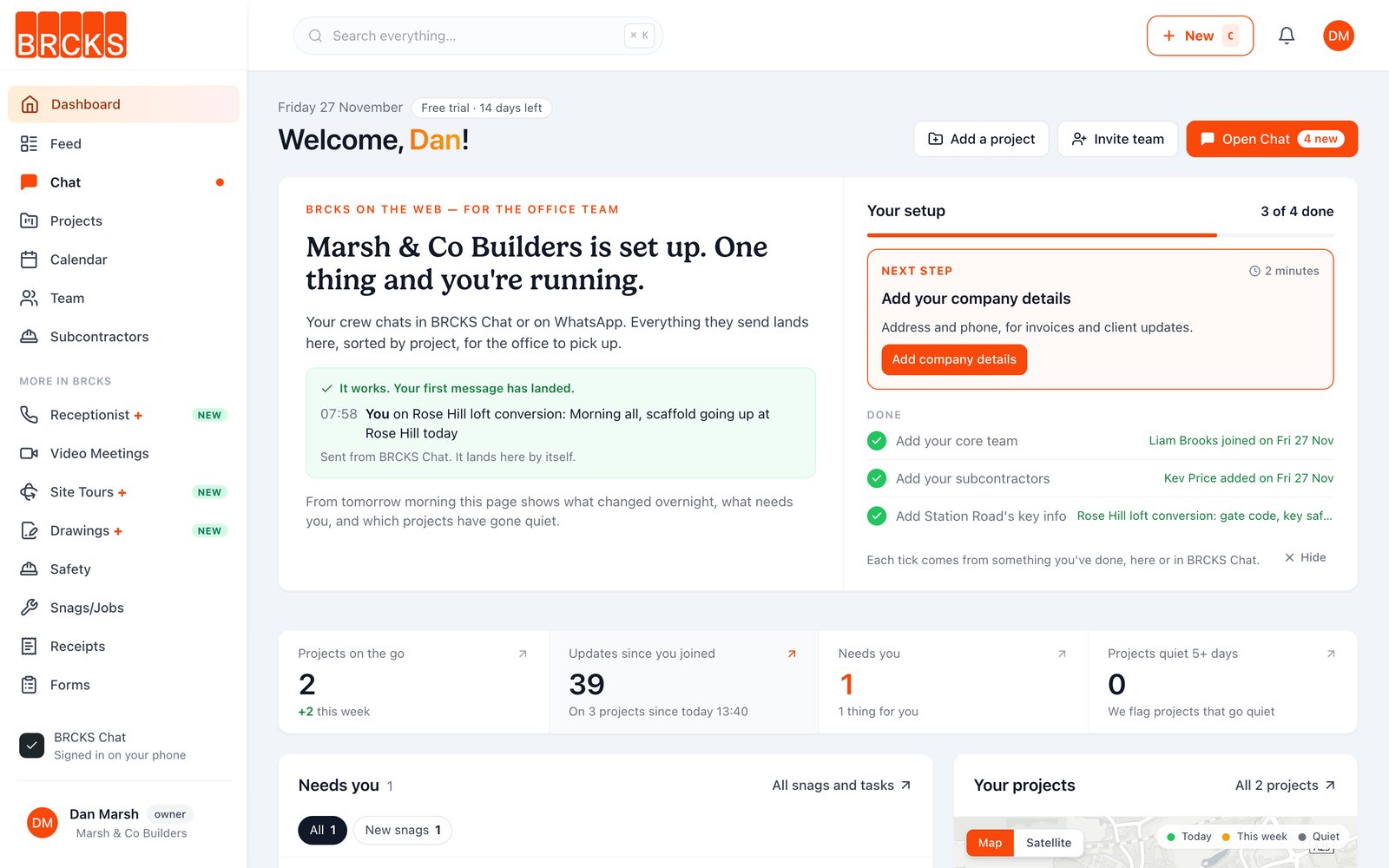
 Click here
- Every open snag is here, grouped by project.The oldest ones come first.
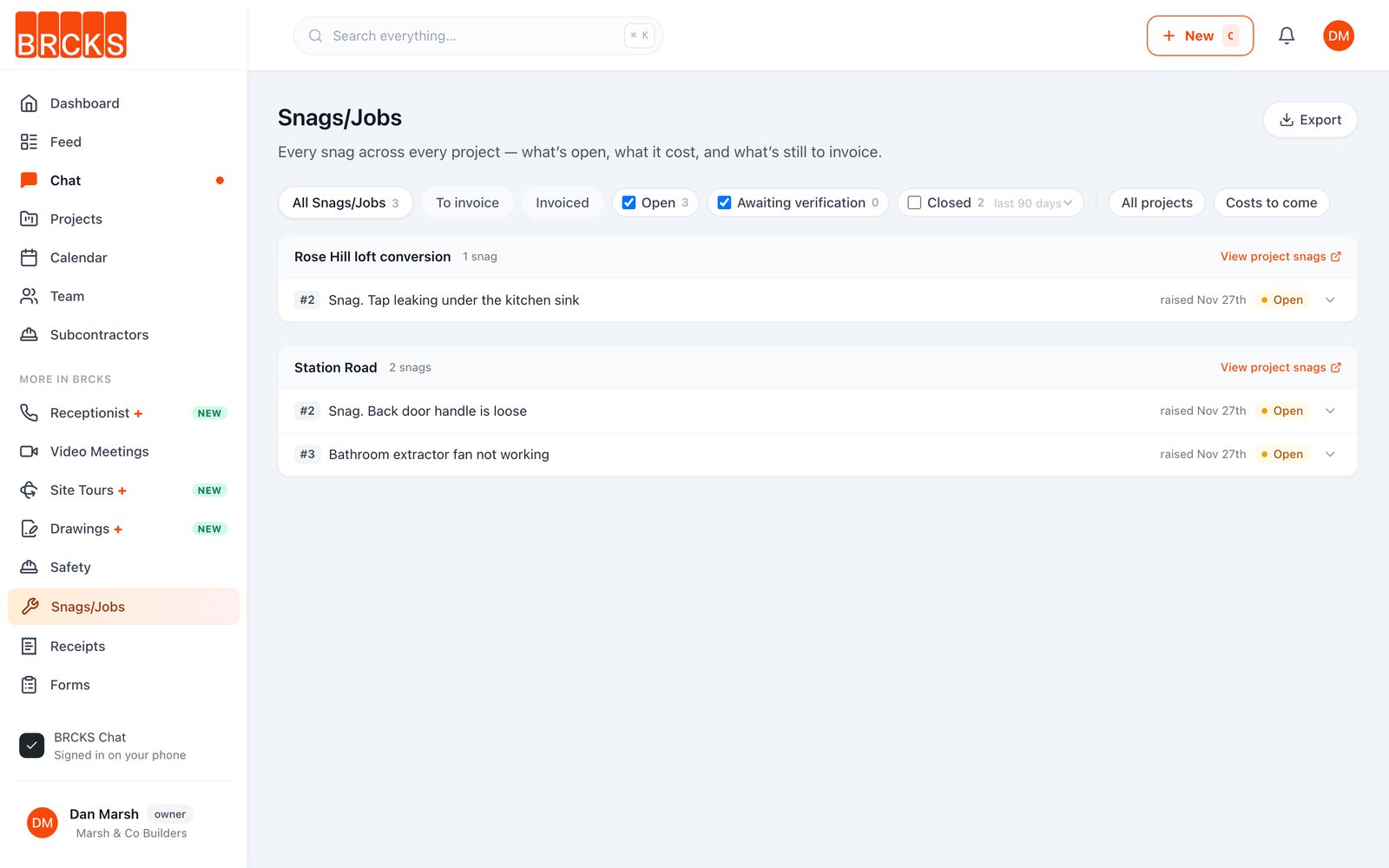
 Every open snag
- To see finished snags too, tick Closed.Awaiting verification is work someone has marked as fixed. An owner or manager checks it, then it closes.
 Click here
- To see some projects only, click All projects and tick the ones you want.
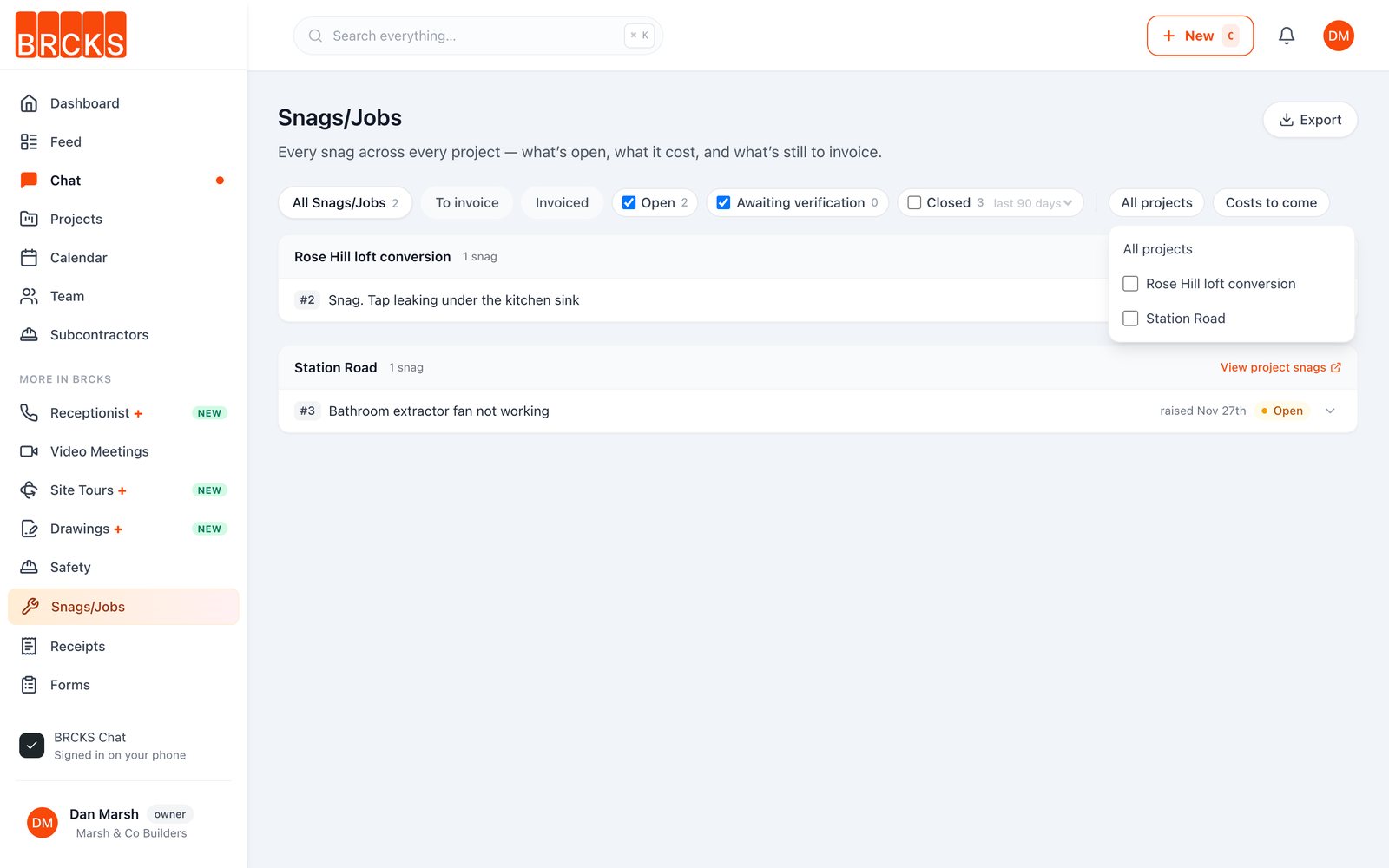
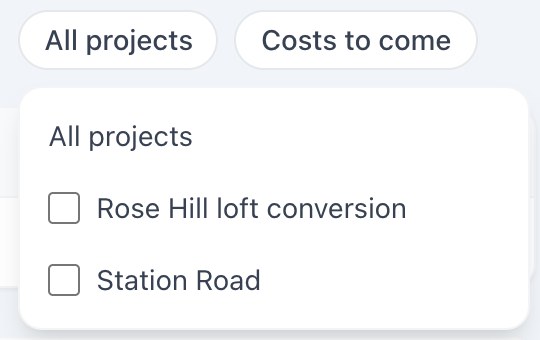 Click here
- Click a snag to open it.You can comment, add a photo, or click Mark complete.
 Click here
- To see it on the job, click View in project.
 Click here
Having trouble?
I can't see a snag
It may be finished. Tick Closed at the top to show finished snags from the last 90 days.
Who can see this page?
Everyone on your team, on a computer. Owners and managers also see the To invoice and Invoiced tabs.
Did this help?