
File a receipt from My notes or any chat
Press and hold a photo or PDF you sent, then file it as a receipt. You choose which project it's for.
Which are you using?The steps change to match.
- On your Chats screen, tap My notes.Or any chat: a 1:1, a group, or a job chat.
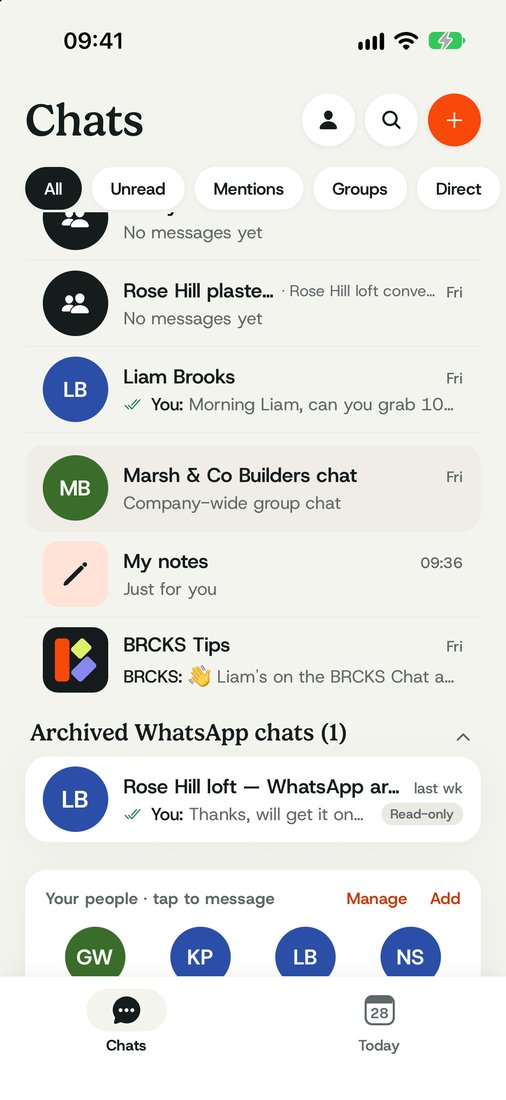 Tap My notes
- Send the photo of the receipt.The same way as any photo: tap the camera in the message box.
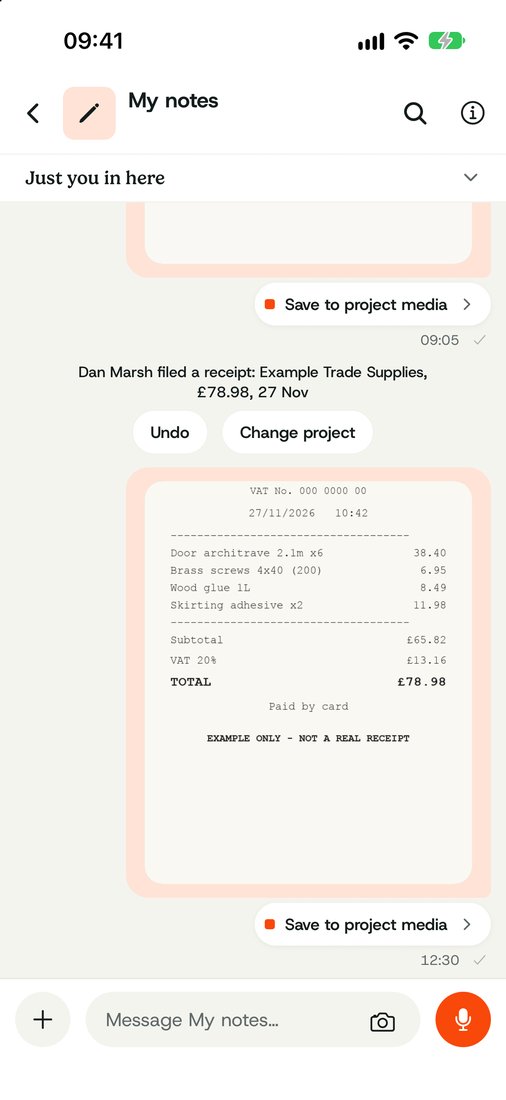 Your receipt
- Press and hold the photo, then tap File as receipt.
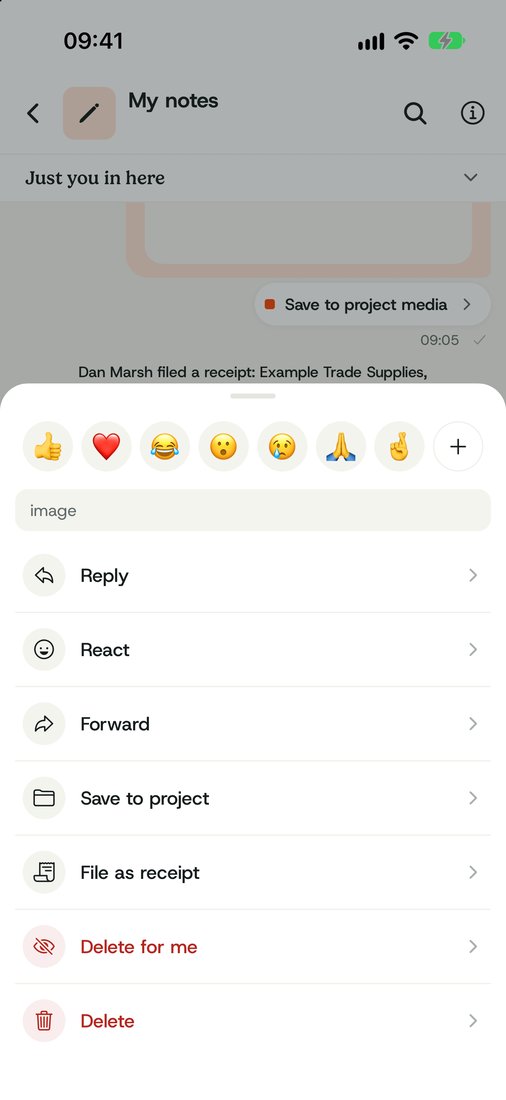 Tap here
- Choose the project it's for.Not for a job? Tap Not for a specific project for a company cost, like fuel, tools or the van.
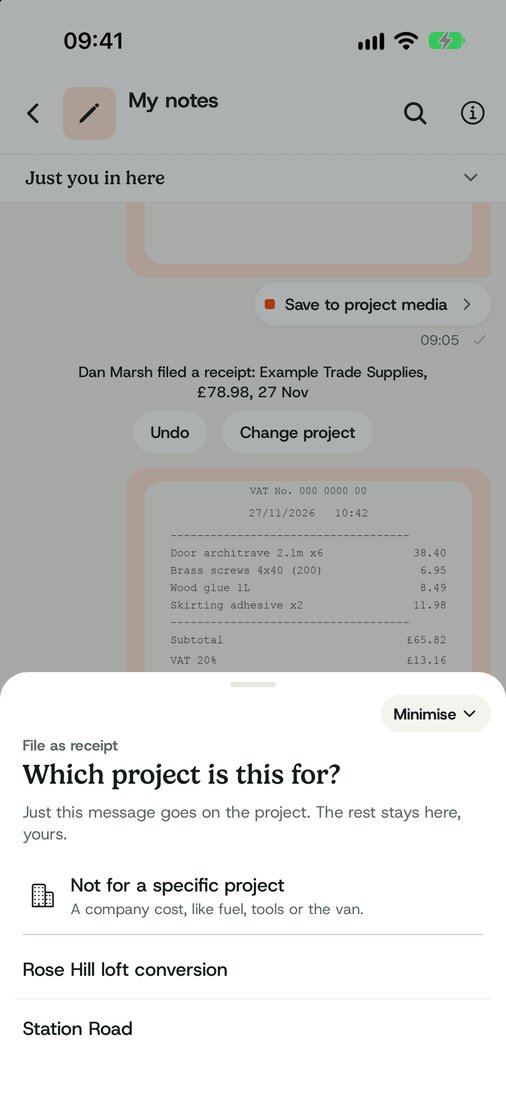 Pick one
- That's it. The receipt is filed for the office.Tap Change project if you picked the wrong one.
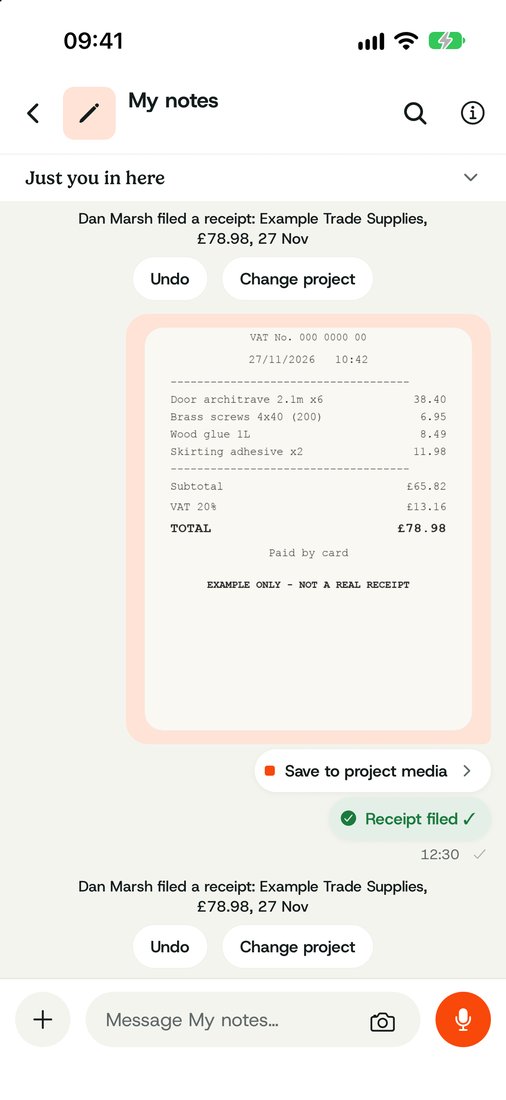 Filed
- In the menu on the left, click Receipts.
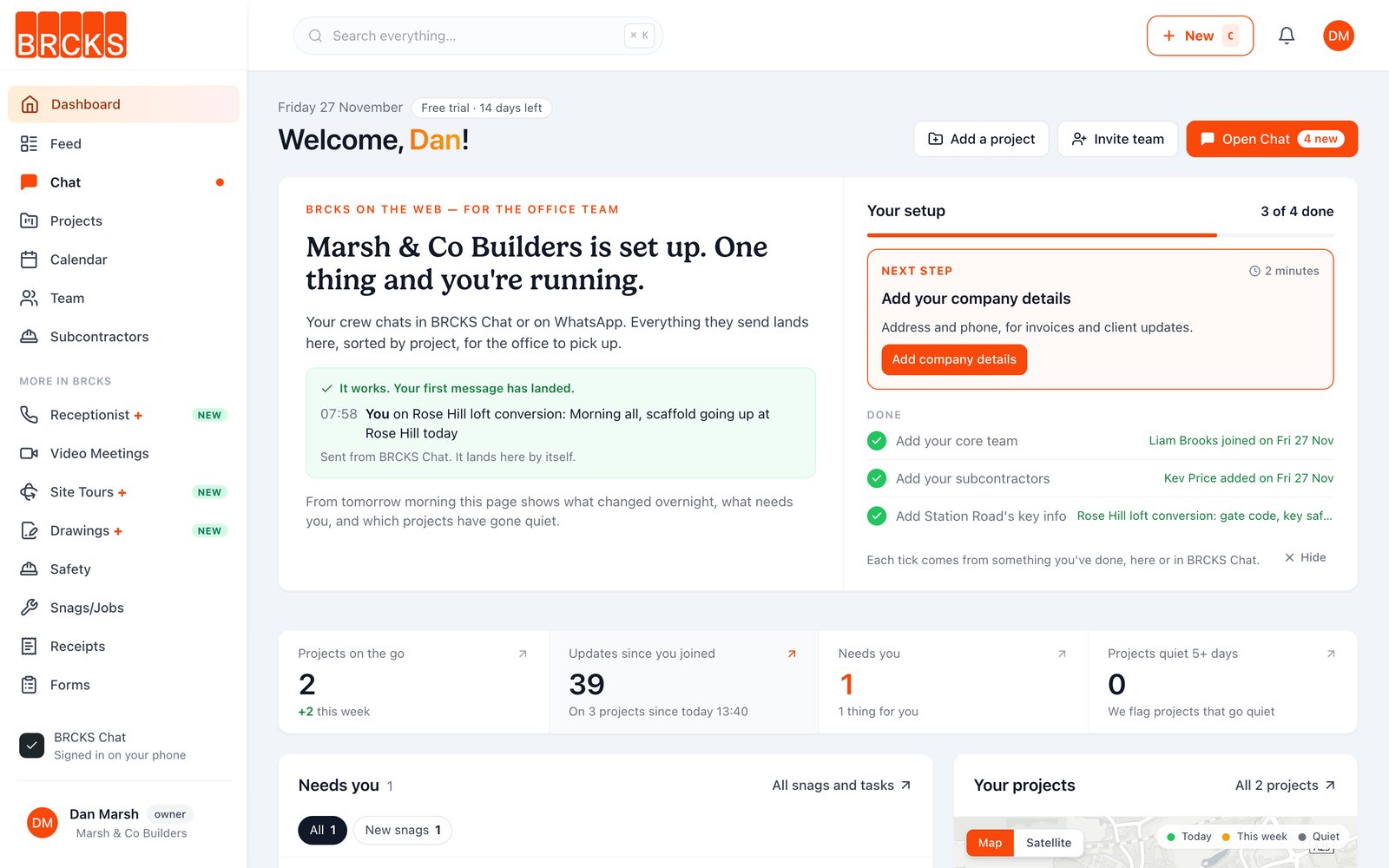
 Click here
- It's waiting under To review, with the project and who sent it.Click it to check what AI read, then Approve. The receipts guide shows how.
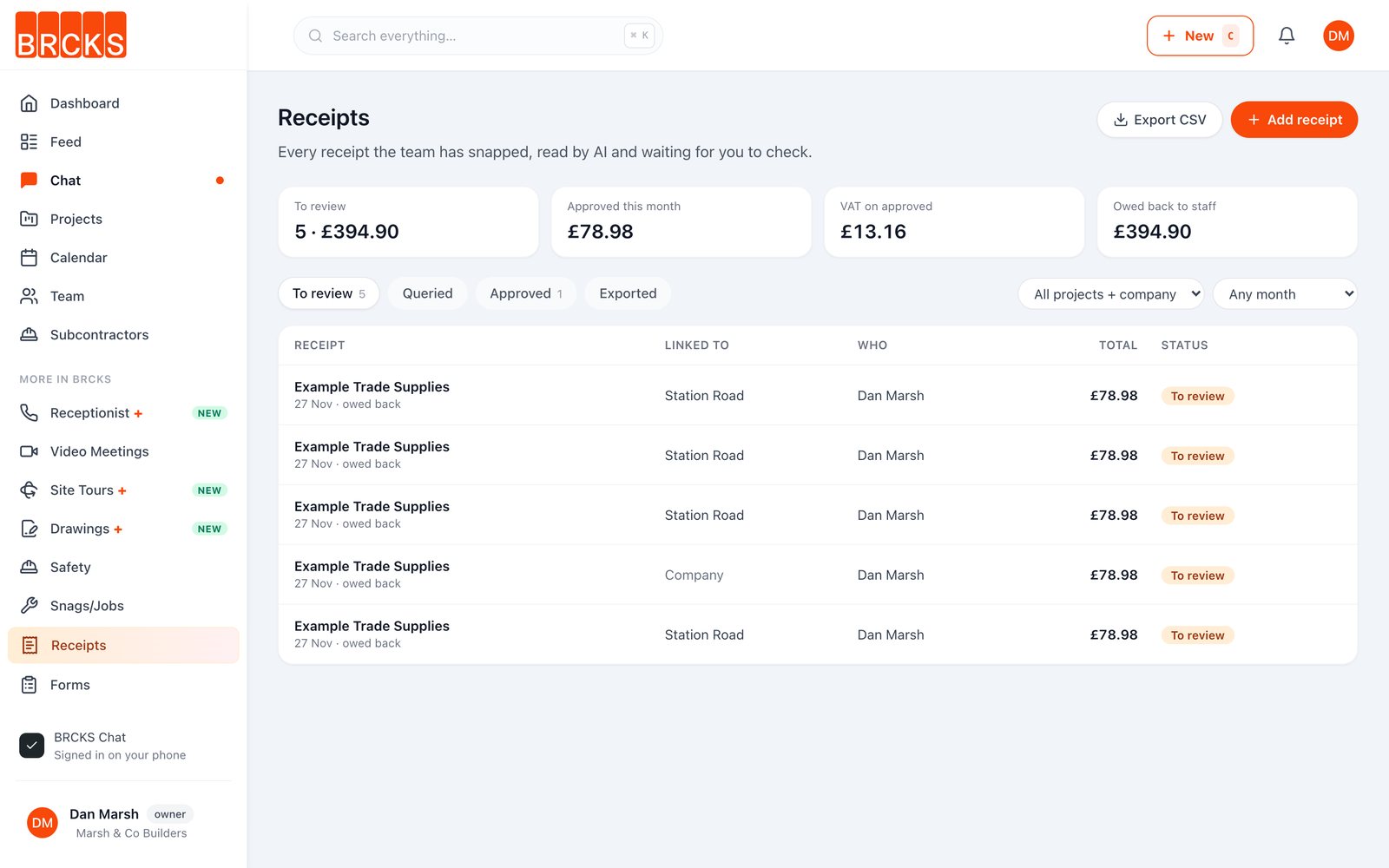
 Waiting for you
Having trouble?
I don't see File as receipt
It's only on photos and PDFs you sent yourself. The person who files a receipt is the one it's owed back to.
Can I undo it?
Yes. Tap Undo on the line, until the office has checked it.
Where do receipts from the chat go?
To Receipts in the menu on the left, under To review. Owners and managers check and approve them there.
Did this help?