
Write a RAMS and get it signed
BRCKS writes the risk assessment and method statement from a short description. You check it, then the crew sign it.
- On your Chats screen, tap the project.
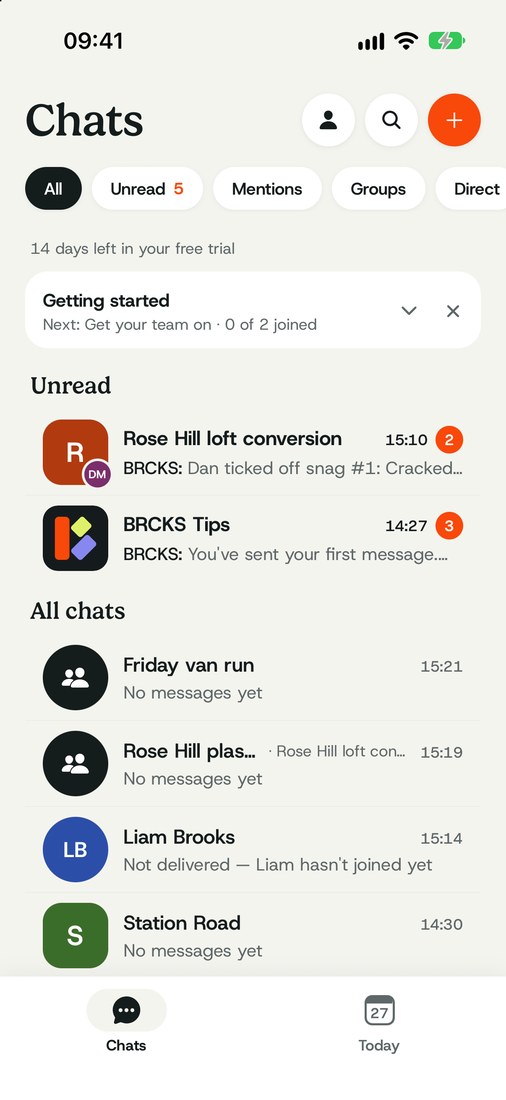 Tap your project
- Tap Project info at the top.
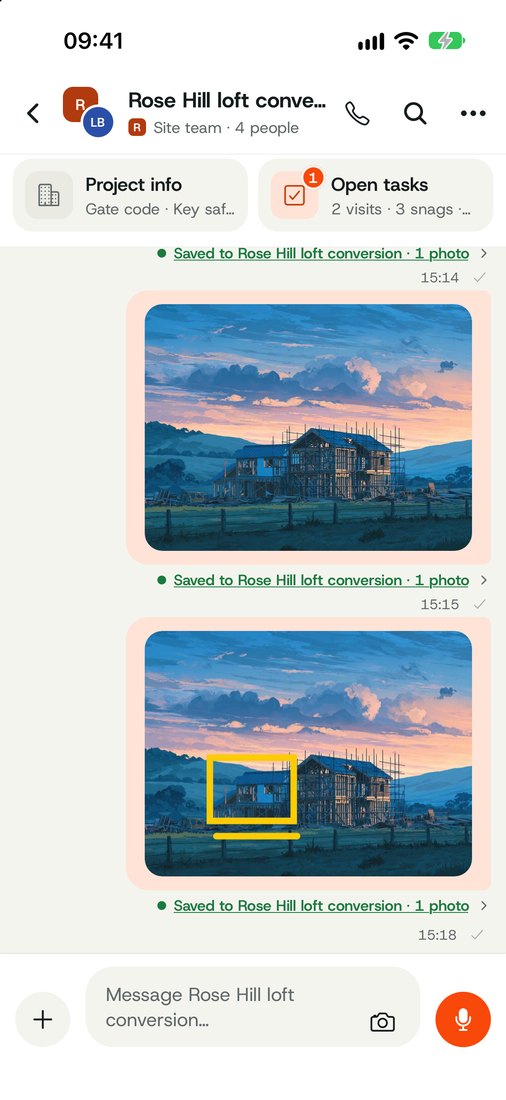 Tap here
- Scroll down to Paperwork and tap RAMS.
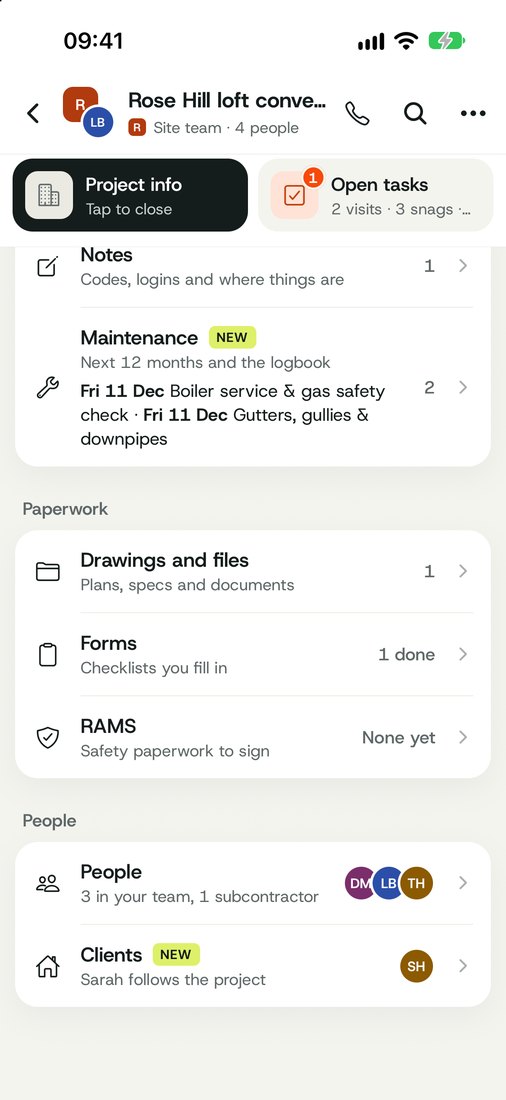 Tap here
- Tap New RAMS.
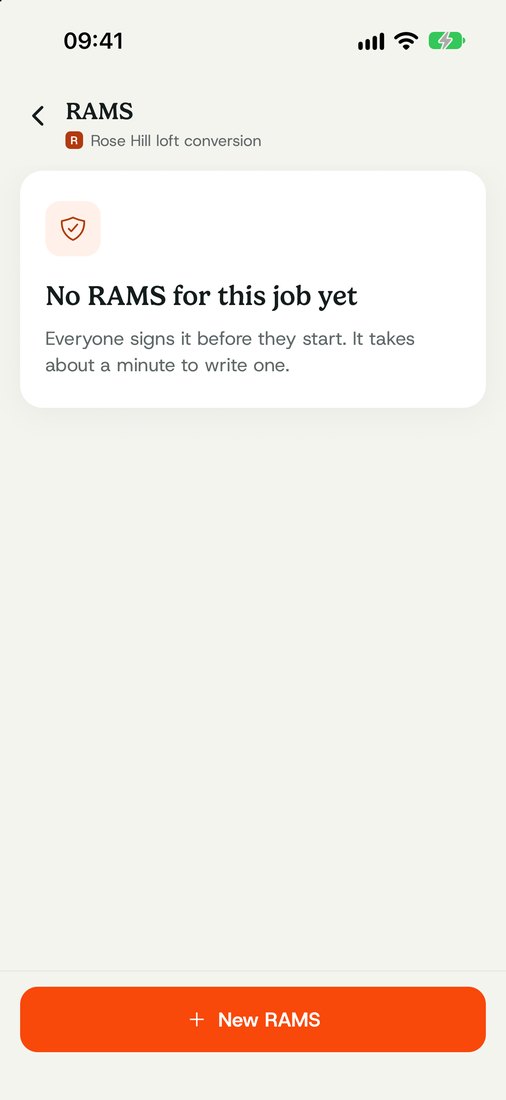 Tap here
- Choose AI draft, then tap Next.Done a similar job before? Choose Copy from another job instead.
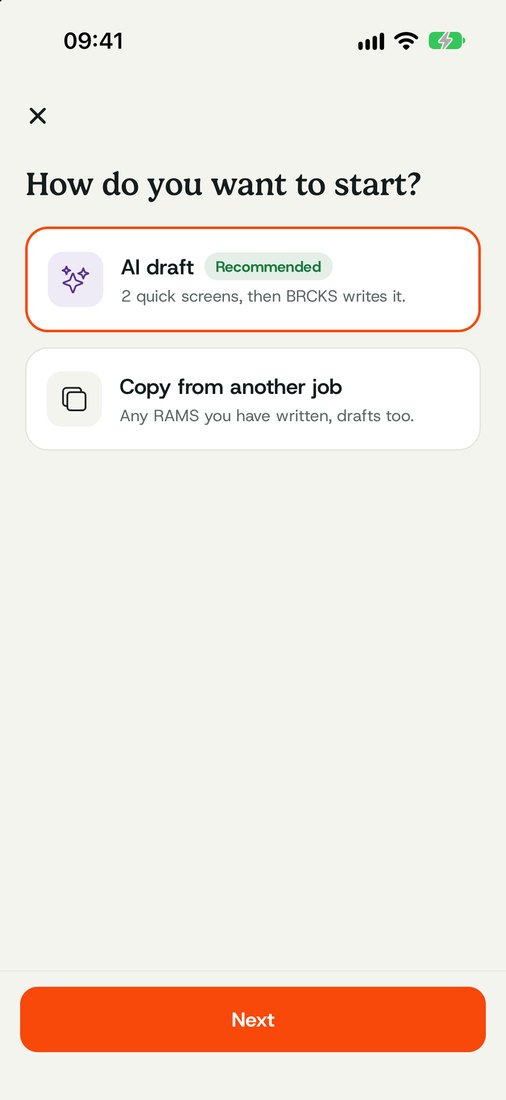 Tap here
- Pick where the job is and how old the building is, then tap Next.Before 2000 means it plans for asbestos.
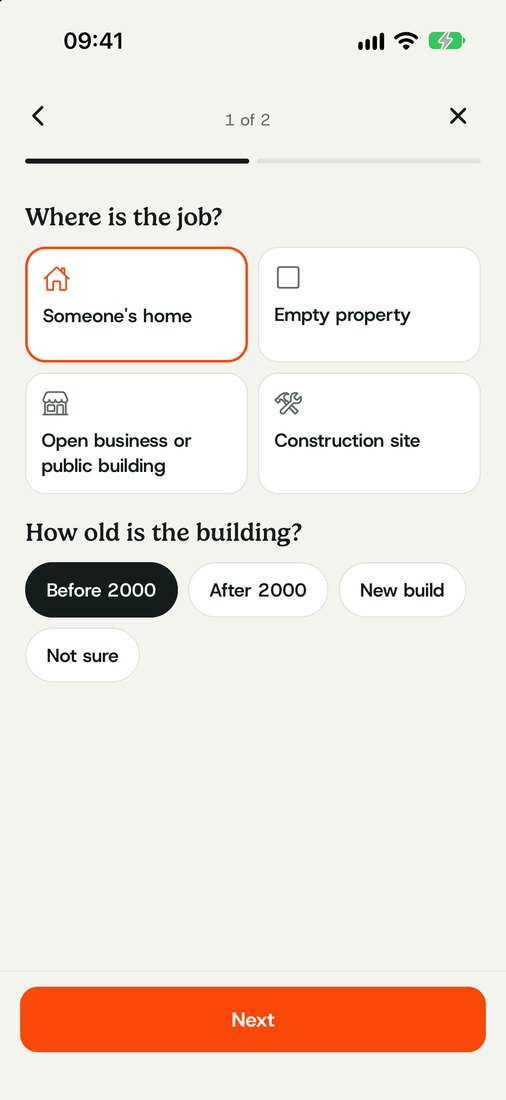 Tap here
- Describe the job: what, where, how high, who and for how long. Then tap Write my RAMS.
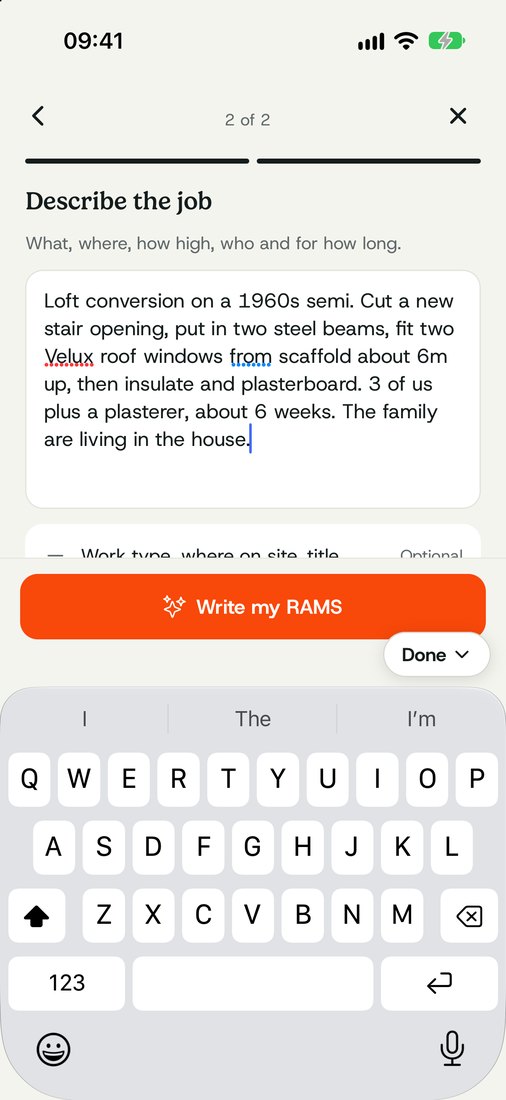 Your job
- BRCKS writes it. It usually takes about a minute.
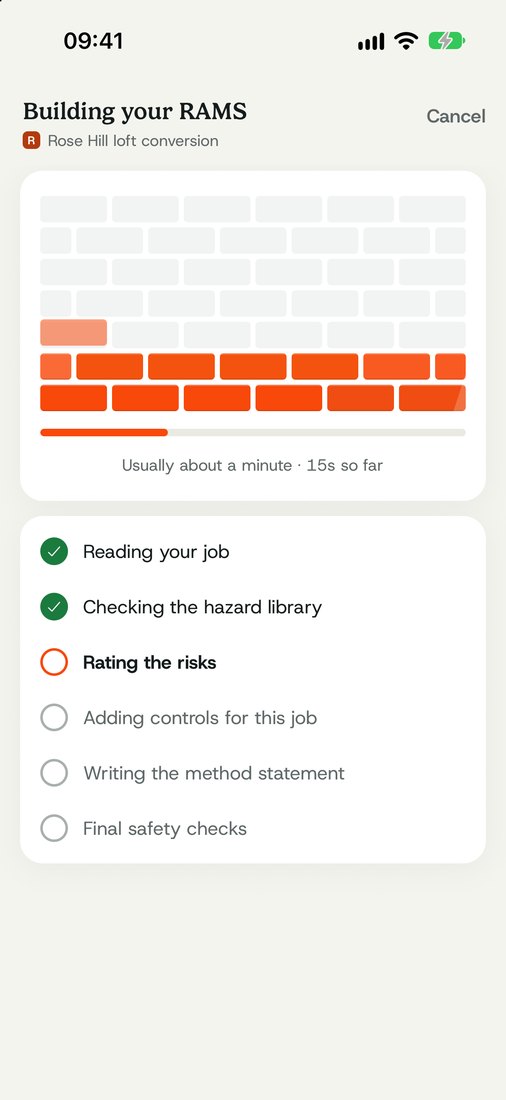 About a minute
- Check each part, starting with Notes to check.Notes to check lists what the AI assumed. Details, Hazards, Method and What the job needs are written for you.
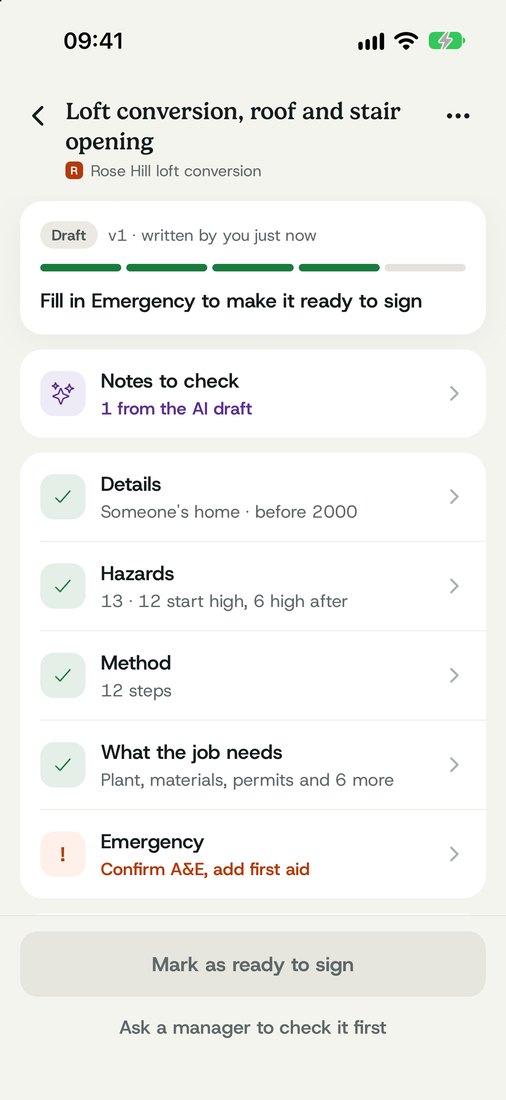 Tap here
- In Hazards, check every risk score and control. Tap Change to fix a score, or + Add a line to add a control.You know the site. The AI doesn't.
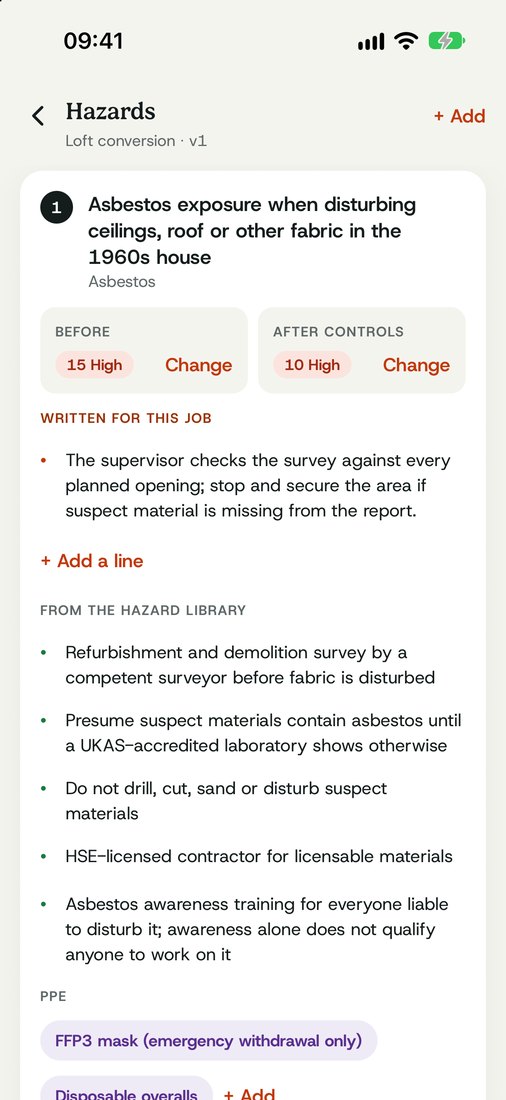 Tap here
- Tap Emergency. It needs the nearest A&E and a first aider.Tap here
- Check the suggested hospital really has a 24-hour A&E. If it doesn't, tap Enter another.
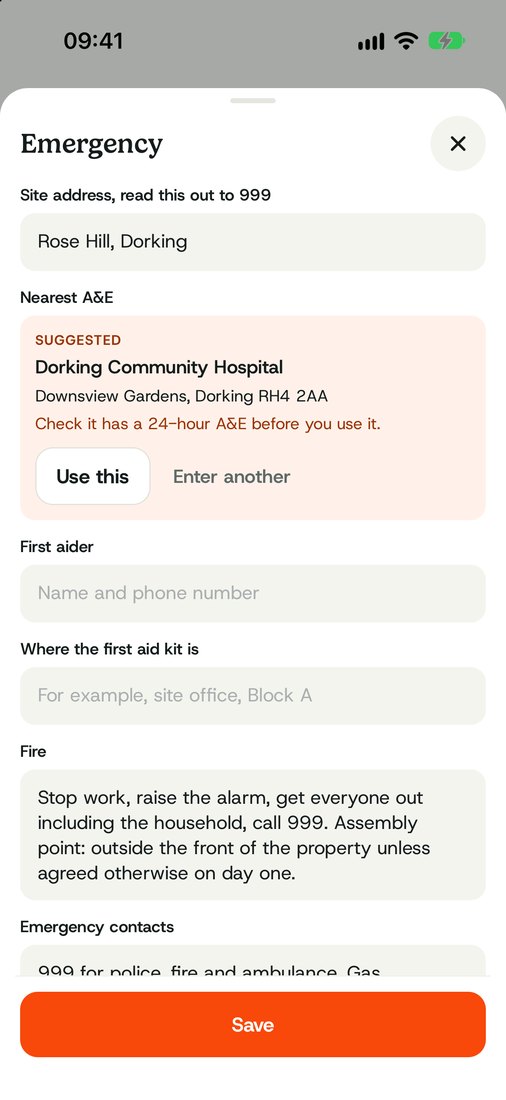 Check this
- Fill in the A&E, the first aider and where the kit is. Then tap Save.
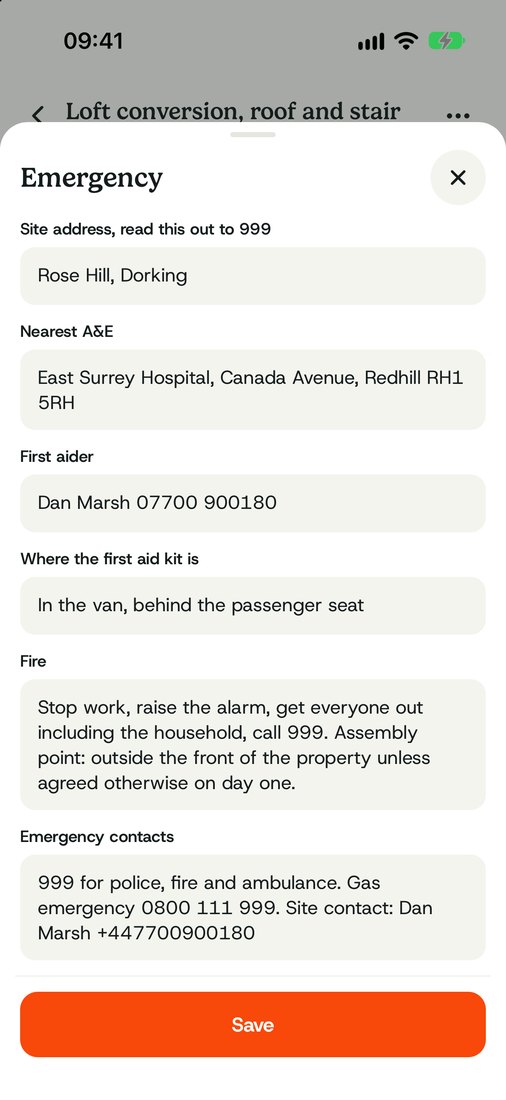 Fill these in
- Tap Mark as ready to sign.Not sure? Tap Ask a manager to check it first.
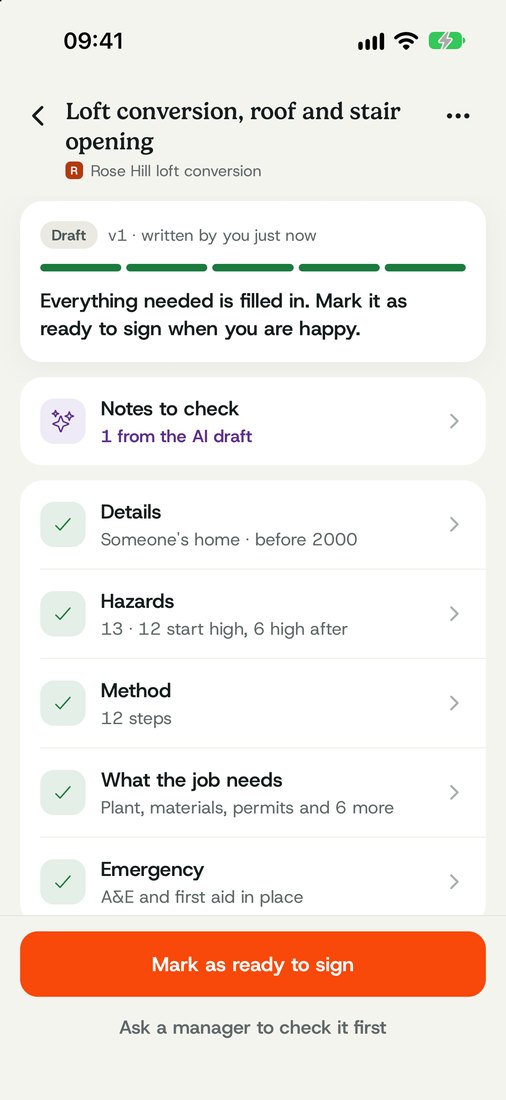 Tap here
- Sign it yourself: tap I have read and understood this RAMS.
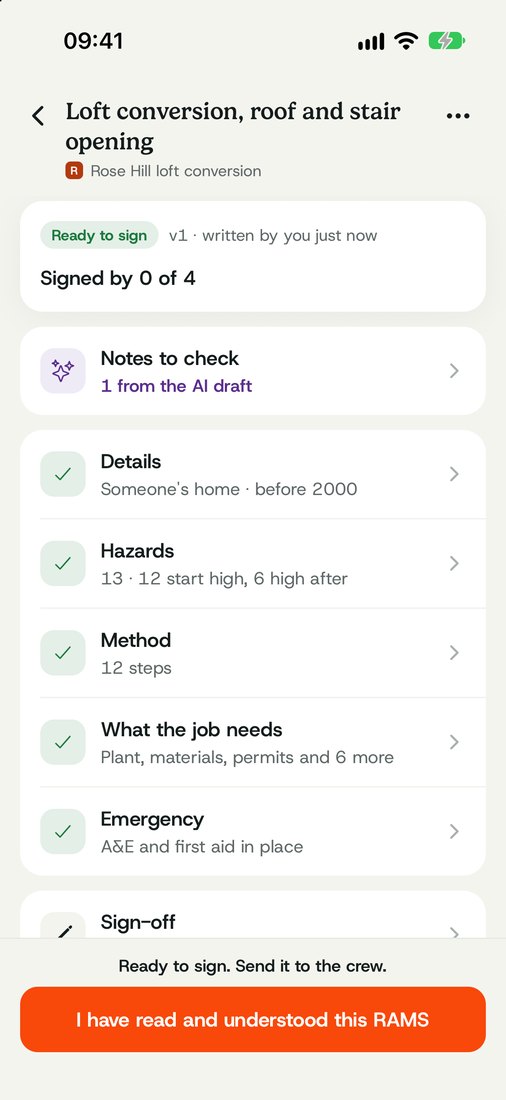 Tap here
- Tap Send to the crew.
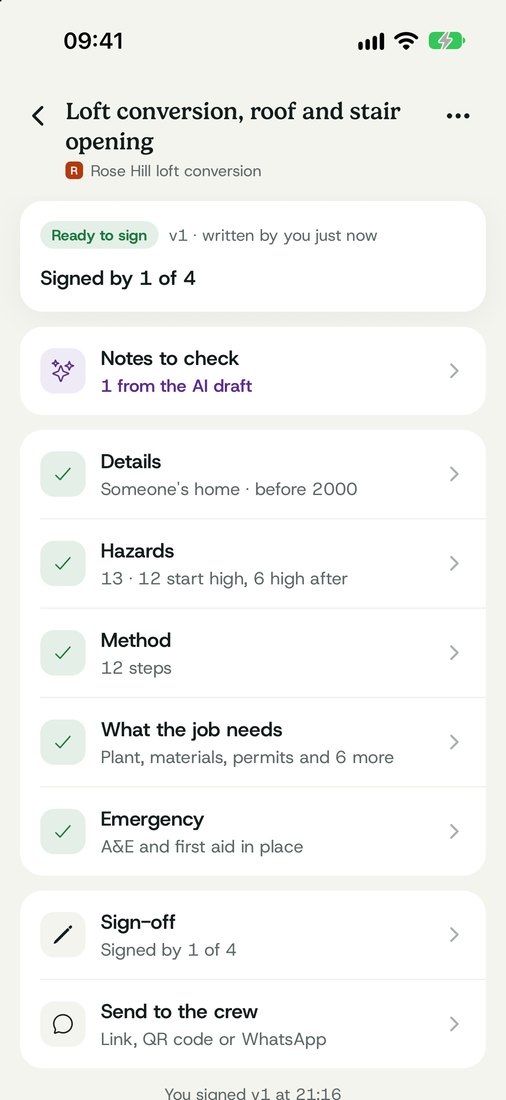 Tap here
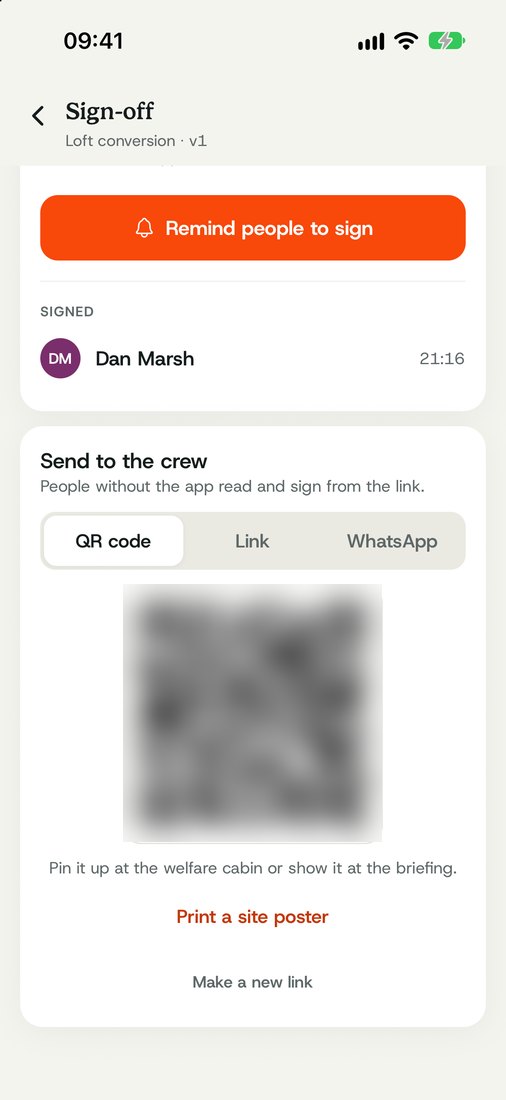
- See who has signed. Tap Remind people to sign to nudge the rest.Everyone on the job signs before they start work.
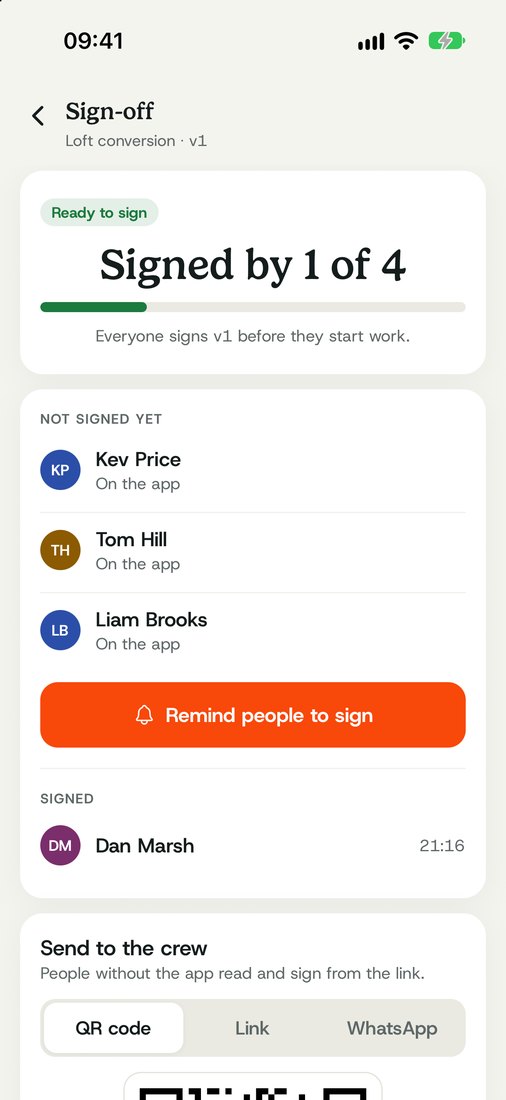 Tap here
- People without the app sign from the link: show the QR code, send the Link, or share it on WhatsApp.Print a site poster puts the QR code on a page for the welfare cabin.
 Tap here
Having trouble?
Why are some hazards still High after controls?
Anything that could kill stays High unless it's very unlikely. Check the score yourself and tap Change if you're sure it's lower.
I can't see New RAMS
Only owners and managers can start a RAMS. Ask one of them.
Mark as ready to sign is grey
Something still needs filling in, usually Emergency. The card at the top says what.
Did this help?