
Getting started
New to BRCKS? Start with these three.
Browse by topic
Every guide, grouped by what you're trying to do.
Projects and clients
12 guidesStart a new project
Check and sign off the site diary Web only
Check and approve receipts Web only
File a receipt from a job chat
File a receipt from My notes or any chat
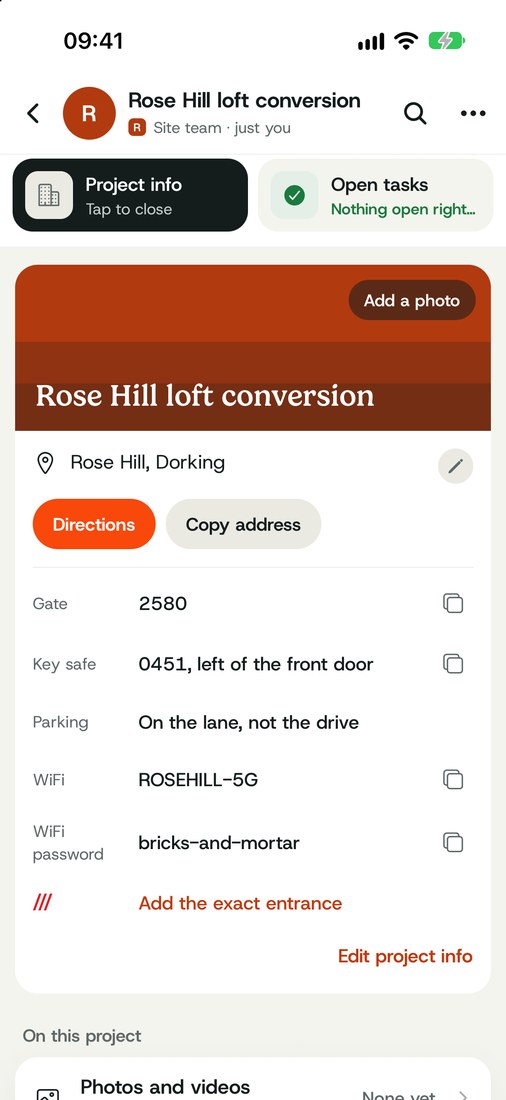
Add the gate code, Wi-Fi and parking
Add a project note
Add drawings and files
Add a client to the client portal
Choose what your client can see and do Web only
Show a photo on the client portal
Import a WhatsApp chat
Chats and calls
8 guidesStart a chat with one person
Start a group chat
Turn a message into a task, snag or more
Send a voice note
Make a voice or video call
Search your chats
Search inside a chat
Catch up on everything across your jobs Web only
Snags, tasks and requests
9 guidesAdd a snag or task
Add a snag straight from a message
Tick off a snag or task
See every snag across your projects Web only
Log the cost of a snag and invoice it Web only
Price a variation
Raise an RFI
Ask for materials
Set up your merchants
Team and account
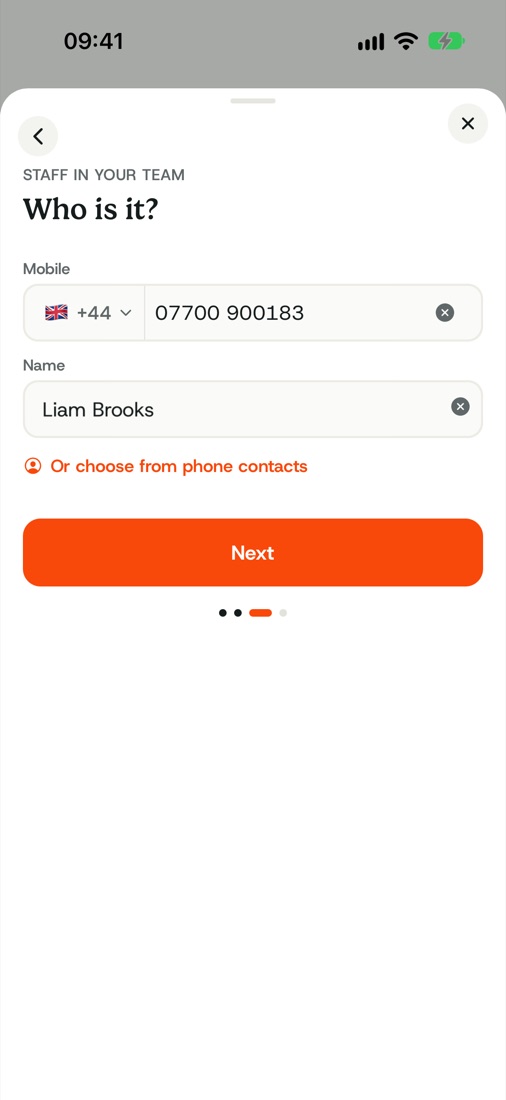
9 guidesAdd someone to your team
Add a subbie to a project
What your team sees when you invite them Phone only
Manage your team
Your profile and settings
Your plan and who you pay for
Change your mobile number
Add or change your email
Sign in on a computer Web only
Calendar and forms
5 guidesAdd an event to the calendar
Book something straight from a message
Fill in a form
Write a RAMS and get it signed
Set up maintenance
Photos and site walks
5 guidesSend a photo to a project
Mark up a photo before you send it
Draw on a photo already in the chat
Find a project's photos
Walk the site Phone only
For your clients
The client area, for homeownersClient area: help for homeowners
Sign in to your client area
Report a snag
Still stuck?
Email us and tell us what you were trying to do.