Subcontractor Document Sharing: A Practical UK Guide
A practical guide for UK builders on controlling the flow of drawings, RAMS, and variations to subcontractors while maintaining a robust audit trail.
By James Shorter ·
Subcontractor Document Sharing: A Practical UK Guide

The best way to share documents with subcontractors is one shared record per job. Subbies see only what is relevant to their package. Every drawing, RAMS and instruction has a version and a date. You can see who has received it. Email chains and WhatsApp groups fail on exactly those points, and that is where most site mistakes start: a subbie builds from a superseded drawing, or nobody can find the signed-off variation.
This guide covers what to share, how to set up access, how to keep drawings current, and what to look for in software.
TL;DR
- Share by package, not by project. A sparky needs the electrical drawings, the programme and site access details, not your quotes or margins.
- One live version of every drawing. Old versions are archived, and each issue is logged with a date and a name.
- Collect compliance documents (RAMS, insurance, accreditations) before the subbie starts, and store them against the job.
- Subcontractors should not have to learn a new system. If they can open it from WhatsApp, they will use it.
- Judge any tool on permissions, version history and audit trail first. Features come second.
Table of Contents
- What subcontractor document sharing actually means
- The documents you will be sharing
- Set access by package, not by project
- Keep drawings current and prove who received them
- Share the live questions too: RFIs and variations
- Collect compliance documents before day one
- Why email and WhatsApp groups fall short
- What to look for in software for sharing documents
- Perspective: get the job out of the group chat
- How BRCKS handles subcontractor documents
- A simple setup you can use on your next job
- Common mistakes to avoid
- FAQ
- Sources
What subcontractor document sharing actually means
It is the controlled movement of project information between your team and the trades working for you. “Controlled” is the important word. Dropping a PDF into a group chat is sharing. Knowing which version went to whom, when, and whether it was acknowledged is document control.
The UK BIM Framework guidance on the common data environment (CDE) describes a workflow that collects, manages and disseminates structured and unstructured information. The technology is only the enabler. The process matters more. That guidance is written for ISO 19650 projects, but the principle holds on a three-bed extension as much as on a large scheme: decide how information moves before you pick the tool.
A subcontractor portal, in plain terms, is the place where a subbie logs in or taps through to see their documents, send theirs back and respond to instructions. On a small residential job, that does not need to be a heavyweight portal with logins and training.
The documents you will be sharing
Most UK builders share and receive the same set of documents on every job. Group them by direction.
Going out to subcontractors
- Construction drawings and the current drawing register
- Specifications and schedules (finishes, fixtures, electrical points)
- Programme or calendar of site visits
- Site instructions and approved variations
- Site access details: gate codes, Wi-Fi, key-safe locations, parking
- The construction phase plan and any site rules
Coming back from subcontractors
- RAMS specific to their work
- Public and employers’ liability insurance certificates
- Accreditations and cards such as CSCS or ECS
- Quotes and any priced variations
- RFIs where drawings or specifications are unclear
- Completion certificates and test results, for example electrical or gas certificates
The FIS practice note on contract records says contractors should retain site instructions, RFIs with a tracker showing request dates and response times, variation records, drawings and a maintained drawing register. That is a useful checklist for what your document trail should contain, because those are the records that settle disputes later.
For more on how the three core compliance documents fit together, see our guide to CDM paperwork on UK sites.
Set access by package, not by project
The most common mistake is giving every subbie access to everything. It feels simple. It also means the plasterer can read the groundworker’s quote, and the client’s budget sits one tap away from the tilers.
A better rule: each trade sees the documents for their scope, the shared programme, and site details. Commercial information stays with the core team.
The pattern is the same whatever platform you use. One construction-sector IT firm describes setting up scoped access so subcontractors reach only files relevant to their role and package, with commercial information behind a separate permission boundary. It is an Australian example, but the principle carries over directly.
In practice:
- List your trades on the job (for example electrician, plumber, plasterer, tiler).
- For each trade, list the folders or document types they need.
- Keep quotes, valuations and client financials in a core-team-only area.
- Review access when a subbie finishes. Remove it rather than leaving it open.
Keep drawings current and prove who received them
This is the question that costs builders real money. A subbie roughs in to revision A while the architect issued revision C last Tuesday. The first fix is wrong, and the argument starts about who was told what.
Three habits prevent most of it.
One live version, clearly marked
Every drawing has a revision, a date and a status. When a new revision is uploaded, the previous one is archived and clearly marked superseded. Nobody should have to guess which PDF in a chat thread is the latest. Our guide to drawing version control for UK builders walks through a simple naming and register routine.
A drawing register
A register is a list of every drawing, its current revision, the date of issue and who received it. It can be a spreadsheet. It is better when it is generated by the system you share through, because then it cannot drift out of date.
A record of issue
When you send a revised drawing, log it: who, when, which revision. If the person acknowledges receipt, even with a thumbs-up on a message, that is evidence. The CDE model in the UK BIM Framework guidance describes information moving through states such as Work in Progress, Shared and Published, with an audit trail of its development. You do not need the formal states on a kitchen extension, but the idea works at any size: unapproved information stays internal, and only checked information goes to the trades.
For the wider picture, our piece on document control in construction covers how this fits into day-to-day site routine.
Share the live questions too: RFIs and variations
Documents are not only drawings and certificates. Two types of record move constantly between you and your subbies, and they cause the most trouble when kept in chat history.
RFIs. A subbie finds a clash between the drawing and the structure. They ask. Someone answers. If the answer sits in a text message, the next person on the job never sees it. Log the question, the answer and the date, against the job. Our RFI template and response guide shows a simple format, and the piece on RFI response times under NEC and JCT explains what turnaround to expect.
Variations. Extra work agreed on site verbally is the classic source of end-of-job disputes. A variation record should state what changed, the cost and time effect, who approved it and when. Get it in writing before the work starts, and attach it to the same job record the subbie can see. If you need a structured way to do this, see variation management for UK builders. On the design side, design change tracking keeps architect and engineer revisions tied to the variations they cause.

Collect compliance documents before day one
Chasing a subbie for RAMS and insurance certificates on the morning they arrive is a bad start. Set a rule: no documents, no start date.
A workable pre-start list for most UK residential jobs:
- RAMS specific to the task and the site, not generic
- Public liability certificate, in date, with a cover level that meets your requirements
- Employers’ liability certificate where they employ others
- CSCS, ECS or trade card details
- Any specialist certification the work needs
Store each one against the job, not in your inbox. When the insurance expires halfway through, you will want a system that shows you, not a memory of an email from March.
If your work involves higher-risk buildings, the stakes rise. The Building Safety Act 2022 requires the golden thread of information to be kept and maintained for higher-risk buildings (section 88). Croner notes that good document management includes classifying content so it can be found and demonstrating compliance with the Building Safety Act and CDM regulations. Most small residential builders are not working on higher-risk buildings, but the habit of keeping a findable, dated record is the same one that protects you in a dispute.
Why email and WhatsApp groups fall short
Both tools are fine for talking. Neither is a document system.
| Need | WhatsApp group | One record per job | |
|---|---|---|---|
| Subbie sees only their package | Manual, per email | No, everyone sees everything | Yes, by permission |
| One current version of a drawing | No | No, buried in scroll | Yes, with archive |
| Who received which revision | Read receipts at best | Blue ticks, no revision | Logged |
| Searchable by job | Poor | Poor | Yes |
| Photos tied to a snag or task | No | No | Yes |
| Subbie must install something | No | No | Depends on tool |
The last row is why group chats win by default. Subbies already use WhatsApp. Any system you ask them to adopt has to beat that on effort, or they will quietly go back to it. That is a fair constraint, and it is the reason tool choice matters.
What to look for in software for sharing documents
The UK BIM Framework guidance is clear that organisations should define their functional and non-functional requirements before procurement so the tool serves the project. Translated for a small contractor, write down what you need first, then judge tools against it. A sensible shortlist of criteria:
- Permissions by trade. Can you limit what each subbie sees?
- Version history. Are old drawings archived, not overwritten or lost?
- Audit trail. Can you show who saw or approved what, and when?
- Subcontractor effort. Do subbies need an account, an app and a training session?
- Everything on one job. Are documents, RFIs, variations, snags and photos in the same place?
- Cost per person. Do you pay for every subbie and client, or only your core team?
- Mobile first. Does it work properly on a phone in a van?
Types of tool you will come across: general file storage (cheap, no construction structure), formal document control platforms (thorough, but built for large projects and often heavy for a team of five), and compliance trackers that only collect certificates. The right choice depends on whether you want documents on their own, or connected to the daily running of the job.
Perspective: get the job out of the group chat
We built BRCKS because document sharing on small sites does not fail for lack of software. It fails because the software asks subbies to do something extra.
A subcontractor will open a WhatsApp message in the van. They will not log into a portal they have used once. So the system has to meet them where they already are, and keep the record tidy behind the scenes.
That is how BRCKS works. Your core team uses the chat app on iPhone or Android. A drawing or photo posted in the job chat is filed to the right job. One tap turns a message into a snag, a materials order, a site visit or a checklist item, all in one list per job. Drawings, RAMS and quotes are versioned in the project files, so there is one current copy and a history behind it.
Subcontractors and clients stay in WhatsApp, install nothing and pay nothing. You see the same job, the same record, whichever way the update arrives.
I spent 20 years in construction before founding BRCKS. The paperwork that hurt most was never the big contract. It was the drawing sent to the wrong person, the verbal variation nobody wrote down, the insurance certificate that had lapsed. A shared record per job fixes those.
James
How BRCKS handles subcontractor documents
BRCKS is built around one job, with three ways in: the chat app for your core site team, a web view for the office, and WhatsApp for subcontractors and clients. For document sharing, that gives you:
- Versioned project files for drawings, RAMS and quotes
- Photos and actions filed to the correct job from the chat
- Variations and RFIs with audit trails
- Gate, Wi-Fi and key-safe details stored per job, so a new subbie is not ringing you for the code
- A client portal for approved outputs
The core team pays per seat: Teams is £40 per seat per month billed annually, or £50 monthly, and Solo is £20 a month. Subcontractors and clients are free. Full details are on the pricing page, and there is a 14-day free trial.
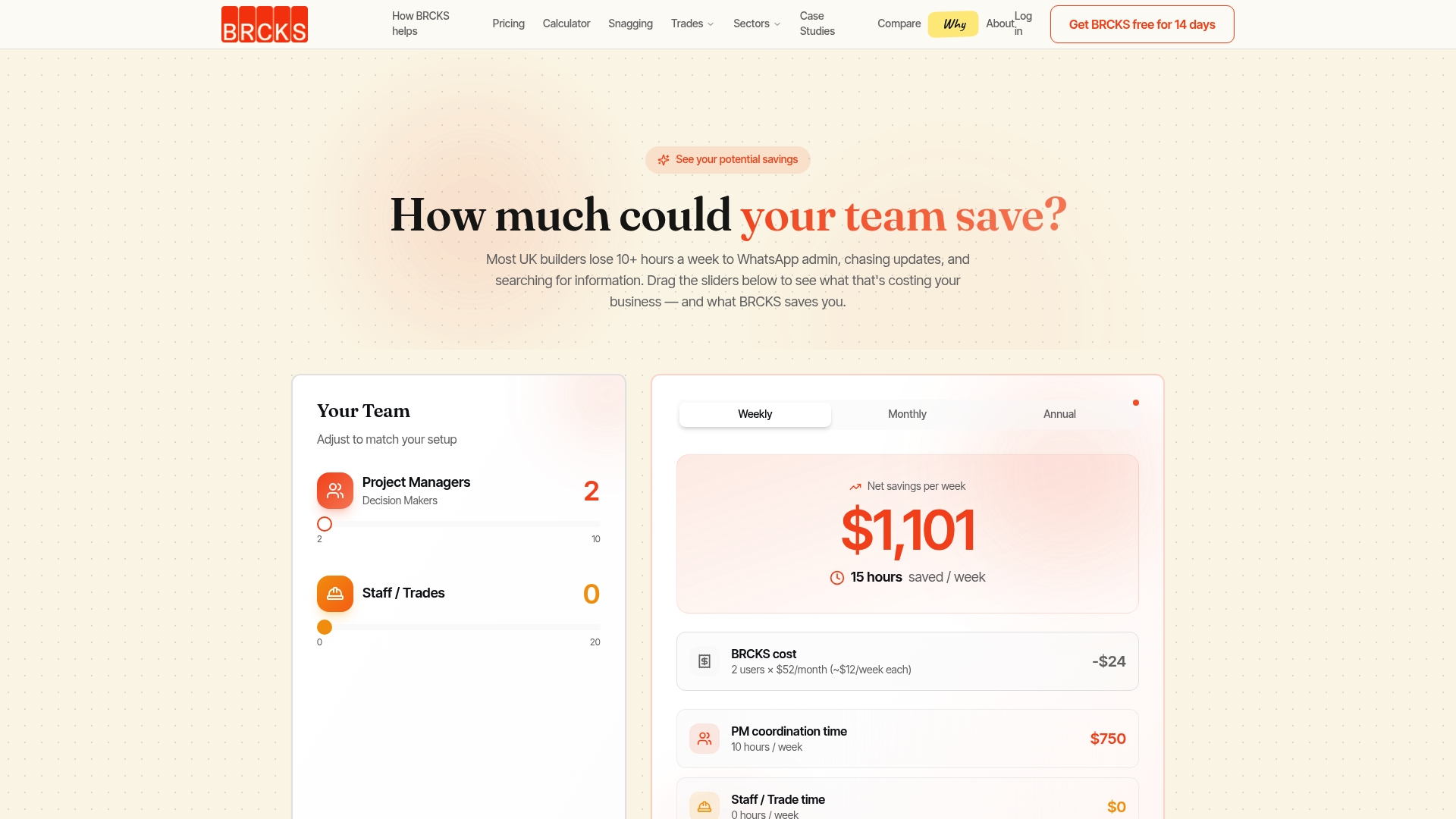
If you run a small building firm and want to see how this works on a live job, read about BRCKS for UK small builders or book a demo.
For more on the reasoning behind a single file record, see our posts on smarter file sharing for construction and the cost of poor document management in UK construction.

A simple setup you can use on your next job
You can do this in an afternoon, whichever tool you use.
- Create one job record. Everything for the job lives here: files, chat, tasks, variations.
- Upload the current drawings with revision and date. Archive anything superseded.
- Define trades and access. Decide who sees what before anyone is invited.
- Request pre-start documents. RAMS, insurance and cards, due before the start date.
- Send the access details (gate, Wi-Fi, key safe) through the job, not by text to each person.
- Issue by one route. New revisions go out through the job record, with a message to the affected trades.
- Log RFIs and variations the day they arise, against the job.
- Review weekly. Check that insurance dates, drawing register and open RFIs are up to date.
The discipline matters more than the platform. A tool only makes it quick enough that you will keep doing it on a wet Thursday.
Common mistakes to avoid
- Sending the whole project folder. Share by package.
- Overwriting files. Upload a new revision, and archive the old one.
- Relying on memory for expiry dates. Record insurance and accreditation dates against the job.
- Verbal variations. Write it down and attach it to the job before work starts.
- Different routes for different people. If drawings go by email to one trade and chat to another, nobody knows what the record says.
- Leaving access open after a subbie finishes. Remove it.
FAQ
What software can I use to share documents with subcontractors?
You have three types to choose from: general file storage, formal document control platforms, and construction apps that tie documents to the job. For a small UK builder, the deciding factors are permissions by trade, version history and how little the subbie has to install. BRCKS suits teams that want documents, snags, variations and chat in one record, with subcontractors joining free through WhatsApp.
How do I stop subcontractors working from old drawings?
Keep one live version of each drawing with a revision and date, and archive superseded copies. Issue every revision through one route and log who received it. A drawing register that updates itself is better than one you maintain by hand.
What documents should I get from a subcontractor before they start?
Ask for task-specific RAMS, public liability insurance, employers’ liability insurance where relevant, and trade or site cards such as CSCS or ECS. Add any specialist certification the work needs. Store them against the job with expiry dates, and make a start date depend on receiving them.
Do subcontractors need to pay or install anything with BRCKS?
No. Subcontractors and clients are free, and they can use BRCKS on WhatsApp without installing anything. Only your core team members take a paid seat.
Sources
- Information management according to BS EN ISO 19650, Guidance Part C: the common data environment (UK BIM Framework)
- CICV Best Practice Guide, Practice Note: Records (FIS)
- Securing External Collaboration and Project Access (LOOKUP)
- Document management and control in construction (Croner)
- Golden Thread: An Overview (Build UK)
Recommended
- Drawing Version Control for UK Builders | Golden Thread
- Construction Document Management: Solving the £21bn Problem
How BRCKS Can Help
Streamlining subcontractor document sharing is essential for maintaining compliance and project momentum across UK construction sites. BRCKS simplifies this process by providing a centralised, secure platform that ensures every stakeholder has instant access to the latest drawings and safety certifications. By reducing administrative friction and the risk of manual errors, our software allows your team to focus on delivery rather than paperwork. We invite you to discover how BRCKS can transform your project workflows by exploring our features today. Learn more at BRCKS and explore our full feature set.