
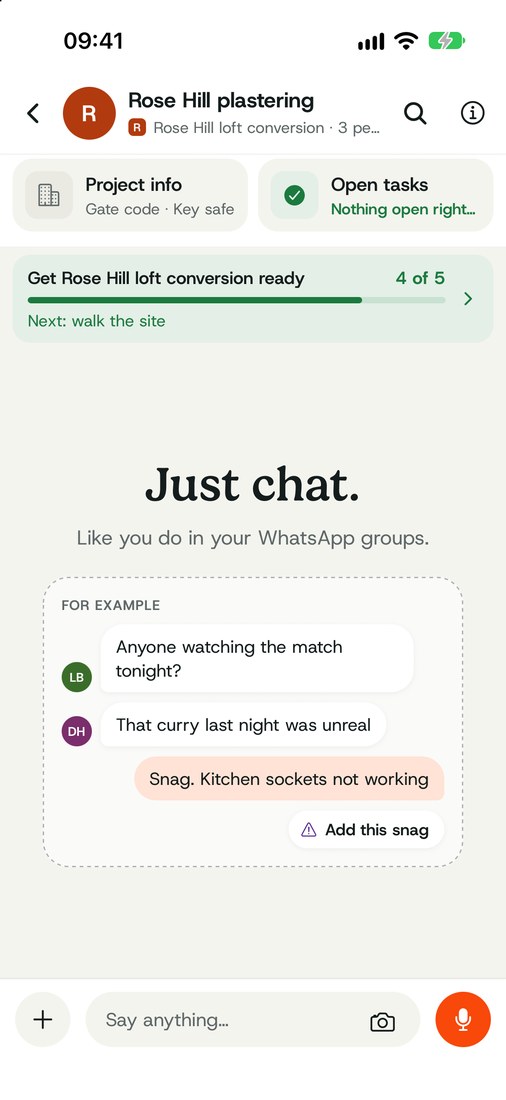
Getting started
New to BRCKS? Do these five, in this order.
1
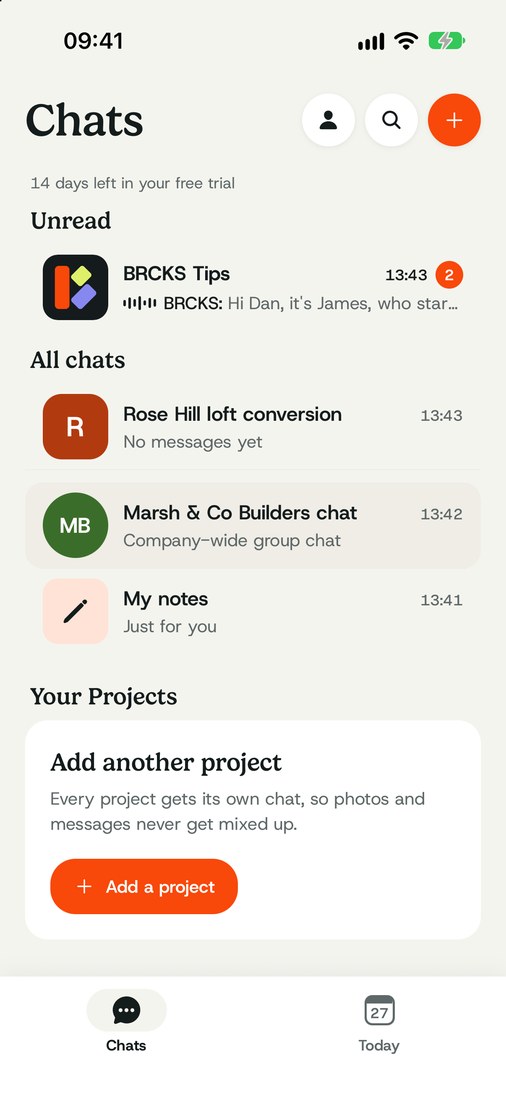
2
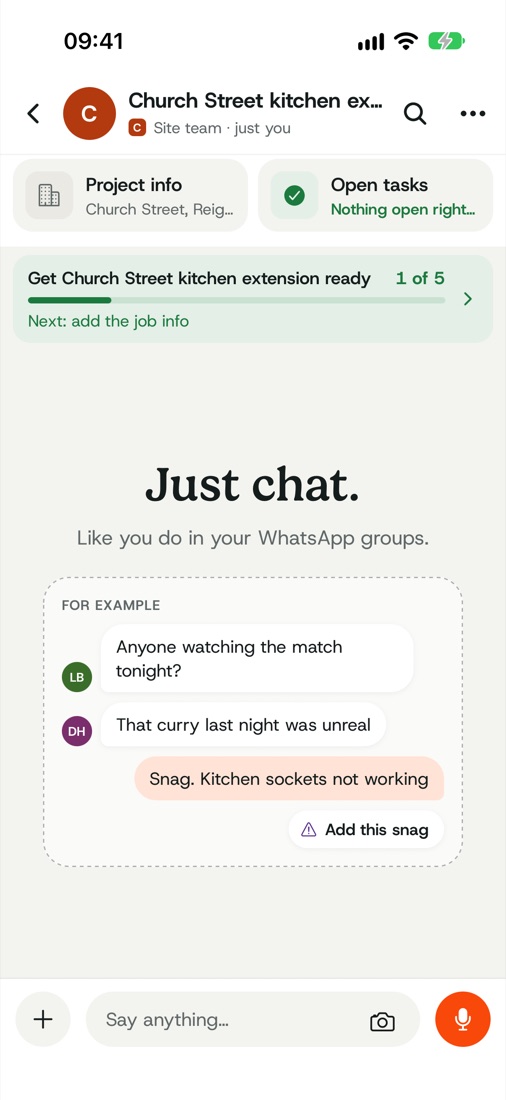
3
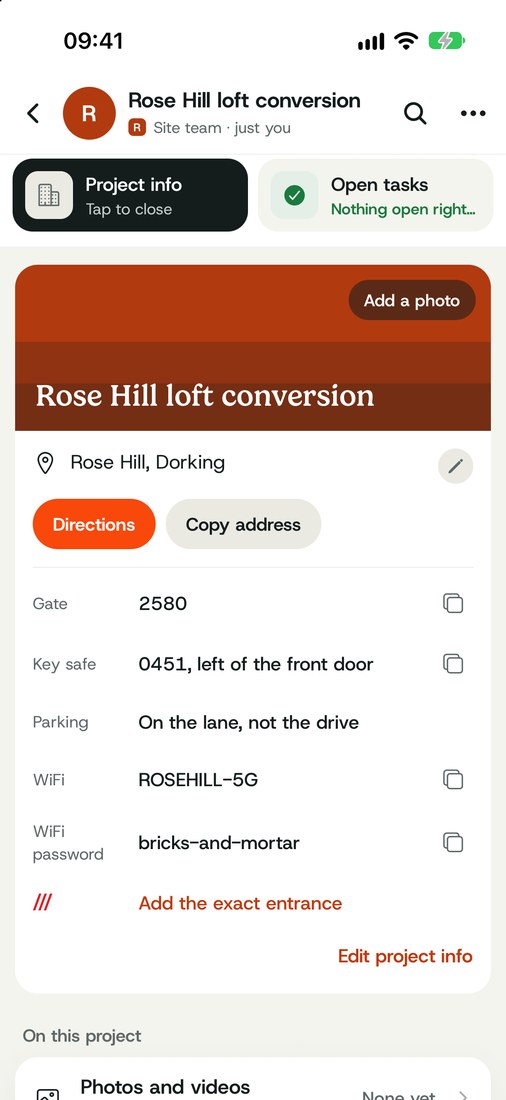
4
5
Browse by topic
Every guide, grouped by what you're trying to do.
Your team
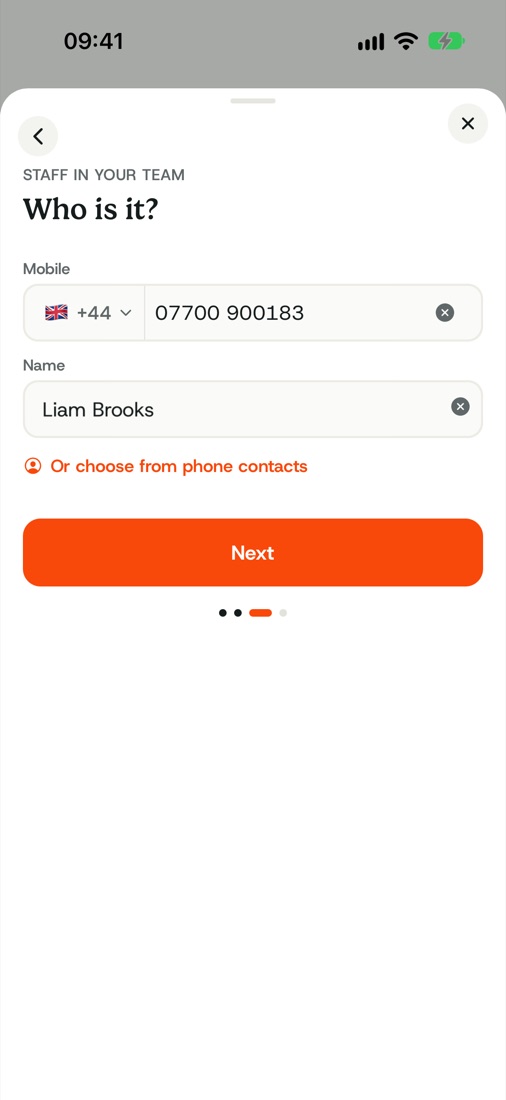
3 guidesAdd someone to your teamThey'll get a text with a link to join.
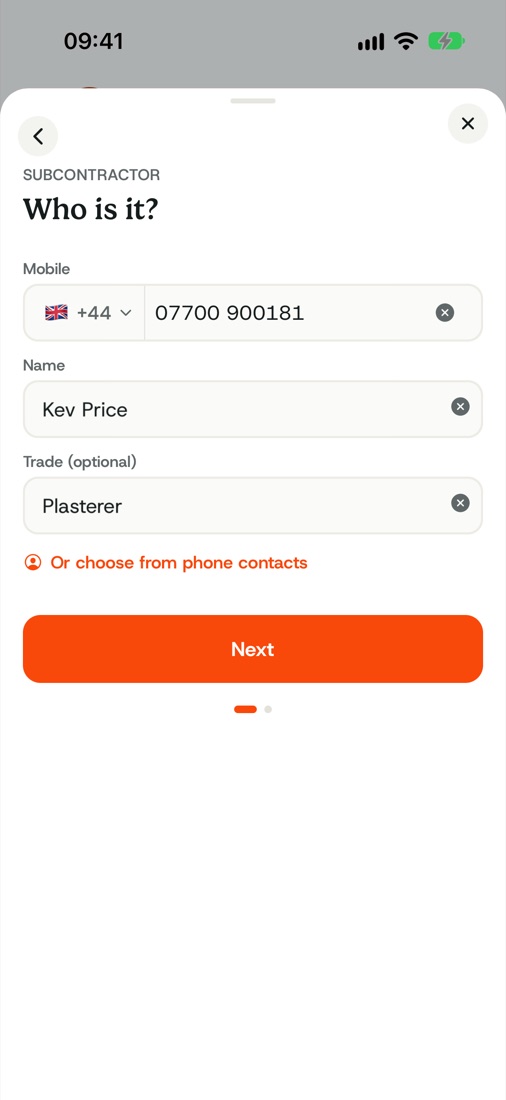
Add a subbie to a projectFree on up to 3 of your projects.
What your team sees when you invite themWhat happens on their phone.
Projects
5 guidesStart a new projectEvery project gets its own chat.
Add the gate code, Wi-Fi and parkingCodes and how to get in, on the project.
Add a project noteCodes, logins and where things are.
Add drawings and filesPlans, specs and documents on the project.
Import a WhatsApp chatBring a project's WhatsApp history in.
Photos
2 guidesSend a photo to a projectIt saves to the project by itself.
Find a project's photosEvery project photo in one place.
Clients
2 guidesAdd a client to the client portalTheir own private page for the project.
Show a photo on the client portalChoose which photos your client sees.
Still stuck?
Email us and tell us what you were trying to do.